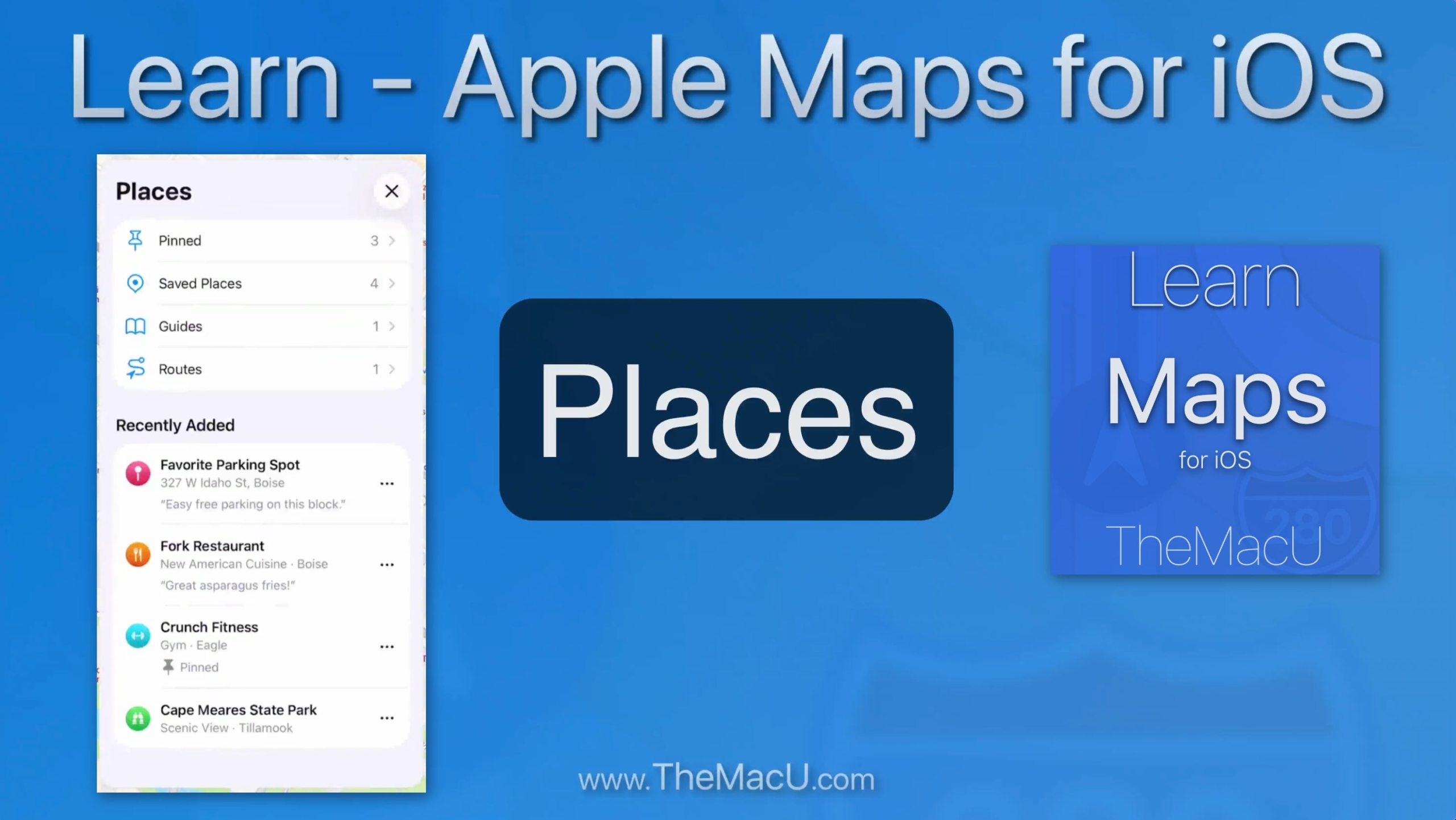
In this lesson from our full tutorial on the Apple Maps app for iOS see how to save any location on the Map to your Saved Places or Pinned list.

In this lesson from our full tutorial on the Apple Maps app for iOS see how to save any location on the Map to your Saved Places or Pinned list.

In this free lesson from our full “What’s New in iOS 26 Tutorial” we look at how the new “Flash for Alerts” accessibility feature works on iPhone. This was added with the iOS 26.2 update. It allows us to have the screen flash to max brightness or for the rear camera flash to fire when an alert comes in. This can be a nice alternative to audio or vibration alerts.
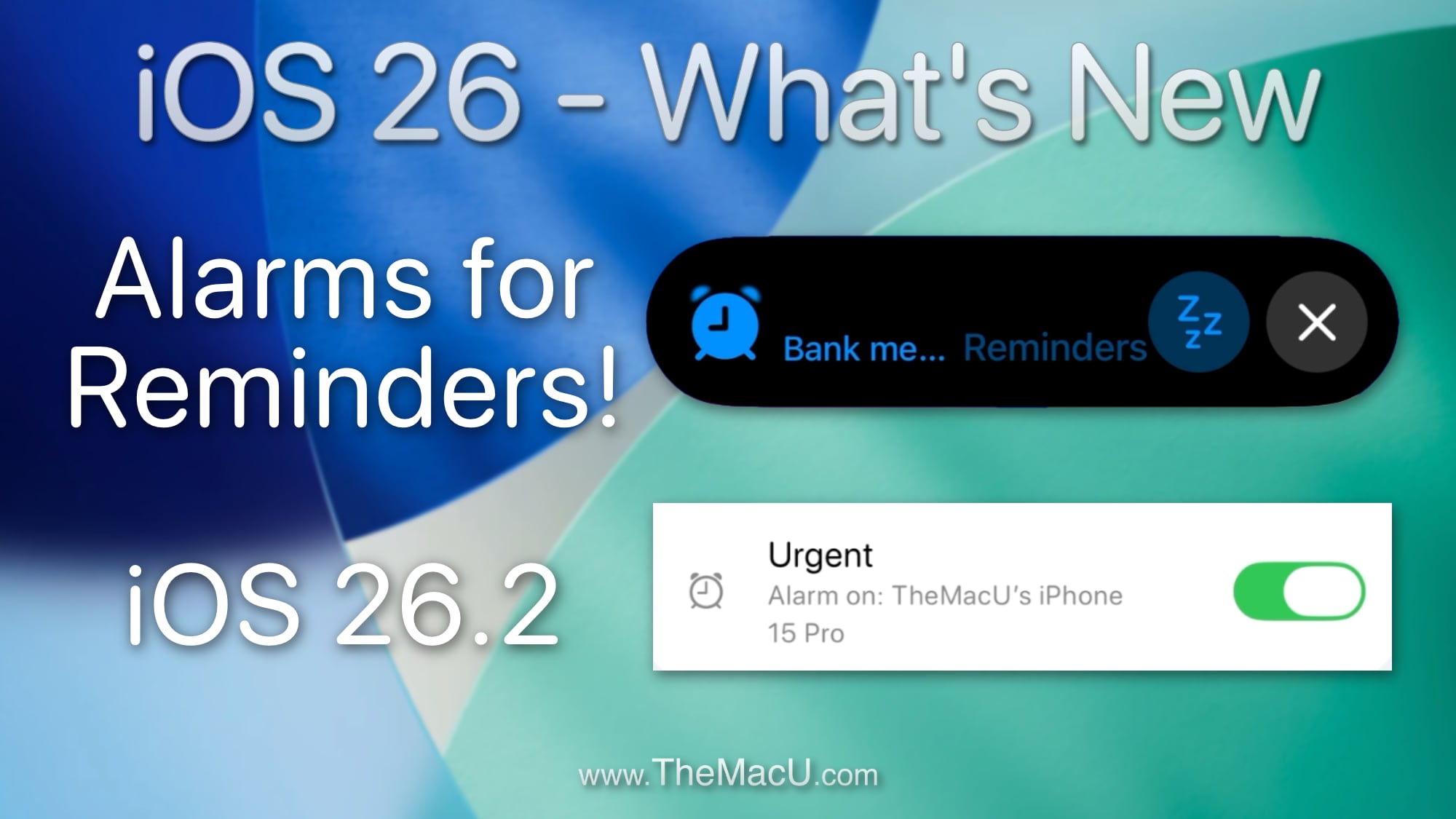
In this free lesson from our full “What’s New in iOS 26 Tutorial” see how to add an Alarm to a Reminder in iOS 26.2. This new feature lets us trigger a alarm with a reminder rather just a typical App notification. This can be great for urgent reminders that you can’t miss!
In this lesson from our full iOS Core Concepts Tutorial see how to use Spotlight to find just about any thing on your device or the web. We show specific examples showing how to do calculations, conversions, see weather conditions, find sports scores, add alarms and more!
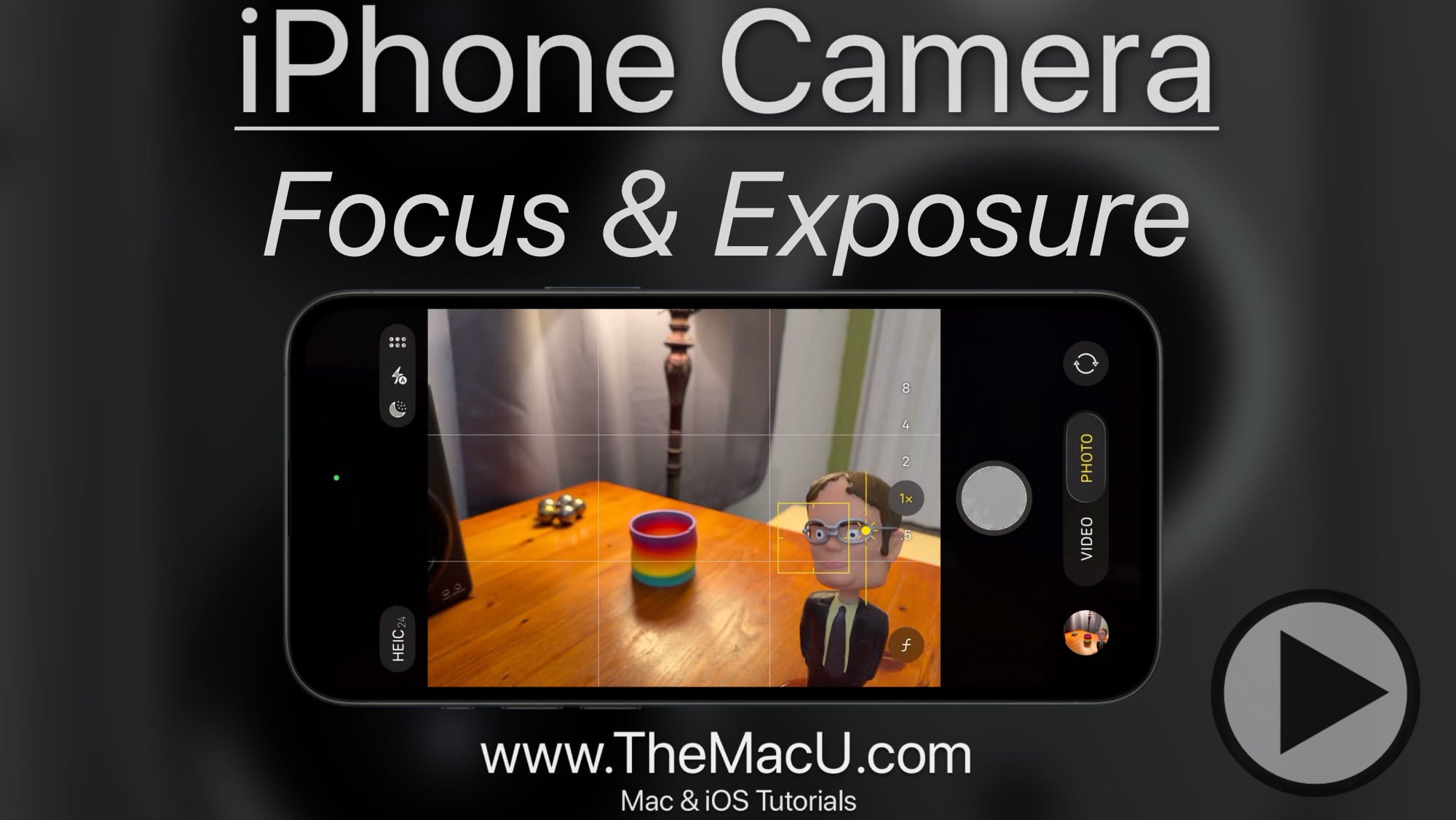
In this free lesson from our full “iPhone Camera” tutorial learn how to set and adjust both the focus point of a shot and its exposure. We also cover how to lock focus on a specific subject!
This all new tutorial on the iPhone Camera has been recorded for iOS 26 and beyond. Learn to use the various shooting modes and features that are built into the iPhone Camera. These lessons are great for anyone looking to get more from the Camera that’s built into your iPhone! Learn More…
Read more
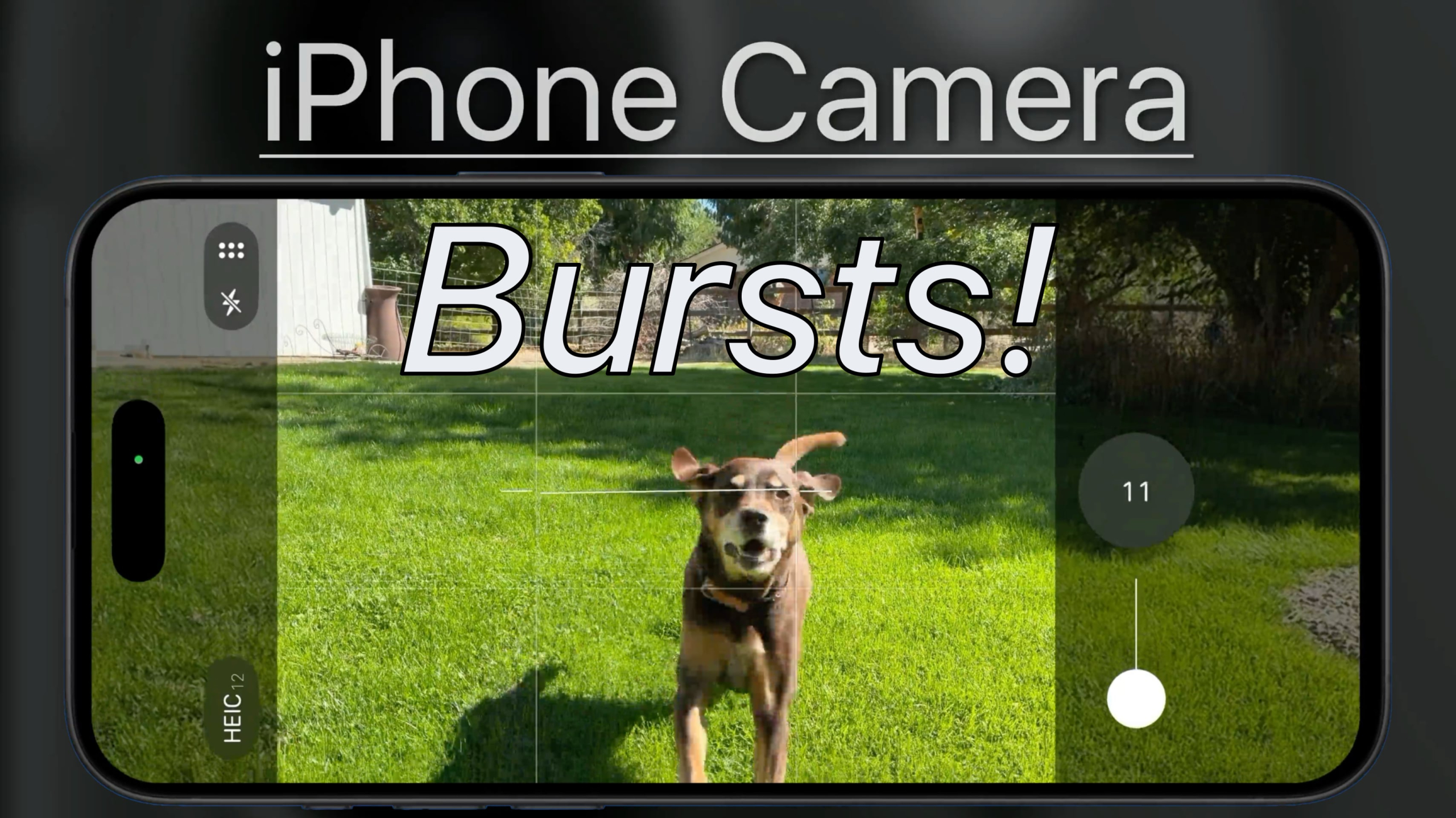
In this free lesson from our full “iPhone Camera” tutorial see how to shoot bursts on your iPhone in order to capture fast action or the elusive moment that an entire group is all smiling with eyes open at the same time!
In this free lesson from our full “What’s New in iOS 26 Tutorial” see how to use the new live translation feature for text messages and calls!
In this video tutorial learn the key new features in iOS 26! The iOS 26 update introduces a major design overhaul with the Liquid Glass interface and a dynamic lock screen that reacts to wallpaper and device movement. Communication improves with call screening, hold assist, and live translation across Messages, FaceTime, and Phone calls. We also cover updates to Apps like Camera, Messages, Apple Music, Files, and Photos. By viewing this tutorial, you can quickly familiarize yourself with the key changes introduced in iOS 26! Learn More…
Read more

In this lesson from our “What’s New in iOS 26” Tutorial see how to use the new icon customization options on iPhone & iPad. We can now choose from default, dark, clear or tinted App icons and widgets. These will automatically apply to every App icon including 3rd party icons!