
In this quick tip from TheMacU.com see how to view the UV index in the Weather App and how to add a UV index widget to your lock screen.

In this quick tip from TheMacU.com see how to view the UV index in the Weather App and how to add a UV index widget to your lock screen.

In this tutorial see how to use the Freeform App for iPad, iPhone, and Mac! With freeform we can use a “digital whiteboard” to write or sketch by hand, add shapes, text, links, files, and more. This can be a great way to brainstorm, plan, design, journal, and collaborate with others. Freeform syncs with iCloud and is available for free on iPad, iPhone, and Mac!
View more details, plus a free lesson Here…

In this quick tip we go through the steps to create a high yield savings account (4.15% APY) within Apple Wallet on your iPhone. Only users with an Apple Card are eligible for the Savings Account. Once enabled all your Daily Cash which is the cash back from your Apple Card transactions will be added to the savings account and begin earning interest.

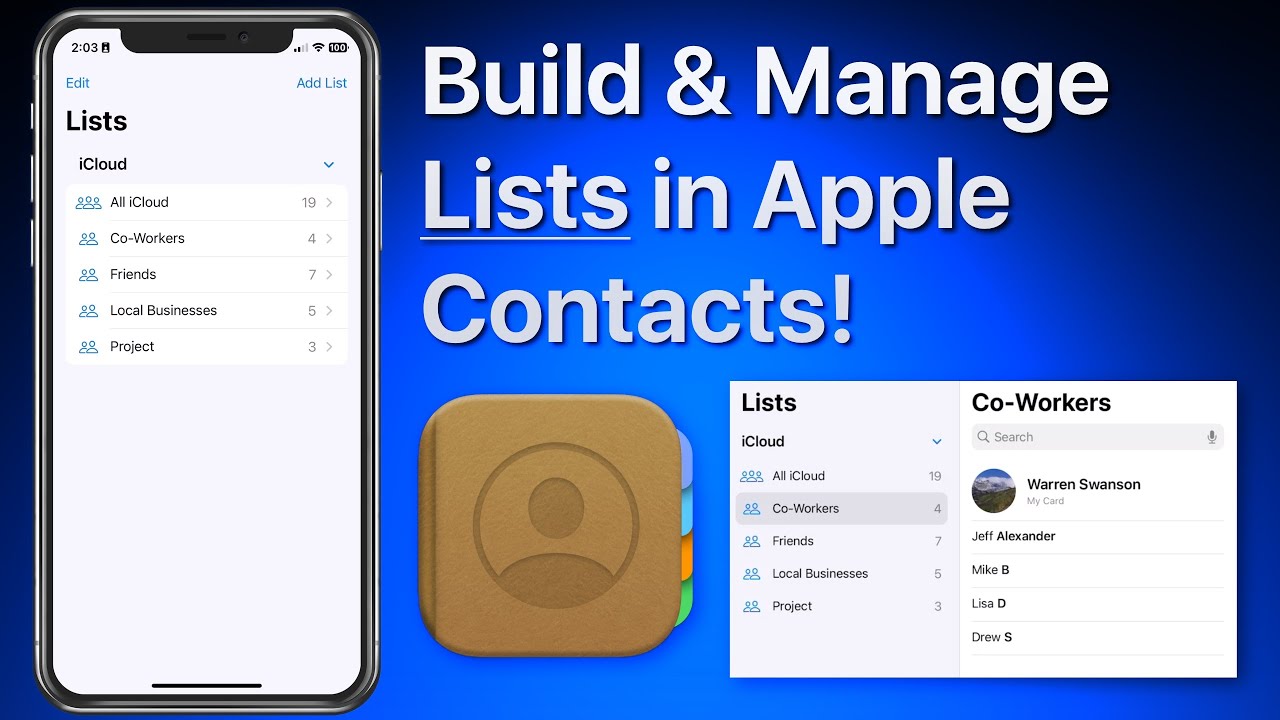
In this lesson that’s part of our new “Contacts for iOS & Mac Tutorial” tutorial see use lists to organize and manager your contacts on iPhone & iPad. We look at how lists can be used to organize a large collection of contacts. Lists can then be used to send a group email or message to all the contacts in a list! Learn much more about using the Contacts App in the full tutorial here…


In this lesson that’s part of our “What’s New in iOS 16” Tutorial see how to add different widgets to your custom lock screens in iOS 16 on iPhone. Learn much more about Lock Screen customization and iOS 16 in general with the full tutorial here…
iOS 16 brings significant changes and updates to how things work on iPhone iPad. In this tutorial, see how each feature works and how they might affect the daily use of your iOS devices. This tutorial is a great way to quickly bring yourself up to speed with the key changes introduced in iOS 16! View more details, plus free lessons Here… Read more

In this lesson that’s part of our “What’s New in iOS 16” Tutorial see how to quickly lift or isolate a subject from the background of a photo and share it. What previously could take a lot of work outlining or erasing around a subject can now be done with one tap and hold on an image!

In this lesson that’s part of our full tutorial on iMovie for iOS see how to use the new Magic Movie project option. With this option iMovie will take the clips you select and quickly build a movie with them that includes a title graphic, transitions and background music. You can then edit or tweak the movie that was built. See how in this lesson!
Magsafe Tripods & Selfie Sticks
