
In this lesson that’s been added to our full tutorial on the Files App that’s built into every iPhone an iPad see how to quickly scan documents and save them to your iCloud Drive.
Current All Access Members can view the full tutorial here…

Current All Access Members can view the full tutorial here…
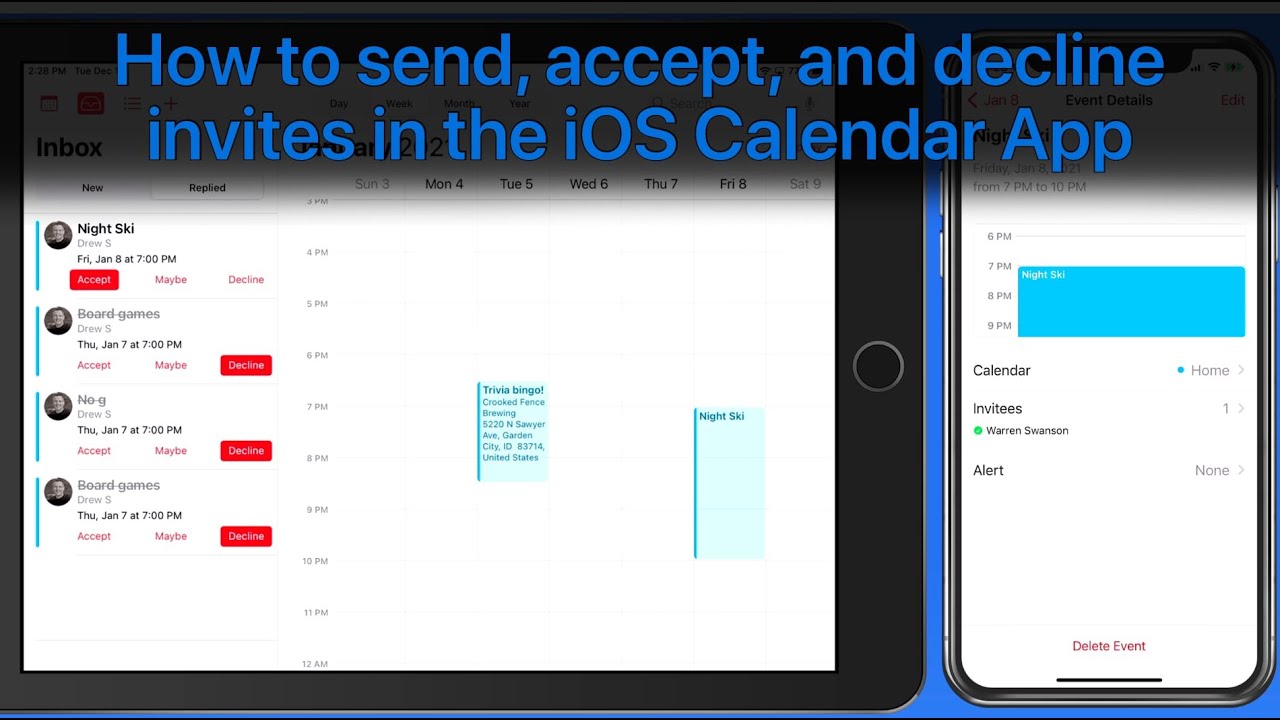
We’ve updated the Contacts, Calendar & Reminders for iOS tutorial with 9 All-New lessons on the iOS Calendar App and 13 new lessons on Reminders for iOS!
See how to add, edit, and share events as well as multiple calendars. Learn to create different types of reminders, how to organize them, view use the Reminders widget, and even how to view and create reminders on your Apple Watch!
View more details, and a free lesson Here…
Read more


All Access Members can view every lesson in every tutorial on TheMacU.
In this tutorial learn how to use the Maps app that comes installed on every iPhone & iPad. The Apple Maps App has been around for several years now and in 2019 the Maps were significantly upgraded with better detail. Within these lessons we cover how find and view locations, get directions and use the navigation feature to get there. We also look at key features like favorites & collections along with “Look Around” and how Maps integrates with other Apps on your iOS devices.
View more details, and a free lesson Here…
Read more
In this tutorial learn how to use the Apple Books App to view, organize and consume your own library. We look at how to download books from the Apple Bookstore or import your own eBooks and PDFs. Learn to adjust reading and listening options available for both text based books and audiobooks.
View more details, and a free lesson Here…
Read more