Video tutorial · Every model, every feature
Learn AirPods
This AirPods tutorial has 9 clear video lessons on getting the most from your AirPods with iPhone, iPad and Mac: pairing and switching devices, audio and noise controls, Spatial Audio, sharing audio, Find My, Live Listen and resetting.
- 9 video lessons
- 28 minutes total
- Beginner friendly
- Watch on Mac, iPhone & iPad
Already a member? Watch the full tutorial now →
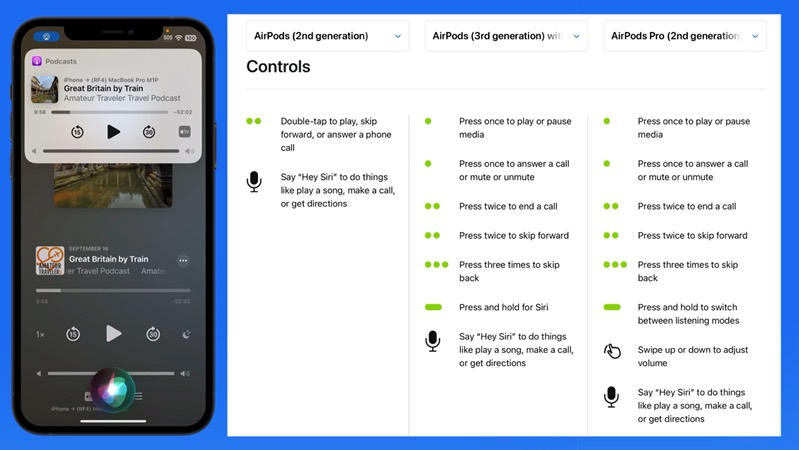 Lesson 3 · Audio ControlsFree preview
- 90+Mac, iPhone & iPad tutorials
- 6,600+All Access members
- 7-dayfree trial on yearly & lifetime
What you'll learn
Everything in AirPods, one short lesson at a time
Watch them in order or jump straight to the feature you want. One lessons are free to watch right now.
 011:29
Introduction to AirPods
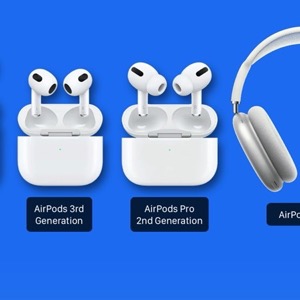
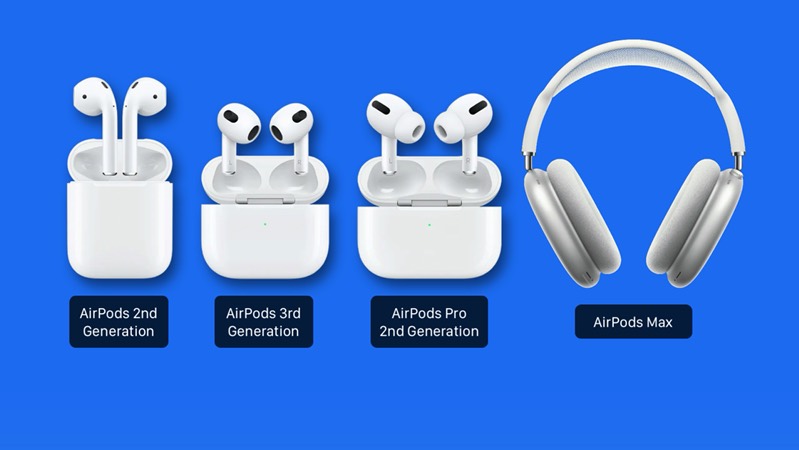
The AirPods models, how they differ and what this tutorial covers.
 025:31
Pair & Connect
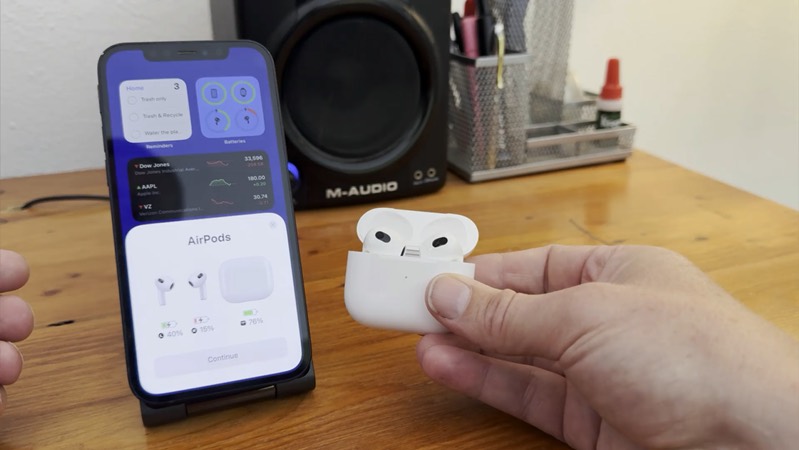
Pair AirPods with your iPhone and switch them between your Apple devices.
033:56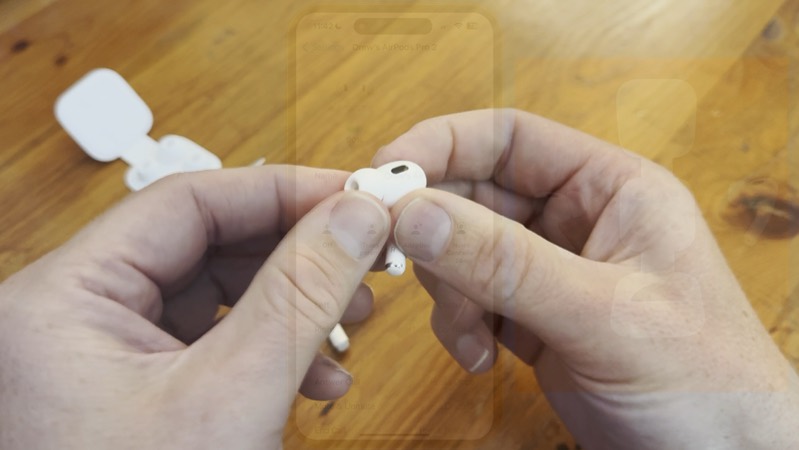 045:03
Noise Controls
Switch between Noise Cancellation, Transparency and Adaptive Audio.
 052:35
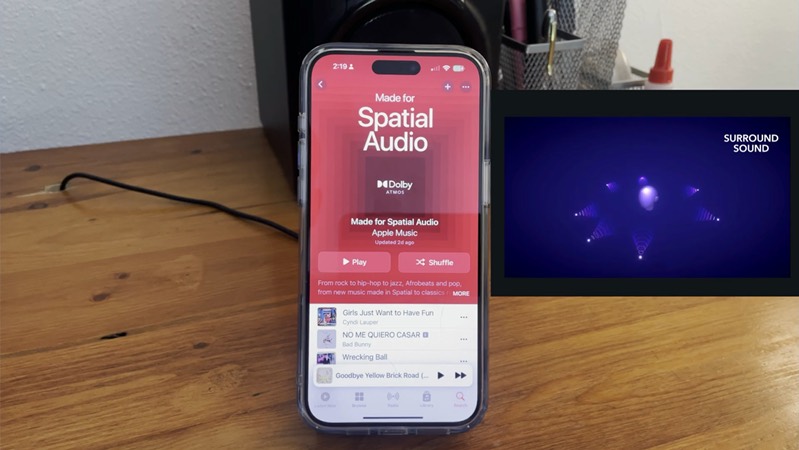
Spatial Audio
Hear surround sound that moves with your head, and personalize it.
 062:09
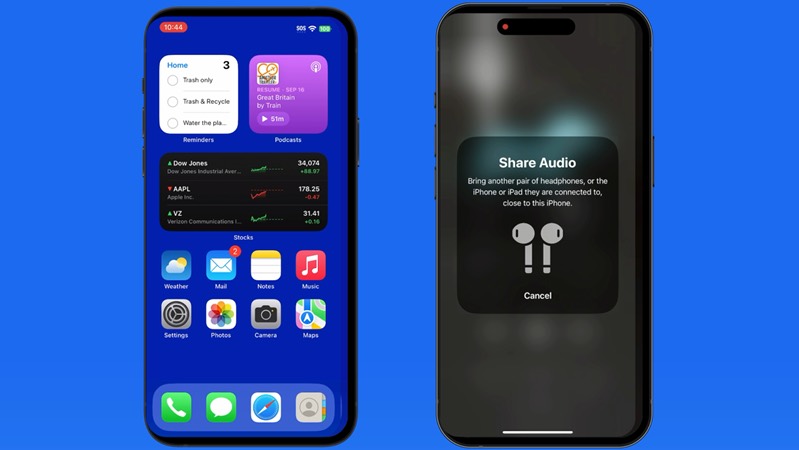
Share Audio
Listen together by sharing audio with a second pair of AirPods.
 072:41
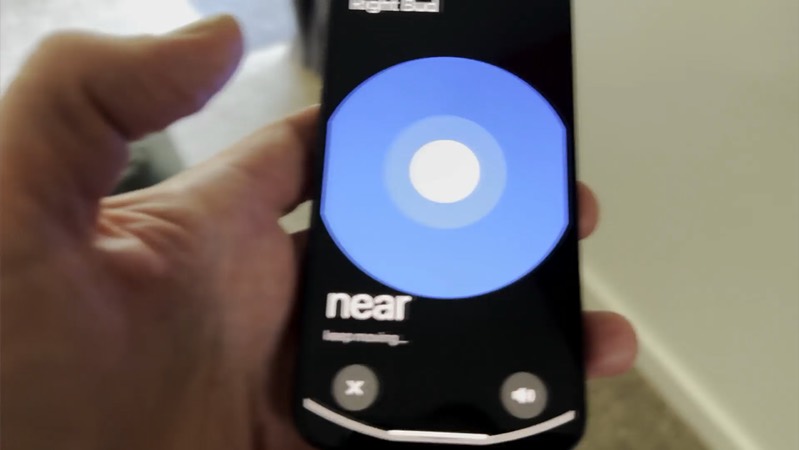
Find My
Find lost AirPods on a map, play a sound and track down each earbud.
 081:57
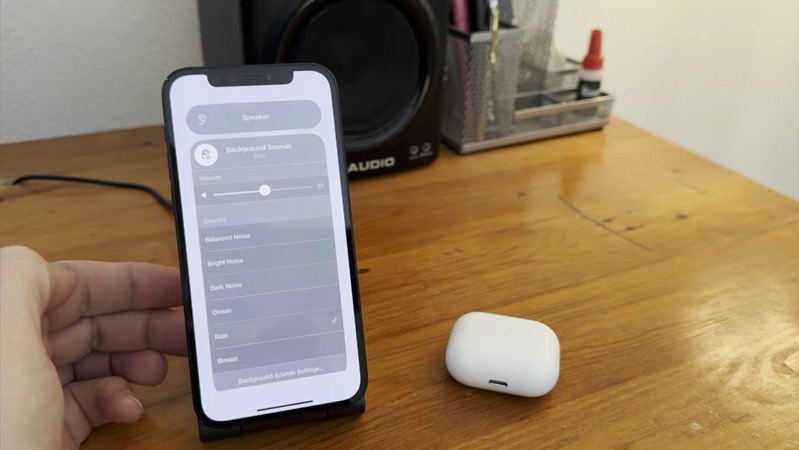
Live Listen & Background Sounds
Use your iPhone as a microphone with Live Listen, and play calming background sounds.
 092:43
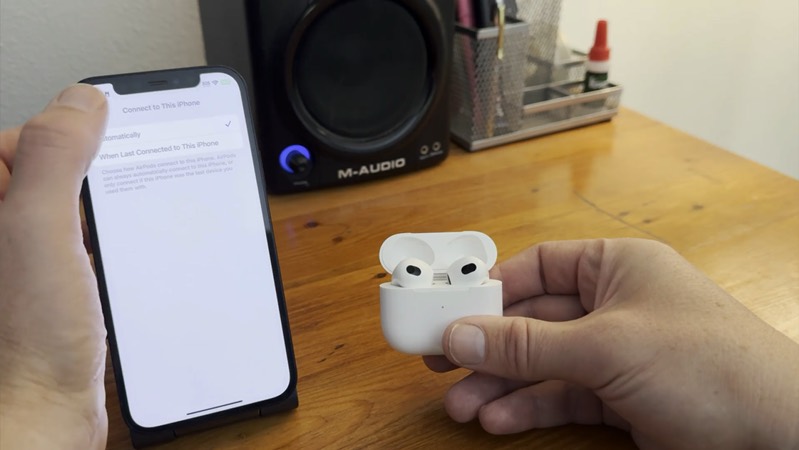
Unpair or Reset
Remove AirPods from your account and reset them to fix problems or pass them on.
Included with every All Access membership, along with every other tutorial on TheMacU.
Why TheMacU
Tutorials that respect your time
Shown with real AirPods
Every step is shown with real AirPods and a real iPhone, so you can follow along with your own pair.
Short and to the point
Most lessons run 2 to 5 minutes. Learn one feature over a coffee and come back for the next whenever you like.
One membership, everything
All Access unlocks this tutorial and every Mac, iPhone and iPad course on the site, including new ones as Apple releases updates.
From our members and viewers
Clear, patient and easy to follow
These tutorials are an exceptional resource for anyone looking to get the most out of their Mac. It's well worth the investment for the wealth of knowledge and practical tips.
You don't go a hundred miles an hour. I can easily keep up, being in my eighties. Thank you from the bottom of my heart.
Superb! Thank you for all the effort and expertise you put into these videos. They have helped me enormously.
All Access membership
Watch this tutorial and every other course on TheMacU
Every plan starts with a free trial. Cancel any time during the trial and you won't be charged.
Monthly
Auto recurring5-day free trial
- Every Mac, iPhone & iPad tutorial
- New tutorials as they're released
- Watch on any device
- No ads
- Email support
Yearly
Auto recurring7-day free trial · just $2.50 a month
- Every Mac, iPhone & iPad tutorial
- New tutorials as they're released
- Watch on any device
- No ads
- Email support
Lifetime
Single payment7-day free trial · pay once, keep it for good
- Everything in Yearly
- Every future macOS & iOS update tutorial
- Never pay again
Secure checkout. Log in on any Mac, iPhone or iPad with the same account.
Gear
AirPods models & accessories
The AirPods models covered in this tutorial, plus accessories that make them easier to use and harder to lose.
 AirPods (2nd generation)Longer stem, tap to control.
 AirPods (3rd generation)Shorter stem, press controls and Spatial Audio.
 AirPods Pro (2nd generation)In-ear seal, Noise Cancellation, Adaptive Audio and Spatial Audio.
 AirPods MaxOver-ear headphones with Noise Cancellation and Spatial Audio.
 AirPods Pro ear tips (silicone)Replacement tips in several sizes.
 AirPods Pro ear tips (memory foam)A snug, comfortable fit.
 AirPods Pro case cover with latchKeeps the lid from opening unexpectedly.
 AirPods (3rd gen) case cover with latchKeeps the lid from opening unexpectedly.
 AirPods neck strapKeep your AirPods with you when they're out of your ears.
 AirPods over-ear hooksExtra security for workouts and running.
 AirPods Max coversProtect the ear cups and headband.
Disclosure: we only recommend products we would use ourselves. These are affiliate links, so TheMacU may earn a small commission at no extra cost to you.
Questions
About this AirPods tutorial
Which AirPods does it cover?
AirPods, AirPods Pro and AirPods Max. Lesson 1 explains how the models differ, and each lesson points out when a feature, like Noise Cancellation or Spatial Audio, needs a particular model.
Do AirPods work with my Mac and iPad too?
Yes. Once AirPods are paired with your iPhone, they're ready on your other Apple devices signed in to the same Apple Account, and Lesson 2 shows how to switch between them.
How does the free trial work?
Choose a plan and you can watch everything right away. Monthly includes a 5-day trial; Yearly and Lifetime include 7 days. Cancel before the trial ends and you won't be charged.
Do I get more than this one tutorial?
Yes. Every All Access plan includes all 90+ tutorials on TheMacU, covering macOS, iPhone, iPad, Photos, Safari, productivity apps and more, plus new tutorials as Apple releases updates.
Can I watch on my iPhone or iPad?
Yes. Log in on any device with a web browser and the videos play right on the page.
I'm new to the iPhone. Is this too advanced?
No. Each lesson shows every tap on screen at a comfortable pace. If you want the basics first, the iOS Core Concepts tutorial is included in your membership too.
Get more from your AirPods
Start your free trial and watch all 9 lessons today, plus every other tutorial on TheMacU.