
Video tutorial · Documents, newsletters & more
Learn Pages for Mac
This Pages for Mac tutorial has 32 clear video lessons on Apple's word processor: templates, text and paragraph styles, headers and footers, columns, lists, links, a table of contents, shapes, images, tables and charts, comments and collaboration, exporting to PDF and making a digital book.
- 32 video lessons
- Over 2 hours total
- Beginner friendly
- Watch on Mac, iPhone & iPad
Already a member? Watch the full tutorial now →
 Lesson 4 · Word Processing or Page Layout?Free preview
- 90+Mac, iPhone & iPad tutorials
- 6,600+All Access members
- 7-dayfree trial on yearly & lifetime
What you'll learn
Everything in Pages for Mac, one short lesson at a time
Watch them in order or jump straight to the feature you want. Two lessons are free to watch right now.
 011:17
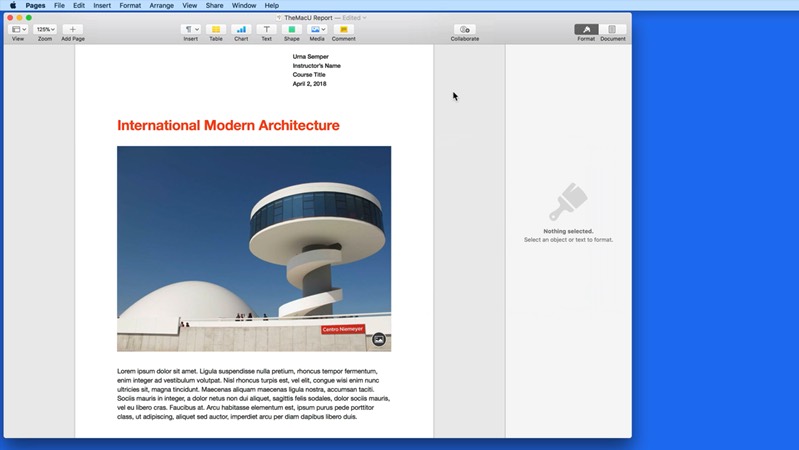
Introduction to Pages
What Pages can do and what this tutorial covers.
 023:45
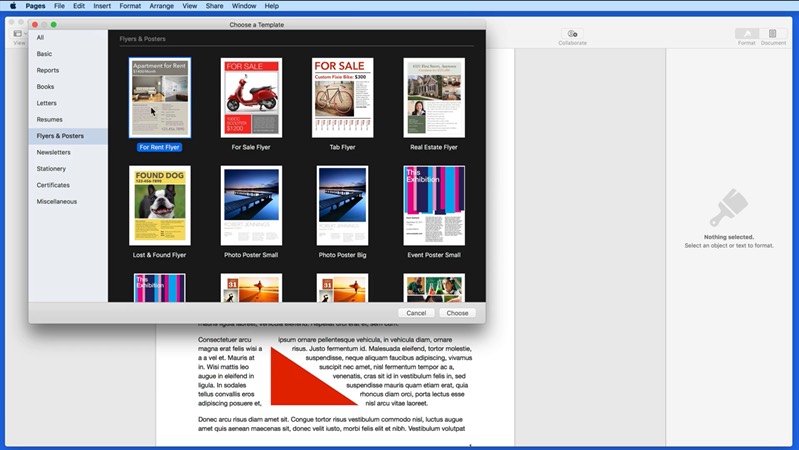
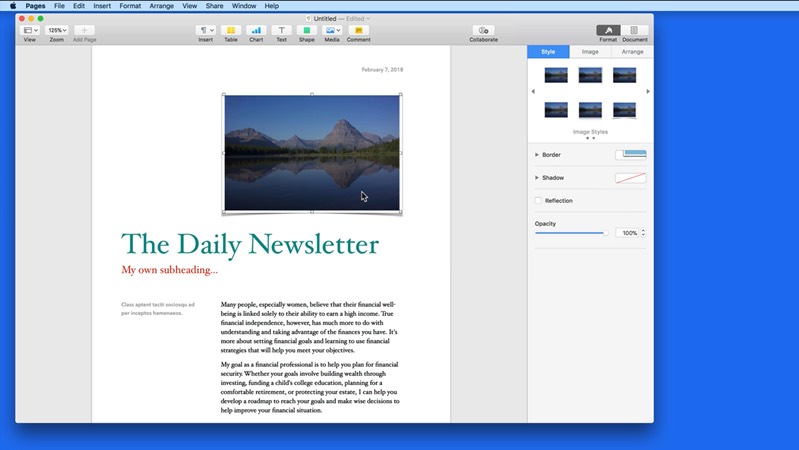
Template Chooser
Start a document from one of Apple's templates.
 034:52
The Pages Toolbar
Get to know the toolbar and customize it.
042:57Word Processing or Page Layout?
The difference between the two document types, and when to use each one.
Watch free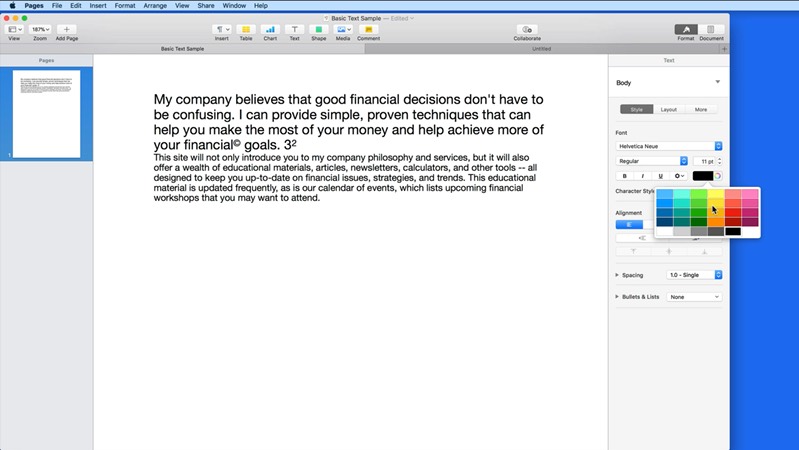 056:30
Text Formatting
Change fonts, sizes, colors and spacing.
 064:25
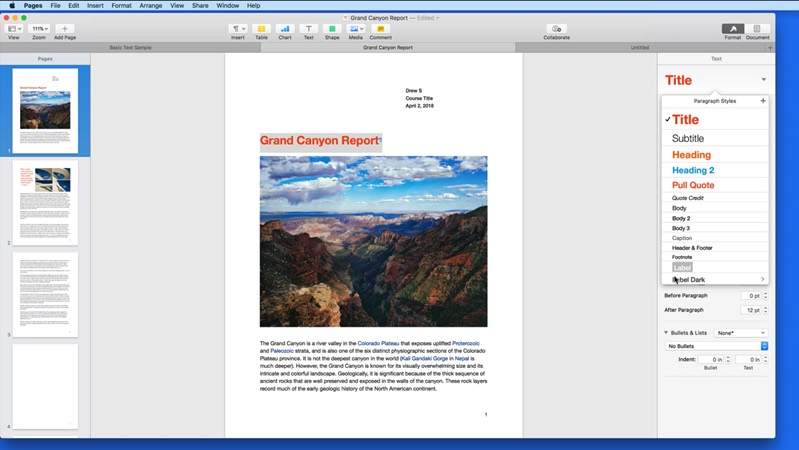
Paragraph Styles
Format headings and body text consistently with styles.
 073:02
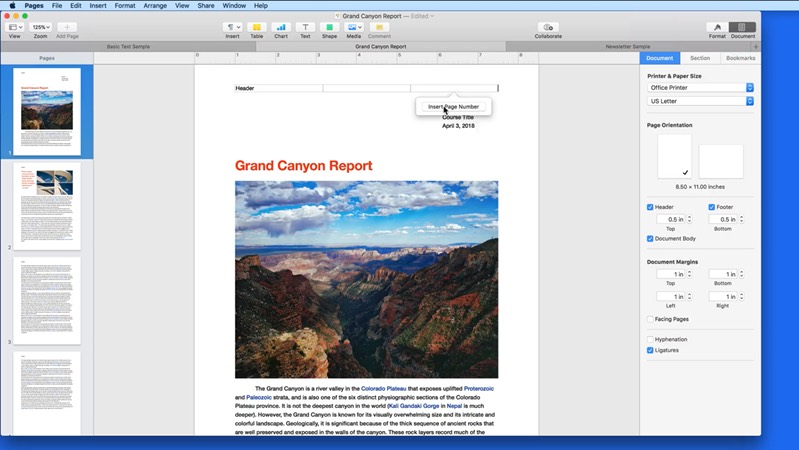
Document Settings
Set up headers, footers, margins and page size.
 082:51
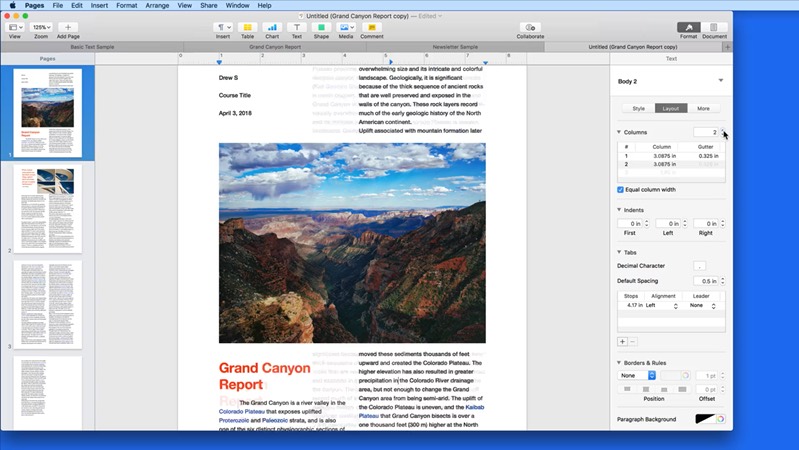
Columns
Lay text out in two or more columns.
 093:46
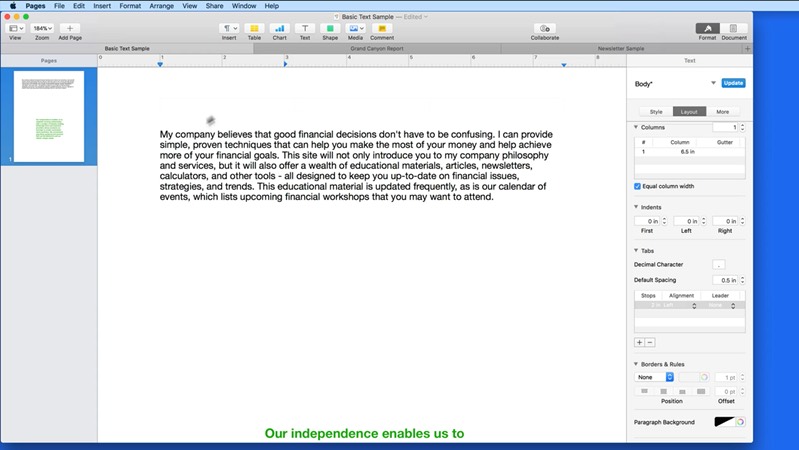
Indents & Tabs
Line text up with indents and tab stops.
 102:02
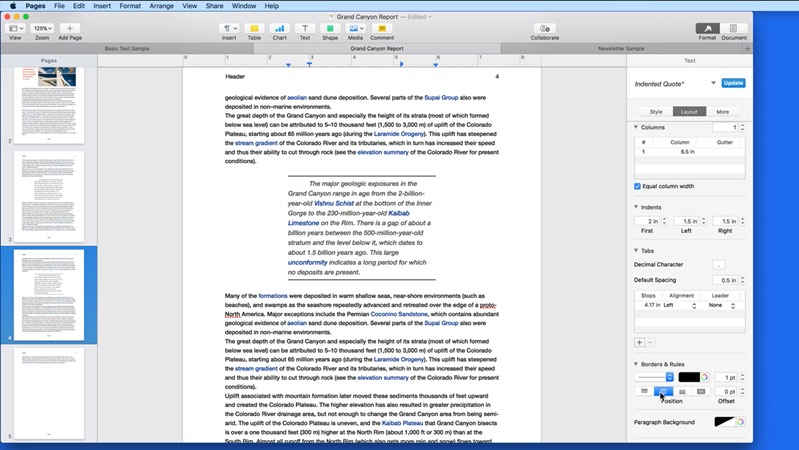
Borders & Rules
Add lines and borders around paragraphs.
 114:12
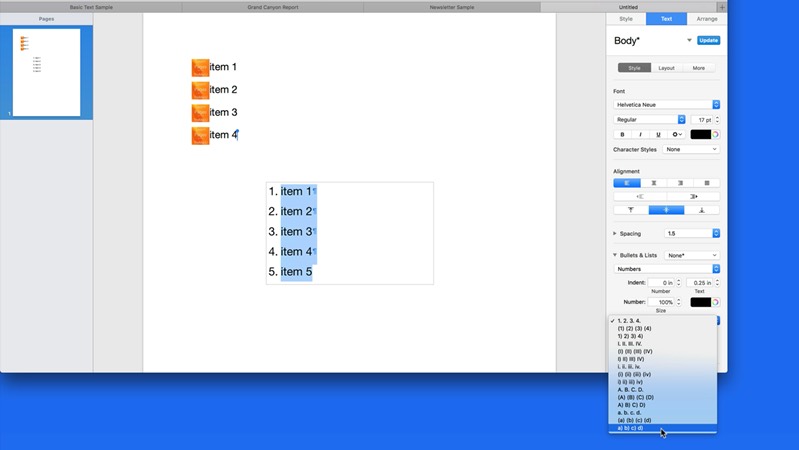
Lists
Create bulleted, numbered and multi-level lists.
 123:59
 132:03
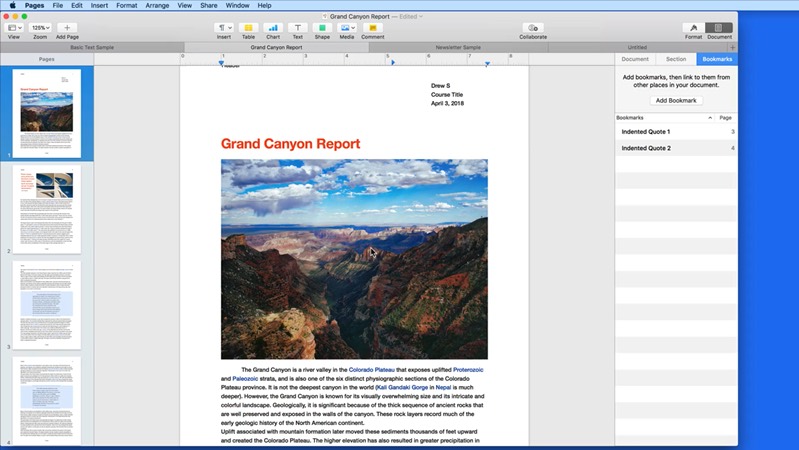
Bookmarks
Mark places in a long document and link to them.
 142:51
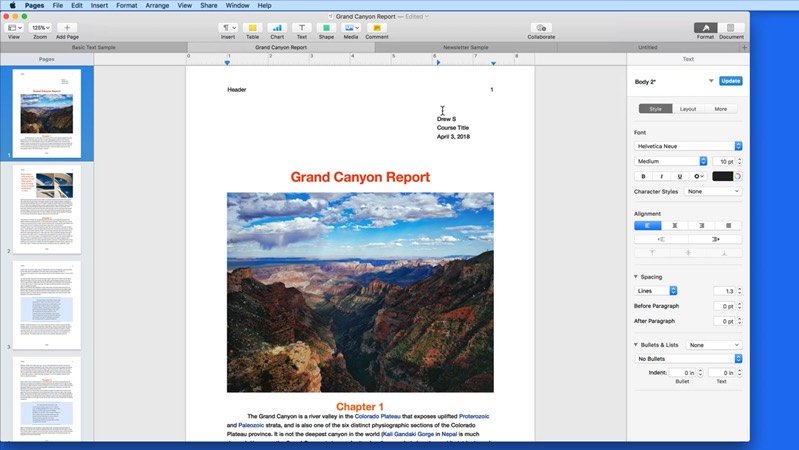
Table of Contents
Build a table of contents that updates itself.
 154:24
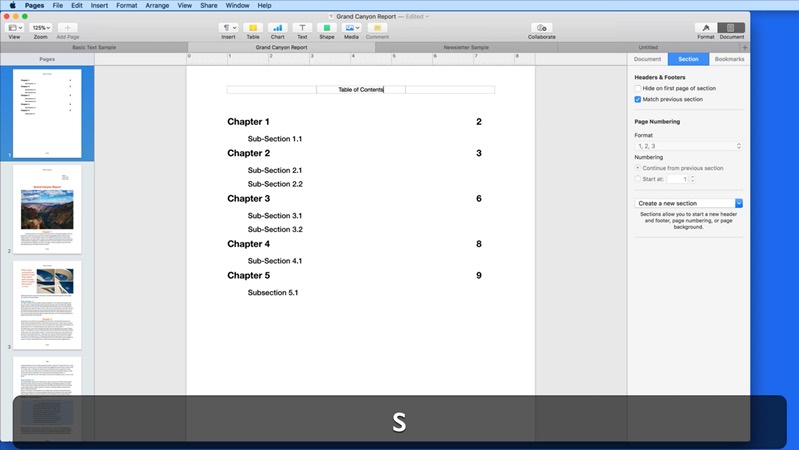
Sections
Divide a document into sections with their own settings.
 162:36
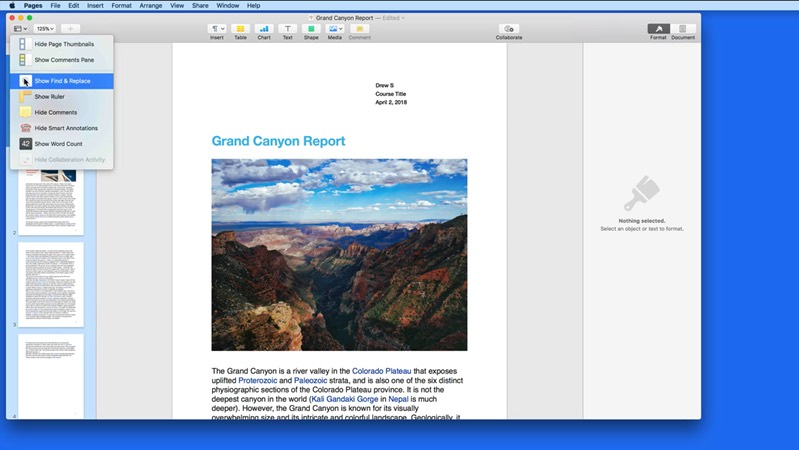
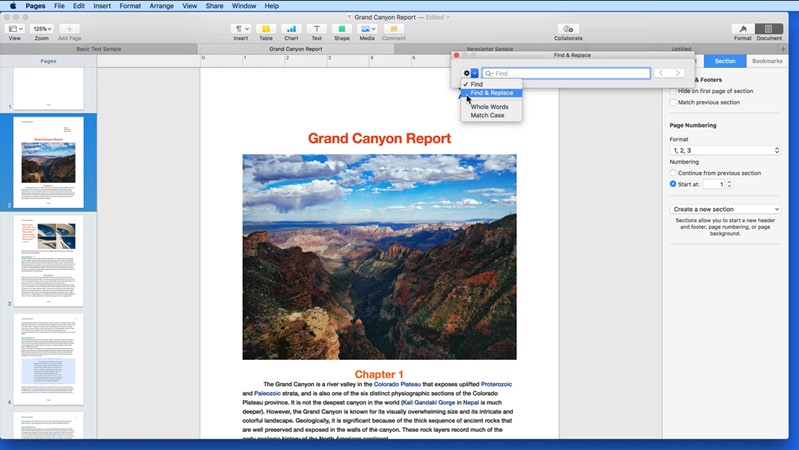
Find & Replace
Find any word and replace it throughout a document.
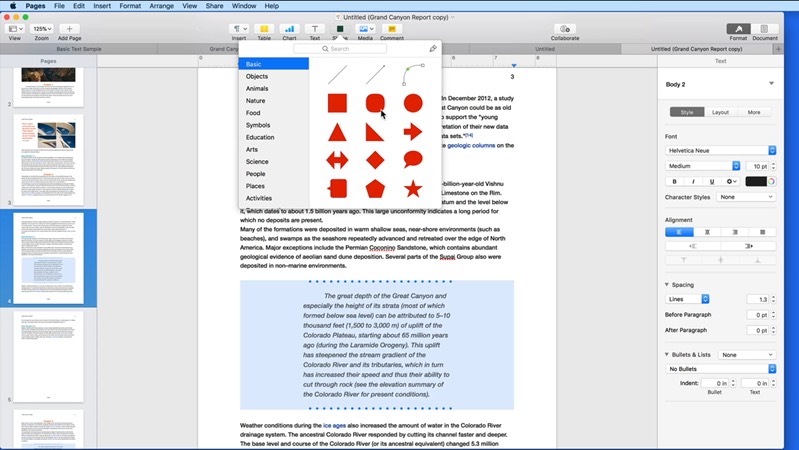 171:16
Introduction to Objects
Add shapes, text boxes, images and other objects.
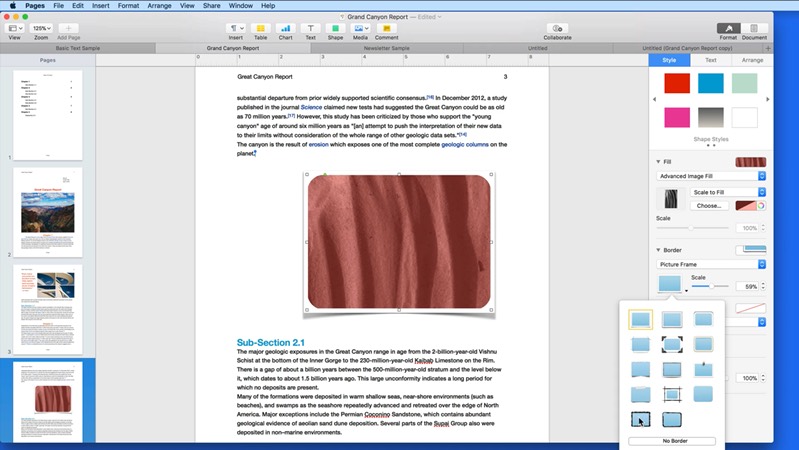 186:49
Shape Styles
Change fills, borders, shadows and reflections.
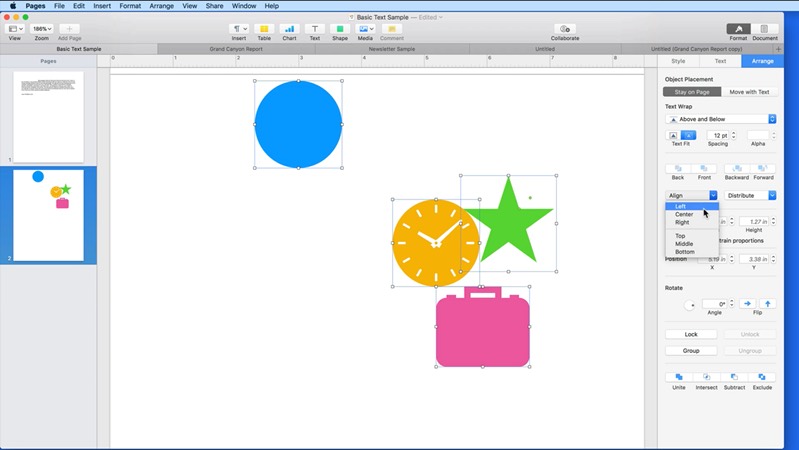 197:41
Arrange
Layer, align, group and lock objects.
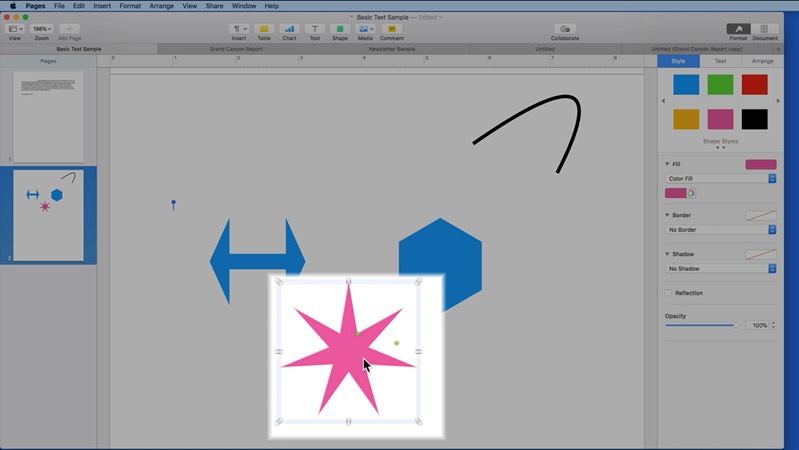 204:15
Lines & Custom Shapes
Draw lines and create your own shapes.
 213:54
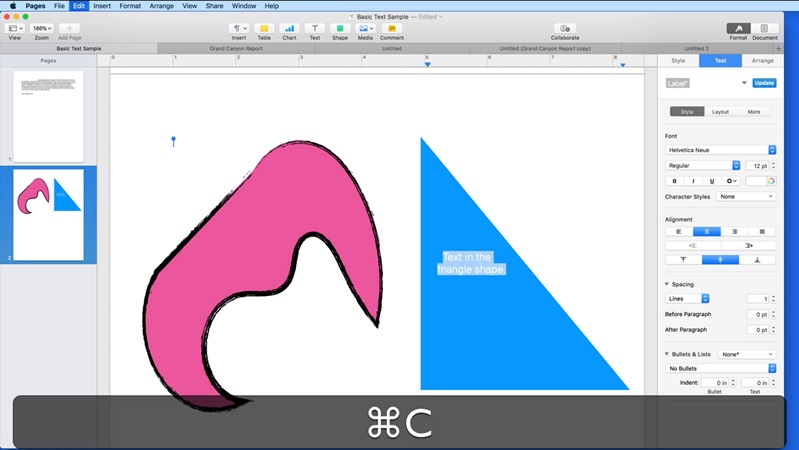
Text Boxes
Place text anywhere on the page with text boxes.
 227:13
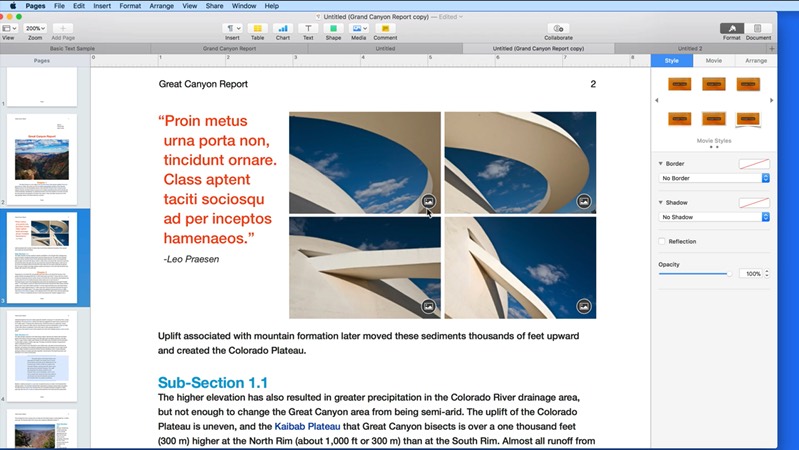
Add Images & Media
Add photos, audio and video to a document.
 232:23
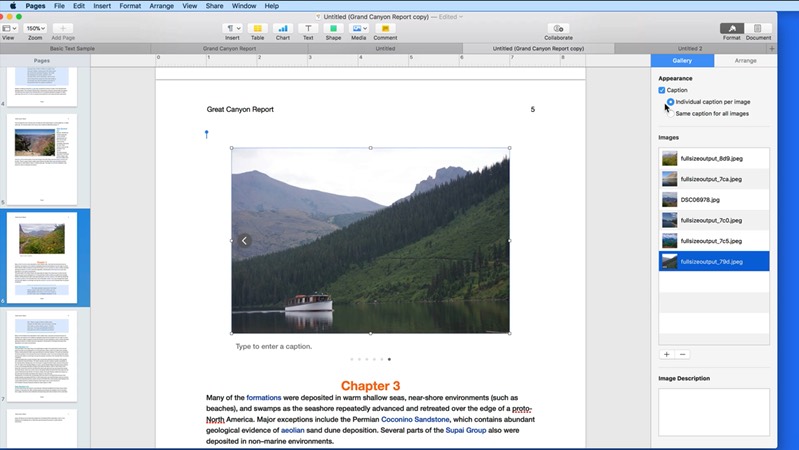
Image Gallery
Show several photos in one swipeable gallery.
 246:02
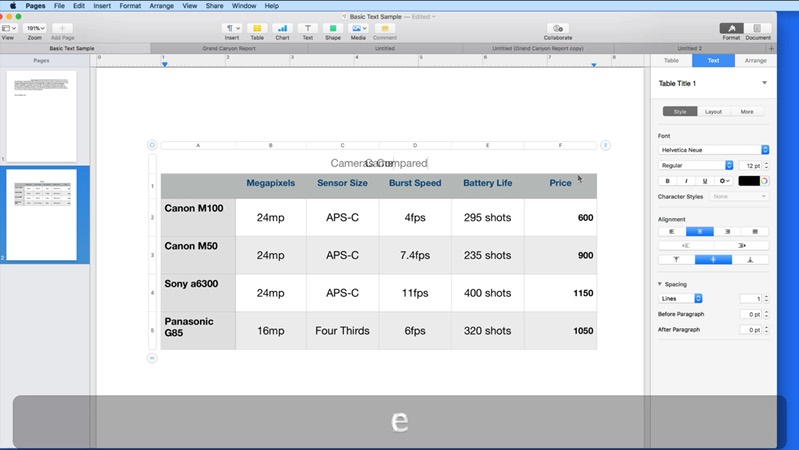
Tables
Add tables and format rows, columns and cells.
 256:29
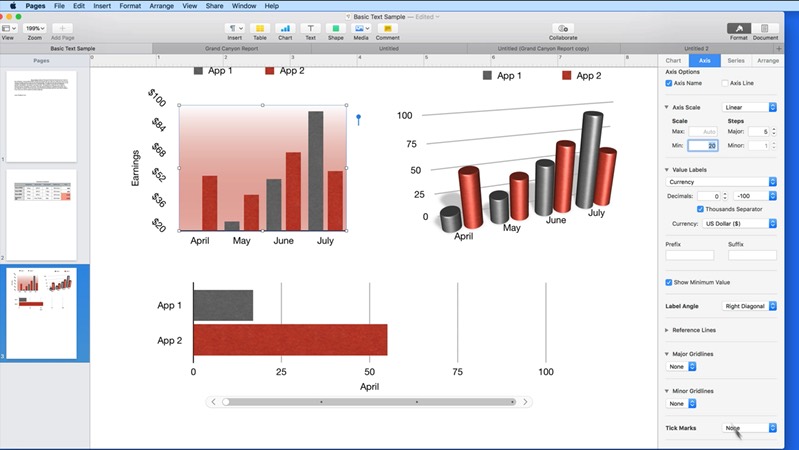
Charts
Add bar, line and pie charts and edit their data.
 262:00
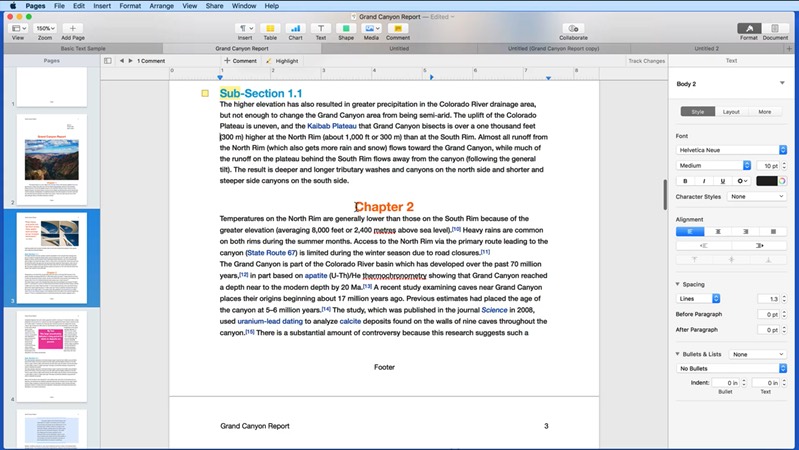
Comments
Add comments and highlights for yourself or others.
 275:03
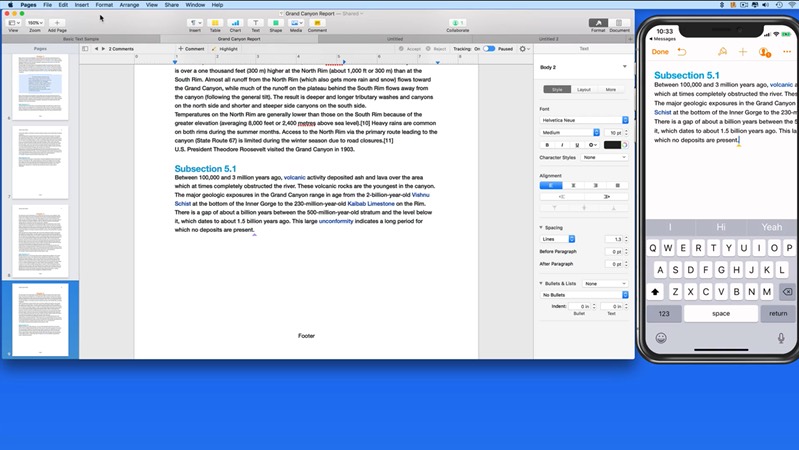
Collaborate
Work on a document with others at the same time.
 282:54
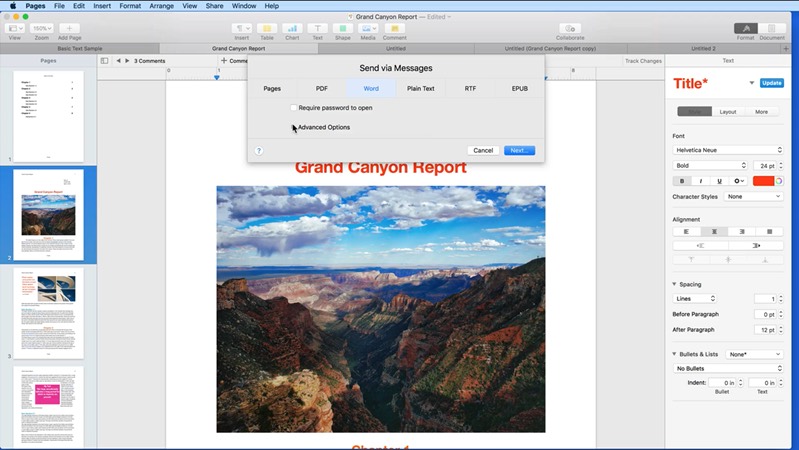
Share & Export
Send a document or export it as a PDF, Word file or ePub.
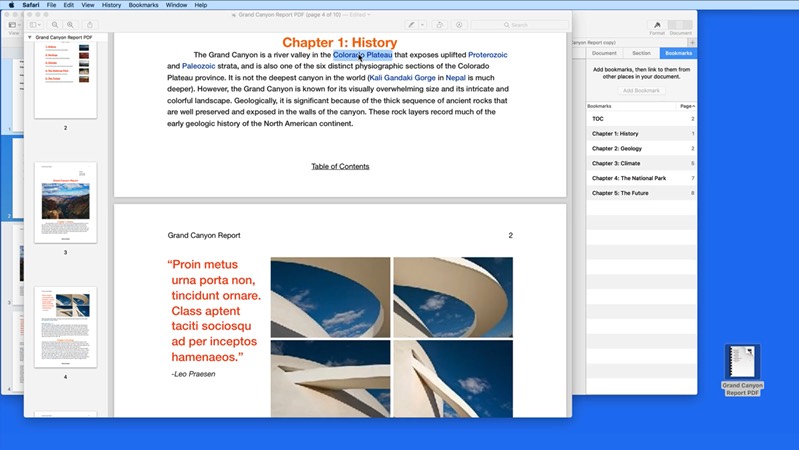 294:16
Build a Clickable PDF
Make a PDF with working links and a clickable table of contents.
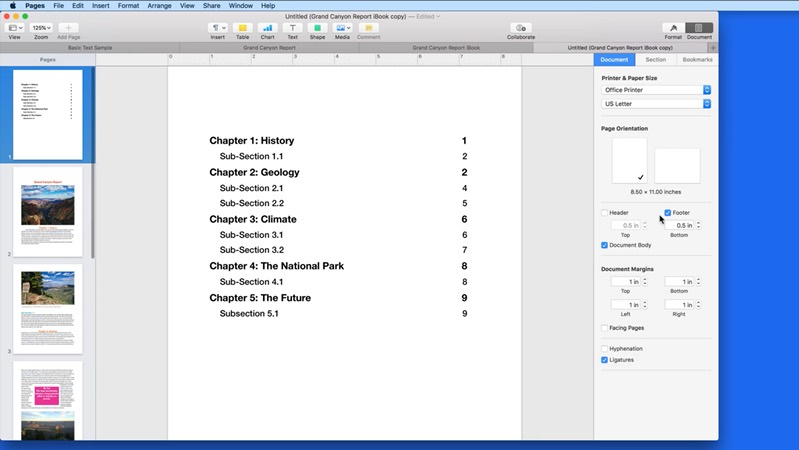 305:07
Build a Digital Book
Turn your document into a book you can read in Apple Books.
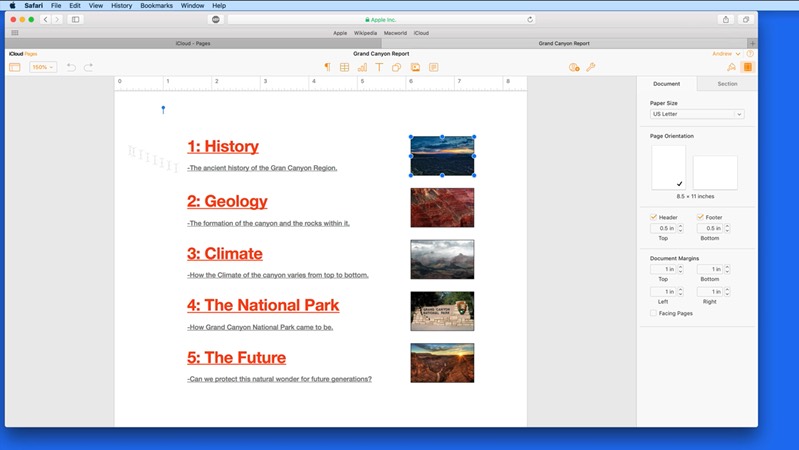 313:01
Pages for iCloud.com
Use Pages in a web browser on any computer.
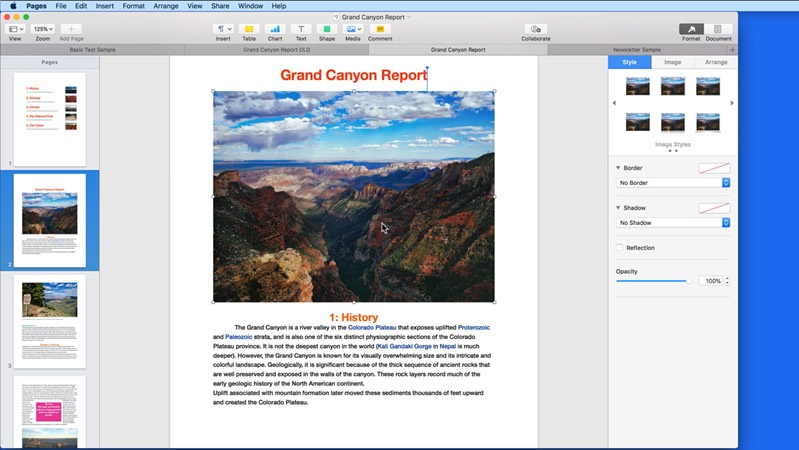 320:47
Wrap Up
A quick recap of what you've learned.
Included with every All Access membership, along with every other tutorial on TheMacU.
Why TheMacU
Tutorials that respect your time
Shown on a real Mac
Every click is shown on screen using real sample documents, so you can follow along with your own.
Short and to the point
Most lessons run 2 to 5 minutes. Learn one feature over a coffee and come back for the next whenever you like.
One membership, everything
All Access unlocks this tutorial and every Mac, iPhone and iPad course on the site, including new ones as Apple releases updates.
From our members and viewers
Clear, patient and easy to follow
These tutorials are an exceptional resource for anyone looking to get the most out of their Mac. It's well worth the investment for the wealth of knowledge and practical tips.
You don't go a hundred miles an hour. I can easily keep up, being in my eighties. Thank you from the bottom of my heart.
Superb! Thank you for all the effort and expertise you put into these videos. They have helped me enormously.
All Access membership
Watch this tutorial and every other course on TheMacU
Every plan starts with a free trial. Cancel any time during the trial and you won't be charged.
Monthly
Auto recurring5-day free trial
- Every Mac, iPhone & iPad tutorial
- New tutorials as they're released
- Watch on any device
- No ads
- Email support
Yearly
Auto recurring7-day free trial · just $2.50 a month
- Every Mac, iPhone & iPad tutorial
- New tutorials as they're released
- Watch on any device
- No ads
- Email support
Lifetime
Single payment7-day free trial · pay once, keep it for good
- Everything in Yearly
- Every future macOS & iOS update tutorial
- Never pay again
Secure checkout. Log in on any Mac, iPhone or iPad with the same account.
Questions
About this Pages for Mac tutorial
Do I need to buy Pages?
No. Pages is free from Apple and comes on every Mac. If it isn't on yours, you can download it from the Mac App Store.
Will it match Pages on my Mac?
Yes. The core tools work the same way in current versions of Pages, so you can follow along on your own Mac. A few buttons and menus may look slightly different.
Is there a Pages tutorial for iPhone and iPad?
Yes. The Pages for iPhone & iPad tutorial covers the mobile app, and the Numbers for Mac tutorial and Keynote for Mac tutorial cover the rest of Apple's office apps. All are included in the same All Access membership.
How does the free trial work?
Choose a plan and you can watch everything right away. Monthly includes a 5-day trial; Yearly and Lifetime include 7 days. Cancel before the trial ends and you won't be charged.
Do I get more than this one tutorial?
Yes. Every All Access plan includes all 90+ tutorials on TheMacU, covering macOS, iPhone, iPad, Photos, Safari, productivity apps and more, plus new tutorials as Apple releases updates.
Can I watch on my iPhone or iPad?
Yes. Log in on any device with a web browser and the videos play right on the page.
I'm new to the Mac. Is this too advanced?
No. Each lesson shows every click on screen at a comfortable pace. If you want the basics first, the macOS Core Concepts tutorial is included in your membership too.
Make great-looking documents
Start your free trial and watch all 32 lessons today, plus every other tutorial on TheMacU.