Video tutorial · Browse faster & safer
Learn Safari for Mac
This Safari for Mac tutorial has 17 clear video lessons on browsing faster, staying organized and staying private: the Smart Search field, tabs and Tab Groups, bookmarks, the Reading List, passwords, privacy, extensions, profiles and Apple Pay.
- 17 video lessons
- 50 minutes total
- Beginner friendly
- Watch on Mac, iPhone & iPad
Already a member? Watch the full tutorial now →
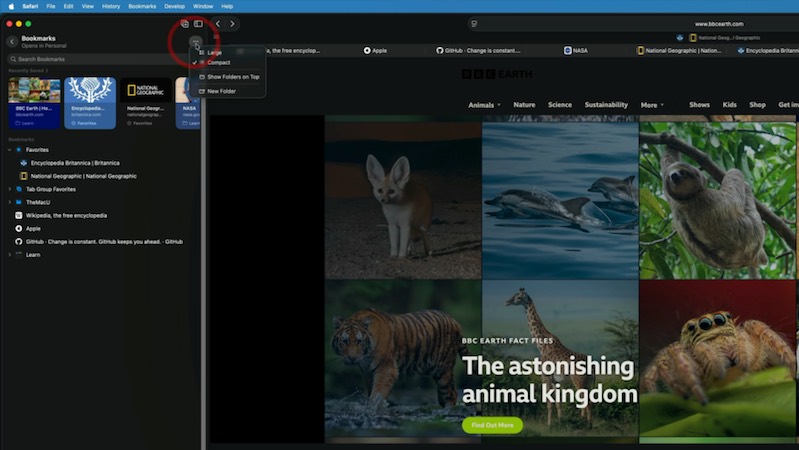 Lesson 6 · Bookmarks & FavoritesFree preview
- 90+Mac, iPhone & iPad tutorials
- 6,600+All Access members
- 7-dayfree trial on yearly & lifetime
What you'll learn
Every part of Safari for Mac, one short lesson at a time
Watch them in order or jump straight to the feature you want. Three lessons are free to watch right now.
 012:50
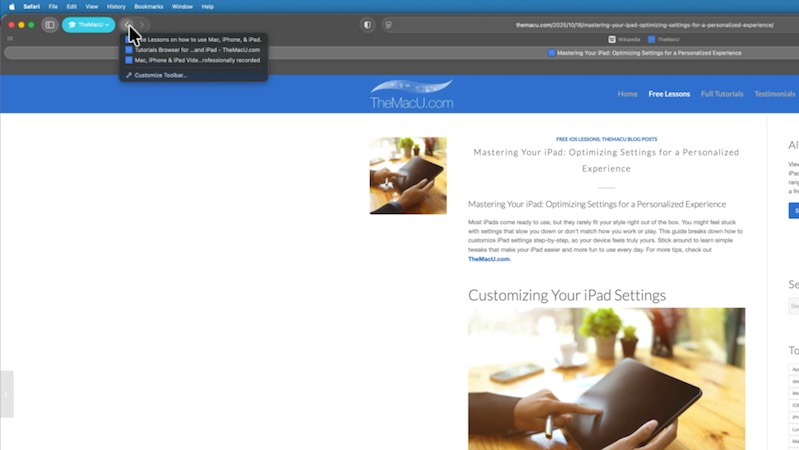
Introduction & Basics
A tour of the Safari window: the toolbar, sidebar and compact tab bar, and how to customize them.
 022:45
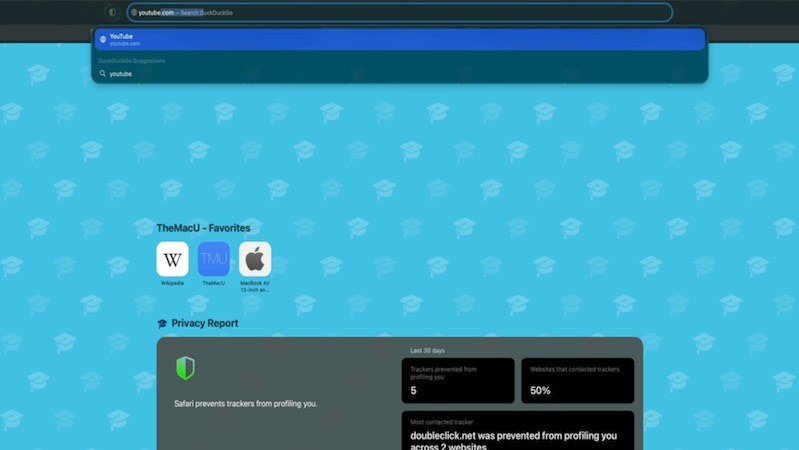
Smart Search Field
Search the web and type addresses in one place, choose your search engine and use smart suggestions.
 031:56
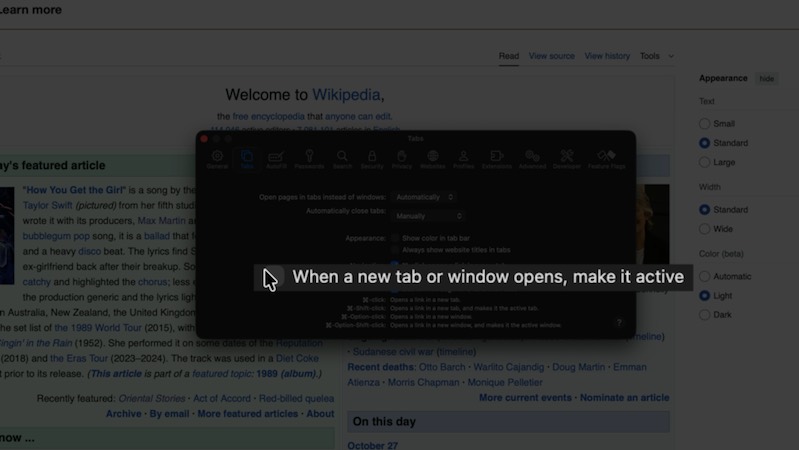
Opening Tabs
Open links in new tabs and windows, decide where they open and pin the sites you visit most.
 043:07
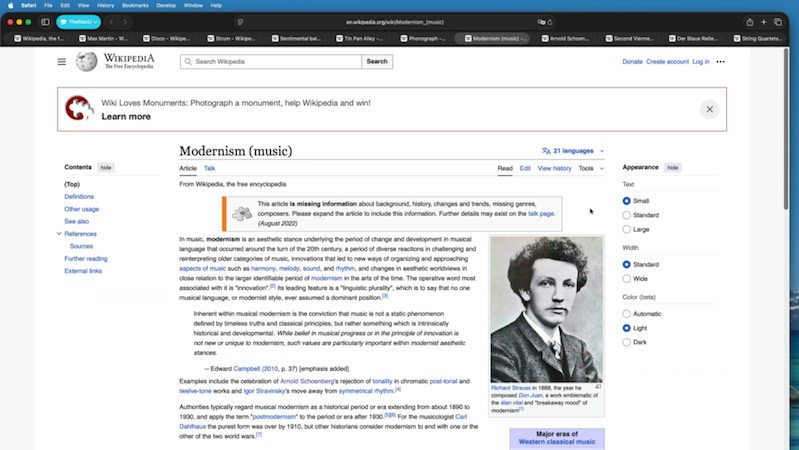
Moving Between Tabs
Keyboard shortcuts, Tab Overview, searching your tabs and reopening ones you closed by accident.
Watch free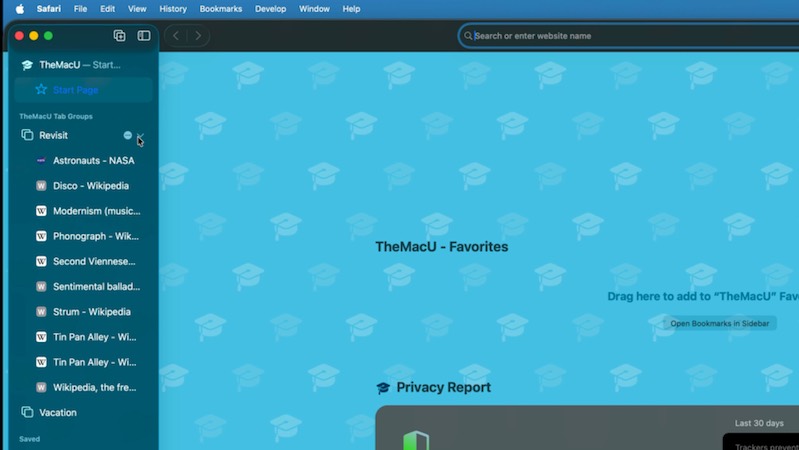 052:24
Organizing Tabs with Tab Groups
Collect related tabs into Tab Groups, switch between them in a click and keep them synced to iPhone and iPad.
064:07Bookmarks & Favorites
Save and organize bookmarks in folders, use the Favorites bar and keep your most-used sites one click away.
Watch free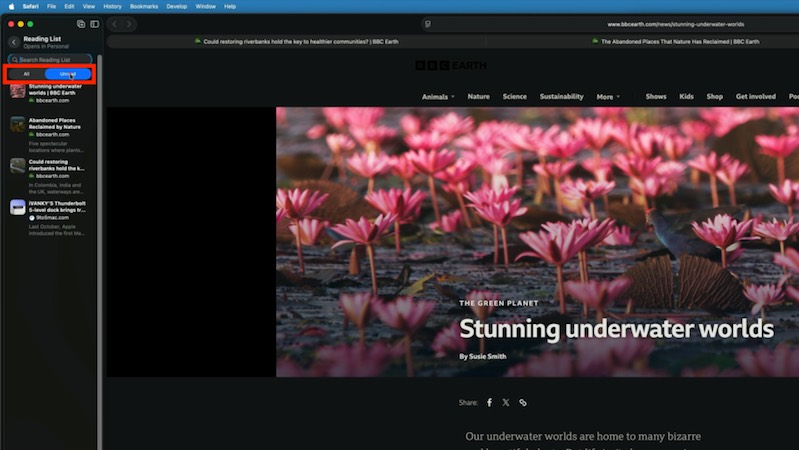 072:39
Reading List
Save articles to read later, even offline, and keep track of what you've already read.
 084:08
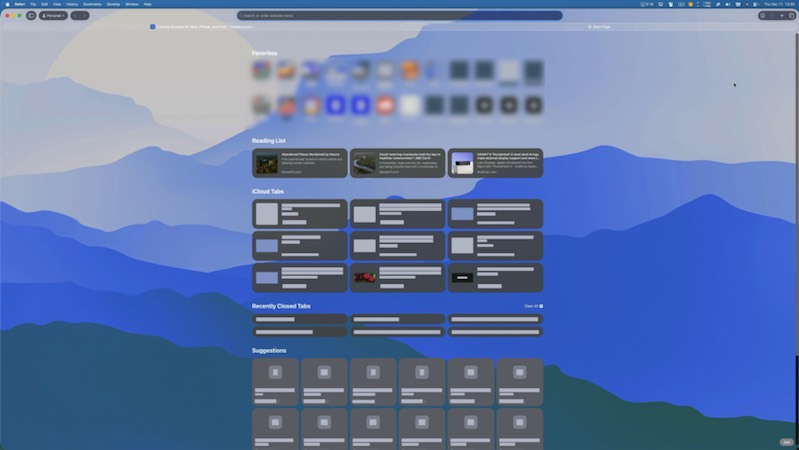
Start Page
Customize the Start Page with Favorites, a background image, the Reading List and your Privacy Report.
 093:28
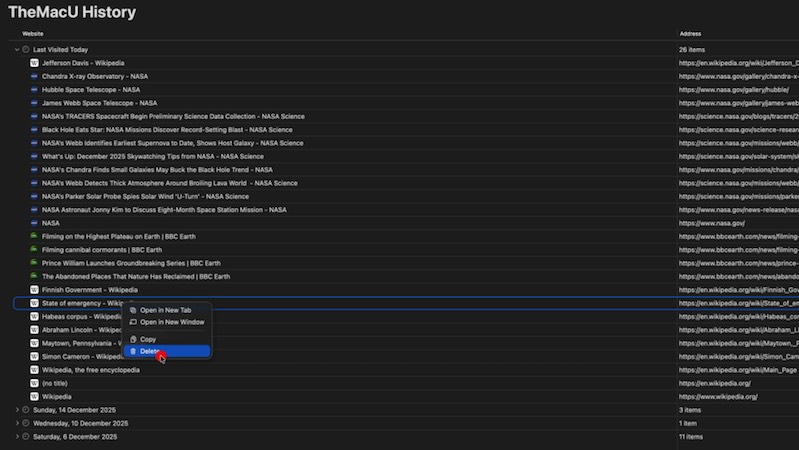
History
Find a site you visited last week, search your history and clear part or all of it.
 103:11
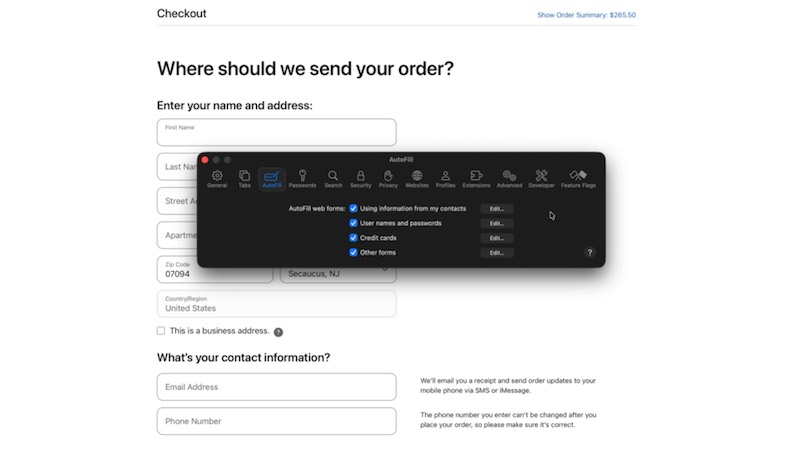
AutoFill & Passwords
Fill in forms, addresses and credit cards automatically and let Safari create and save strong passwords.
 113:09
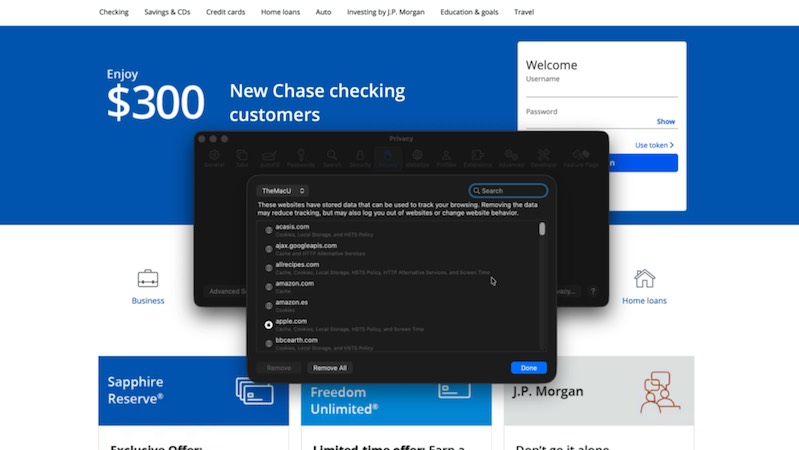
Privacy
Block cross-site tracking, hide your IP address, manage website data and lock Private Browsing.
 122:03
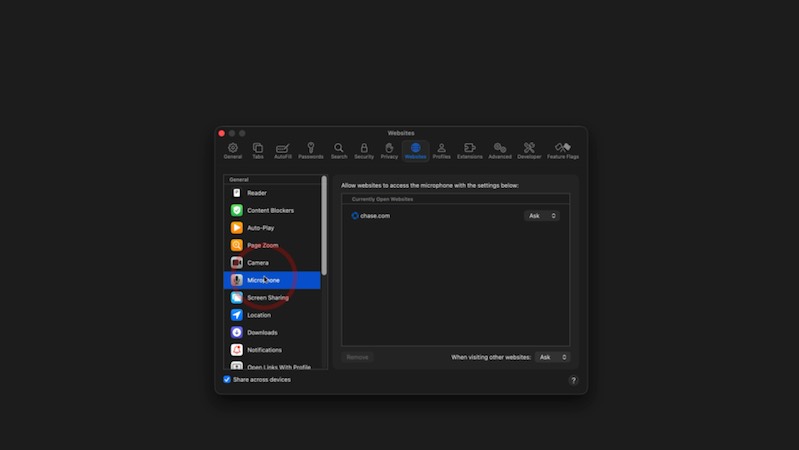
Security
Fraudulent site warnings, safe downloads and controlling which sites can use your camera, microphone and location.
 133:13
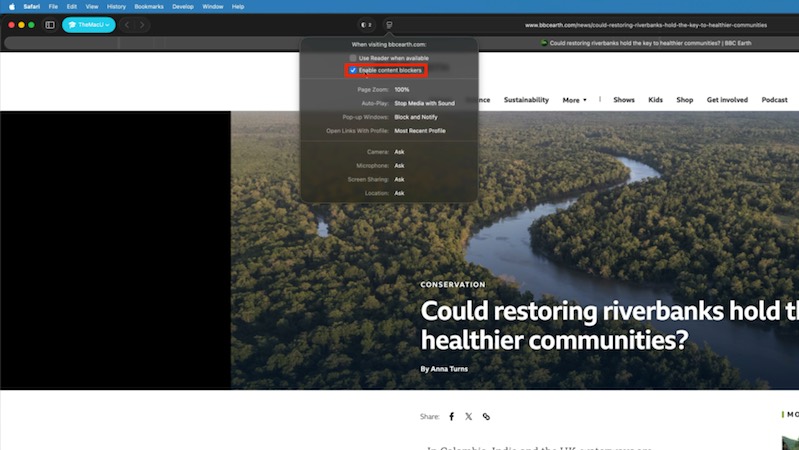
A Better Browsing Experience
Reader, page zoom, auto-play, translation and per-site settings that make every page easier to read.
 142:17
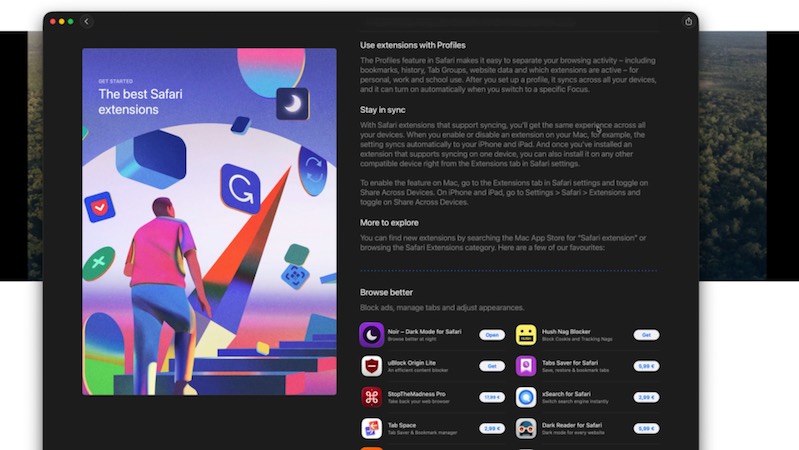
Extensions
Find, install and manage Safari extensions for ad blocking, passwords and more, and control what they can access.
 153:28
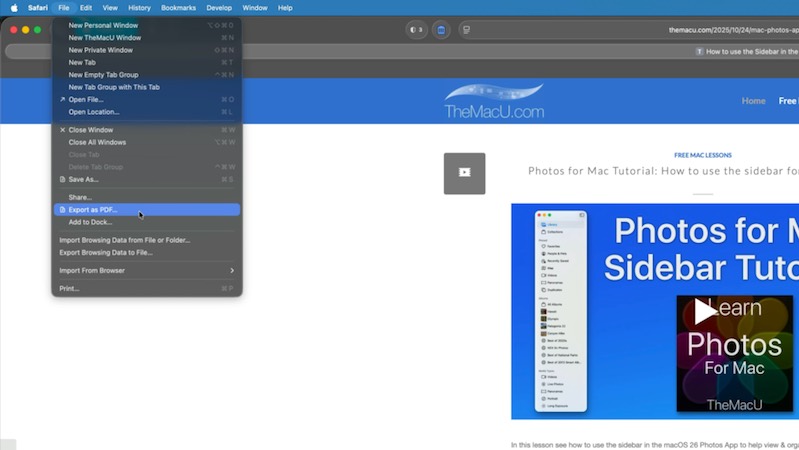
Saving, Sharing & Exporting
Download files, save pages, export as PDF and share links with AirDrop, Messages and Mail.
 162:30
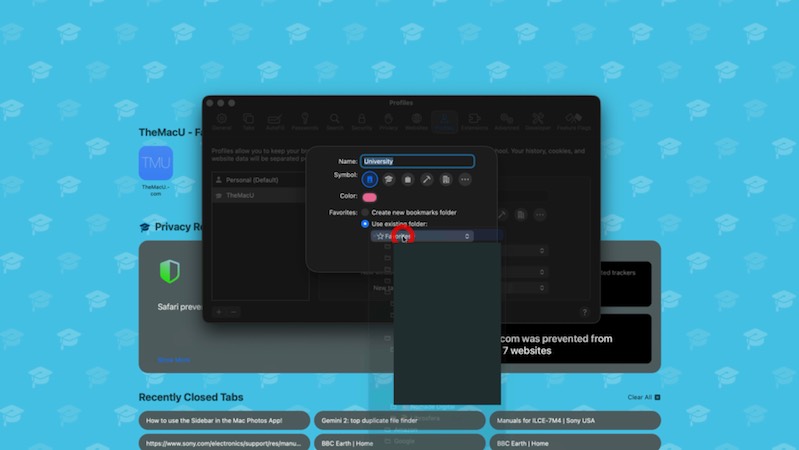
Profiles
Keep work, school and personal browsing separate with Profiles, each with its own history, Favorites and Tab Groups.
 172:44
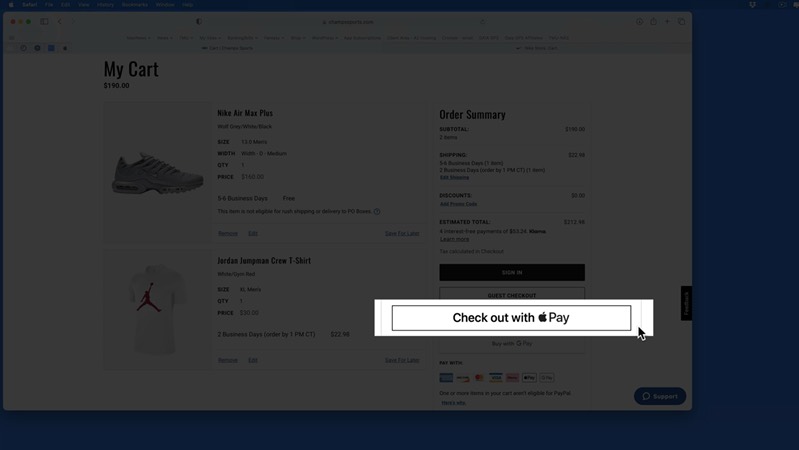
Apple Pay
Pay quickly and securely on websites with Apple Pay and Touch ID, with no card number to type.
Watch freeIncluded with every All Access membership, along with every other tutorial on TheMacU.
Why TheMacU
Tutorials that respect your time
Shown on a real Mac
Every click is shown on screen at a comfortable pace, so you can follow along on your own Mac step by step.
Short and to the point
Most lessons run 2 to 4 minutes. Learn one feature over a coffee and come back for the next whenever you like.
One membership, everything
All Access unlocks this tutorial and every Mac, iPhone and iPad course on the site, including new ones as Apple releases updates.
From our members and viewers
Clear, patient and easy to follow
These tutorials are an exceptional resource for anyone looking to get the most out of their Mac. It's well worth the investment for the wealth of knowledge and practical tips.
You don't go a hundred miles an hour. I can easily keep up, being in my eighties. Thank you from the bottom of my heart.
Superb! Thank you for all the effort and expertise you put into these videos. They have helped me enormously.
All Access membership
Watch this tutorial and every other course on TheMacU
Every plan starts with a free trial. Cancel any time during the trial and you won't be charged.
Monthly
Auto recurring5-day free trial
- Every Mac, iPhone & iPad tutorial
- New tutorials as they're released
- Watch on any device
- No ads
- Email support
Yearly
Auto recurring7-day free trial · just $2.50 a month
- Every Mac, iPhone & iPad tutorial
- New tutorials as they're released
- Watch on any device
- No ads
- Email support
Lifetime
Single payment7-day free trial · pay once, keep it for good
- Everything in Yearly
- Every future macOS & iOS update tutorial
- Never pay again
Secure checkout. Log in on any Mac, iPhone or iPad with the same account.
Questions
About this Safari for Mac tutorial
Will it match Safari on my Mac?
Yes. The lessons cover the current Safari design and features, so what you see in the videos matches a Mac that's up to date. For the newest Safari features, such as Notify Me and Tab Topics, see the macOS 27 tutorial.
Is there a Safari tutorial for iPhone and iPad?
Yes. The Safari for iPhone & iPad tutorial covers Safari on iOS and iPadOS, and it's included in the same All Access membership.
How does the free trial work?
Choose a plan and you can watch everything right away. Monthly includes a 5-day trial; Yearly and Lifetime include 7 days. Cancel before the trial ends and you won't be charged.
Do I get more than this one tutorial?
Yes. Every All Access plan includes all 90+ tutorials on TheMacU, covering macOS, iPhone, iPad, Photos, Safari, productivity apps and more, plus new tutorials as Apple releases updates.
Can I watch on my iPhone or iPad?
Yes. Log in on any device with a web browser and the videos play right on the page.
I'm new to the Mac. Is this too advanced?
No. Each lesson shows every click on screen at a comfortable pace. If you want the basics first, the macOS Core Concepts tutorial is included in your membership too.
Get more out of Safari on your Mac
Start your free trial and watch all 17 lessons today, plus every other tutorial on TheMacU.