
Video tutorial · iPhone, iPad, Mac & Apple Watch
Learn Find My for iPhone, iPad & Mac
This Find My tutorial has 7 clear video lessons on keeping track of the people and things that matter: sharing your location, finding a lost iPhone, iPad or Mac, tracking AirTags and other items, and using Find My on iCloud.com and Apple Watch.
- 7 video lessons
- 24 minutes total
- Beginner friendly
- Watch on iPhone, iPad & Mac
Already a member? Watch the full tutorial now →
 Lesson 5 · Items & AirTagsFree preview
- 90+Mac, iPhone & iPad tutorials
- 6,600+All Access members
- 7-dayfree trial on yearly & lifetime
What you'll learn
Everything in Find My, one short lesson at a time
Watch them in order, or jump straight to the lesson you need. The Items lesson on AirTags is free to watch right now.
 010:59
Introduction
What Find My can do across your iPhone, iPad, Mac and Apple Watch, and how the tutorial is laid out.
 023:55
Activate Find My
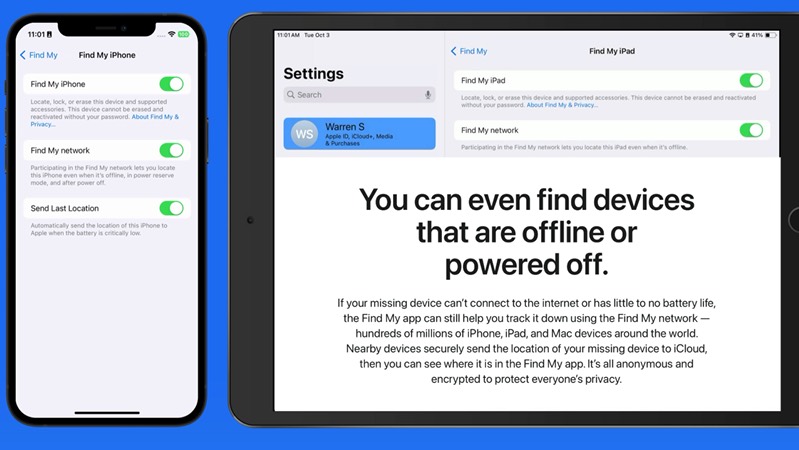
Turn on Find My, the Find My network and Send Last Location so you can find devices even when they're offline.
 034:46
People
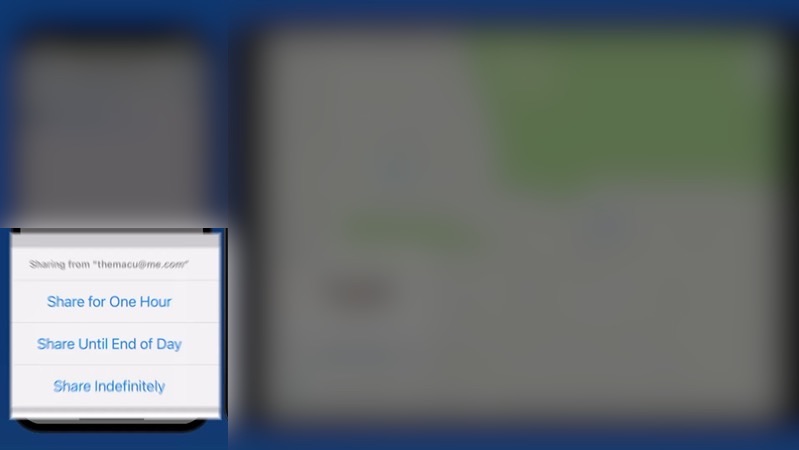
Share your location with family and friends, see where they are and get notified when they arrive or leave.
 043:59
Devices
Locate your devices, play a sound, get alerts when you leave one behind, and mark a lost device or erase it.
054:34Items
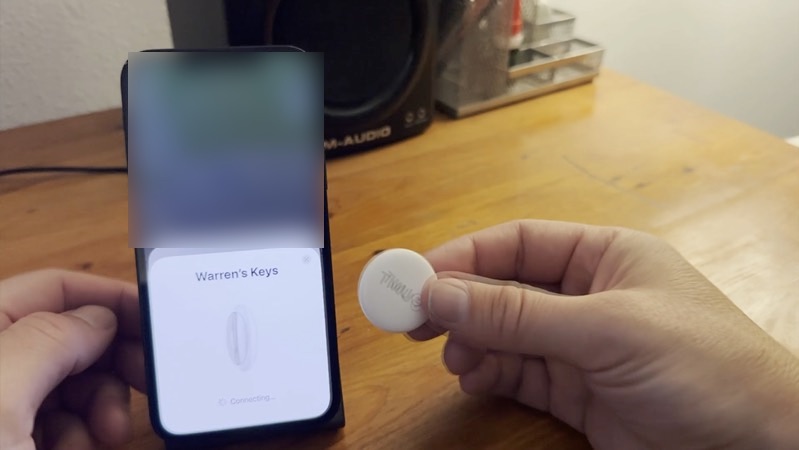
Add AirTags and other Find My items, track keys, bags and luggage, and share an item with someone.
Watch free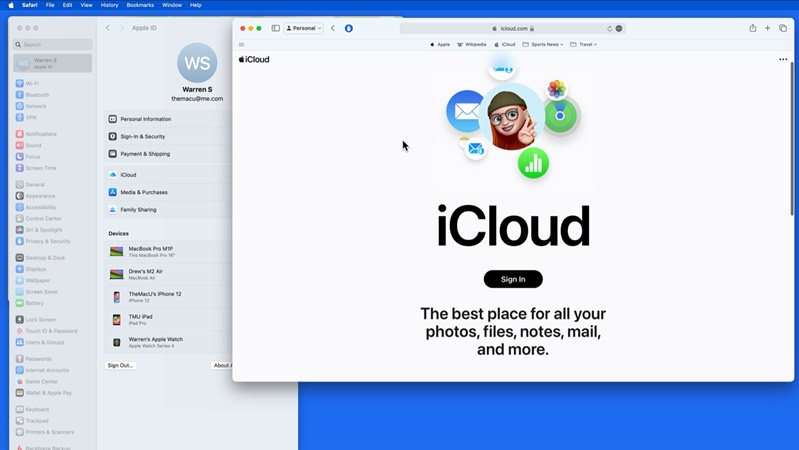 061:53
Find My on iCloud.com
Find a lost device from any web browser, even when you don't have another Apple device with you.
 073:25
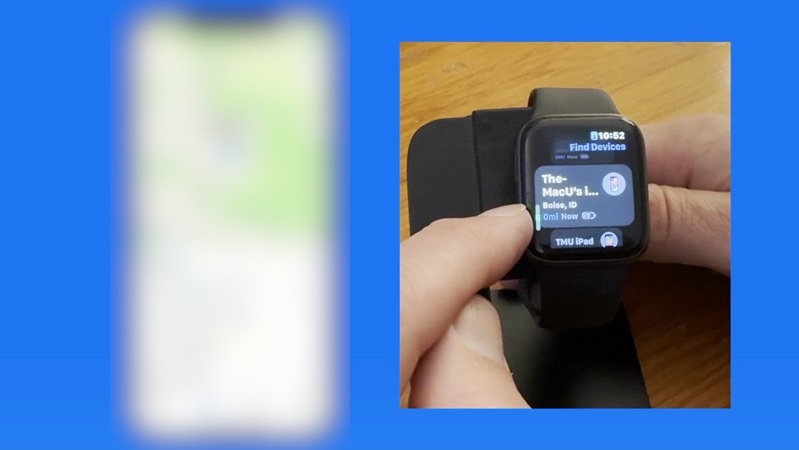
Find My on Apple Watch
Find people, devices and items right from your wrist with the Find My apps on Apple Watch.
Included with every All Access membership, along with every other tutorial on TheMacU.
Why TheMacU
Tutorials that respect your time
Shown on real devices
Every tap and click is shown on iPhone, iPad, Mac and Apple Watch, so you can follow along on whatever you have.
Short and to the point
Most lessons run 2 to 5 minutes. Learn one feature over a coffee and come back for the next whenever you like.
One membership, everything
All Access unlocks this tutorial and every Mac, iPhone and iPad course on the site, including new ones as Apple releases updates.
From our members and viewers
Clear, patient and easy to follow
These tutorials are an exceptional resource for anyone looking to get the most out of their Mac. It's well worth the investment for the wealth of knowledge and practical tips.
You don't go a hundred miles an hour. I can easily keep up, being in my eighties. Thank you from the bottom of my heart.
Superb! Thank you for all the effort and expertise you put into these videos. They have helped me enormously.
All Access membership
Watch this tutorial and every other course on TheMacU
Every plan starts with a free trial. Cancel any time during the trial and you won't be charged.
Monthly
Auto recurring5-day free trial
- Every Mac, iPhone & iPad tutorial
- New tutorials as they're released
- Watch on any device
- No ads
- Email support
Yearly
Auto recurring7-day free trial · just $2.50 a month
- Every Mac, iPhone & iPad tutorial
- New tutorials as they're released
- Watch on any device
- No ads
- Email support
Lifetime
Single payment7-day free trial · pay once, keep it for good
- Everything in Yearly
- Every future macOS & iOS update tutorial
- Never pay again
Secure checkout. Log in on any Mac, iPhone or iPad with the same account.
Questions
About this Find My tutorial
Can Find My locate a device that's offline or turned off?
Often, yes. With the Find My network turned on, nearby Apple devices can anonymously report where your missing device is, even when it isn't connected to the internet. Lesson 2 shows how to turn it on before you need it.
Does it cover AirTags?
Yes. Lesson 5 shows how to set up and track AirTags and other Find My items, share them with family, and what to do if an unknown item is traveling with you.
Does it cover more ways to protect my devices?
Yes. The Mac Security tutorial covers passwords, FileVault and more, and the iCloud tutorial covers iCloud backups and syncing. Both are included in your membership.
How does the free trial work?
Choose a plan and you can watch everything right away. Monthly includes a 5-day trial; Yearly and Lifetime include 7 days. Cancel before the trial ends and you won't be charged.
Do I get more than this one tutorial?
Yes. Every All Access plan includes all 90+ tutorials on TheMacU, covering macOS, iPhone, iPad, Photos, Safari, productivity apps and more, plus new tutorials as Apple releases updates.
Can I watch on my iPhone or iPad?
Yes. Log in on any device with a web browser and the videos play right on the page.
I'm new to the iPhone. Is this too advanced?
No. Each lesson shows every tap on screen at a comfortable pace. If you want the basics first, the iOS Core Concepts tutorial is included in your membership too.
Never lose track of what matters
Start your free trial and watch all 7 lessons today, plus every other tutorial on TheMacU.