Two video tutorials · Mac, iPhone & iPad
Learn Calendar for Mac, iPhone & iPad
This Calendar app tutorial has 19 clear video lessons in two parts, one for the Mac and one for iPhone and iPad: adding events and reminders, event details, invitations, shared and public calendars, widgets, Siri, time zones and printing.
- 19 video lessons
- 55 minutes total
- Beginner friendly
- Watch on Mac, iPhone & iPad
Already a member? Watch the full tutorial now →
- 90+Mac, iPhone & iPad tutorials
- 6,600+All Access members
- 7-dayfree trial on yearly & lifetime
What you'll learn
Two complete Calendar app tutorials, one short lesson at a time
One set of lessons is recorded on the Mac and one on iPhone and iPad, so you learn exactly what you'll see on your own device. Mac lessons · iPhone & iPad lessons. Two lessons are free to watch right now.
Calendar for Mac 10 lessons · 30 minutes
 015:44
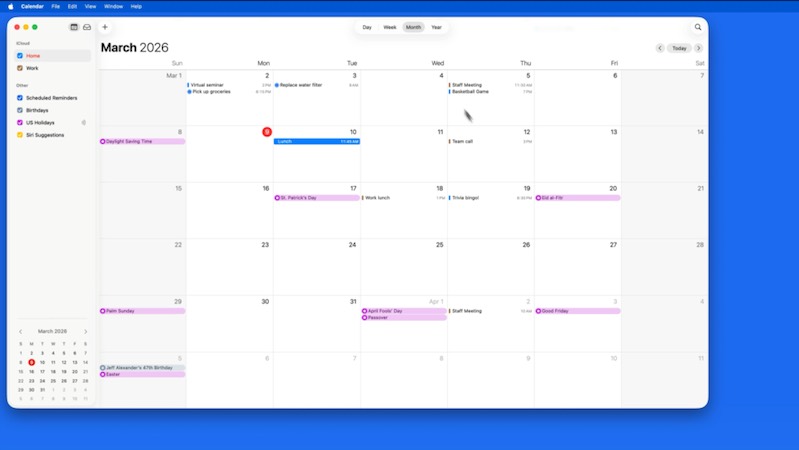
Introduction & Interface
A tour of the Calendar window: Day, Week, Month and Year views, the sidebar and moving between dates.
 023:50
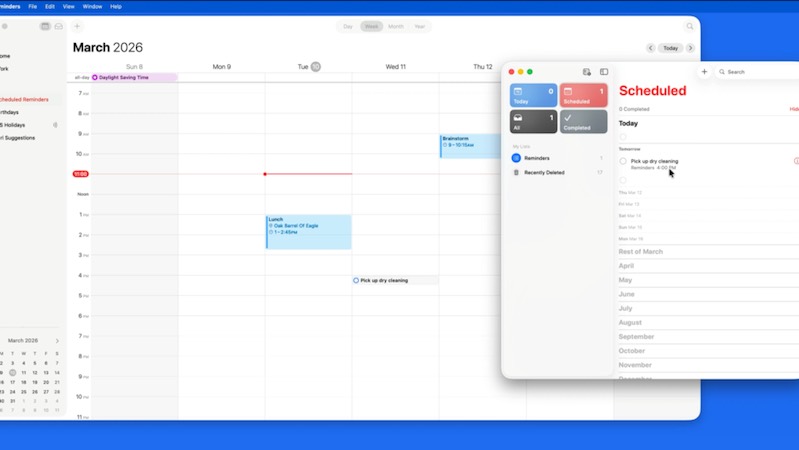
Add Events & Reminders
Add events in a click or by typing naturally, and see your Reminders right in your calendar.
 033:27
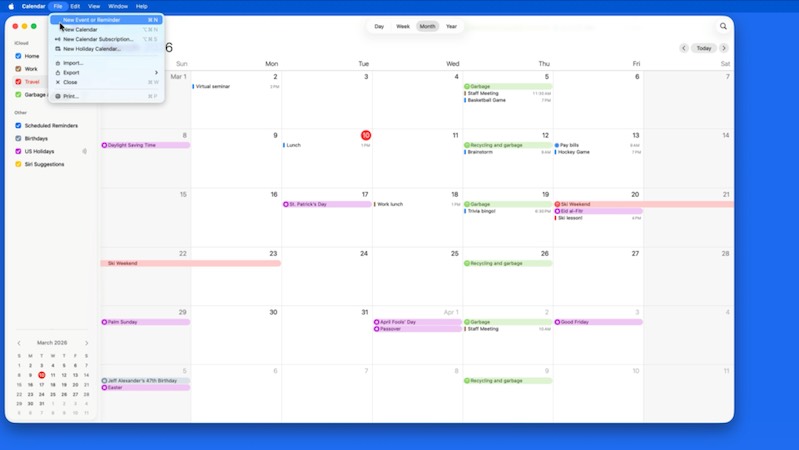
Calendars
Create calendars for home, work and family, color-code them and choose your default calendar.
 044:02
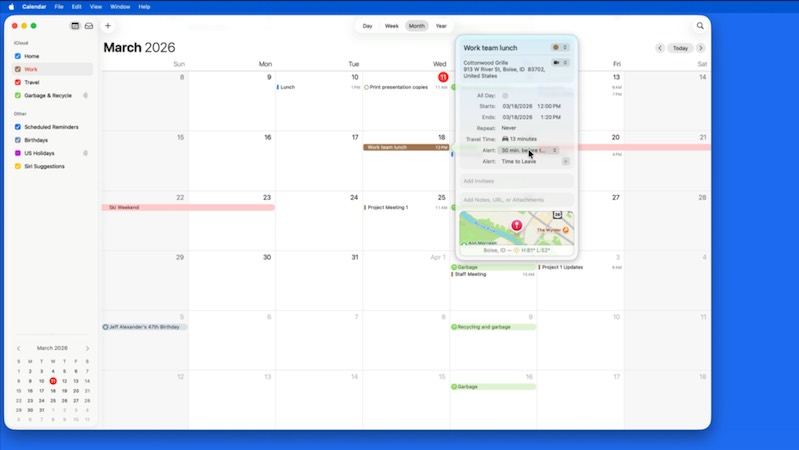
Event Details
Add locations, travel time, alerts, repeats, notes and attachments to your events.
 052:35
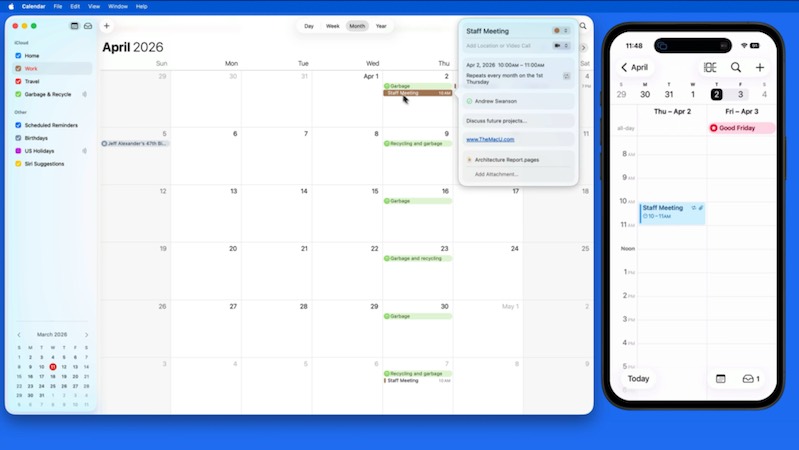
Invitations
Invite people to events, and accept, decline or reply to invitations you receive.
Watch free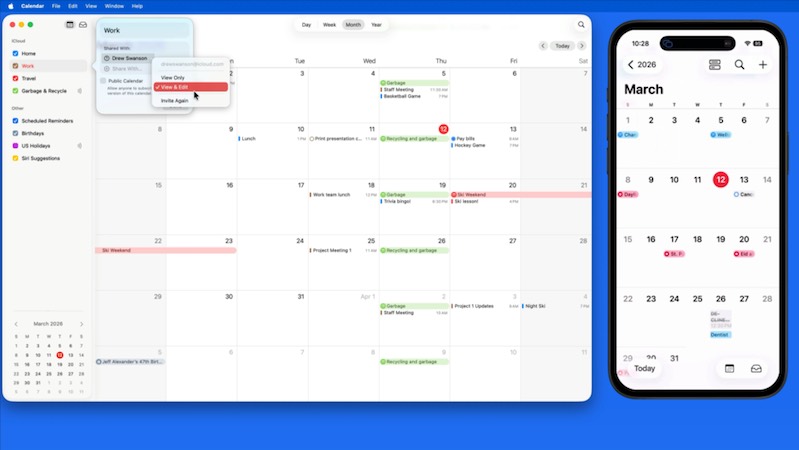 062:14
Shared & Public Calendars
Share calendars with family and coworkers, and subscribe to holiday, sports and other public calendars.
 072:03
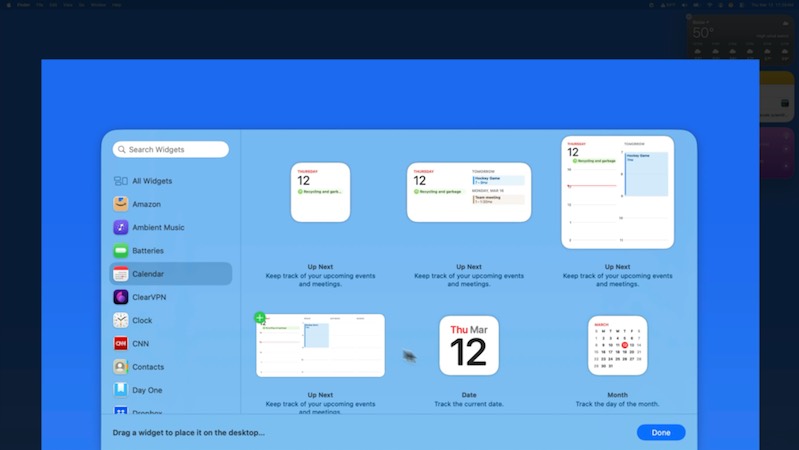
The Calendar Widget
Put your upcoming events on your desktop and in Notification Center with Calendar widgets.
 081:50
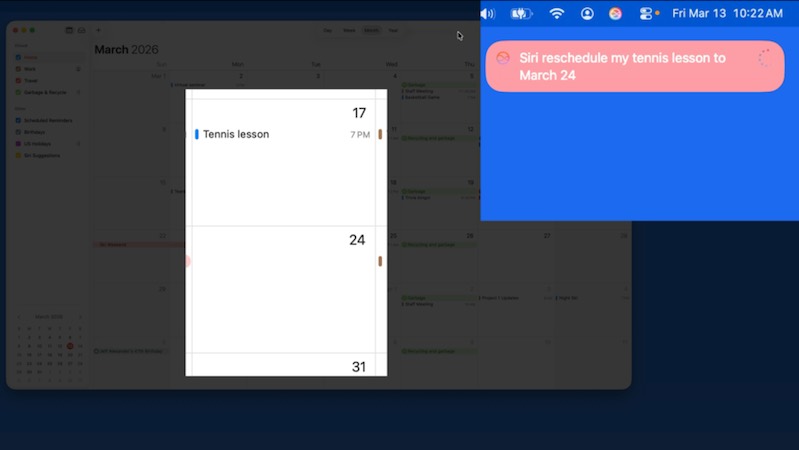
Using Siri with Calendar
Add, move and check events by just asking Siri.
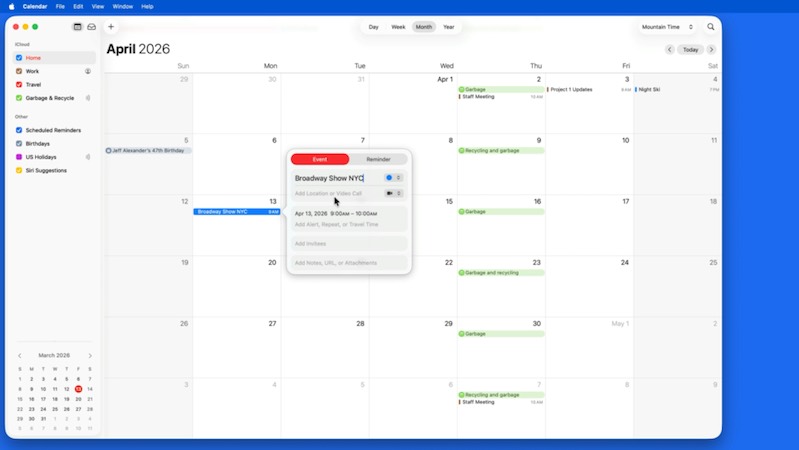 091:45
Time Zones
Turn on time zone support so events stay at the right time when you travel or meet across zones.
 102:14
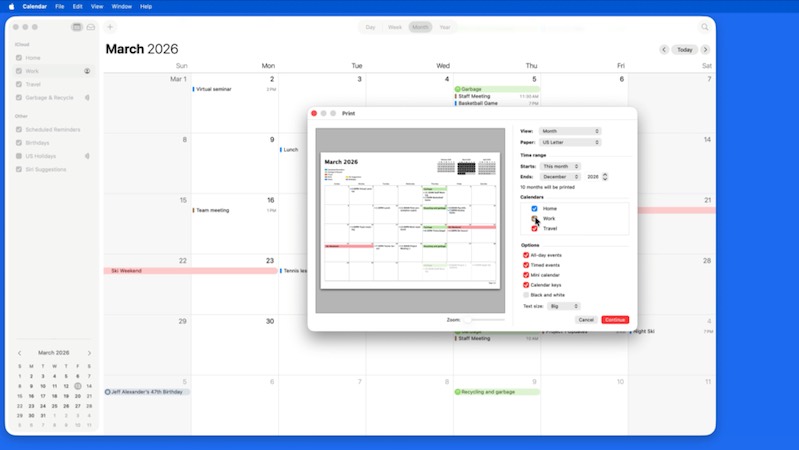
Print Calendars
Print daily, weekly, monthly or list views of your calendars, with just the details you want.
Calendar for iPhone & iPad 9 lessons · 26 minutes
 014:25
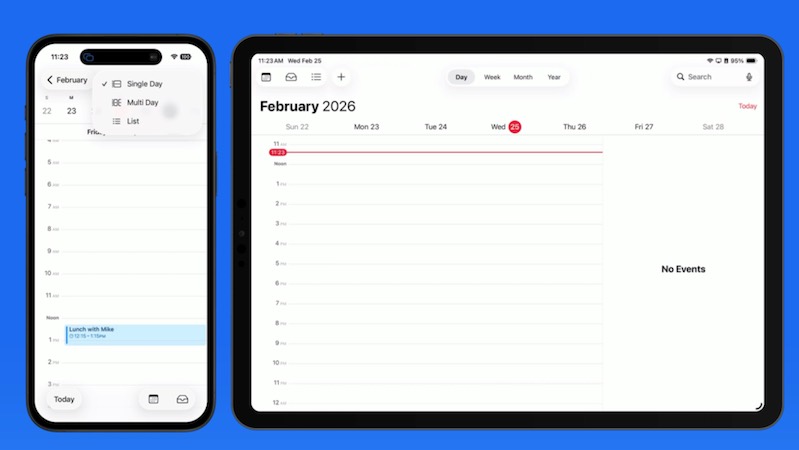
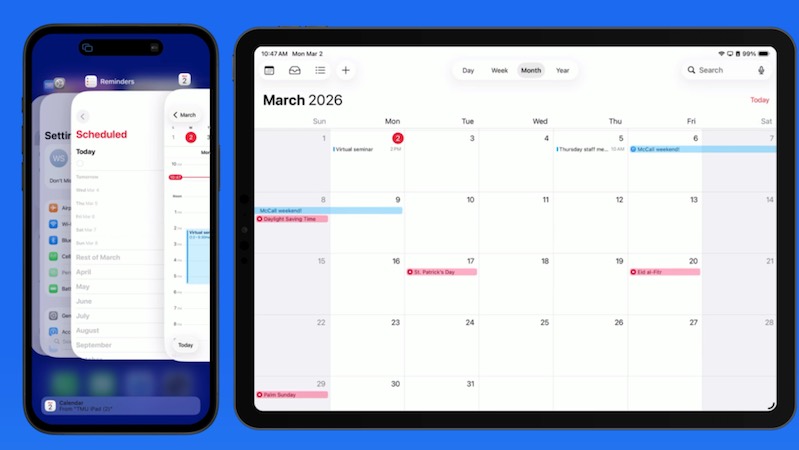
Introduction & Interface
A tour of Calendar on iPhone and iPad: day, week, month and list views, and getting around quickly.
 024:07
Add Events & Reminders
Add events and reminders in a few taps, and see your Reminders right alongside your schedule.
Watch free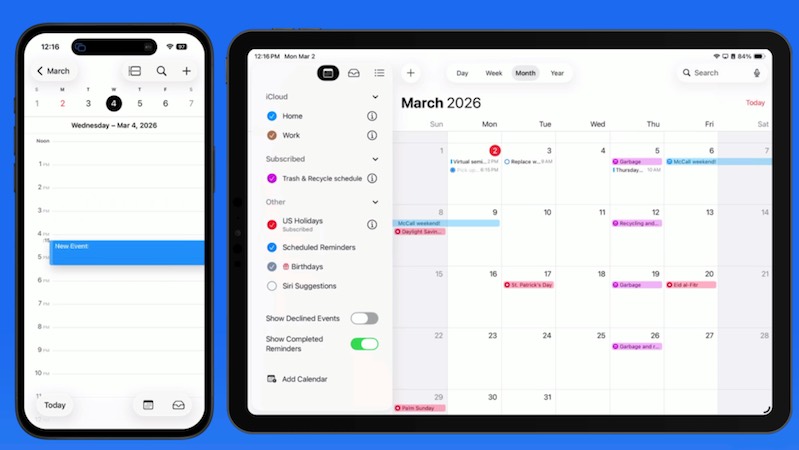 032:58
Calendars
Create, color-code and hide calendars, and choose which one new events go to.
 043:09
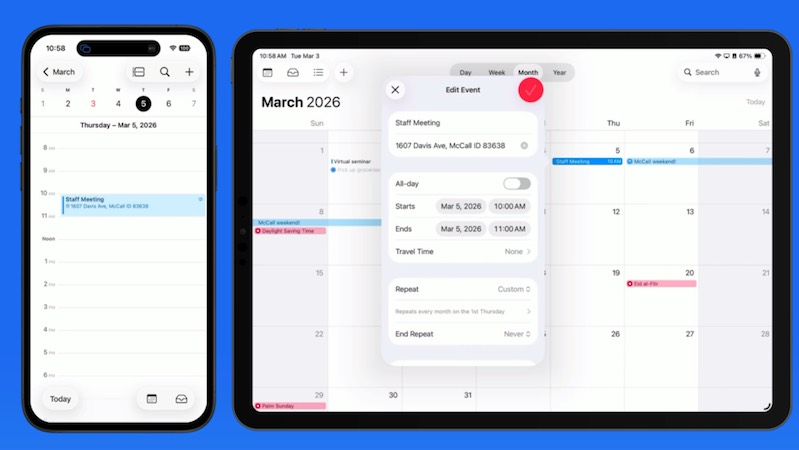
Event Details
Add locations, travel time, alerts, repeats, notes and attachments to your events.
 052:21
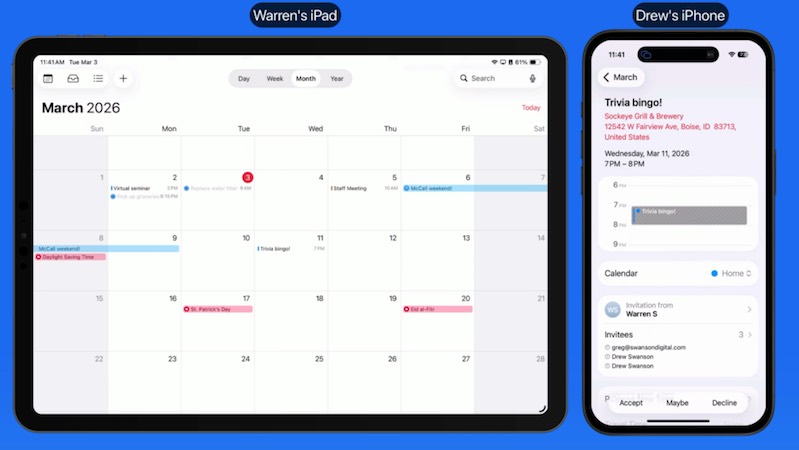
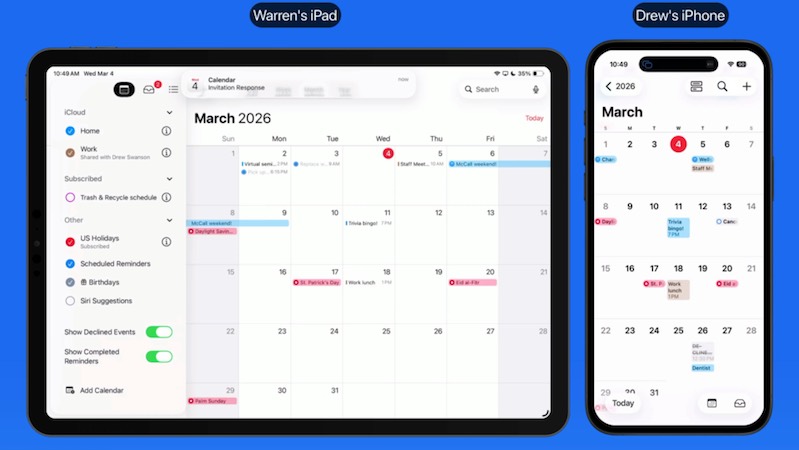
Invitations
Invite people to events, and accept, decline or reply to invitations you receive.
 062:47
Shared & Public Calendars
Share calendars with family and coworkers, and subscribe to holiday and other public calendars.
 071:23
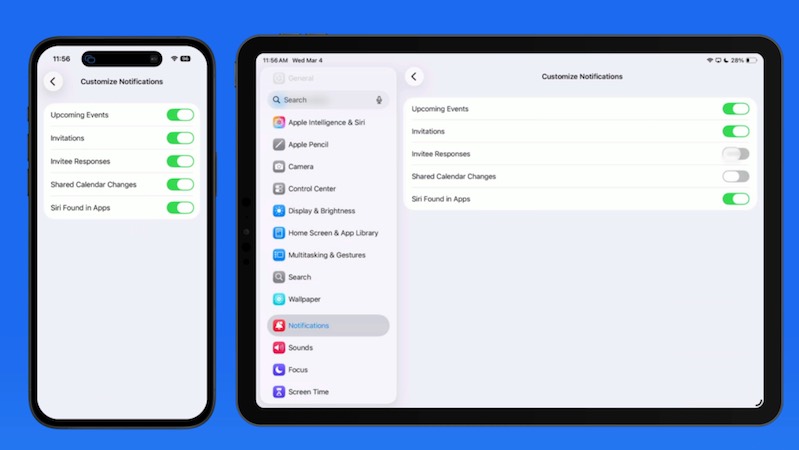
Notifications
Choose which Calendar alerts you get and how they appear, so you never miss what matters.
 083:10
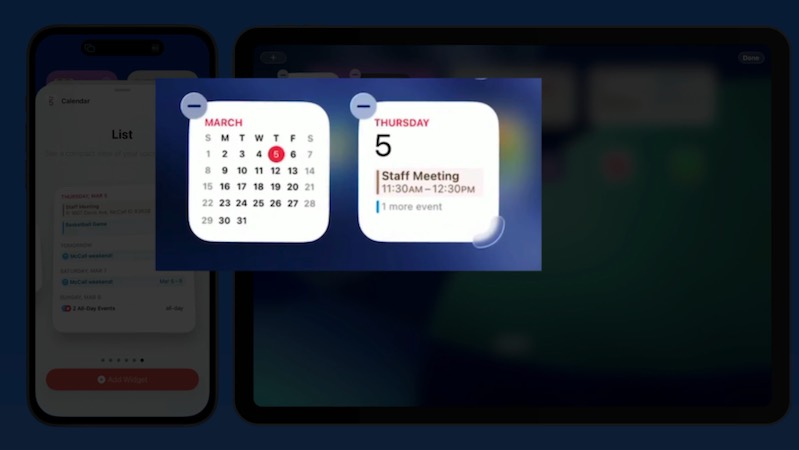
The Calendar Widget
Add Calendar widgets to your Home Screen and Lock Screen to see what's next at a glance.
 091:22
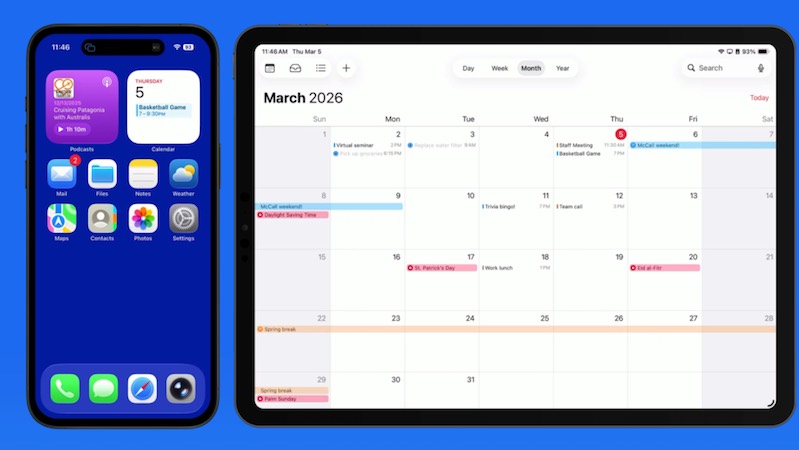
Using Siri with Calendar
Add, move and check events hands-free by just asking Siri.
Included with every All Access membership, along with every other tutorial on TheMacU.
Why TheMacU
Tutorials that respect your time
Made for the device you use
The Mac lessons are shown on a Mac and the iPhone & iPad lessons on an iPhone and iPad, so every click and tap matches your screen.
Short and to the point
Most lessons run 2 to 4 minutes. Learn one feature over a coffee and come back for the next whenever you like.
One membership, everything
All Access unlocks this tutorial and every Mac, iPhone and iPad course on the site, including new ones as Apple releases updates.
From our members and viewers
Clear, patient and easy to follow
These tutorials are an exceptional resource for anyone looking to get the most out of their Mac. It's well worth the investment for the wealth of knowledge and practical tips.
You don't go a hundred miles an hour. I can easily keep up, being in my eighties. Thank you from the bottom of my heart.
Superb! Thank you for all the effort and expertise you put into these videos. They have helped me enormously.
All Access membership
Watch this tutorial and every other course on TheMacU
Every plan starts with a free trial. Cancel any time during the trial and you won't be charged.
Monthly
Auto recurring5-day free trial
- Every Mac, iPhone & iPad tutorial
- New tutorials as they're released
- Watch on any device
- No ads
- Email support
Yearly
Auto recurring7-day free trial · just $2.50 a month
- Every Mac, iPhone & iPad tutorial
- New tutorials as they're released
- Watch on any device
- No ads
- Email support
Lifetime
Single payment7-day free trial · pay once, keep it for good
- Everything in Yearly
- Every future macOS & iOS update tutorial
- Never pay again
Secure checkout. Log in on any Mac, iPhone or iPad with the same account.
Questions
About this Calendar app tutorial
Do I get both the Mac and the iPhone & iPad lessons?
Yes. Your membership includes both parts: 10 lessons on Calendar for Mac and 9 lessons on Calendar for iPhone and iPad. Watch whichever you need, or both.
Does it work with Google and Outlook calendars?
Yes. Calendar works with iCloud, Google, Outlook and other calendar accounts, and you can view them all together. To keep calendars in sync across all your devices, see the iCloud tutorial.
Will it match Calendar on my devices?
Yes. Calendar works the same or very similarly on recent versions of macOS, iOS and iPadOS, so you can follow along on your own Mac, iPhone or iPad. The Contacts tutorial is included too, and works hand in hand with Calendar.
How does the free trial work?
Choose a plan and you can watch everything right away. Monthly includes a 5-day trial; Yearly and Lifetime include 7 days. Cancel before the trial ends and you won't be charged.
Do I get more than this one tutorial?
Yes. Every All Access plan includes all 90+ tutorials on TheMacU, covering macOS, iPhone, iPad, Photos, Safari, productivity apps and more, plus new tutorials as Apple releases updates.
Can I watch on my iPhone or iPad?
Yes. Log in on any device with a web browser and the videos play right on the page.
I'm new to the Mac or iPhone. Is this too advanced?
No. Each lesson shows every click and tap on screen at a comfortable pace. If you want the basics first, macOS Core Concepts and iOS Core Concepts are included in your membership too.
Stay on top of your schedule
Start your free trial and watch all 19 lessons today, plus every other tutorial on TheMacU.