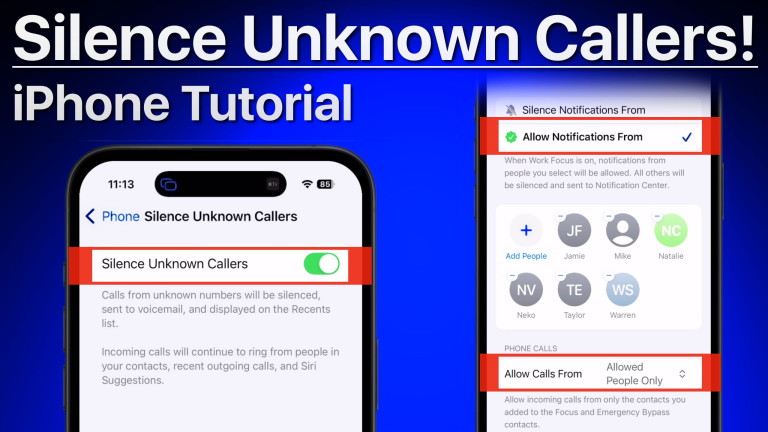
Video tutorial · iPhone & iPad
Learn What's New in iOS 26
This iOS 26 tutorial has 19 clear video lessons on the biggest changes to iPhone and iPad: the Liquid Glass design, the new Lock Screen, custom app icons, the redesigned Camera, Photos and Phone apps, call recording, Live Translation, Visual Intelligence, Messages polls, Files and Preview, and windowed apps on iPad.
- 19 video lessons
- 52 minutes total
- Beginner friendly
- Watch on Mac, iPhone & iPad
Already a member? Watch the full tutorial now →
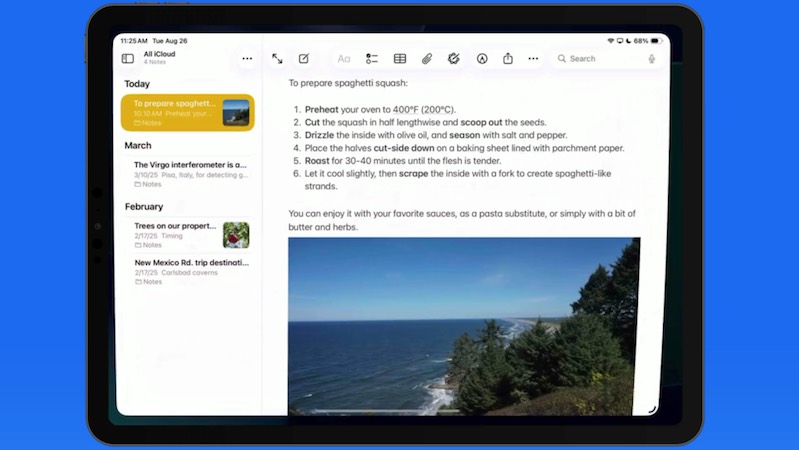 Lesson 17 · Windowed Apps on iPadFree preview
- 90+Mac, iPhone & iPad tutorials
- 6,600+All Access members
- 7-dayfree trial on yearly & lifetime
What you'll learn
Every new feature in iOS 26, one short lesson at a time
Watch them in order or jump straight to the feature you want. One lessons are free to watch right now.
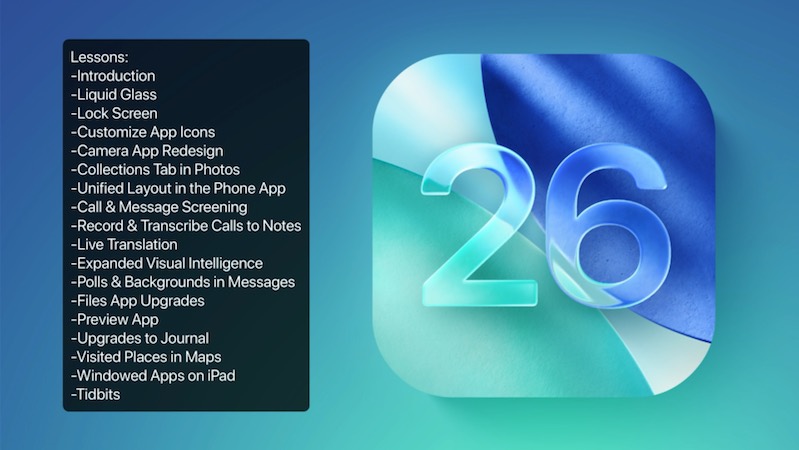 011:45
Introduction
A quick look at what's new in iOS 26 and what this tutorial covers.
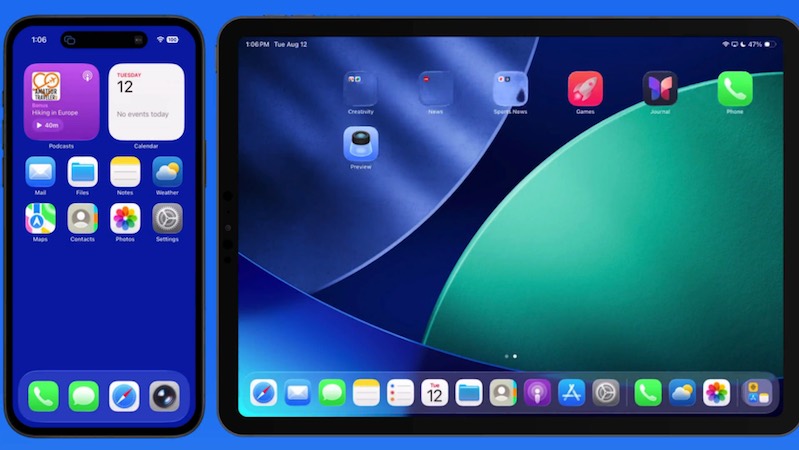 022:50
Liquid Glass
The new see-through Liquid Glass look, and how to adjust it if you prefer more contrast.
 033:34
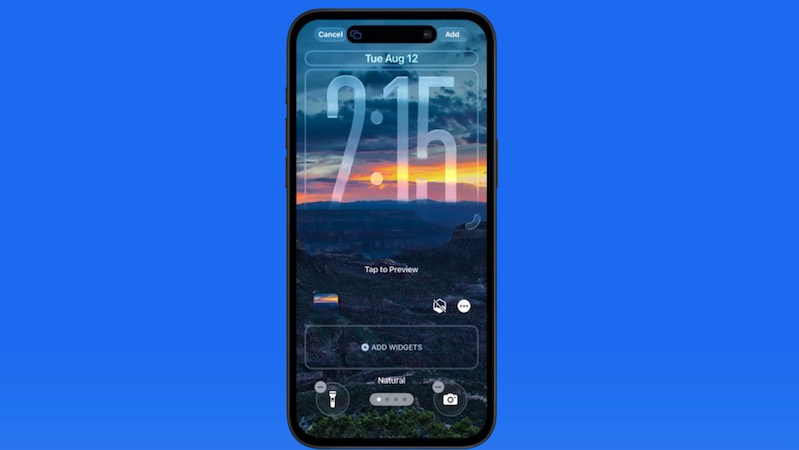
Lock Screen
Spatial photos, the adaptive clock and the other Lock Screen changes.
 044:00
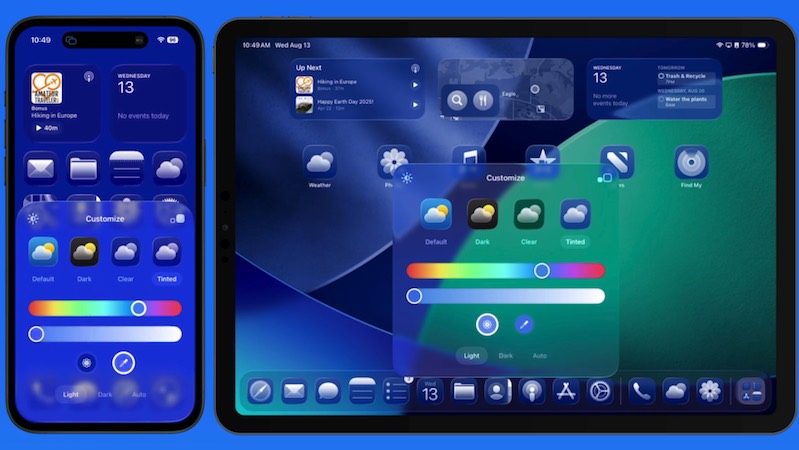
Customize App Icons
Give your Home Screen a new look with clear, tinted and dark icons.
 052:03
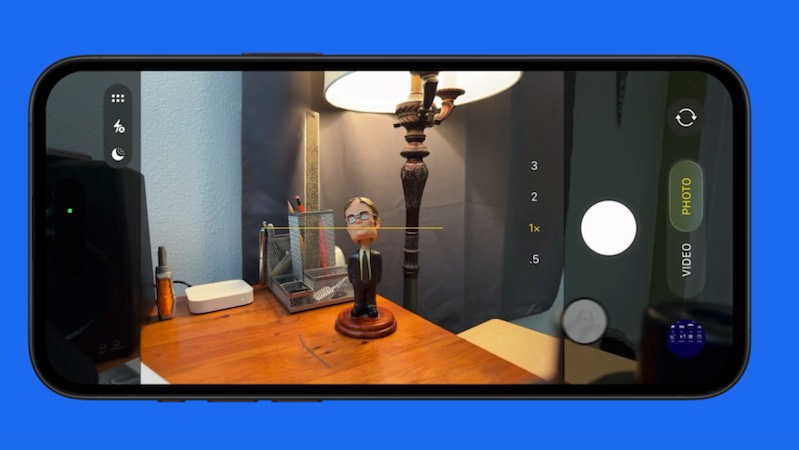
Camera App Redesign
Find your way around the simpler Camera app and its new controls.
 062:47
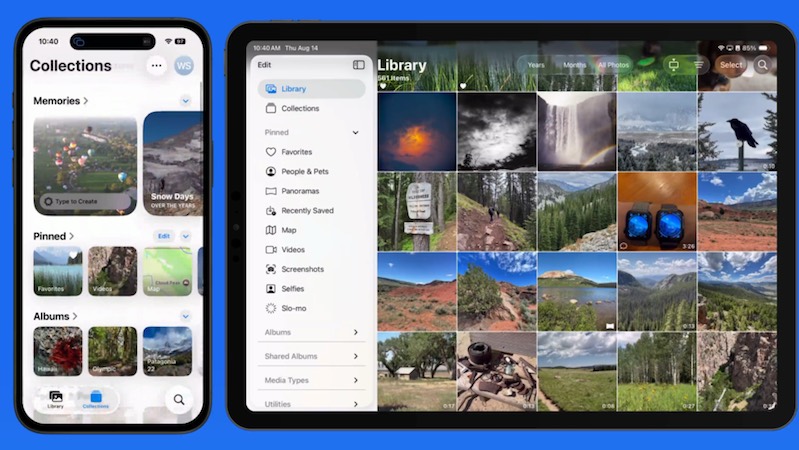
Collections Tab in Photos
Browse your library with the new Library and Collections tabs.
 071:43
Unified Layout in the Phone App
The new Phone app layout, call screening and Hold Assist.
 082:06
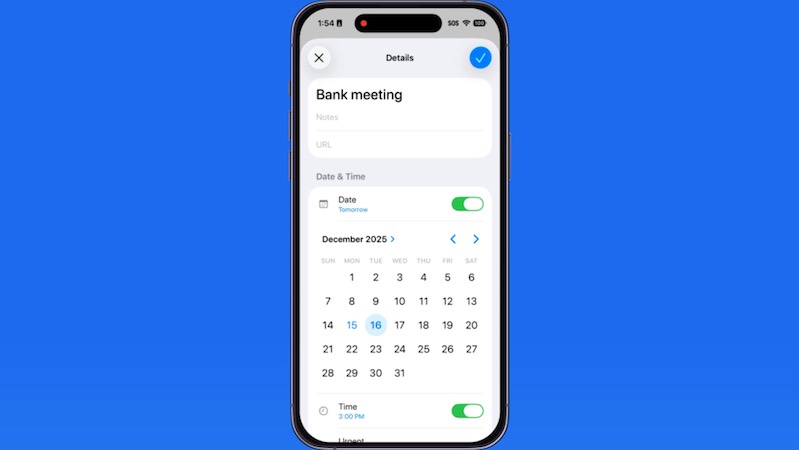
Alarms for Urgent Reminders
Make important reminders ring like an alarm so you never miss them.
 091:53
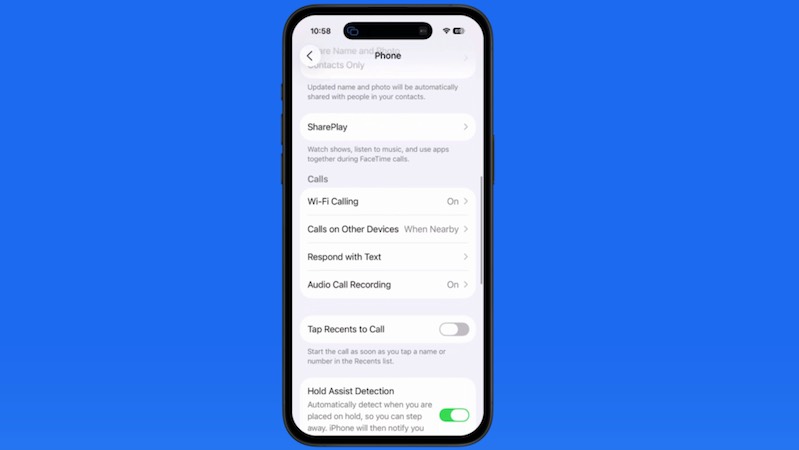
Record & Transcribe Calls to Notes
Record phone calls and get a written transcript saved in Notes.
 102:05
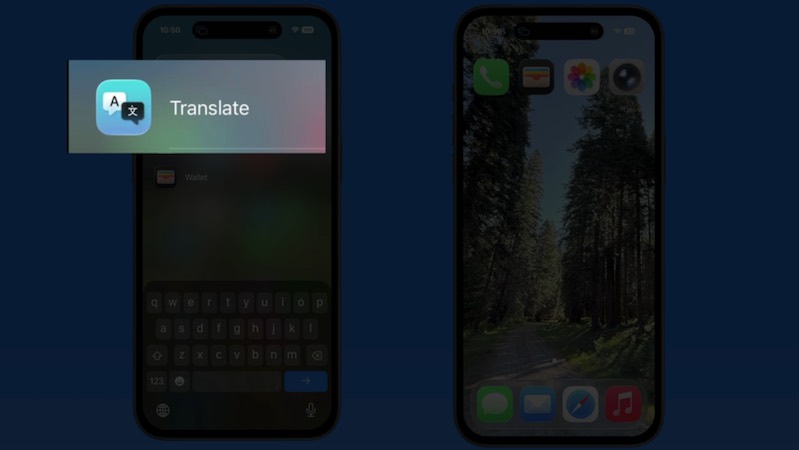
Live Translation
Translate Messages, FaceTime and phone calls as they happen.
 111:57
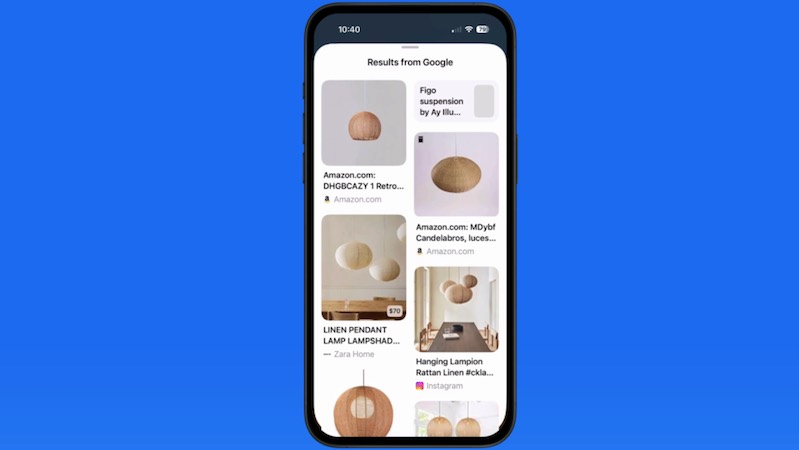
Expanded Visual Intelligence
Search and take action on anything on your screen.
 122:57
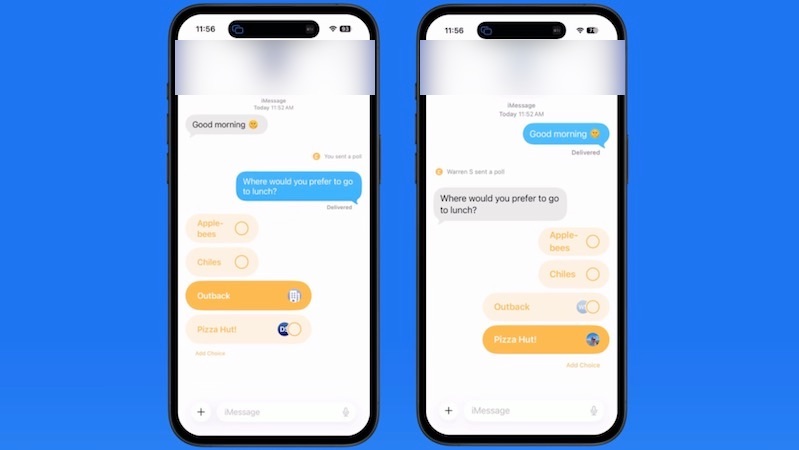
Polls & Backgrounds in Messages
Create polls in group chats and set custom conversation backgrounds.
 134:04
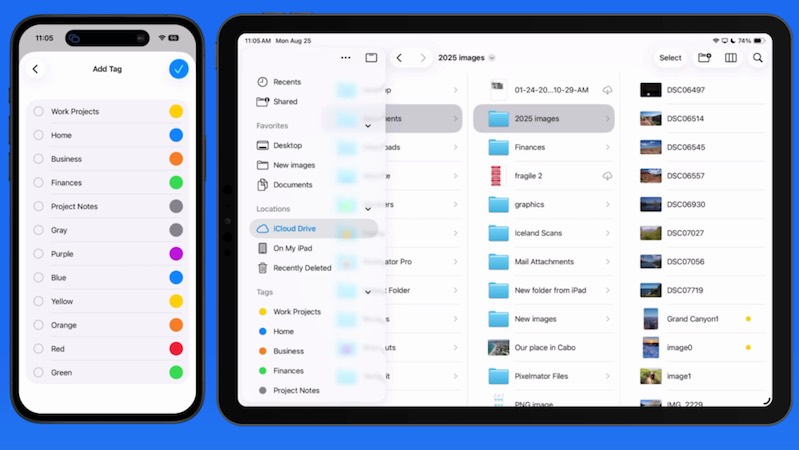
Files App Upgrades
The new Files features, from list views to folder colors and icons.
 141:50
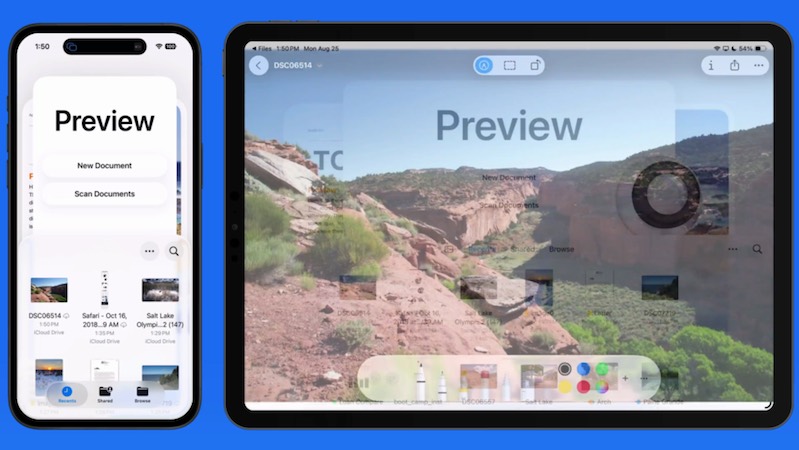
Preview App
View, fill in and mark up PDFs and images with the new Preview app.
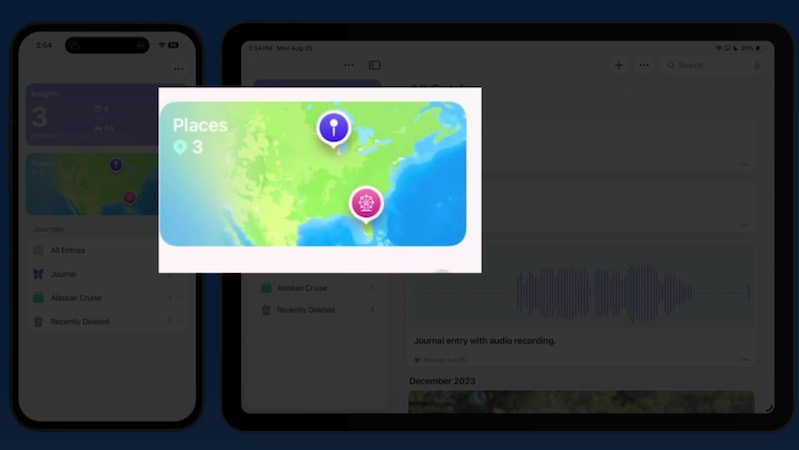 152:10
Journal App Upgrades
Multiple journals, places and the other Journal updates.
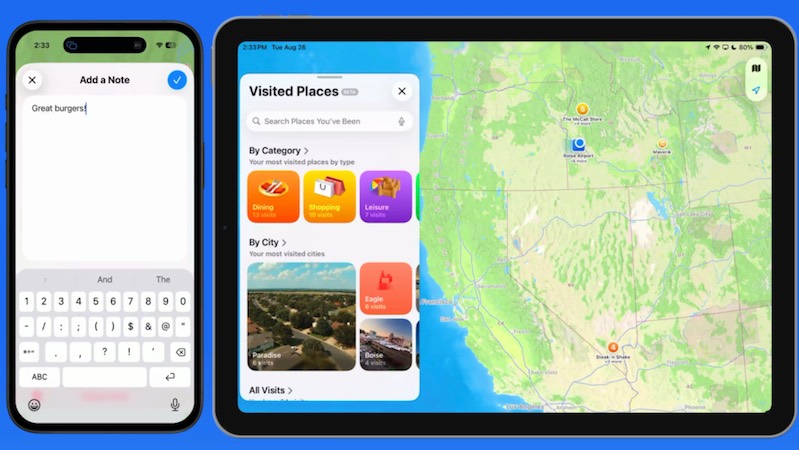 162:28
Visited Places in Maps
Look back at places you've been, saved privately on your device.
175:28Windowed Apps on iPad
Open apps in resizable windows to make your iPad work more like a Mac.
Watch free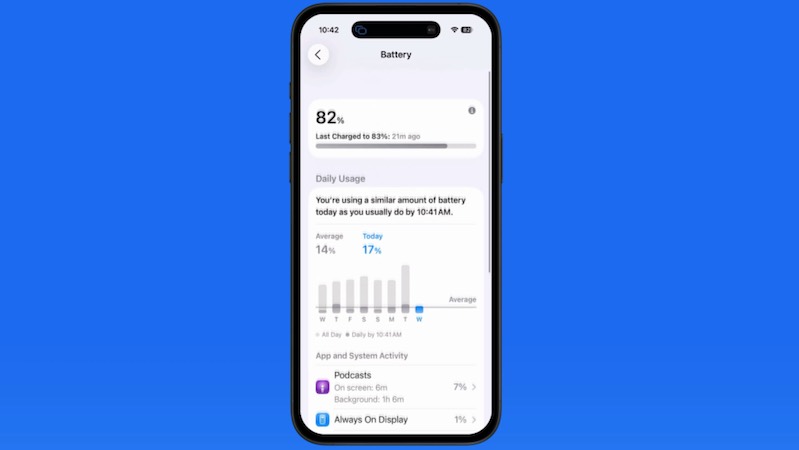 185:27
Tidbits
Smaller changes worth knowing about, from battery to settings.
 190:42
Wrap Up
A quick recap of the biggest changes in iOS 26.
Included with every All Access membership, along with every other tutorial on TheMacU.
Why TheMacU
Tutorials that respect your time
Shown on a real iPhone & iPad
Every feature is shown on a real iPhone and iPad, so you see exactly what changes on your own device.
Short and to the point
Most lessons run 2 to 4 minutes. Learn one feature over a coffee and come back for the next whenever you like.
One membership, everything
All Access unlocks this tutorial and every Mac, iPhone and iPad course on the site, including new ones as Apple releases updates.
From our members and viewers
Clear, patient and easy to follow
These tutorials are an exceptional resource for anyone looking to get the most out of their Mac. It's well worth the investment for the wealth of knowledge and practical tips.
You don't go a hundred miles an hour. I can easily keep up, being in my eighties. Thank you from the bottom of my heart.
Superb! Thank you for all the effort and expertise you put into these videos. They have helped me enormously.
All Access membership
Watch this tutorial and every other course on TheMacU
Every plan starts with a free trial. Cancel any time during the trial and you won't be charged.
Monthly
Auto recurring5-day free trial
- Every Mac, iPhone & iPad tutorial
- New tutorials as they're released
- Watch on any device
- The full tutorial library, with no ads
- Email support
Yearly
Auto recurring7-day free trial · just $2.50 a month
- Every Mac, iPhone & iPad tutorial
- New tutorials as they're released
- Watch on any device
- The full tutorial library, with no ads
- Email support
Lifetime
Single payment7-day free trial · pay once, keep it for good
- Everything in Yearly
- Every future macOS & iOS update tutorial
- Never pay again
Secure checkout. Log in on any Mac, iPhone or iPad with the same account.
Questions
About this iOS 26 tutorial
How do I update to iOS 26?
Open Settings, tap General, then Software Update. If your iPhone or iPad can run iOS 26, you'll see it there.
Is there a tutorial for the newest version?
Yes. The iOS 27 What's New tutorial covers the latest update, and the iOS Core Concepts tutorial covers everyday iPhone and iPad features. All are included in the same All Access membership.
How does the free trial work?
Choose a plan and you can watch everything right away. Monthly includes a 5-day trial; Yearly and Lifetime include 7 days. Cancel before the trial ends and you won't be charged.
Do I get more than this one tutorial?
Yes. Every All Access plan includes all 90+ tutorials on TheMacU, covering macOS, iPhone, iPad, Photos, Safari, productivity apps and more, plus new tutorials as Apple releases updates.
Can I watch on my iPhone or iPad?
Yes. Log in on any device with a web browser and the videos play right on the page.
I'm new to the iPhone. Is this too advanced?
No. Each lesson shows every tap on screen at a comfortable pace. If you want the basics first, the iOS Core Concepts tutorial is included in your membership too.
Get the most out of iOS 26
Start your free trial and watch all 19 lessons today, plus every other tutorial on TheMacU.
Tips & guides
Free iOS 26 What’s New tips
Quick, practical guides related to this tutorial. See all tips →