Video tutorial · iPhone & iPad · iOS 27
Learn What's New in iOS 27
Short, clear video lessons on the iOS 27 features that matter on iPhone and iPad: the new Siri app, Siri in the Camera, AI photo editing, smarter Safari tabs and more. Watch each one in a few minutes and try it right away.
- 11 video lessons, 3 more coming
- 25 minutes total
- Recorded on iOS 27 & iPadOS 27
- Watch on iPhone, iPad & Mac
Already a member? Watch the full tutorial now →
 Lesson 3 · Siri AI and the new Siri appFree preview
- 90+Mac, iPhone & iPad tutorials
- 6,600+All Access members
- 7-dayfree trial on yearly & lifetime
What you'll learn
Every major iOS 27 feature, one short lesson at a time
Watch them in order or jump straight to the feature you want. The Siri AI lesson is free to watch right now.
 012:04
Introduction
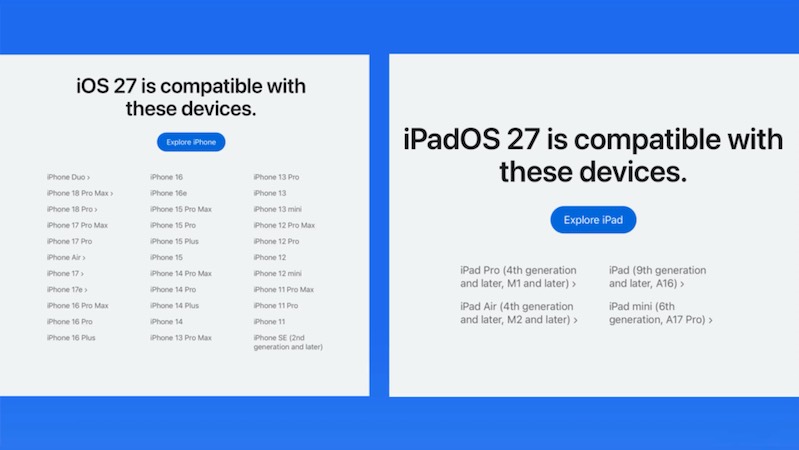
Which iPhones and iPads can run iOS 27, and which ones get Siri AI and the other Apple Intelligence features.
 022:11
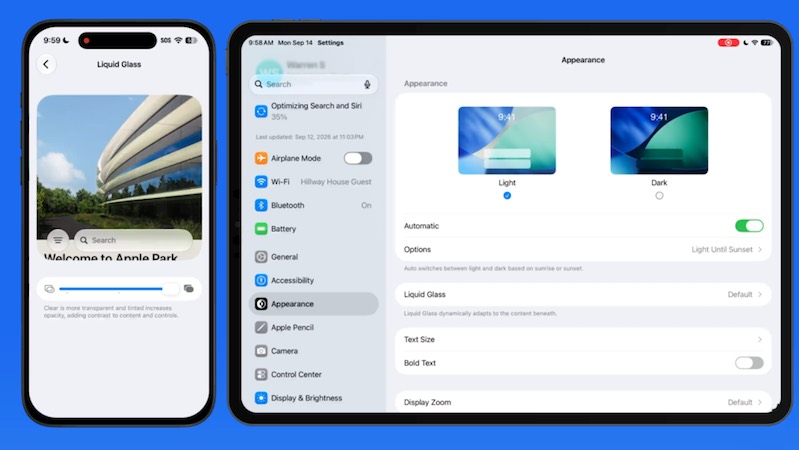
The Liquid Glass Slider
Make the see-through Liquid Glass look more or less transparent so menus and buttons are easier to read.
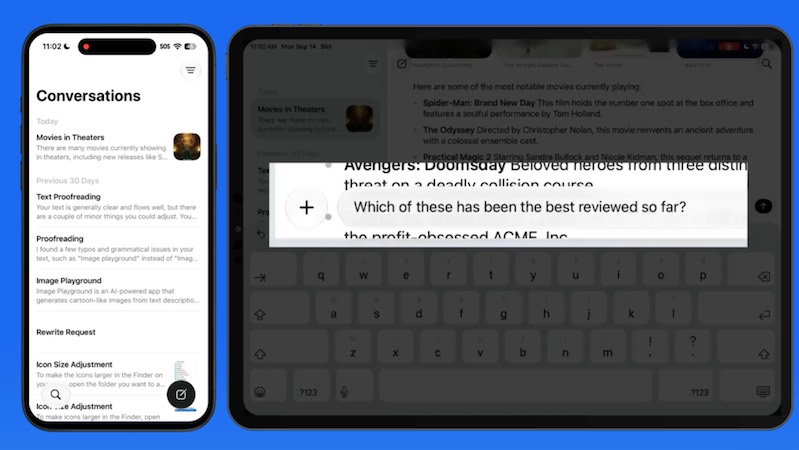
033:15Siri AI and the New Siri App
Chat with Siri like ChatGPT or Claude, pick up past conversations and keep them in sync across your devices.
Watch free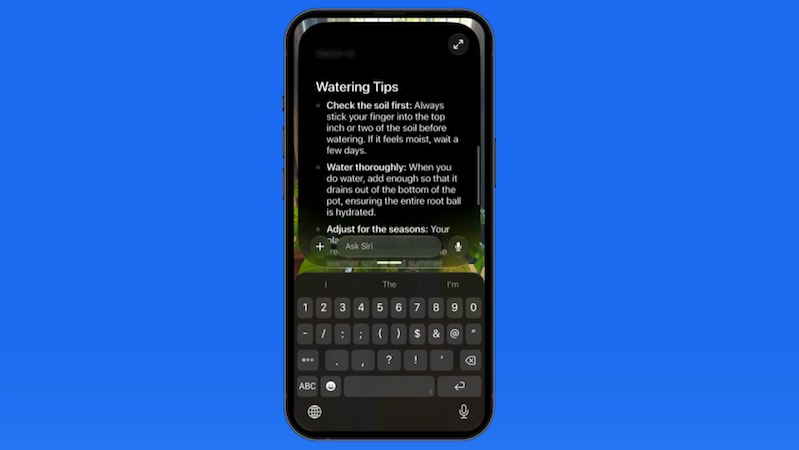 042:51
Siri in the Camera App
Point your camera at a plant, product or landmark and ask Siri what it is and how to care for it.
 052:08
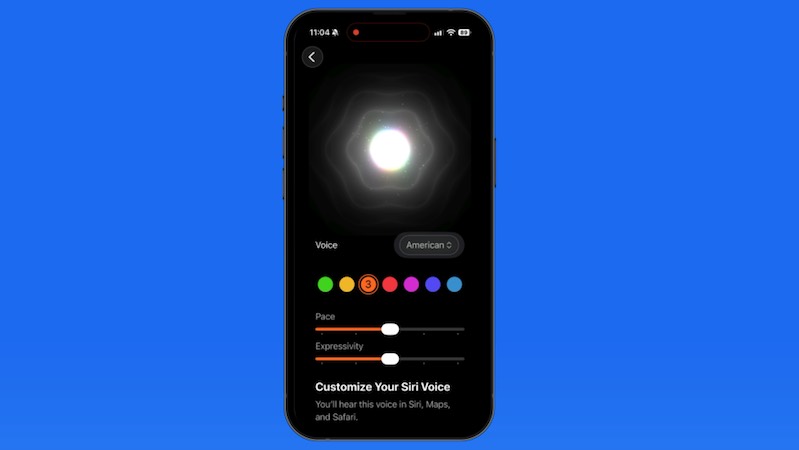
Customize Siri's Voice
Pick a new accent and voice, then set exactly how fast and how expressively Siri speaks.
 062:43
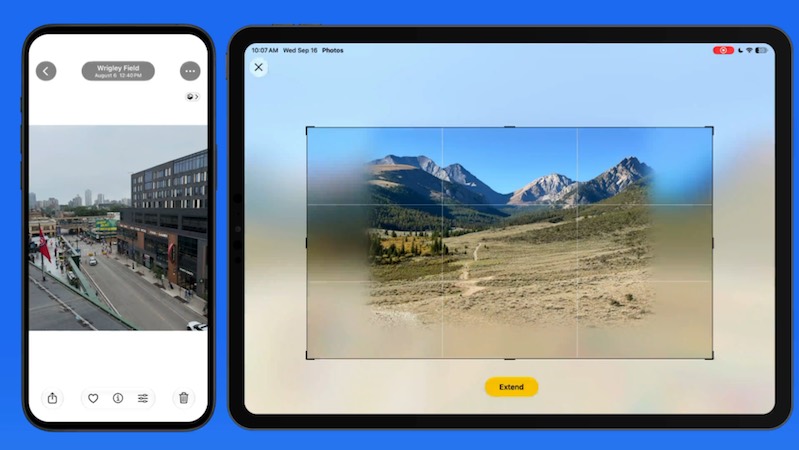
Extend & Reframe Photos
Remove objects cleanly, widen a shot beyond its edges and change a photo's framing after you took it.
 072:01
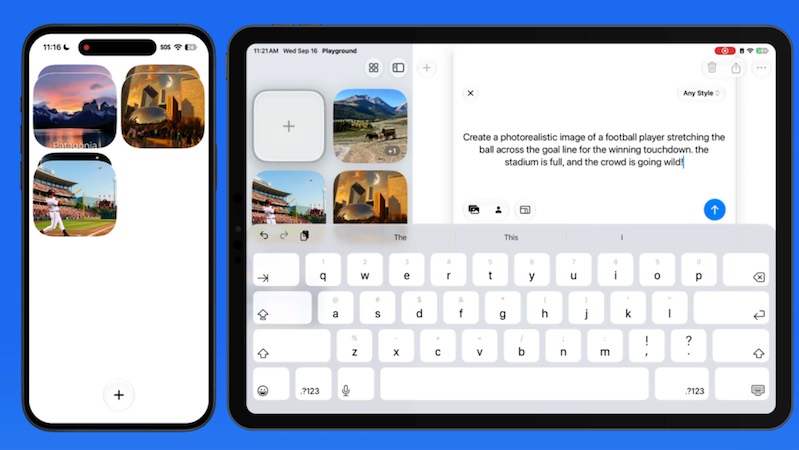
The New Image Playground
Describe an image in plain words and get it in any style, including photorealistic, in three sizes.
 082:39
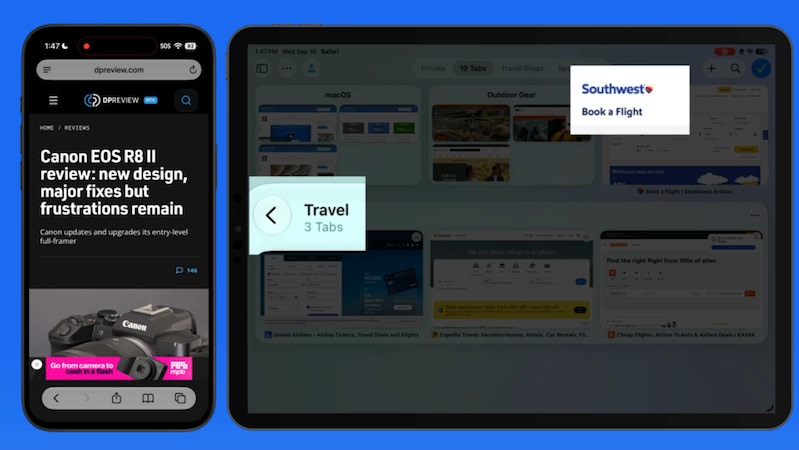
Auto-Organize Safari Tabs
Let Safari sort a crowded tab bar into topics automatically, then fine-tune the groups yourself.
 101:10
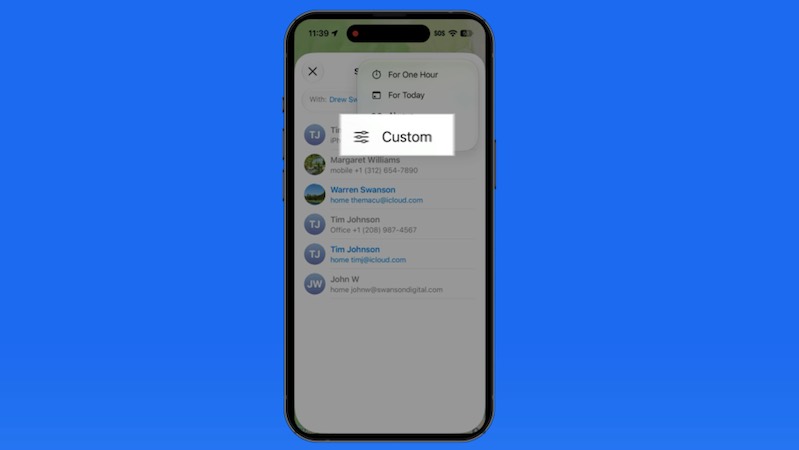
Pause Location Sharing
Share your location for a set number of days, or quietly hide it until tomorrow in Find My.
 111:40
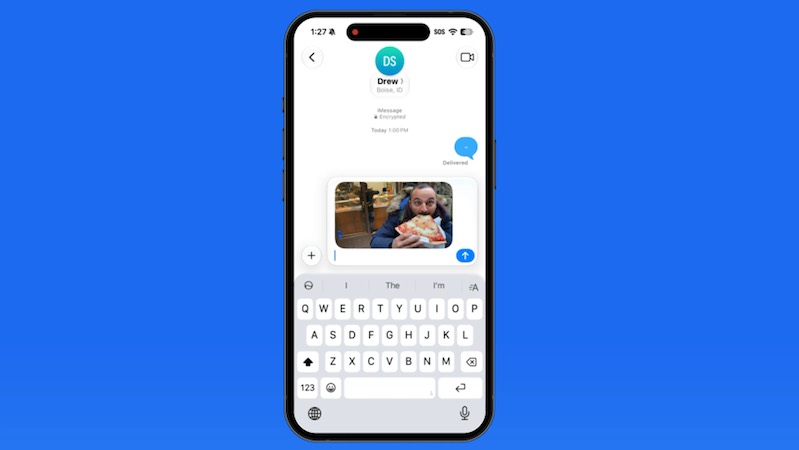
Single-Tap Paste
Paste copied text, links and photos with one tap from the bar above the keyboard.
 122:22
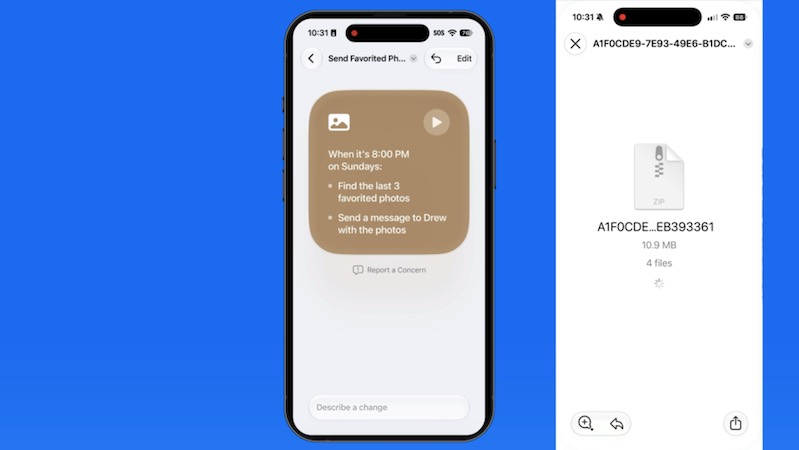
Describe a Shortcut
Type what you want automated in plain English and the Shortcuts app builds it for you.
Coming soon: Notify Me in Safari, Suggestions in Messages & Mail, and Fixing Weak Passwords. They're added to the tutorial automatically when they're ready.
Included with every All Access membership, along with every other tutorial on TheMacU.
Why TheMacU
Tutorials that respect your time
Shown on a real iPhone & iPad
Every step is recorded on the current version of iOS and iPadOS, so what you see in the video matches what's on your screen.
Short and to the point
Most lessons run 2 to 4 minutes. Learn one feature over a coffee and come back for the next whenever you like.
One membership, everything
All Access unlocks this tutorial and every iPhone, iPad and Mac course on the site, including new ones as Apple releases updates.
From our members and viewers
Clear, patient and easy to follow
Easily the best tutorial on the iPhone Camera.
You don't go a hundred miles an hour. I can easily keep up, being in my eighties. Thank you from the bottom of my heart.
Superb! Thank you for all the effort and expertise you put into these videos. They have helped me enormously.
All Access membership
Watch this tutorial and every other course on TheMacU
Every plan starts with a free trial. Cancel any time during the trial and you won't be charged.
Monthly
Auto recurring5-day free trial
- Every Mac, iPhone & iPad tutorial
- New tutorials as they're released
- Watch on any device
- No ads
- Email support
Yearly
Auto recurring7-day free trial · just $2.50 a month
- Every Mac, iPhone & iPad tutorial
- New tutorials as they're released
- Watch on any device
- No ads
- Email support
Lifetime
Single payment7-day free trial · pay once, keep it for good
- Everything in Yearly
- Every future macOS & iOS update tutorial
- Never pay again
Secure checkout. Log in on any Mac, iPhone or iPad with the same account.
Questions
About this iOS 27 tutorial
Can my iPhone or iPad run iOS 27?
iOS 27 runs on iPhone 11 and newer, and iPadOS 27 on the 9th-generation iPad (2021) and newer. Siri AI and the other Apple Intelligence features need an iPhone 15 Pro, iPhone 16 or newer, iPhone Air, or an iPad Air or iPad Pro with an M1 chip or newer. Lesson 1 covers the details.
How does the free trial work?
Choose a plan and you can watch everything right away. Monthly includes a 5-day trial; Yearly and Lifetime include 7 days. Cancel before the trial ends and you won't be charged.
Do I get more than this one tutorial?
Yes. Every All Access plan includes all 90+ tutorials on TheMacU, covering macOS, iPhone, iPad, Photos, Safari, productivity apps and more, plus new tutorials as Apple releases updates.
Can I watch on my iPhone or iPad?
Yes. Log in on any device with a web browser and the videos play right on the page.
I'm new to the iPhone. Is this too advanced?
No. Each lesson shows every tap on screen at a comfortable pace. If you want the basics first, the iOS Core Concepts tutorial is included in your membership too.
Get the most out of iOS 27
Start your free trial and watch all 11 lessons today, plus every other tutorial on TheMacU.
Tips & guides
Free iOS 27 What’s New tips
Quick, practical guides related to this tutorial. See all tips →