Video tutorial · Your music library, organized
Learn Music for Mac
This Music for Mac tutorial has 17 clear video lessons on the Music app that comes on every Mac: importing CDs and audio files, library views, Up Next, playlists and Smart Playlists, search, the equalizer, syncing to your iPhone, Home Sharing and iTunes Match.
- 17 video lessons
- 59 minutes total
- Beginner friendly
- Watch on Mac, iPhone & iPad
Already a member? Watch the full tutorial now →
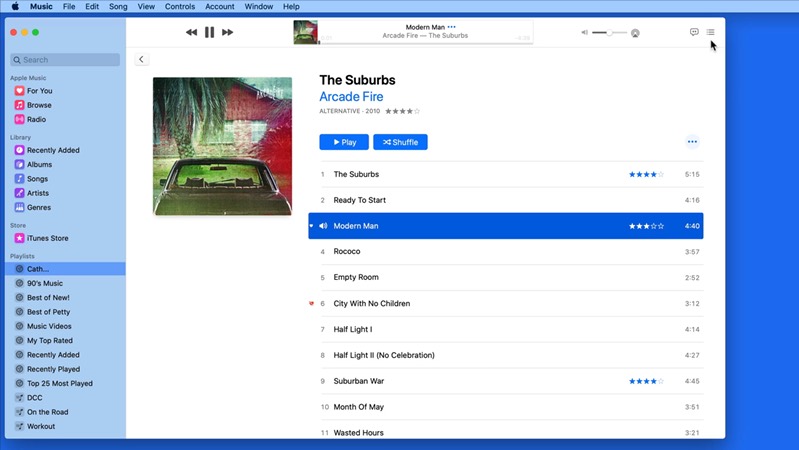
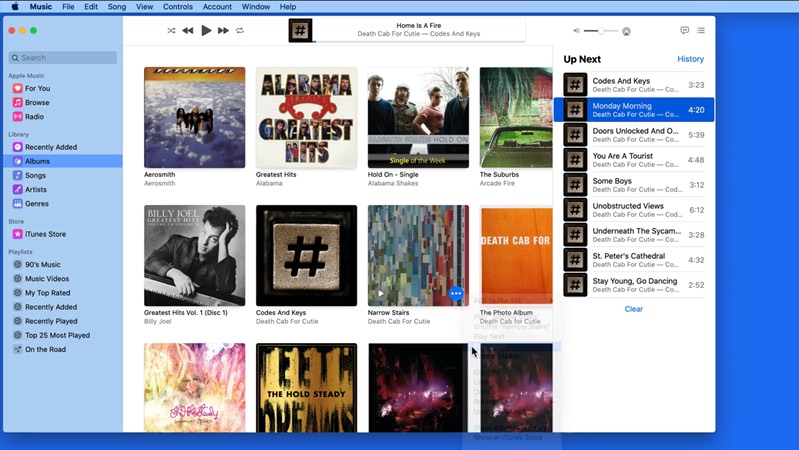 Lesson 4 · Up NextFree preview
- 90+Mac, iPhone & iPad tutorials
- 6,600+All Access members
- 7-dayfree trial on yearly & lifetime
What you'll learn
Everything in Music for Mac, one short lesson at a time
Watch them in order or jump straight to the feature you want. Two lessons are free to watch right now.
 011:14
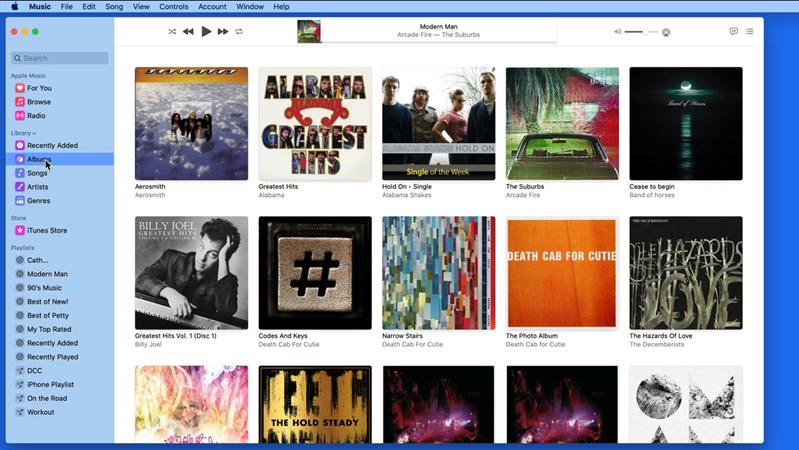
Introduction
A quick look at the Music app on the Mac and what this tutorial covers.
 023:50
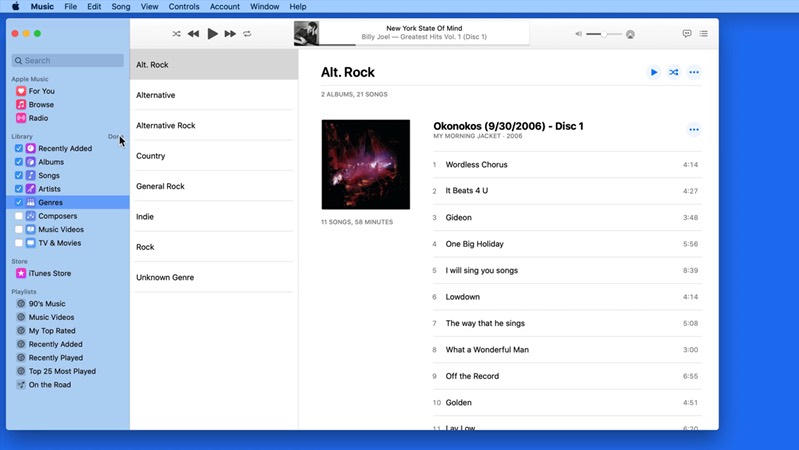
The Music Interface
Find your way around the sidebar, toolbar, playback controls and library.
 034:39
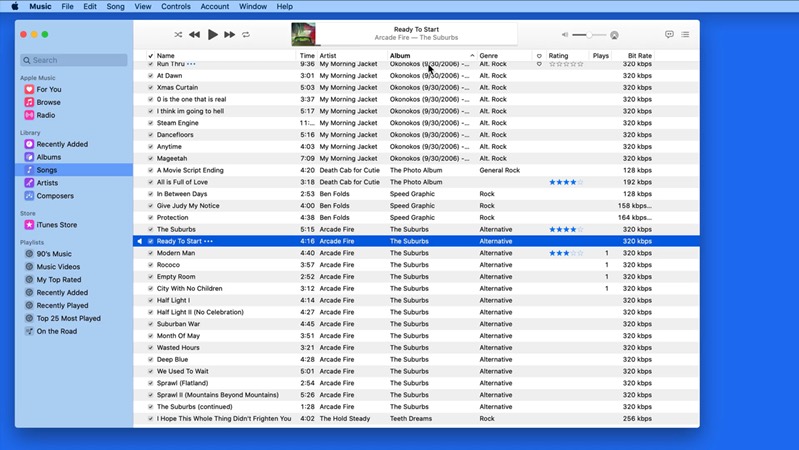
Library Views
Browse your music by albums, artists, songs and genres, and change how each view looks.
045:02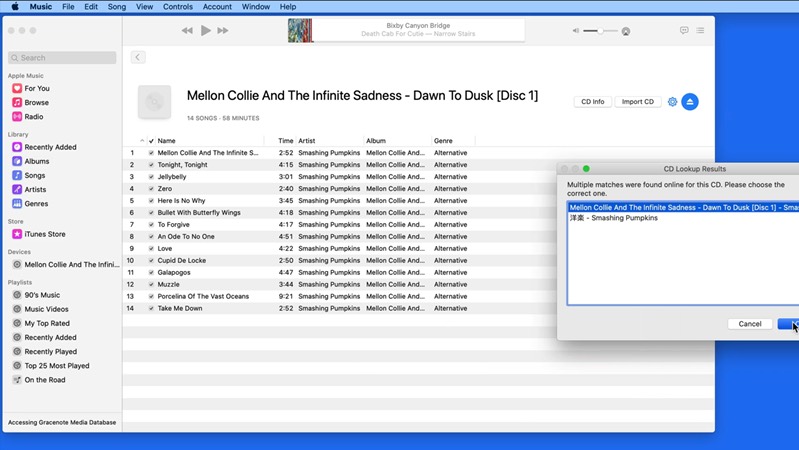 053:52
Import from a CD
Copy songs from your CDs into your library and choose the import settings.
 066:12
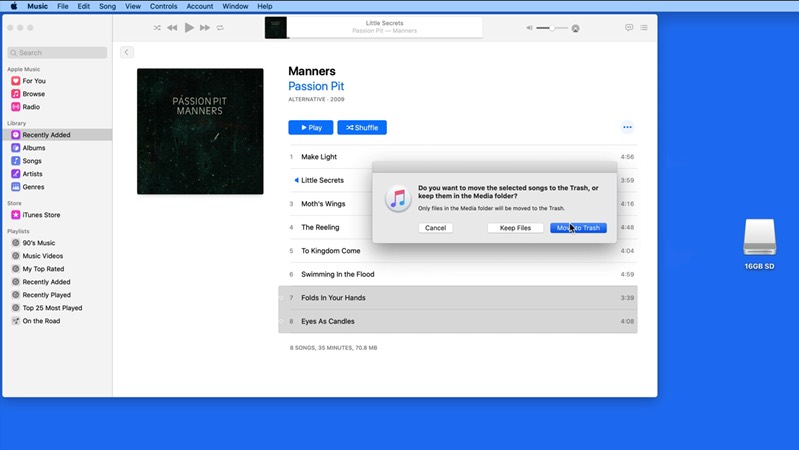
Import Audio Files
Add songs and other audio files you already have on your Mac to your library.
 073:50
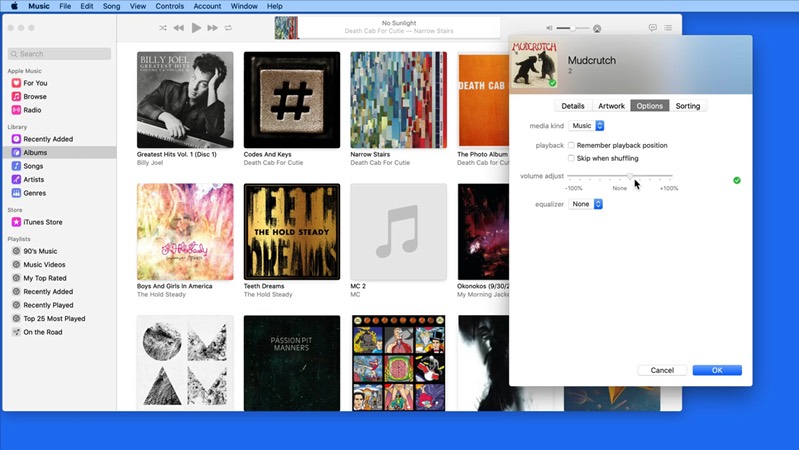
Song Information
Edit song titles, artists, album artwork and other details.
 083:49
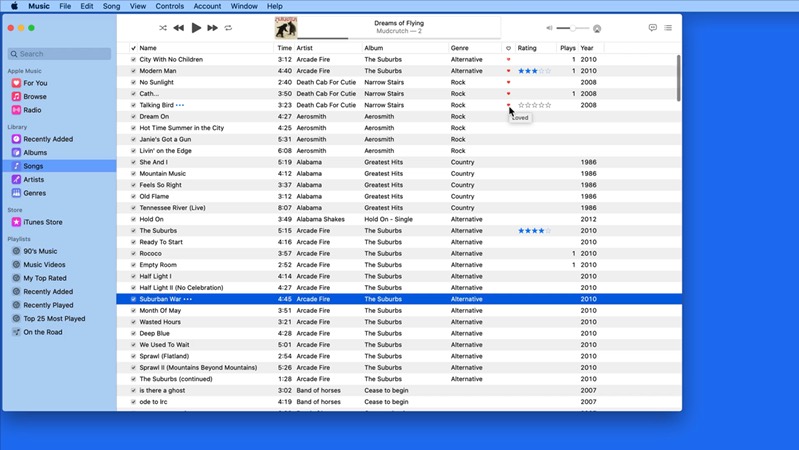
Love, Dislike & Rate
Mark songs you love or dislike and add star ratings to organize your music.
 093:18
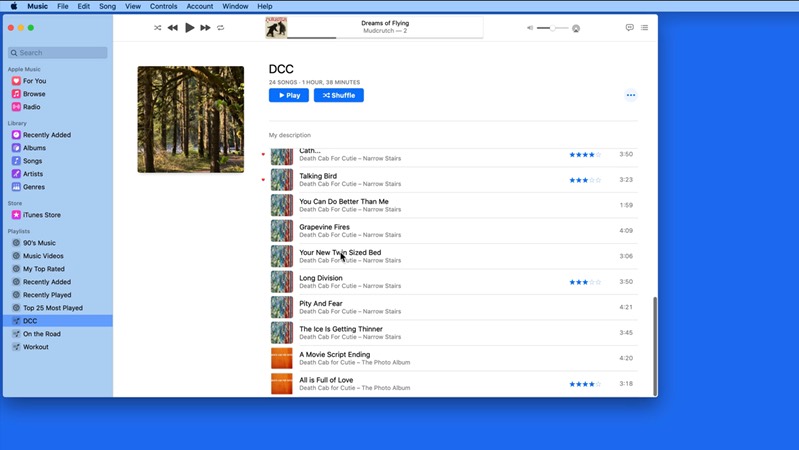
Playlists
Create playlists, add and reorder songs, and organize playlists into folders.
 104:12
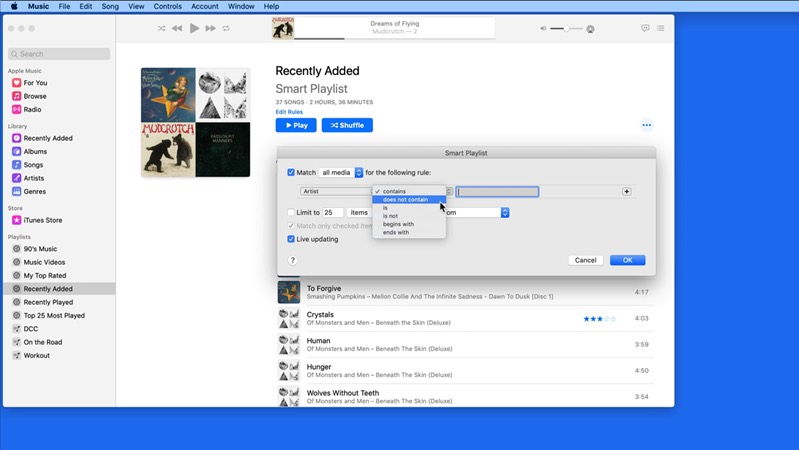
Smart Playlists
Build playlists that update themselves based on ratings, genres, play counts and more.
 112:33
 122:51
Genius
Use Genius to build playlists and mixes from songs that go great together.
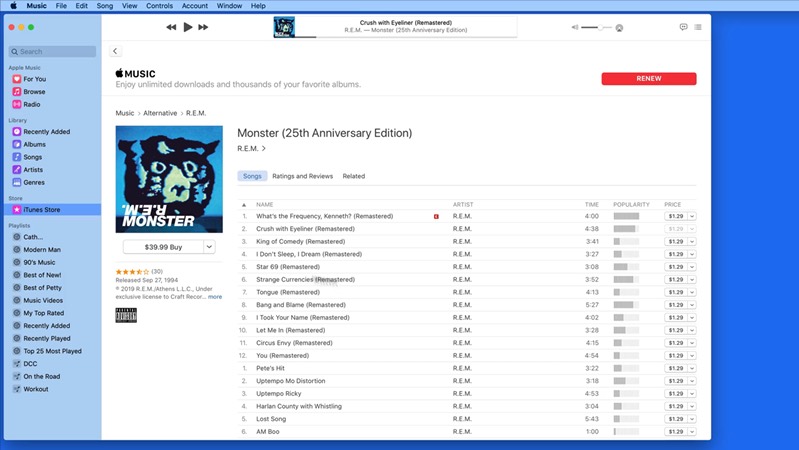 132:43
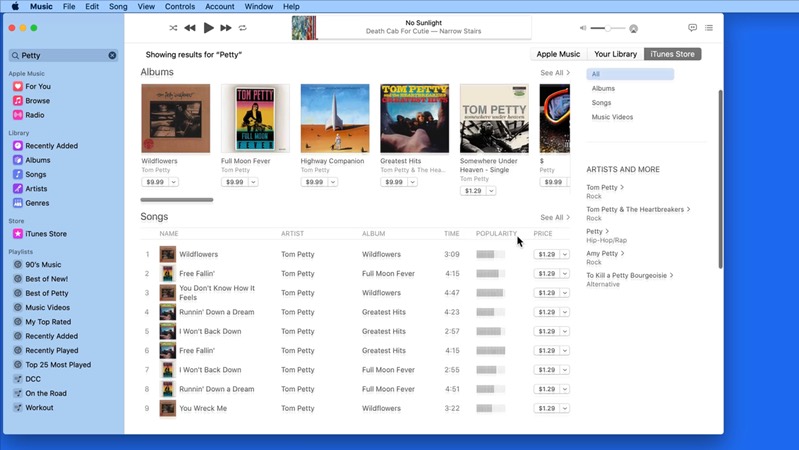
iTunes Store
Buy songs and albums from the iTunes Store and download past purchases.
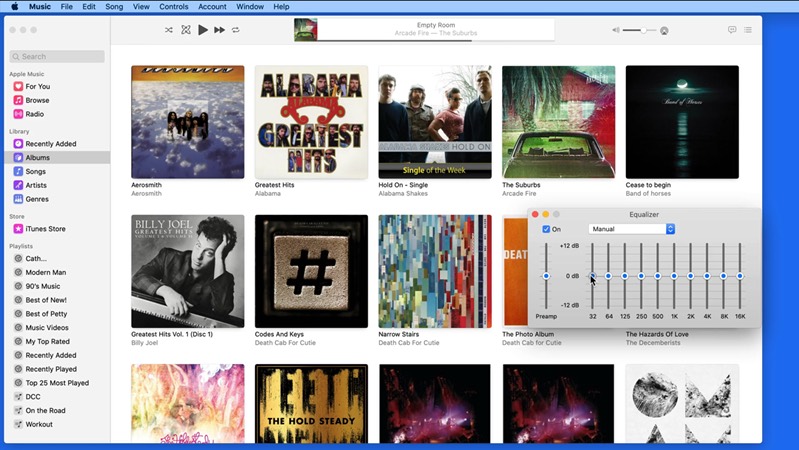 143:22
Equalizer
Fine-tune how your music sounds with the equalizer and its presets.
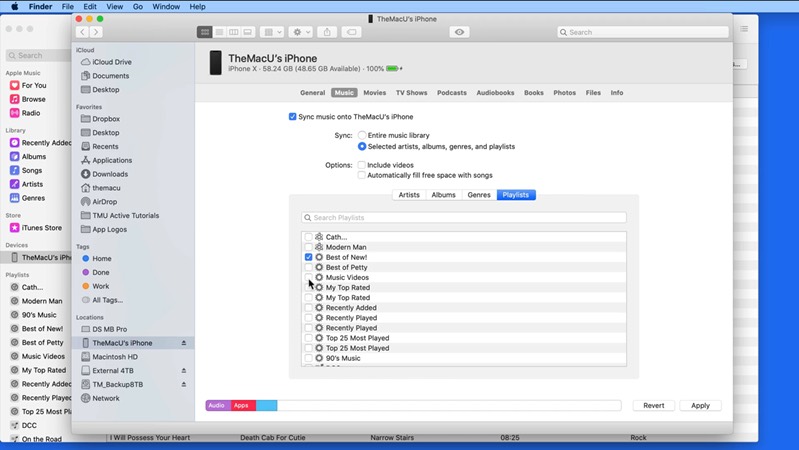 152:02
Sync iOS Devices
Sync songs and playlists from your Mac to your iPhone or iPad.
 162:47
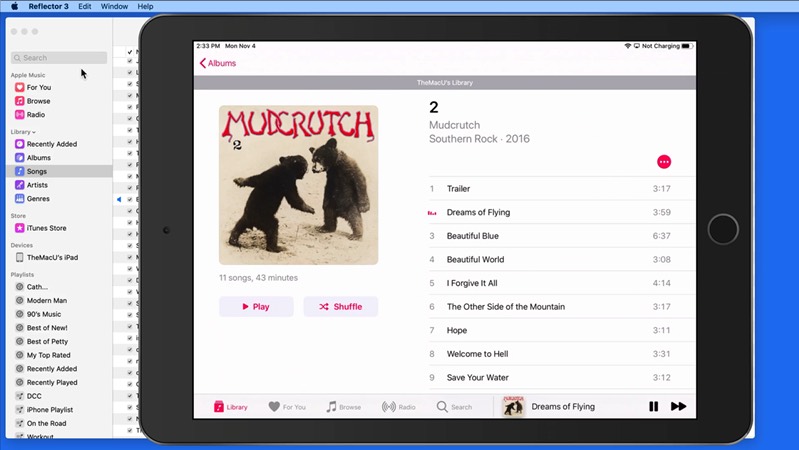
Home Sharing
Share your music library with other computers and devices in your home.
 172:35
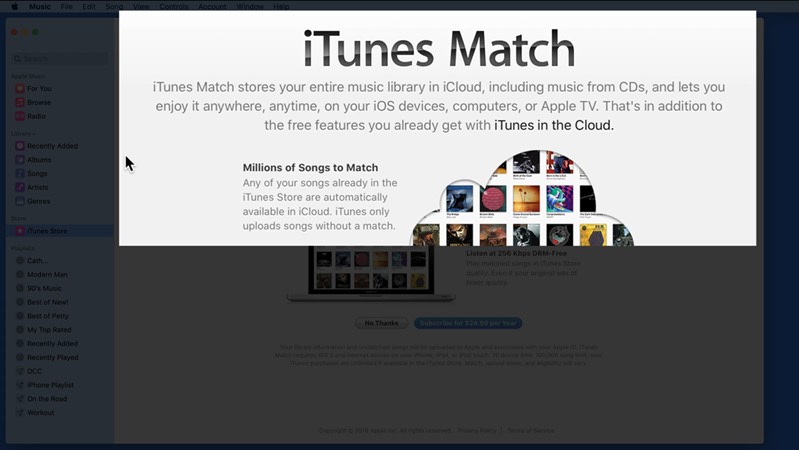
iTunes Match & Apple Music
Keep your library in iCloud with iTunes Match or Apple Music and play it on all your devices.
Included with every All Access membership, along with every other tutorial on TheMacU.
Why TheMacU
Tutorials that respect your time
Shown on a real Mac
Every click is shown on screen with a real music library, so you can follow along with your own songs.
Short and to the point
Most lessons run 2 to 5 minutes. Learn one feature over a coffee and come back for the next whenever you like.
One membership, everything
All Access unlocks this tutorial and every Mac, iPhone and iPad course on the site, including new ones as Apple releases updates.
From our members and viewers
Clear, patient and easy to follow
These tutorials are an exceptional resource for anyone looking to get the most out of their Mac. It's well worth the investment for the wealth of knowledge and practical tips.
You don't go a hundred miles an hour. I can easily keep up, being in my eighties. Thank you from the bottom of my heart.
Superb! Thank you for all the effort and expertise you put into these videos. They have helped me enormously.
All Access membership
Watch this tutorial and every other course on TheMacU
Every plan starts with a free trial. Cancel any time during the trial and you won't be charged.
Monthly
Auto recurring5-day free trial
- Every Mac, iPhone & iPad tutorial
- New tutorials as they're released
- Watch on any device
- The full tutorial library, with no ads
- Email support
Yearly
Auto recurring7-day free trial · just $2.50 a month
- Every Mac, iPhone & iPad tutorial
- New tutorials as they're released
- Watch on any device
- The full tutorial library, with no ads
- Email support
Lifetime
Single payment7-day free trial · pay once, keep it for good
- Everything in Yearly
- Every future macOS & iOS update tutorial
- Never pay again
Secure checkout. Log in on any Mac, iPhone or iPad with the same account.
Questions
About this Music for Mac tutorial
Do I need an Apple Music subscription?
No. The Music app plays the songs you already own, from CDs, downloads or the iTunes Store. If you do subscribe, the Apple Music tutorial shows how to get the most out of it.
Is there a tutorial for the Music app on iPhone and iPad?
Yes. The Music for iPhone & iPad tutorial covers the mobile app. Both are included in the same All Access membership.
How does the free trial work?
Choose a plan and you can watch everything right away. Monthly includes a 5-day trial; Yearly and Lifetime include 7 days. Cancel before the trial ends and you won't be charged.
Do I get more than this one tutorial?
Yes. Every All Access plan includes all 90+ tutorials on TheMacU, covering macOS, iPhone, iPad, Photos, Safari, productivity apps and more, plus new tutorials as Apple releases updates.
Can I watch on my iPhone or iPad?
Yes. Log in on any device with a web browser and the videos play right on the page.
I'm new to the Mac. Is this too advanced?
No. Each lesson shows every click on screen at a comfortable pace. If you want the basics first, the macOS Core Concepts tutorial is included in your membership too.
Enjoy your music on the Mac
Start your free trial and watch all 17 lessons today, plus every other tutorial on TheMacU.