Two video tutorials · Mac, iPhone & iPad
Learn Notes for Mac, iPhone & iPad
This Notes app tutorial has 31 clear video lessons in two parts, one for the Mac and one for iPhone and iPad: checklists, tables, folders, tags and Smart Folders, attachments and scans, Apple Pencil, locked notes and sharing.
- 31 video lessons
- 85 minutes total
- Beginner friendly
- Watch on Mac, iPhone & iPad
Already a member? Watch the full tutorial now →
- 90+Mac, iPhone & iPad tutorials
- 6,600+All Access members
- 7-dayfree trial on yearly & lifetime
What you'll learn
Two complete Notes app tutorials, one short lesson at a time
One set of lessons is recorded on the Mac and one on iPhone and iPad, so you learn exactly what you'll see on your own device. Mac lessons · iPhone & iPad lessons. Three lessons are free to watch right now.
Notes for Mac 14 lessons · 37 minutes
 012:34
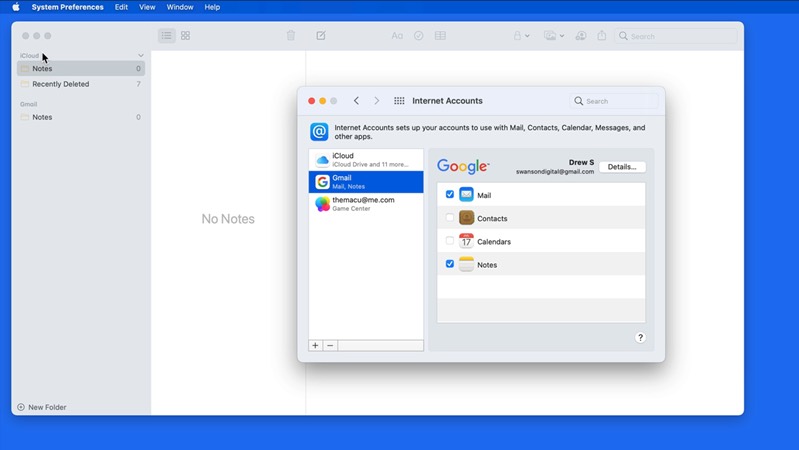
Accounts & Sync
Choose which accounts store your notes and keep them synced across your Mac, iPhone and iPad with iCloud.
 023:53
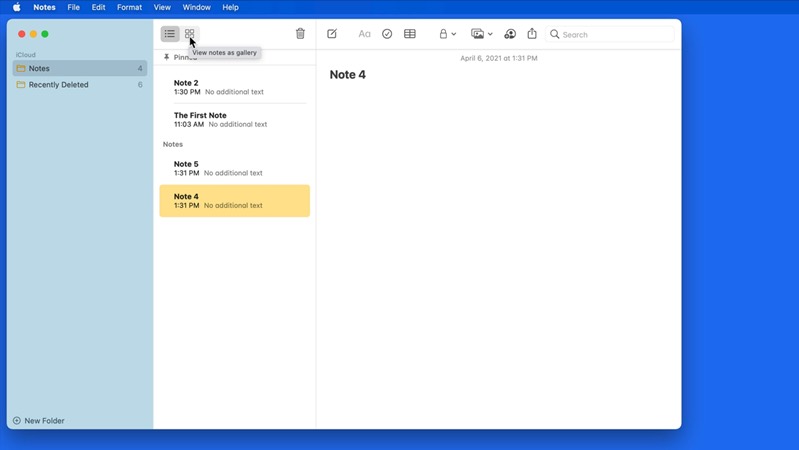
Add Notes & Folders
Create notes, organize them into folders and subfolders, and pin the ones you use most.
 033:34
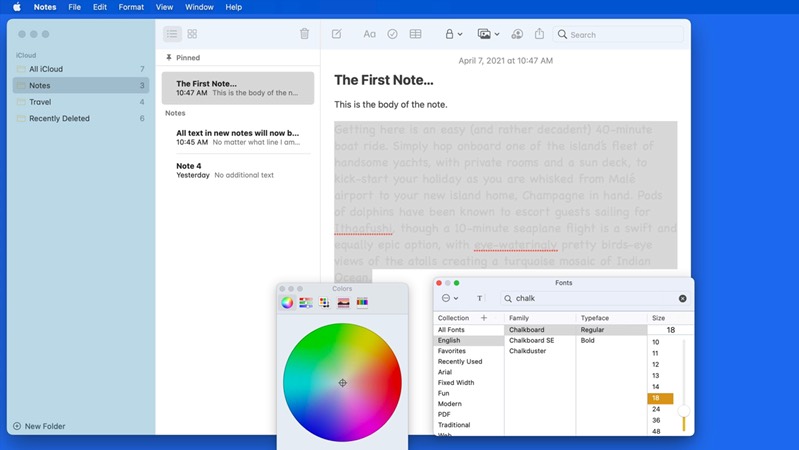
Format Text
Use titles, headings, lists, fonts and colors to make your notes clear and easy to scan.
 043:03
 052:23
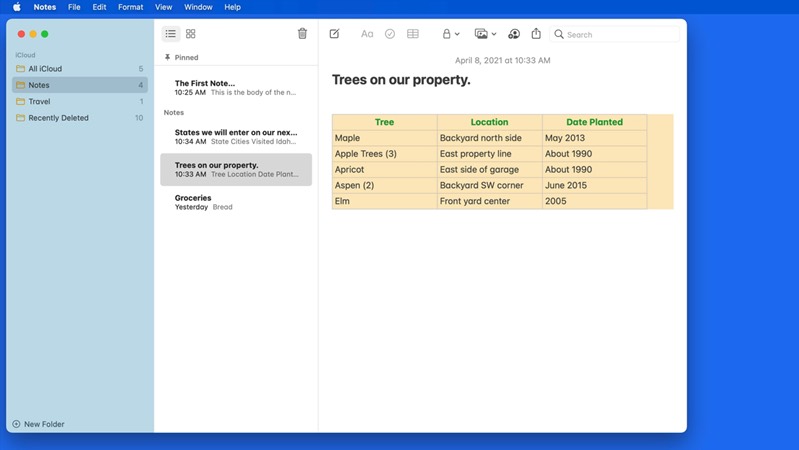
Tables
Add tables to organize information in rows and columns right inside a note.
 062:49
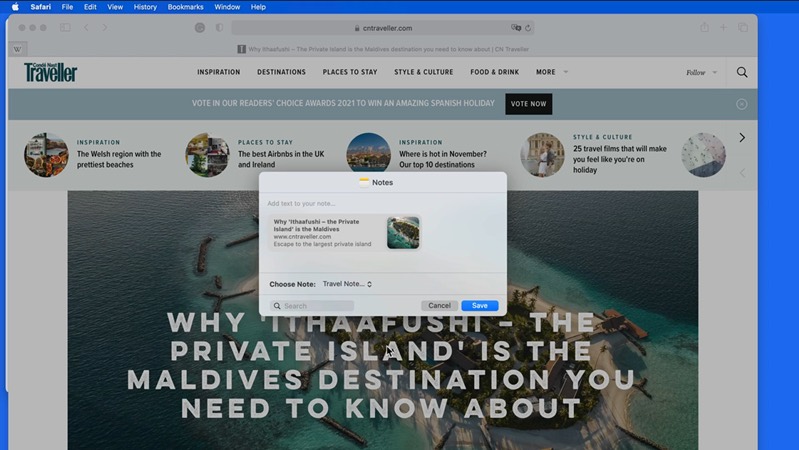
Links
Add web links with rich previews and link notes together.
 073:27
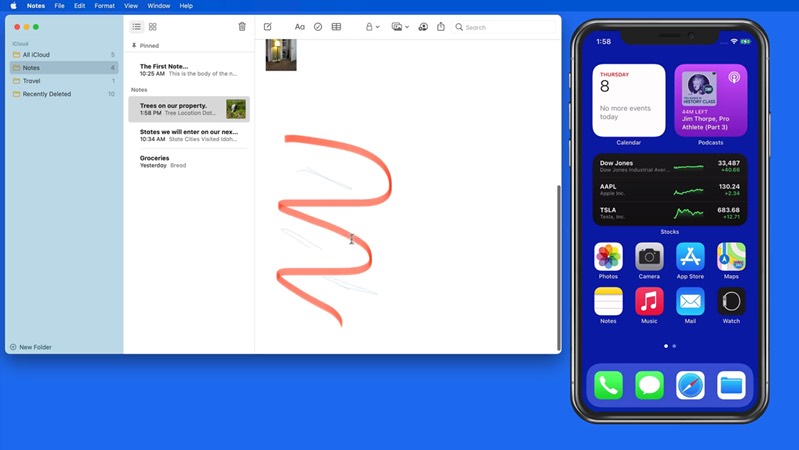
Attachments
Add photos, documents, maps and sketches to your notes.
 083:03
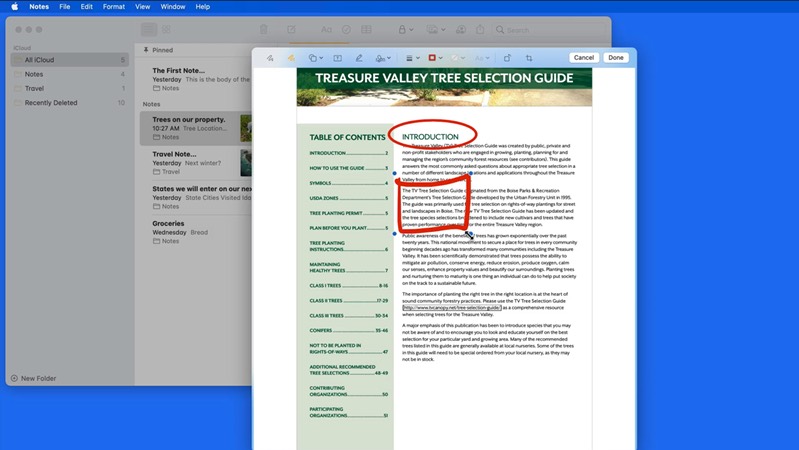
Markup
Draw on and annotate images and PDFs right inside your notes.
 092:29
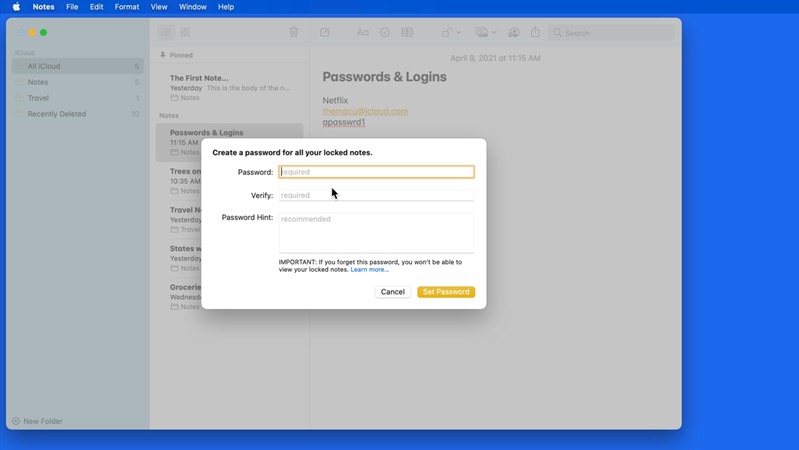
Lock Notes
Lock private notes with a password or Touch ID to keep sensitive information safe.
 101:52
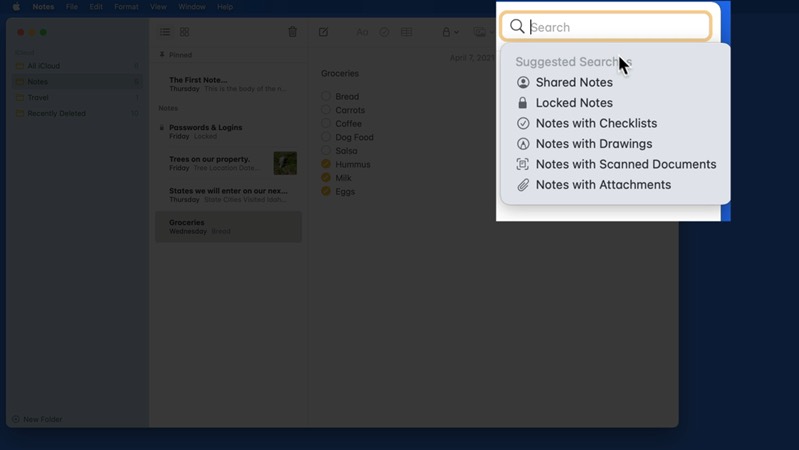
Search
Find any note fast, including text inside scanned documents and attachments.
 112:16
Tags & Smart Folders
Tag notes with hashtags and let Smart Folders gather matching notes automatically.
Watch free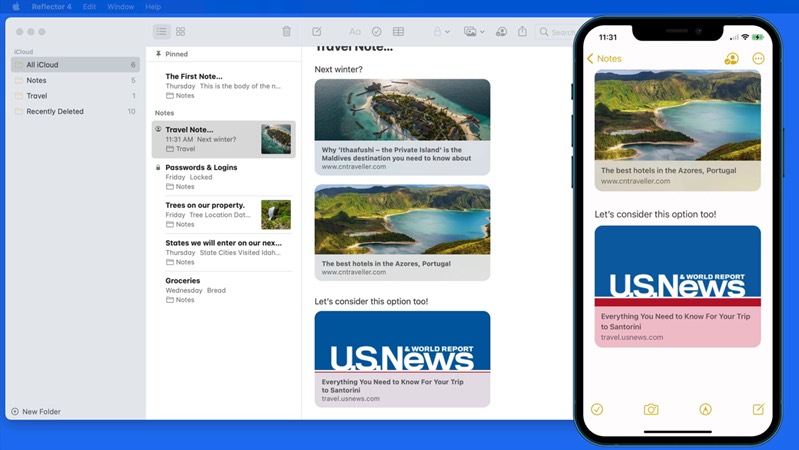 122:05
Share & Collaborate
Share notes and folders, invite others to edit and see who changed what.
 132:43
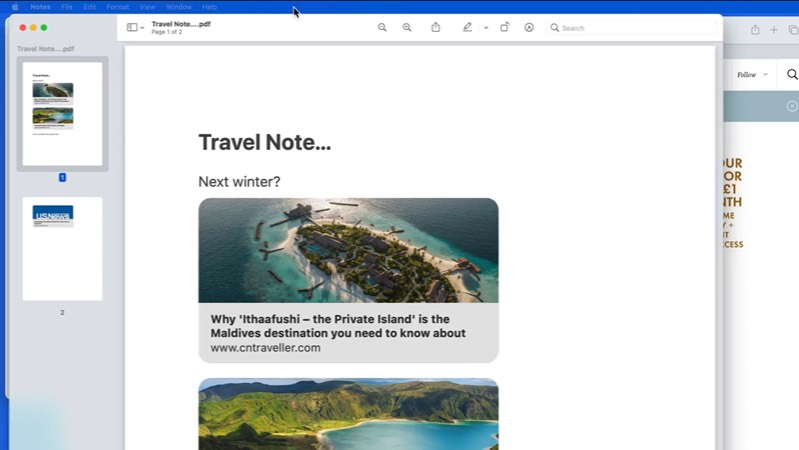
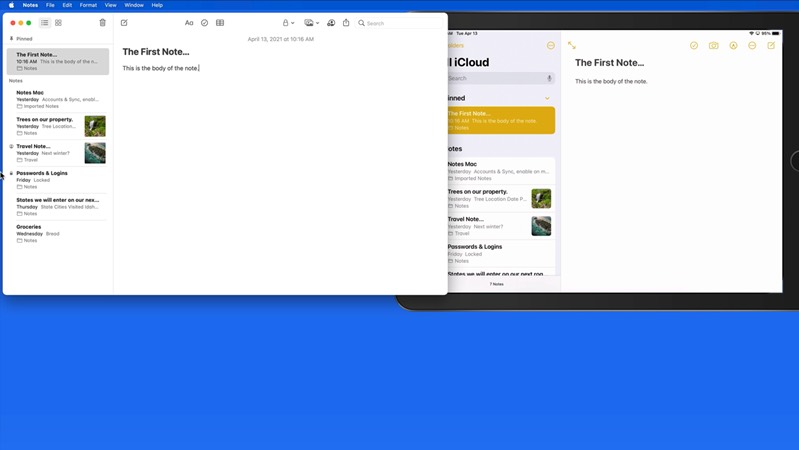
Import & Export
Bring in notes from other apps and files, and export notes as PDFs.
 140:49
Wrap Up
A quick recap of the most useful Notes features on the Mac.
Notes for iPhone & iPad 17 lessons · 48 minutes
 013:37
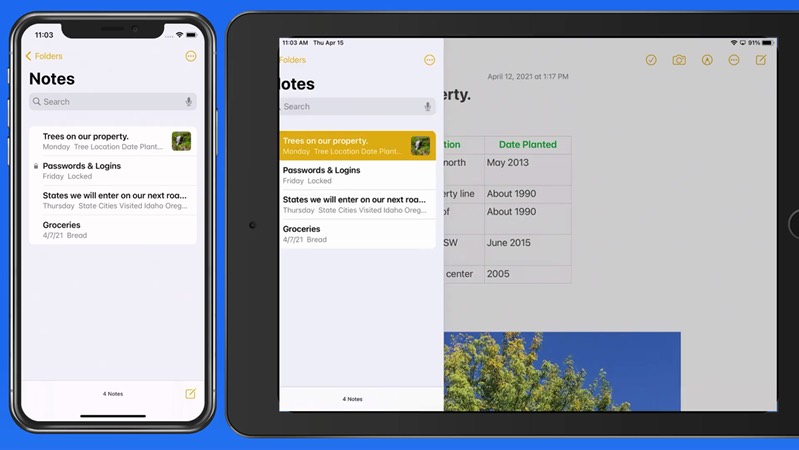
Introduction & Interface
A tour of Notes on iPhone and iPad: folders, the notes list, accounts and syncing.
 023:19
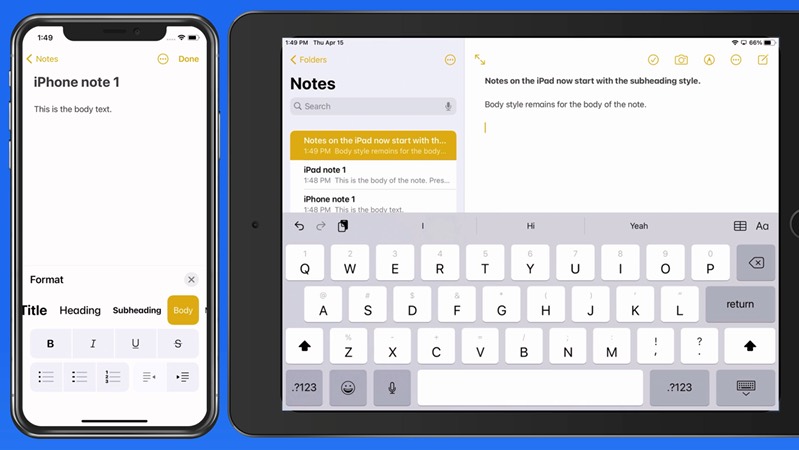
Create & Format Notes
Create notes and format them with titles, headings, lists and styles.
 032:32
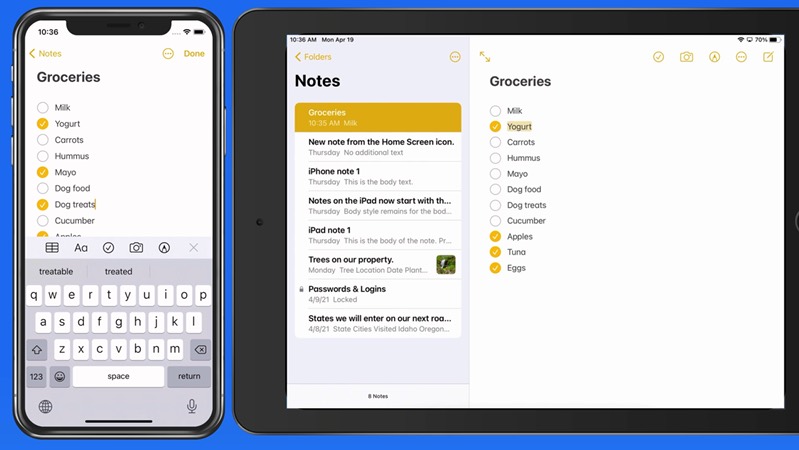
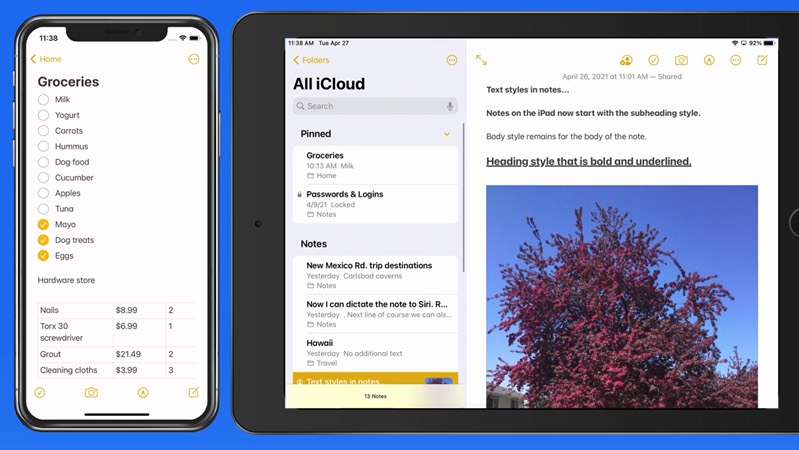
Checklists
Make checklists, check items off and move finished items to the bottom.
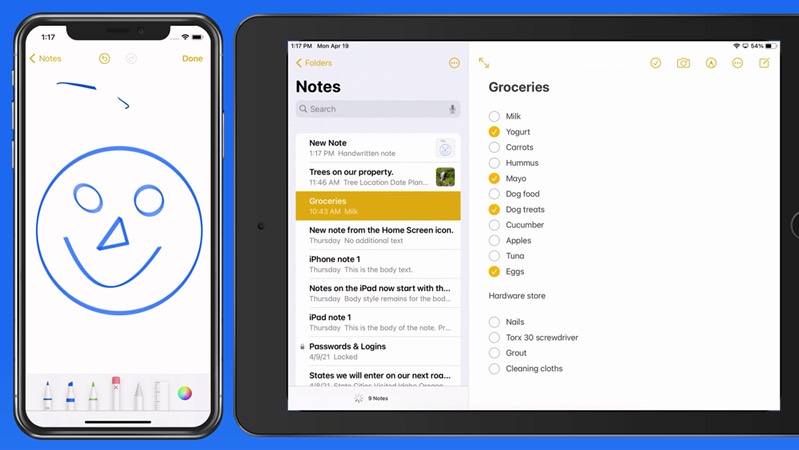 044:24
Sketch with Markup
Draw and sketch with your finger using the Markup tools.
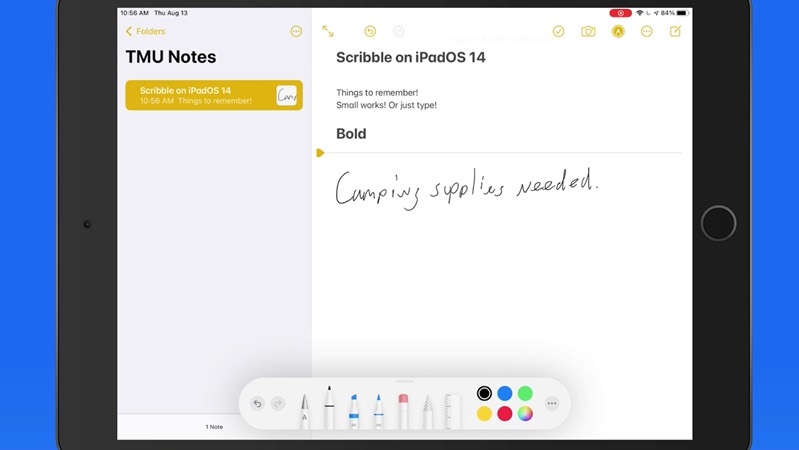 054:05
Scribble with Apple Pencil
Handwrite with Apple Pencil, convert it to text with Scribble and draw perfect shapes.
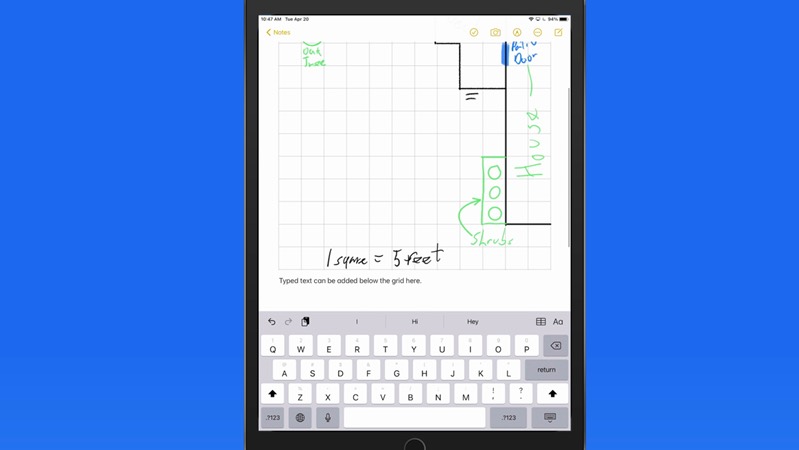 062:40
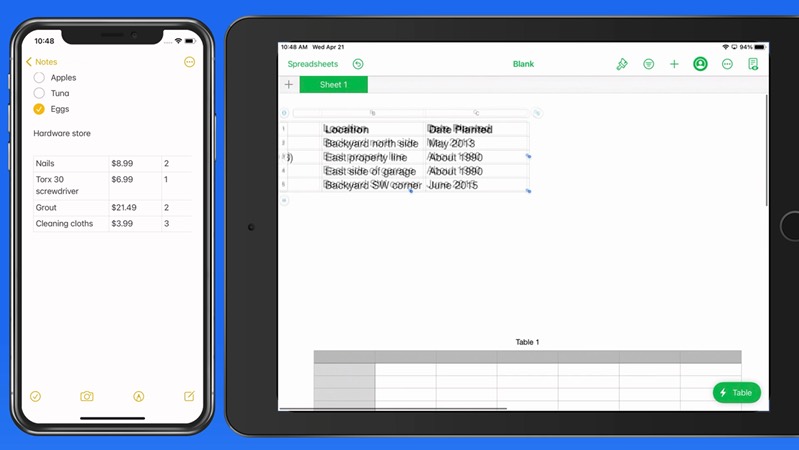 072:30
Tables
Add tables to organize information in rows and columns.
 083:23
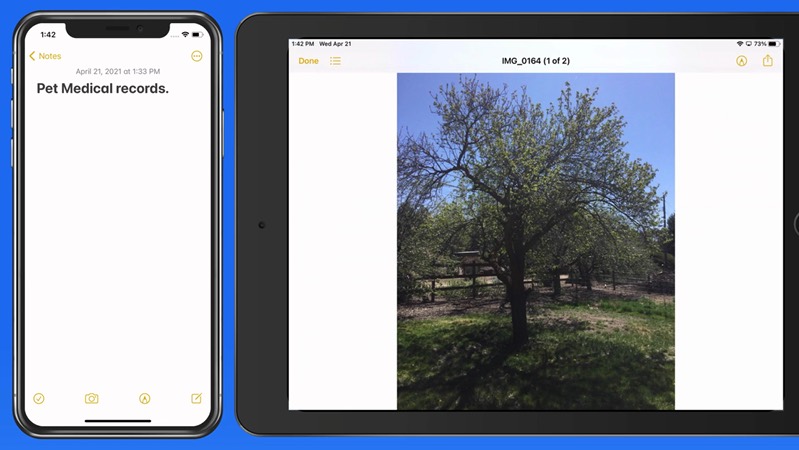
Add Photos & Scans
Add photos and scan paper documents into clean PDFs right from Notes.
 092:49
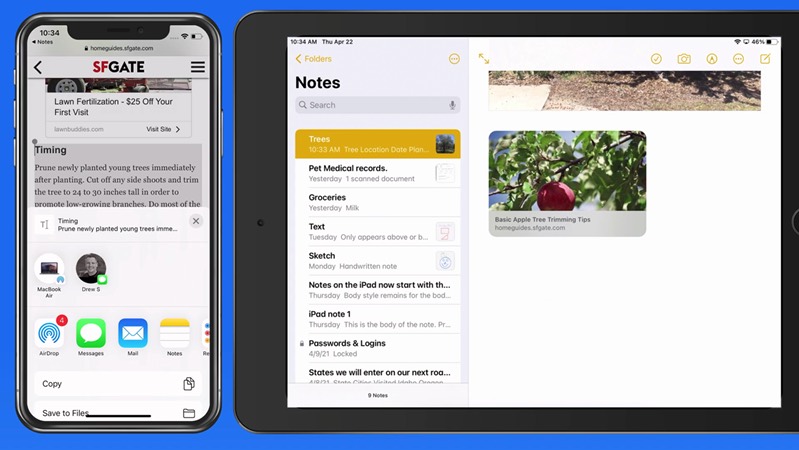
Share to Notes
Save web pages, photos and more to Notes from other apps.
 103:32
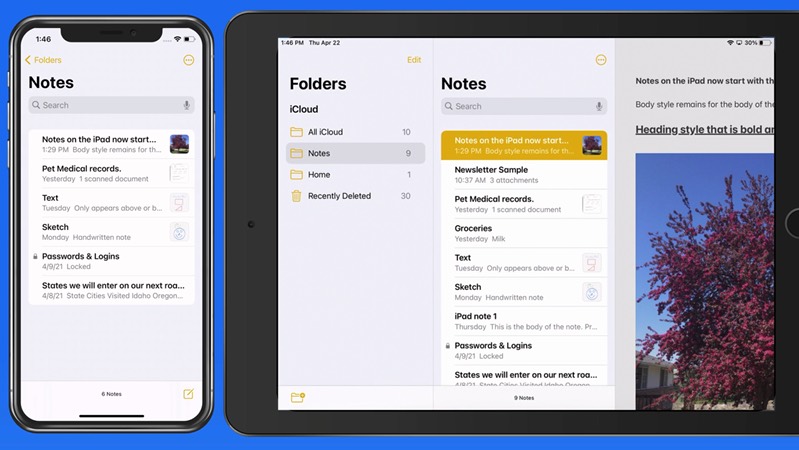
Add & Manage Folders
Create folders and subfolders, sort notes and move them where they belong.
 112:53
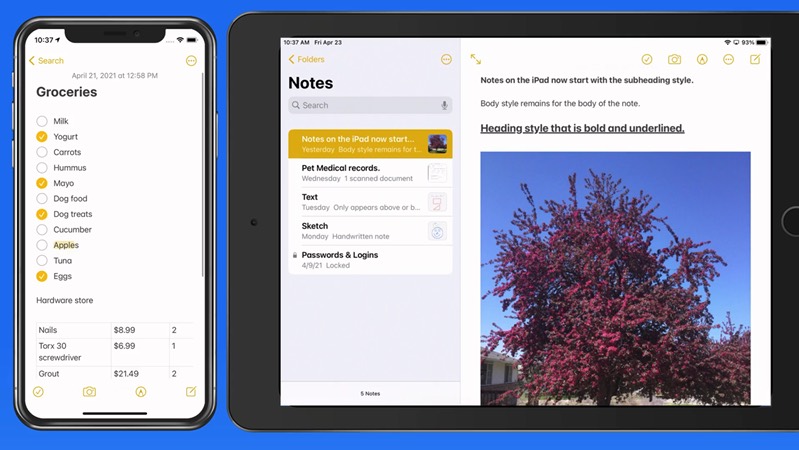
Search
Find any note fast, including handwriting and text in scanned documents.
 122:09
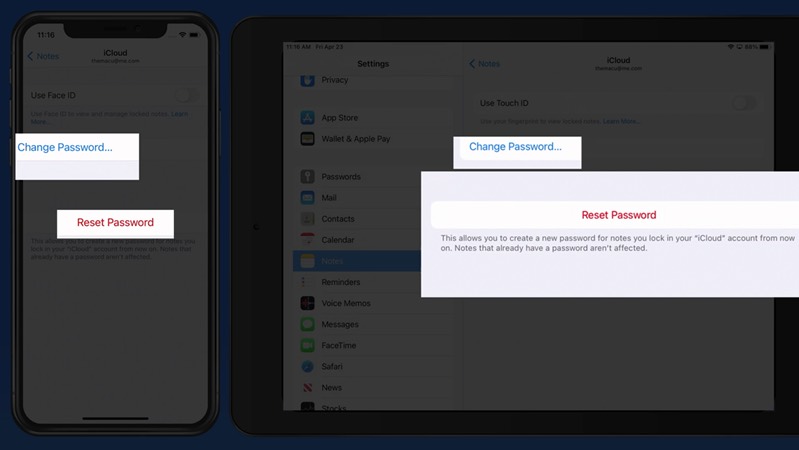
Lock Notes
Lock private notes with Face ID, Touch ID or a password.
 131:28
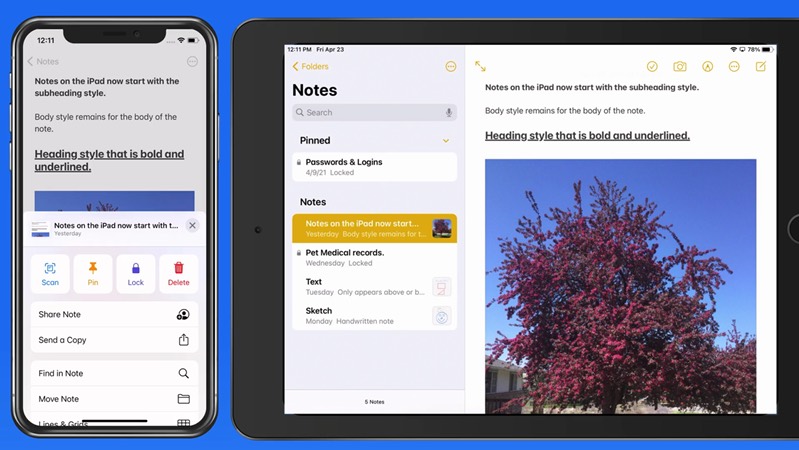
Pin Notes
Pin important notes to the top of the list so they're always easy to find.
 143:01
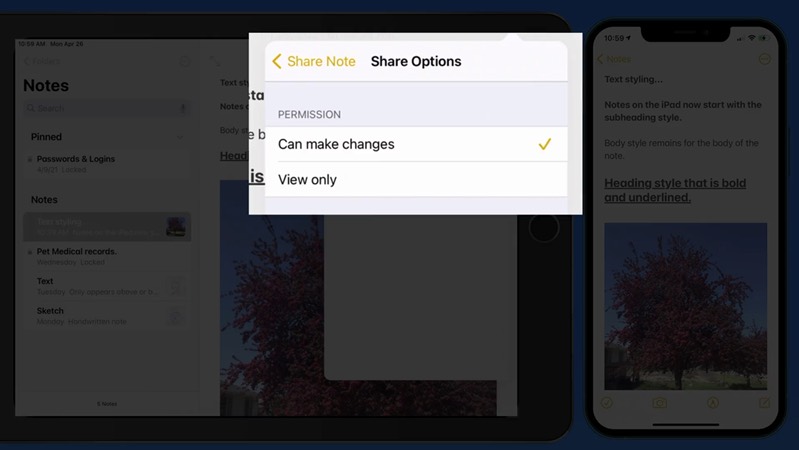
Share & Collaborate
Share notes, invite others to edit and choose who can make changes.
 152:29
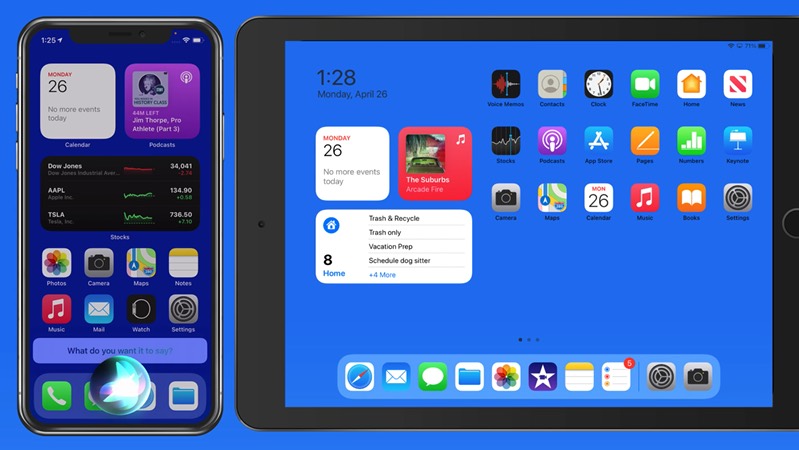
Use Notes with Siri
Create and add to notes hands-free by just asking Siri.
 162:55
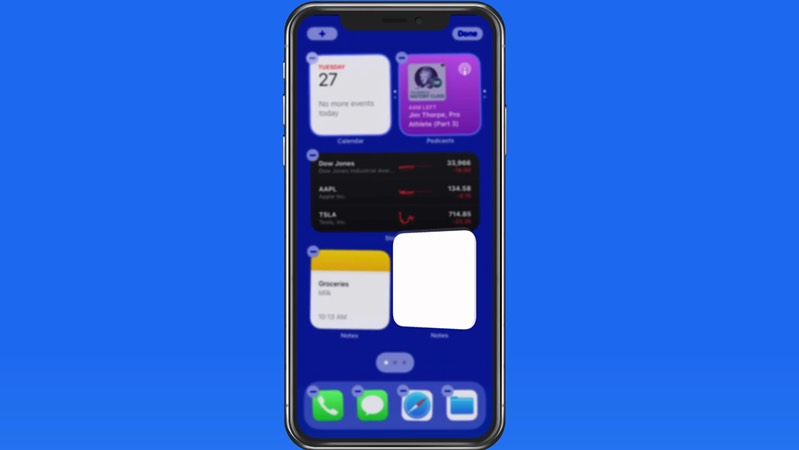
The Notes Widget
Add the Notes widget to your Home Screen to see recent notes at a glance.
 170:37
Wrap Up
A quick recap of the most useful Notes features on iPhone and iPad.
Included with every All Access membership, along with every other tutorial on TheMacU.
Why TheMacU
Tutorials that respect your time
Made for the device you use
The Mac lessons are shown on a Mac and the iPhone & iPad lessons on an iPhone and iPad, so every click and tap matches your screen.
Short and to the point
Most lessons run 2 to 4 minutes. Learn one feature over a coffee and come back for the next whenever you like.
One membership, everything
All Access unlocks this tutorial and every Mac, iPhone and iPad course on the site, including new ones as Apple releases updates.
From our members and viewers
Clear, patient and easy to follow
These tutorials are an exceptional resource for anyone looking to get the most out of their Mac. It's well worth the investment for the wealth of knowledge and practical tips.
You don't go a hundred miles an hour. I can easily keep up, being in my eighties. Thank you from the bottom of my heart.
Superb! Thank you for all the effort and expertise you put into these videos. They have helped me enormously.
All Access membership
Watch this tutorial and every other course on TheMacU
Every plan starts with a free trial. Cancel any time during the trial and you won't be charged.
Monthly
Auto recurring5-day free trial
- Every Mac, iPhone & iPad tutorial
- New tutorials as they're released
- Watch on any device
- The full tutorial library, with no ads
- Email support
Yearly
Auto recurring7-day free trial · just $2.50 a month
- Every Mac, iPhone & iPad tutorial
- New tutorials as they're released
- Watch on any device
- The full tutorial library, with no ads
- Email support
Lifetime
Single payment7-day free trial · pay once, keep it for good
- Everything in Yearly
- Every future macOS & iOS update tutorial
- Never pay again
Secure checkout. Log in on any Mac, iPhone or iPad with the same account.
Questions
About this Notes app tutorial
Do I get both the Mac and the iPhone & iPad lessons?
Yes. Your membership includes both parts: 14 lessons on Notes for Mac and 17 lessons on Notes for iPhone and iPad. Watch whichever you need, or both.
Will my notes sync between my Mac, iPhone and iPad?
Yes. With iCloud, your notes stay in sync on all your devices, so you can start a note on your iPhone and finish it on your Mac. The iCloud tutorial explains how syncing works.
Will it match Notes on my devices?
Yes. Notes works the same or very similarly on recent versions of macOS, iOS and iPadOS, so you can follow along on your own Mac, iPhone or iPad. For to-do lists with due dates and alerts, see the Reminders tutorial.
How does the free trial work?
Choose a plan and you can watch everything right away. Monthly includes a 5-day trial; Yearly and Lifetime include 7 days. Cancel before the trial ends and you won't be charged.
Do I get more than this one tutorial?
Yes. Every All Access plan includes all 90+ tutorials on TheMacU, covering macOS, iPhone, iPad, Photos, Safari, productivity apps and more, plus new tutorials as Apple releases updates.
Can I watch on my iPhone or iPad?
Yes. Log in on any device with a web browser and the videos play right on the page.
I'm new to the Mac or iPhone. Is this too advanced?
No. Each lesson shows every click and tap on screen at a comfortable pace. If you want the basics first, macOS Core Concepts and iOS Core Concepts are included in your membership too.
Capture every idea, everywhere
Start your free trial and watch all 31 lessons today, plus every other tutorial on TheMacU.
Tips & guides
Free Notes for Mac & iOS tips
Quick, practical guides related to this tutorial. See all tips →