

All New Photos for Mac Tutorial!
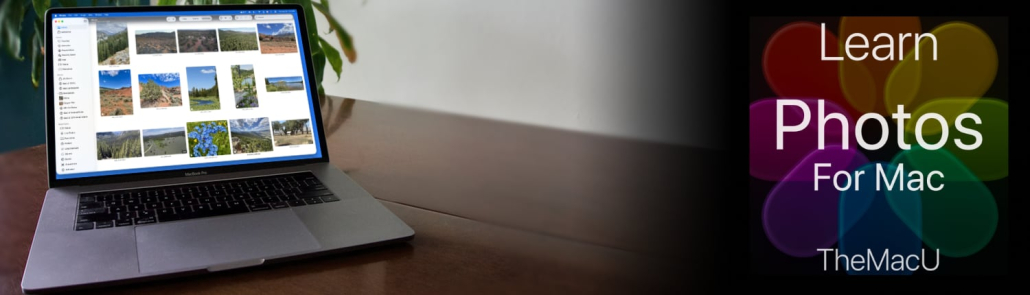
Our all new Photos for Mac Tutorial is available now for All Access Members. This new tutorial reflects the new look and features that came with macOS 26 Tahoe. Section 1 (View & Organize) contains 25 lessons that cover everything from the basics of navigating the Photos interface—such as the toolbar, sidebar, and info panel—to importing images from cameras, disks, other apps, and AirDrop. Section 2 (Editing Tools) has another 20+ lessons on how apply adjustments that can help color correct or enhance your images. Learn More…
Current All Access Members can view the full tutorial Here…
Start your free trial as an All Access Member with any of the membership options below!


 TheMacU.com 2020


Leave a Reply
Want to join the discussion?Feel free to contribute!