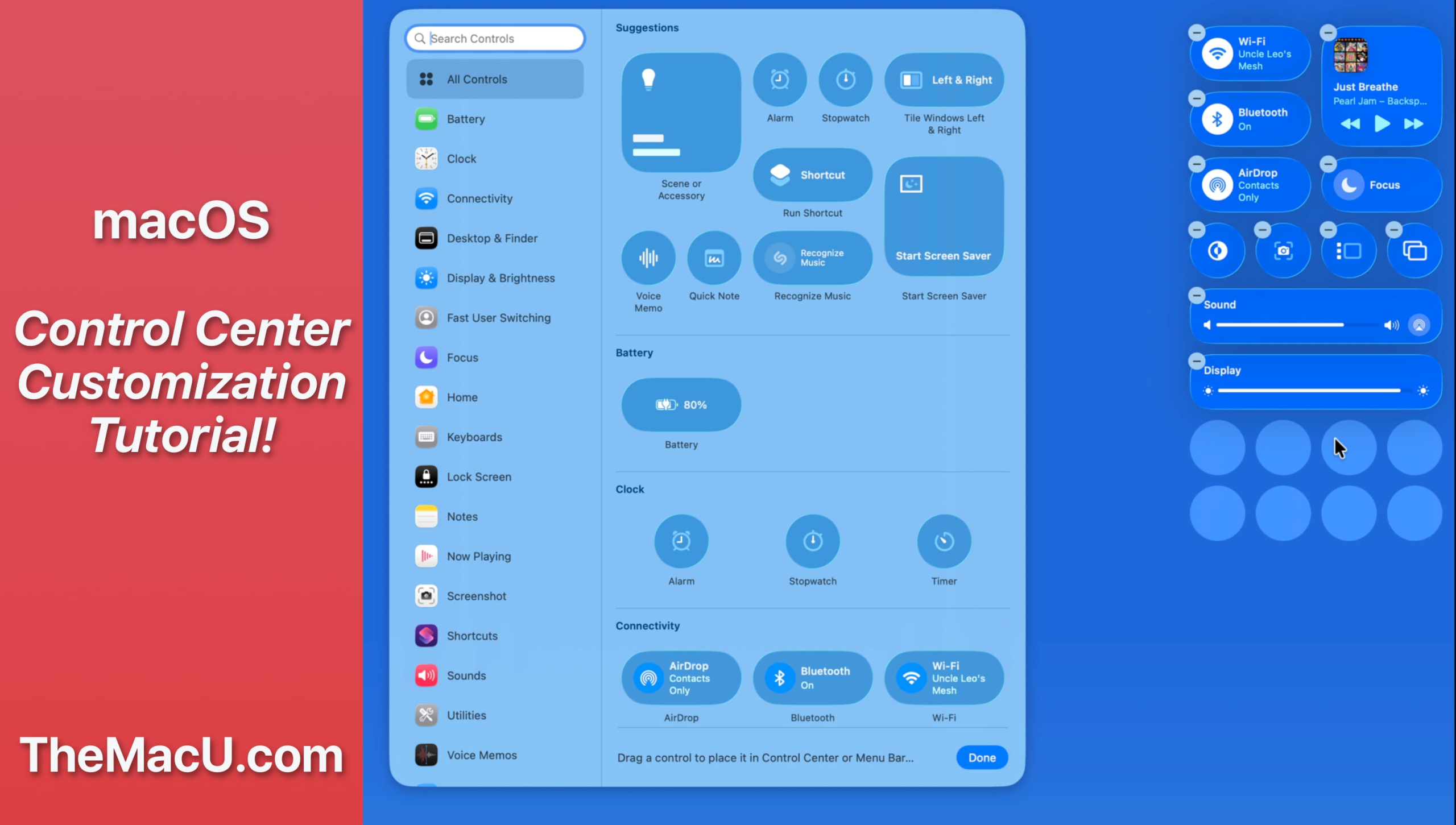
In this lesson from our full tutorial on how to use the new features in macOS 26 Tahoe see how to customize control center and certain menubar items. Learn much more in the full macOS 26 Tahoe tutorial here…

In this lesson from our full tutorial on how to use the new features in macOS 26 Tahoe see how to customize control center and certain menubar items. Learn much more in the full macOS 26 Tahoe tutorial here…
Several lessons within the macOS Core Concepts tutorial have been updated. The updated lessons are listed below. Current All Access Members can view the full tutorial here.
Updated and new lessons…
-The Desktop
-The Menubar
-Control Center
-Finder Settings
-Stage Manager
–Spotlight
-Widgets
-Trash
-Batch Rename
