Tag Archive for: iPad Pro

The Learn – Files Tutorial is has been completely re-recorded with updated lessons! This video tutorial looks at how to use the Files App which was introduced by Apple in 2017. It provides a built in file browser for iOS, much like what the Finder can do on a Mac. It can be a great tool for organizing, sharing and saving folders, files and documents. In this tutorial you’ll learn how to use all aspects of the Files App including utilizing it with iCloud Drive, organizing with Tags, using collaboration and more!

Lesson List:
1. Introduction to Files
2. Interface & Basics
3. On my iPad/iPhone
4. Using with iCloud Drive
5. Share/Save to Files
6. Favorites
7. Tags
8. Search
9. Move
10. Share & Collaborate
11. Document Scanning
12. 3rd Party Cloud Storage
13. Compress Files
14. Wrap Up

Current All Access Members can view the full tutorial Here…

If you are not yet an All Access member begin your free trial with any of the three membership options below!

Monthly All Access Subscription - Just $5 per month for TheMacU All Access. Fill out the form below to create your account then click the "Join All Access" button at the bottom of the page. On the next page enter your payment information to complete the registration and begin your free trial! *This is an auto-renewing subscription. No refunds after the free trial period and you must cancel prior to the renewal date to avoid being charged for the next year.
Yearly All Access Subscription - Only $25 per year for TheMacU All Access. Fill out the form below to create your account then click the "Join All Access" button at the bottom of the page. On the next page enter your payment information to complete the registration and begin your free trial! *This is an auto-renewing subscription. No refunds after the free trial period and you must cancel prior to the renewal date to avoid being charged for the next year.
Lifetime Membership - With this option pay $150 once for an All Access Membership that will never expire! Fill out the form below to create your account then click the "Join All Access" button at the bottom of the page. On the next page enter your payment information to complete the registration and begin viewing all the tutorials!
One Year Membership - With this option pay $30 once for an All Access Membership that is good for a full year. This membership will not auto-renew like the yearly subscription. Fill out the form below to create your account then click the "Join All Access" button at the bottom of the page.
Three Month Membership - With this option pay $12 one time for a 3-Month All Access Membership. This membership will not auto-renew. Fill out the form below to create your account then click the "Join All Access" button at the bottom of the page.

The Learn – Files Tutorial is has been completely re-recorded with updated lessons! This video tutorial looks at how to use the Files App which was introduced by Apple in 2017. It provides a built in file browser for iOS, much like what the Finder can do on a Mac. It can be a great tool for organizing, sharing and saving folders, files and documents. In this tutorial you’ll learn how to use all aspects of the Files App including utilizing it with iCloud Drive, organizing with Tags, using collaboration and more!

Lesson List:
1. Introduction to Files
2. Interface & Basics
3. On my iPad/iPhone
4. Using with iCloud Drive
5. Share/Save to Files
6. Favorites
7. Tags
8. Search
9. Move
10. Share & Collaborate
11. Document Scanning
12. 3rd Party Cloud Storage
13. Compress Files
14. Wrap Up

Current All Access Members can view the full tutorial Here…

If you are not yet an All Access member begin your free trial with any of the three membership options below!

Monthly All Access Subscription - Just $5 per month for TheMacU All Access. Fill out the form below to create your account then click the "Join All Access" button at the bottom of the page. On the next page enter your payment information to complete the registration and begin your free trial! *This is an auto-renewing subscription. No refunds after the free trial period and you must cancel prior to the renewal date to avoid being charged for the next year.
Yearly All Access Subscription - Only $25 per year for TheMacU All Access. Fill out the form below to create your account then click the "Join All Access" button at the bottom of the page. On the next page enter your payment information to complete the registration and begin your free trial! *This is an auto-renewing subscription. No refunds after the free trial period and you must cancel prior to the renewal date to avoid being charged for the next year.
Lifetime Membership - With this option pay $150 once for an All Access Membership that will never expire! Fill out the form below to create your account then click the "Join All Access" button at the bottom of the page. On the next page enter your payment information to complete the registration and begin viewing all the tutorials!
One Year Membership - With this option pay $30 once for an All Access Membership that is good for a full year. This membership will not auto-renew like the yearly subscription. Fill out the form below to create your account then click the "Join All Access" button at the bottom of the page.
Three Month Membership - With this option pay $12 one time for a 3-Month All Access Membership. This membership will not auto-renew. Fill out the form below to create your account then click the "Join All Access" button at the bottom of the page.

video
play-sharp-fill

In this lesson from our full Mac Backup Tutorial we go over the 3 tier backup system I use to prevent important files and photos from ever being lost. This system utilizes iCloud, a Time Machine Drive and Backblaze Online Backup.
You can try Backblaze here…


Read more

video
play-sharp-fill

In this quick lesson from TheMacU.com see how to use Paste to retain and organize everything you copy on on your Mac or iOS devices. If you used Command – C on an important piece of text last week and want to use it again that can be done in no time with Paste! Paste is part of Setapp. For an extended 30 day trial  click HERE

Read more

Learn how to use the Photos App on your iPad to its fullest potential with this comprehensive tutorial. We cover all of the app’s features, including organizing, editing, and sharing your photos. First, we’ll show you how to add photos to your library and sync your library across devices. Then, we’ll move on to viewing and organizing your photos before diving into the editing tools, such as adjustments and filters. Whether you’re a beginner or an experienced user, this tutorial is perfect for anyone looking to get more out of their iPad’s photo library.
View more details, and free lessons Here…
Read more

video
play-sharp-fill

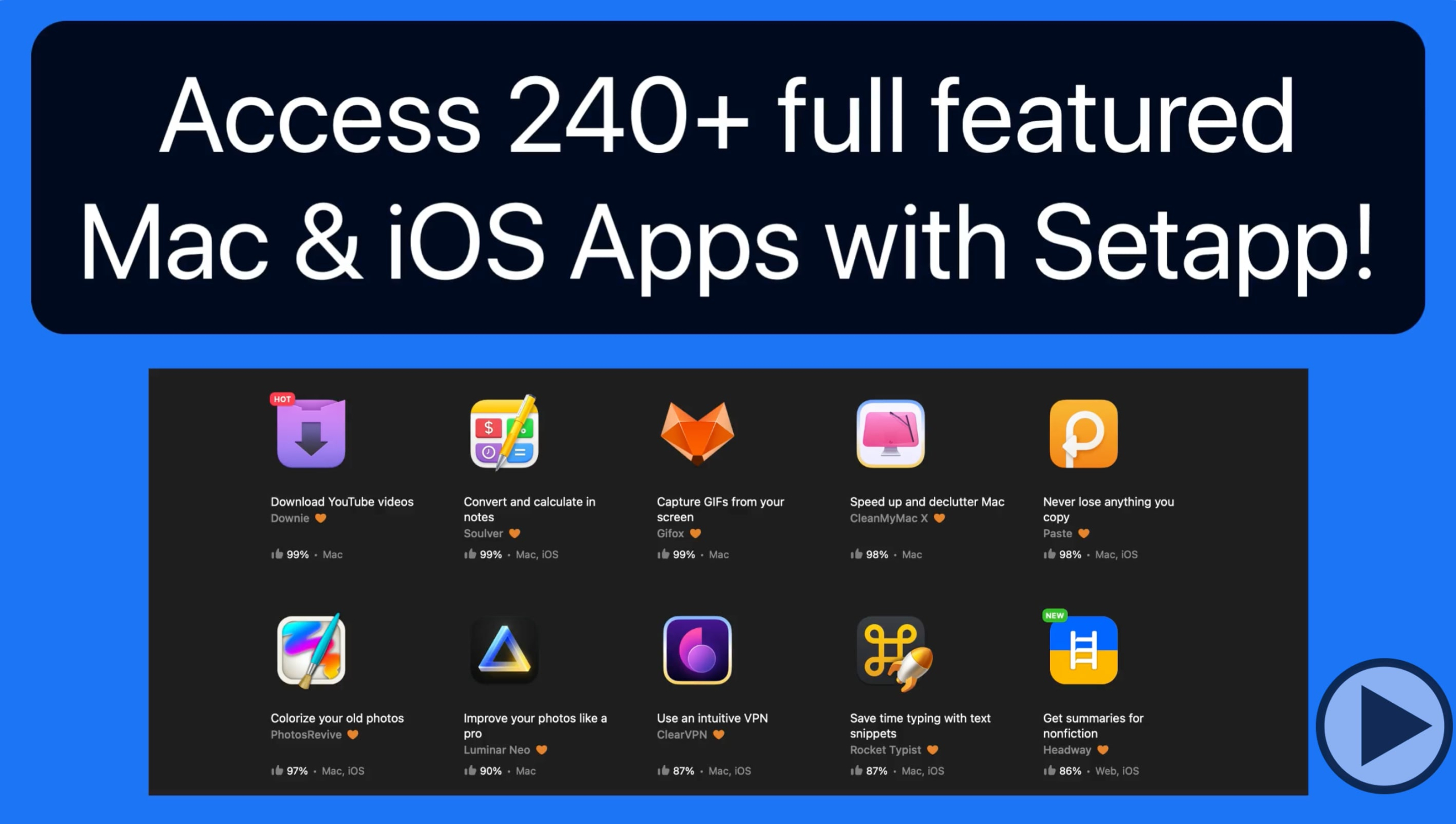
Setapp is a service that provides access to over 240 Mac & iOS App for a modest subscription price. In this quick lesson we look at how to use Setapp to browse and install Apps on a Mac and to an iOS App. For an extended 30 day trial of Setapp click HERE

Read more

video
play-sharp-fill

In this lesson that’s part of the full iCloud Tutorial see how to use the password manager that’s built into your Mac, iPhone and iPad to save and sync login information for websites or apps that you log into. Learn much more about using iCloud with your Mac, iPhone & iPad here!

Read more

An all-new iMovie for iOS Tutorial is now available! This tutorial has 20 lessons on how to organize and edit video clips and photos into great looking movies with your iPad or iPhone!  Learn More…

Current All Access Members can view the full tutorial Here…

In this tutorial with twelve new lessons see how to use the Podcasts app that comes installed on every iPhone, iPad & Mac. Podcasts have become more and more popular over the years and there are thousands to choose from. In these lessons we look at how to find Podcasts, follow them and then how to manage and listen to the shows you enjoy. We go also go over paid subscriptions, channels, per-show settings, notifications, using Siri with Podcasts, and much more!
View more details, and a free lesson Here…
Read more

iPadOS is the iPad-specific version of Apple iOS which runs on iPhone and iPod Touch. The basic operation and interface between iPad and iPhone is very similar. Someone that’s owned an iPhone will also be comfortable using an iPad. What iPadOS provides are iPad-only features that are designed for the Larger display, form factor, and certain accessories like an Apple Pencil. This tutorial will go over the iPad-only features and other differences from the iPhone-based version of iOS. If you own an iPad this tutorial is for you!
View more details, and a free lesson Here…
Read more

We’ve updated the Contacts, Calendar & Reminders for iOS tutorial with 9 All-New lessons on the iOS Calendar App and 13 new lessons on Reminders for iOS!
See how to add, edit, and share events as well as multiple calendars. Learn to create different types of reminders, how to organize them, view use the Reminders widget, and even how to view and create reminders on your Apple Watch!
View more details, and a free lesson Here…
Read more