Tag Archive for: iPad

video
play-sharp-fill

In this quick lesson see how to use the Photo Grid shortcut available from the Shortcuts App in iOS to quickly assemble several images into a grid pattern. In this example I use a set of photos taken in burst mode on an iPhone of Chicago Cubs pitcher Cole Hammels. Learn more about the Shortcuts App and Siri Shortcuts in the “What’s New in iOS 12 Tutorial“.
Read more

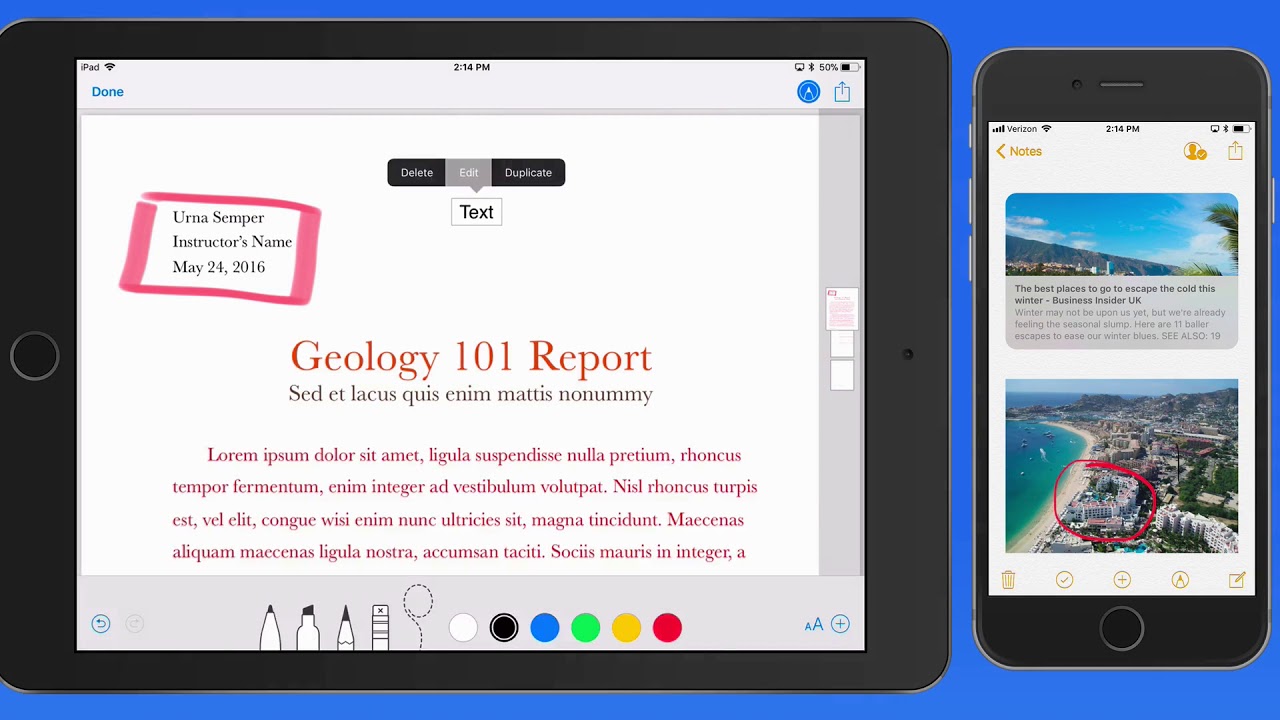
Learn – Markup for iOS is now available! This tutorial shows how to use the various Markup tools in different ways. See how to quickly add text to an image, add a signature to a document, sketch, add shapes and more!  Learn More…

Current All Access Members can view the full tutorial Here…

video
play-sharp-fill

In this lesson from the Markup tutorial in the Mini Tutorials Collection see how to add text to images and other documents types with Markup. This can be done from a variety of Apps for a variety of reasons. Learn much more in the full Markup Mini Tutorial.

Read more

Learn – Journaling with Day One is now available! This tutorial contains over 19 lessons on use Day One to create, edit view and organize journal entries. Learn how to add photos, audio recordings, make retroactive entires and much more!  Learn More…

Current All Access Members can view the full tutorial Here…

The iOS 12 Core Concepts Tutorial is now available! See how to use the key features in iOS 12 to get the most out of your iPhone or iPad!  Learn More…

Current All Access Members can view the full tutorial Here…

Read more

video
play-sharp-fill

In this lesson from the  “What’s New in iOS 12 Tutorial” see how to use the brand new Shortcuts App! Shortcuts let you build or download sets of actions that allow for one tap execution of certain tasks.
Download the Shortcuts App from the App Store

Read more

The What’s New in iOS 12 Tutorial is now available! See how to use the new and updated features in iOS 12 for iPad & iPhone!  Learn More…

Current All Access Members can view the full tutorial Here…

video
play-sharp-fill

In this lesson from the upcoming “What’s New in iOS 12 Tutorial” see how to use the new Measure App to quickly view the length between two points or the dimensions of a rectangle!

Read more

video
play-sharp-fill

In this lesson from the What’s New in iOS 12 Tutorial see the iPhone X gestures now available on any iPad.

Read more

In this brand new tutorial see how to build word processing and page layout documents on your iPad or iPhone with Pages for iOS!
Within this tutorial, we cover all the basics using of Pages for iOS along with some advanced features. See how to format text, use and save styles, add links, use sections, add shapes, insert images and much more.  View the full lesson list and a free lesson Here…
Read more