Tag Archive for: Mac

Our tutorials on how to use the Apple Calendar App for both Mac & iOS have been re-recorded and updated! These Apple Calendar tutorials provide a comprehensive guide to using the app on both Mac and iOS (iPhone & iPad). They cover the basics of the interface, adding events and reminders, and managing different calendars. Lessons explain how to view and edit event details, send and respond to invitations, and work with shared or public calendars. Additional topics include using the Calendar widget, leveraging Siri for scheduling, setting up notifications, enabling time zone support on Mac, and printing calendars. Together, they offer everything you need to efficiently organize your schedule across all your Apple devices.  Learn More…

Current All Access Members can view the full tutorial Here…

Apple Calendar Tutorial for Mac, iPhone, iPad

Read more

video
play-sharp-fill

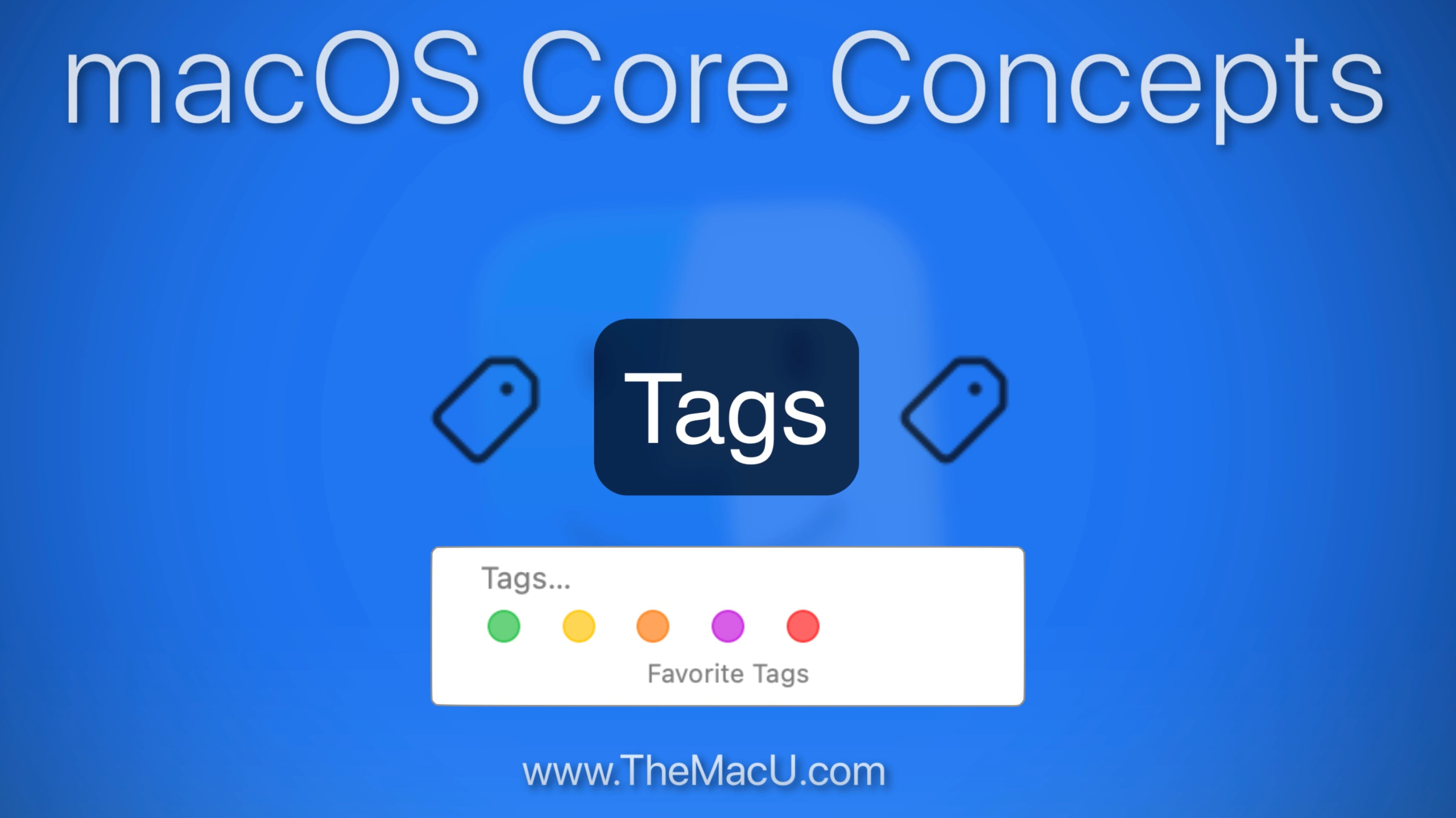
In this lesson that is part of the “macOS Core Concepts” Tutorial see how to use the Tags feature on your Mac. Tags in the macOS Finder provide a simple and effective way to organize and quickly locate both files and folders.

Read more

video
play-sharp-fill

In this lesson from our full tutorial on the Maps App that comes built into every Mac learn how to use the “Look Around” feature. With Look Around we can view cities and towns as if we are doing a walking tour. Look Around is only available for major US cities but in Europe, Canada and other countries it can be used in small towns and villages!

Read more

In this newly recorded tutorial learn how to use the Maps app that comes installed on every Mac. From mastering the sleek interface and switching between map modes to exploring 3D views and the interactive globe, this guide covers it all. Learn how to find locations, get step-by-step directions, explore places and guides, and use features like Look Around and Indoor Maps to navigate like a pro. Plus, see how Maps can integrate seamlessly with other apps for maximum productivity. Whether you’re a casual user or a power navigator, this tutorial will help you unlock every feature Maps for Mac has to offer. Learn More…

Current All Access Members can view the full tutorial Here…
Read more

video
play-sharp-fill

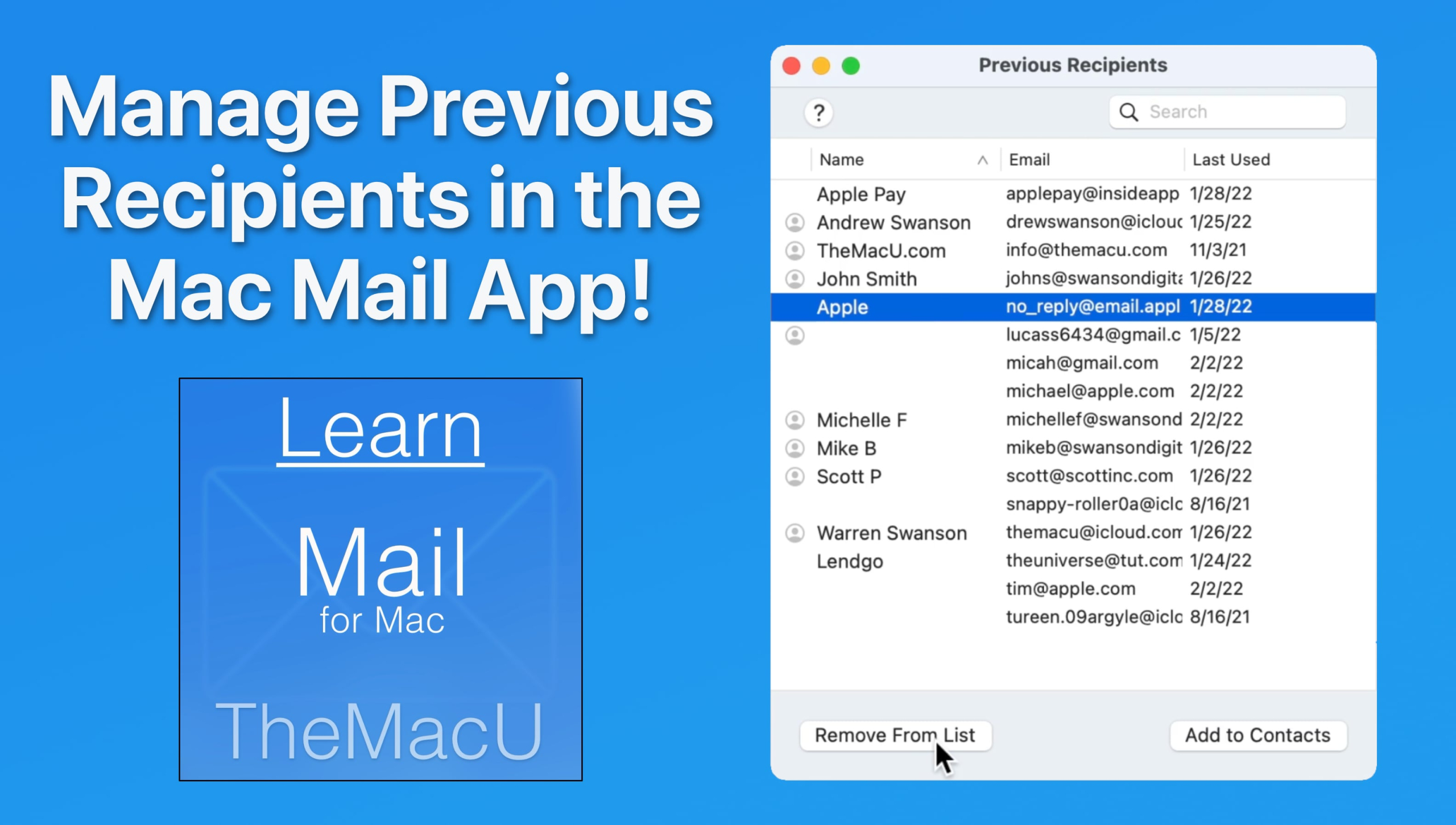
In this lesson from our “Mail for Mac” tutorial see how to view and manage the previous recipients list. From here its possible to add previous recipients as contacts or remove them from the list so their addresses no longer auto-complete when being entered. Learn much more in the full Mail for Mac Tutorial here…

Read more

video
play-sharp-fill

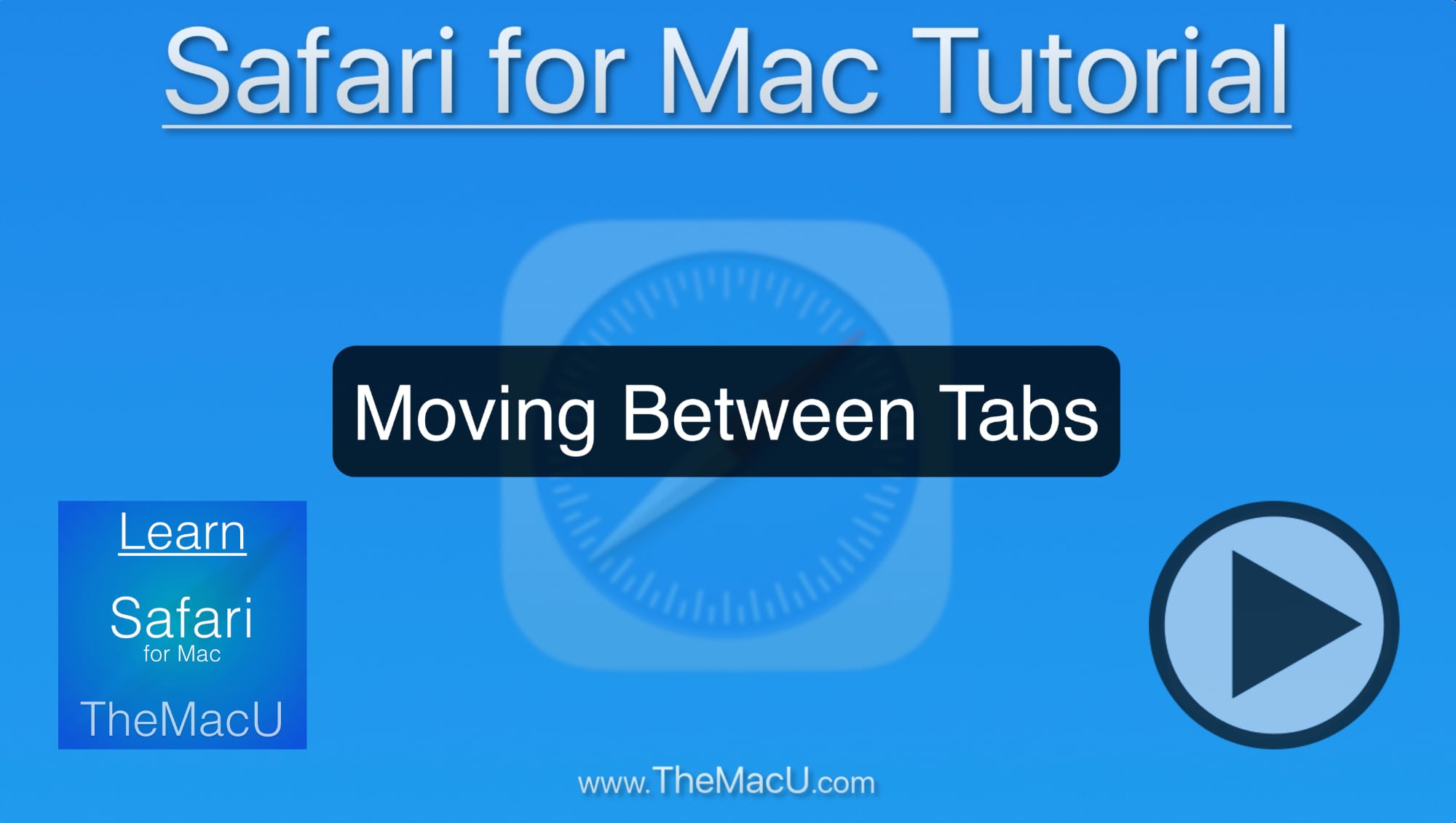
In this lesson from our full Safari for Mac Tutorial, see how to move between multiple tabs in a single Safari window. We cover a lot of very helpful keyboard shortcuts that can speed up browsing. Also covered is all tabs view, searching for tabs, opening closed tabs, and more!

Read more

video
play-sharp-fill

In this quick lesson from TheMacU.com see how to set columns in the macOS Finder to automatically adjust in width based on the length of the filenames in that column. I really like this feature as it prevents longer filenames from getting cutoff and difficult to read. But, if you prefer having all columns the same width it’s probably not for you. 

Read more

video
play-sharp-fill

In this lesson from our full 50 Lesson tutorial on the Photos App that comes with every Mac see how to color correct or enhance images with the Selective Color tool.

Read more

Our all new Photos for Mac Tutorial is available now for All Access Members. This new tutorial reflects the new look and features that came with macOS 26 Tahoe. Section 1 (View & Organize) contains 25 lessons that cover everything from the basics of navigating the Photos interface—such as the toolbar, sidebar, and info panel—to importing images from cameras, disks, other apps, and AirDrop. Section 2 (Editing Tools) has another 20+ lessons on how apply adjustments that can help color correct or enhance your images.  Learn More…

Current All Access Members can view the full tutorial Here…

Read more

We’ve updated the entire Safari for Mac Tutorial for macOS 26 with 16 all-new lessons on how to use your Mac’s built-in web browser! Learn to use all the main features of Safari on the Mac, how to organize bookmarks in multiple locations, use tabs, enhance your privacy while browsing the web, using extensions, and more!!
View more details, and free lessons Here… Read more