Free iPhone & iPad Video Tutorials from TheMacU.com

video
play-sharp-fill

In this lesson that has been added to our “Learn – iPadOS” Tutorial see how to use an external display to extend your desktop on an iPad. If you have ever considered replacing your laptop with an iPad this could be the feature that makes that decision easier. A keyboard and trackpad (or mouse) is needed to use stage manager on an external display which really makes the experience more “Mac-like”. This will require iPadOS 16.2 (mid-december 2022) as well as an M1 chip, M2 chip or later equipped iPad. Learn much more in the full iPadOS video tutorial here…

Find the iPad, displays and keyboard case used in this lesson at the affiliate links below…

M1 iPad Air

M1 iPad Pro

M2 iPad Pro

ESR Rebound Keyboard Case… ESR StoreAmazon

Dragon Touch 15.6 inch portable display… Amazon

Adjustable Stand for portable display (Great for use with iPad or MacBook! – Amazon

Read more

video
play-sharp-fill

In this lesson that’s been added to both the Health App and Apple Watch Tutorial  see how to setup and utilize Sleep Tracking on Apple Watch. The monitors your movements, heart rate and respiratory rate while sleeping to track your sleep stages.
View the full Apple Health Overview Tutorial…

Read more

video
play-sharp-fill

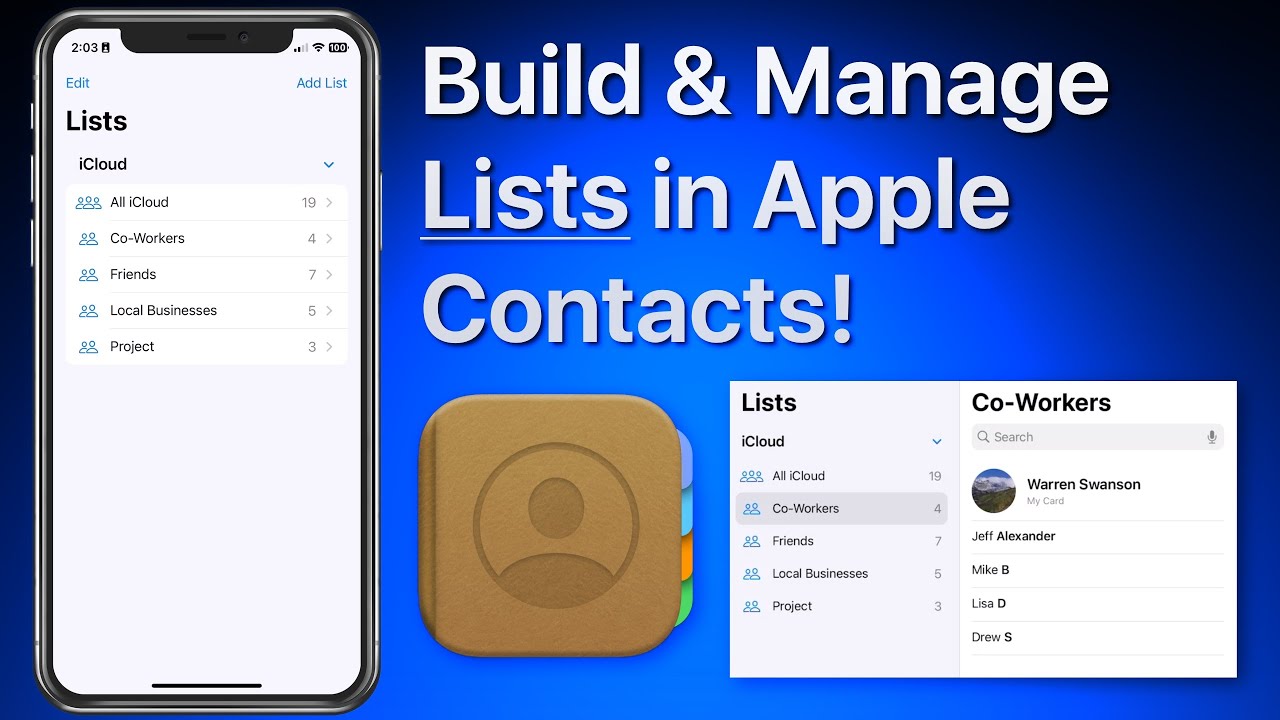
In this lesson that’s part of our new “Contacts for iOS & Mac Tutorial” tutorial see use lists to organize and manager your contacts on iPhone & iPad. We look at how lists can be used to organize a large collection of contacts. Lists can then be used to send a group email or message to all the contacts in a list! Learn much more about using the Contacts App in the full tutorial here… 


Black Friday Deal! 50% Off for iPhone, iPad Access

Read more

video
play-sharp-fill

In this lesson that’s been added to our full tutorial on Apple Maps for iOS & Mac see how to use the Interactive Globe feature. This can be a fun way to discover new places and sharpen up your world geography knowledge!
Read more

video
play-sharp-fill

In this lesson that’s part of our “What’s New in iOS 16” Tutorial see how to add different widgets to your custom lock screens in iOS 16 on iPhone. Learn much more about Lock Screen customization and iOS 16 in general with the full tutorial here… 

Read more

video
play-sharp-fill

In this lesson that’s part of our “What’s New in iOS 16” Tutorial see how to quickly lift or isolate a subject from the background of a photo and share it. What previously could take a lot of work outlining or erasing around a subject can now be done with one tap and hold on an image!

Read more

video
play-sharp-fill

In this lesson that’s part of our full tutorial on iMovie for iOS see how to use the new Magic Movie project option. With this option iMovie will take the clips you select and quickly build a movie with them that includes a title graphic, transitions and background music. You can then edit or tweak the movie that was built. See how in this lesson!

Magsafe Tripods & Selfie Sticks

Read more

video
play-sharp-fill

In this quick lesson from our full Apple Watch Core Concepts Tutorial see how to utilize one of my favorite Apple Watch features, Nightstand Mode! With the watch in Nightstand Mode it will display the date and time but only when awakened by a nearby vibration or a tap on the watch. This allows for your night stand to remain completely dark unless you activate the watch to see the time!

 All Access Members can view every lesson in every tutorial on TheMacU.

Read more

video
play-sharp-fill

In this lesson from the full tutorial on the Notes App see how to create a new note just using Siri or edit an existing note with Siri.
Learn more in the full tutorial here… 

Read more

View Social Media Links in Reader View or Safari on iPhone or iPad!
play-sharp-fill

View Social Media Links in Reader View or Safari on iPhone or iPad!


In this lesson see how to improve the experience of viewing links that you click on in social media apps like Twitter or Facebook. On an iPad or iPhone it’s possible to view a link to an article or webpage in Reader View which removes all the ads and other clutter on the page or allow you to adjust the font size and background color! Learn much more in the full Safari for iOS tutorial here… 
Read more