
In this free lesson from our full “What’s New in iOS 18?” Tutorial see how to record and transcribe live audio in the Apple Notes App. This is a new feature in Notes for iOS 18 and macOS Sequoia. Learn More…
Read more

In this free lesson from our full “What’s New in iOS 18?” Tutorial see how to record and transcribe live audio in the Apple Notes App. This is a new feature in Notes for iOS 18 and macOS Sequoia. Learn More…
Read more

Browse all TheMacU Tutorials here…


BlueDriver Scan tool tutorial
In this quick lesson from TheMacU.com we look at how to utilize your iPhone as an automotive diagnostics tool with BlueDriver. See how to read and clear error codes, including from your check engine light. We also look at how the live data feature works, allowing you to view in real time a wide variety of vehicle, engine and system information.


In this lesson from our full Mac Backup Tutorial we go over the 3 tier backup system I use to prevent important files and photos from ever being lost. This system utilizes iCloud, a Time Machine Drive and Backblaze Online Backup.
You can try Backblaze here…

In this quick lesson from TheMacU.com see how to use Paste to retain and organize everything you copy on on your Mac or iOS devices. If you used Command – C on an important piece of text last week and want to use it again that can be done in no time with Paste! Paste is part of Setapp. For an extended 30 day trial click HERE

Get the most out of the Photos App that comes installed on every iPhone! This Tutorial covers all the features in Photos for iPhone that allow you to organize, edit and share your images. We start with how to add to and sync to your library. From there we move on viewing and organizing images before getting into all the editing options with adjustments and filters. This tutorial will be great for anyone looking to get more from the photos collection on their iPhone.
View more details, and a free lesson Here…
Read more

In this lesson from our full iPhone Camera App Tutorial see how to use the Magnifier App that comes built into your iPhone to see and freeze super small fine print.
Learn how to use the Photos App on your iPad to its fullest potential with this comprehensive tutorial. We cover all of the app’s features, including organizing, editing, and sharing your photos. First, we’ll show you how to add photos to your library and sync your library across devices. Then, we’ll move on to viewing and organizing your photos before diving into the editing tools, such as adjustments and filters. Whether you’re a beginner or an experienced user, this tutorial is perfect for anyone looking to get more out of their iPad’s photo library.
View more details, and free lessons Here…
Read more
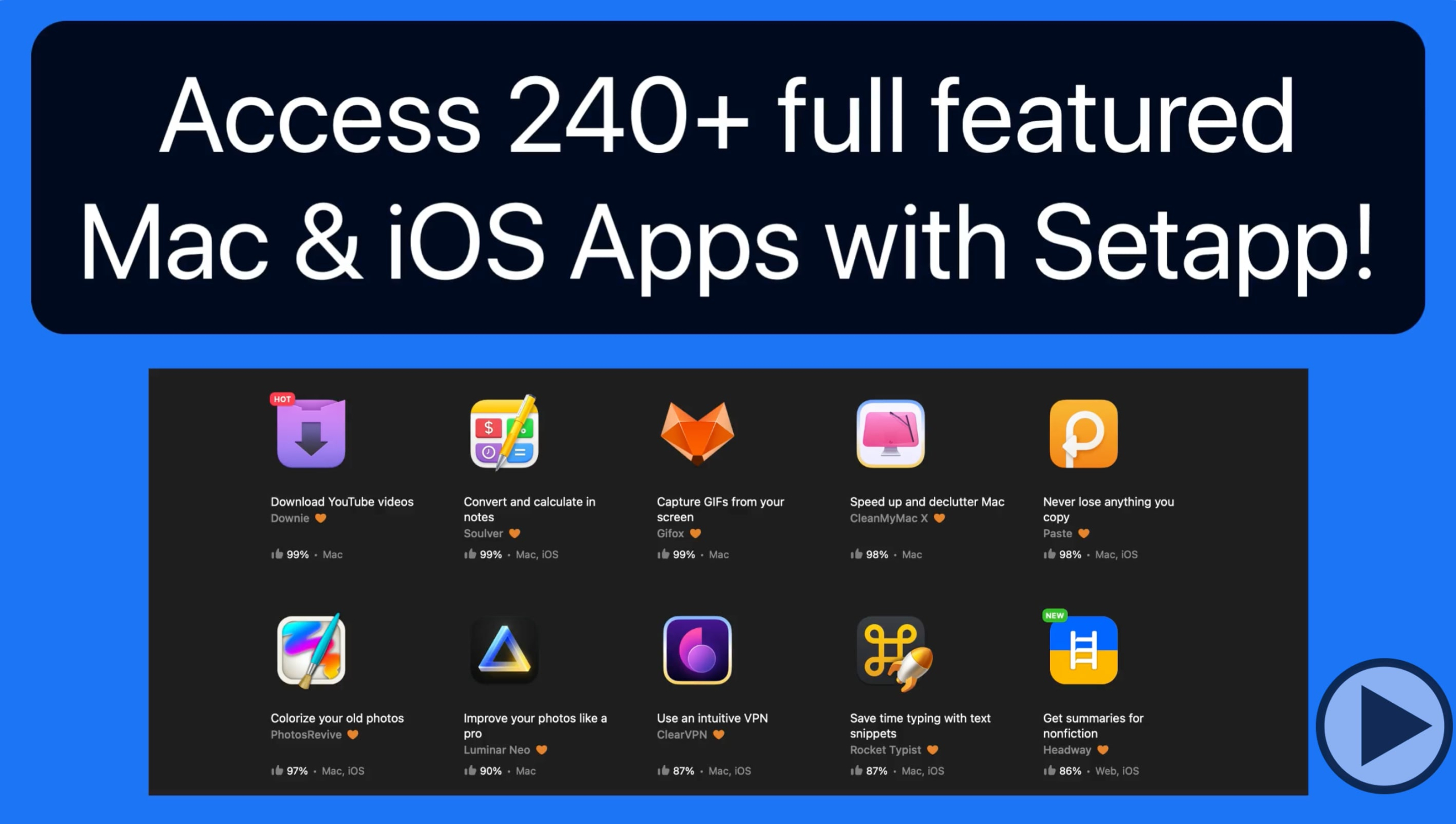
Setapp is a service that provides access to over 240 Mac & iOS App for a modest subscription price. In this quick lesson we look at how to use Setapp to browse and install Apps on a Mac and to an iOS App. For an extended 30 day trial of Setapp click HERE