
iOS 17 brings significant new features and updates to how things work on iPhone, iPad! In this tutorial, see how each feature works and how they might affect the daily use of your iOS devices. Viewing this tutorial is a great way to quickly bring yourself up to speed with the key changes introduced in iOS 17! View more details, plus free lessons Here… Read more
Tag Archive for: iPhone

In this lesson that is part the “What’s New in iOS 17” Tutorial see how to use the new Standby feature on iPhone. With Standby when your iPhone is connected to power and locked it can be a smart display that can show widgets, photos and clocks. It can also show notifications and can be used with Siri.

In this quick lesson see how to send your location to friends and family via satellite when off grid with your iPhone. This only applies to iPhone 14 and later. All iPhone 15 models will also come with this feature built in. This can be a great way to let loved ones know that you are safe and sound when off grid!
In this quick lesson we look at how to block those annoying App ratings pop ups from appearing on your iPhone or iPad.

In this quick tip from TheMacU.com see how to view the UV index in the Weather App and how to add a UV index widget to your lock screen.

With the iPhone 14 Pro and later the main camera has a 48 megapixel sensor. In this lesson from our full iPhone Camera tutorial see how to enable full resolution 48mp photos and switch between 12mp and 48mp settings. We also look at comparison shots of the resolution detail between 12mp live photo, 12mp ProRAW and 48mp Pro RAW. Current All Access Members can view the full iPhone Camera Tutorial here…
In this tutorial see how to use the Freeform App for iPad, iPhone, and Mac! With freeform we can use a “digital whiteboard” to write or sketch by hand, add shapes, text, links, files, and more. This can be a great way to brainstorm, plan, design, journal, and collaborate with others. Freeform syncs with iCloud and is available for free on iPad, iPhone, and Mac!
View more details, plus a free lesson Here…

In this quick tip we go through the steps to create a high yield savings account (4.15% APY) within Apple Wallet on your iPhone. Only users with an Apple Card are eligible for the Savings Account. Once enabled all your Daily Cash which is the cash back from your Apple Card transactions will be added to the savings account and begin earning interest.

In this lesson that’s been added to both the Health App and Apple Watch Tutorial see how to setup and utilize Sleep Tracking on Apple Watch. The monitors your movements, heart rate and respiratory rate while sleeping to track your sleep stages.
View the full Apple Health Overview Tutorial…
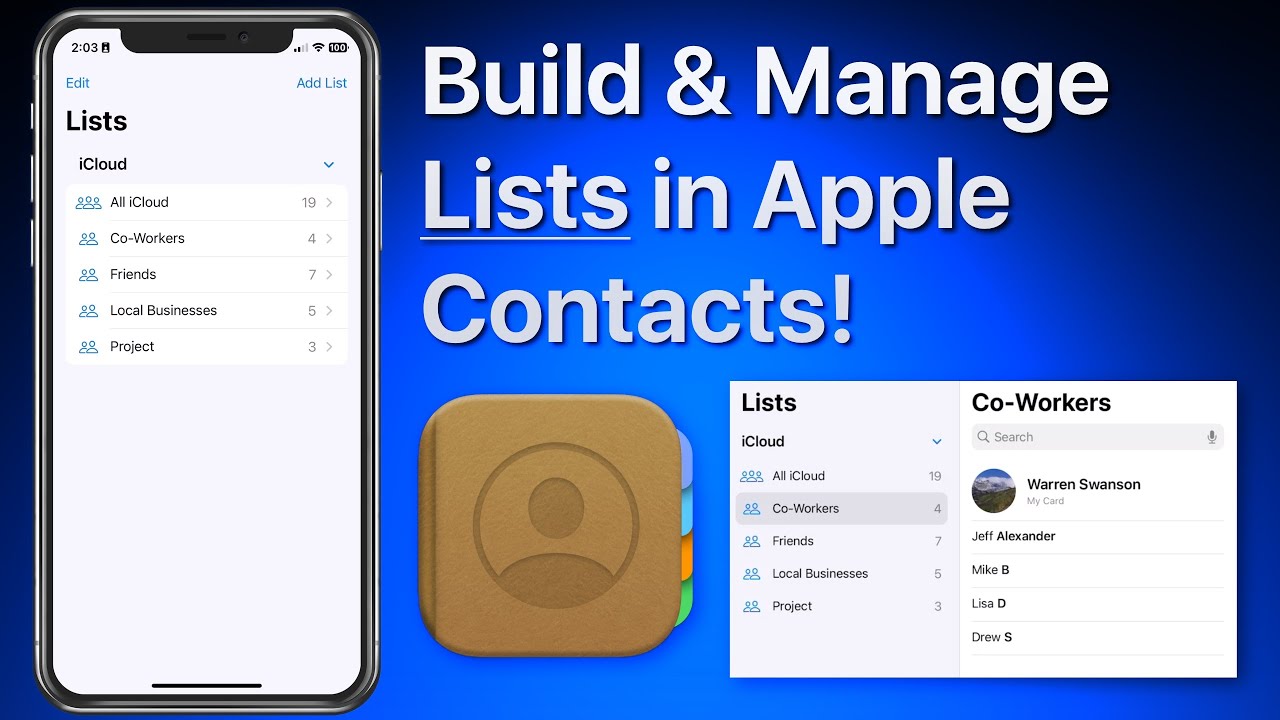
In this lesson that’s part of our new “Contacts for iOS & Mac Tutorial” tutorial see use lists to organize and manager your contacts on iPhone & iPad. We look at how lists can be used to organize a large collection of contacts. Lists can then be used to send a group email or message to all the contacts in a list! Learn much more about using the Contacts App in the full tutorial here…
