Tag Archive for: macOS

How to Multitask on a Mac with Apps in Split or Full Screen!
play-sharp-fill

How to Multitask on a Mac with Apps in Split or Full Screen!

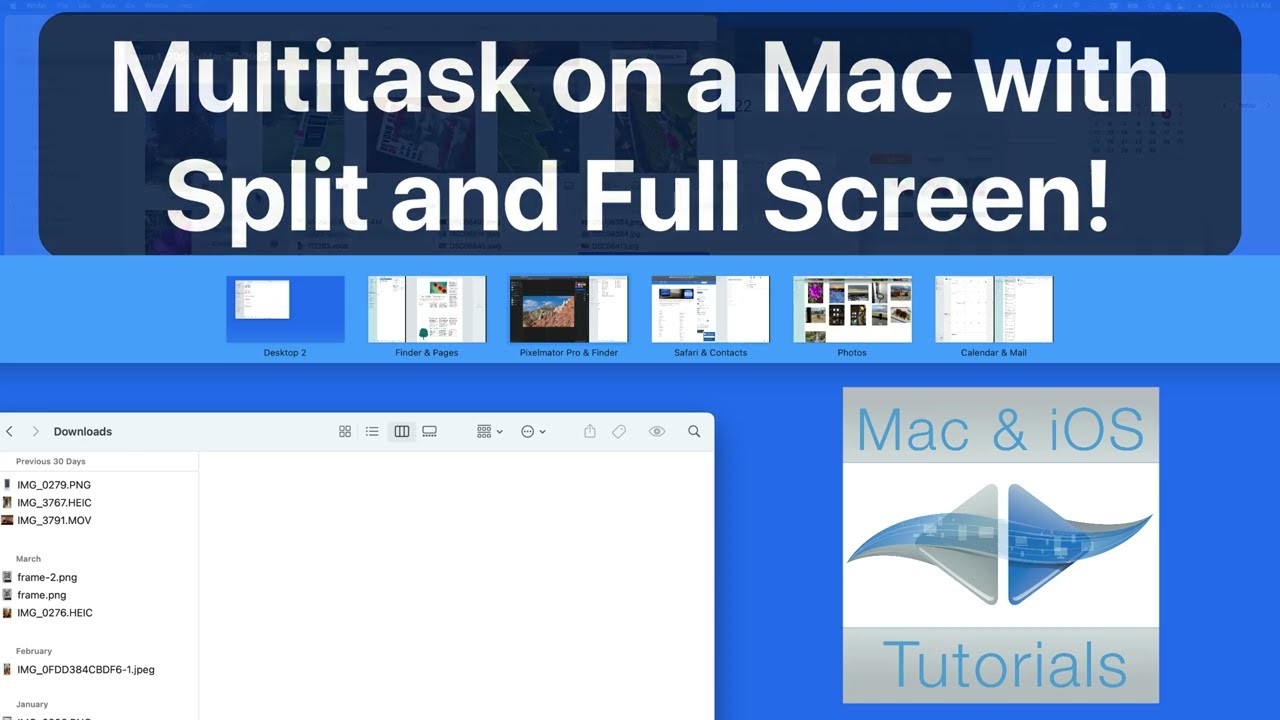
In this quick lesson from TheMacU.com see how to use split or full screen multitasking along with Mission Control. In this example we setup 7 Apps running in 5 separate desktops or spaces. Learn more about multitasking and mission control in our full macOS Core Concepts Tutorial.

Read more

video
play-sharp-fill

In this quick lesson see how to navigate Finder Windows, the Menubar and even the Dock with just your keyboard. At times utilizing the keyboard can be more efficient than your Trackpad or Mouse. Learn more about the Finder in our macOS Core Concepts Tutorial.

Read more

video
play-sharp-fill

In this lesson part of the full “Learn – Pages for Mac” tutorial see how to build a Table of Contents using paragraph styles in Pages for Mac.
Current All Access Members can view the full Pages for Mac tutorial here…

Read more

video
play-sharp-fill

In this lesson that’s been added to our full tutorial on What’s New in macOS Monterey see how to use Universal Control to control an iPad with the trackpad and keyboard of a Mac. With universal control its possible to drag and drop between a Mac and iPad or two Macs.
Learn more about the new features in macOS Monterey in our Full Tutorial

Read more

video
play-sharp-fill

In this lesson from our full tutorial on the Mail App built into every Mac learn several ways to find emails. We cover the search field, filter controls, sorting options, Flags, and VIPs.
Learn more about using the Mac Mail App in our Full Tutorial

Read more

Our Mail for Mac tutorial has been completely re-recorded with 11 new lessons! See how to use the Mail App that comes installed on every Mac. We look at the Mail interface, how to set up accounts, manage and organize mail, find mail, create signatures, and more!

View more details, and a free lesson Here…
Read more

video
play-sharp-fill

In this lesson that’s now part of the Tidbits lesson in the full “What’s New in macOS Monterey” tutorial see how to use the new Erase All Contents and Settings feature in macOS Monterey. This makes preparing a Mac to sell, trade-in or give away a lot easier. In just a few clicks all your data is erased and after restarting a clean install of macOS is ready for a new user!
The mac in this video was traded in for cash with Gazelle. To see what your devices are worth take a look here… https://themacu.com/gazelle

Learn more about all the new features in macOS Monterey in our What’s New Tutorial.

Read more

video
play-sharp-fill

In this lesson that’s been added to the full “What’s New in macOS Monterey” tutorial see how to use the Mac Shortcuts App to find or build automation’s that can save time! We look at the basics of the Shortcuts App as well as how to build a custom image overlay shortcut with actions from Pixelmator Pro! Learn more about all the new feature in macOS Monterey in our What’s New Tutorial.

Read more

Within this tutorial learn about the new features and changes in macOS Monterey including Focus Modes, Live Text, Tab Groups, AirPlay to Mac, and much more!
View more details, plus free lessons 
Here… Read more

video
play-sharp-fill

In this lesson see how the “Charge to Full Now” battery management feature works in macOS. If you have a MacBook that remains connected to power most of the time macOS will prevent the battery from charging past 80% to maintain optimal battery health. In this lesson, we look at how to tell the MacBook to charge fully and how the feature can be deactivated in the Battery System Preference Pane. Learn more about all Mac System Preferences in our macOS Core Concepts Tutorial.

Read more