video
play-sharp-fill

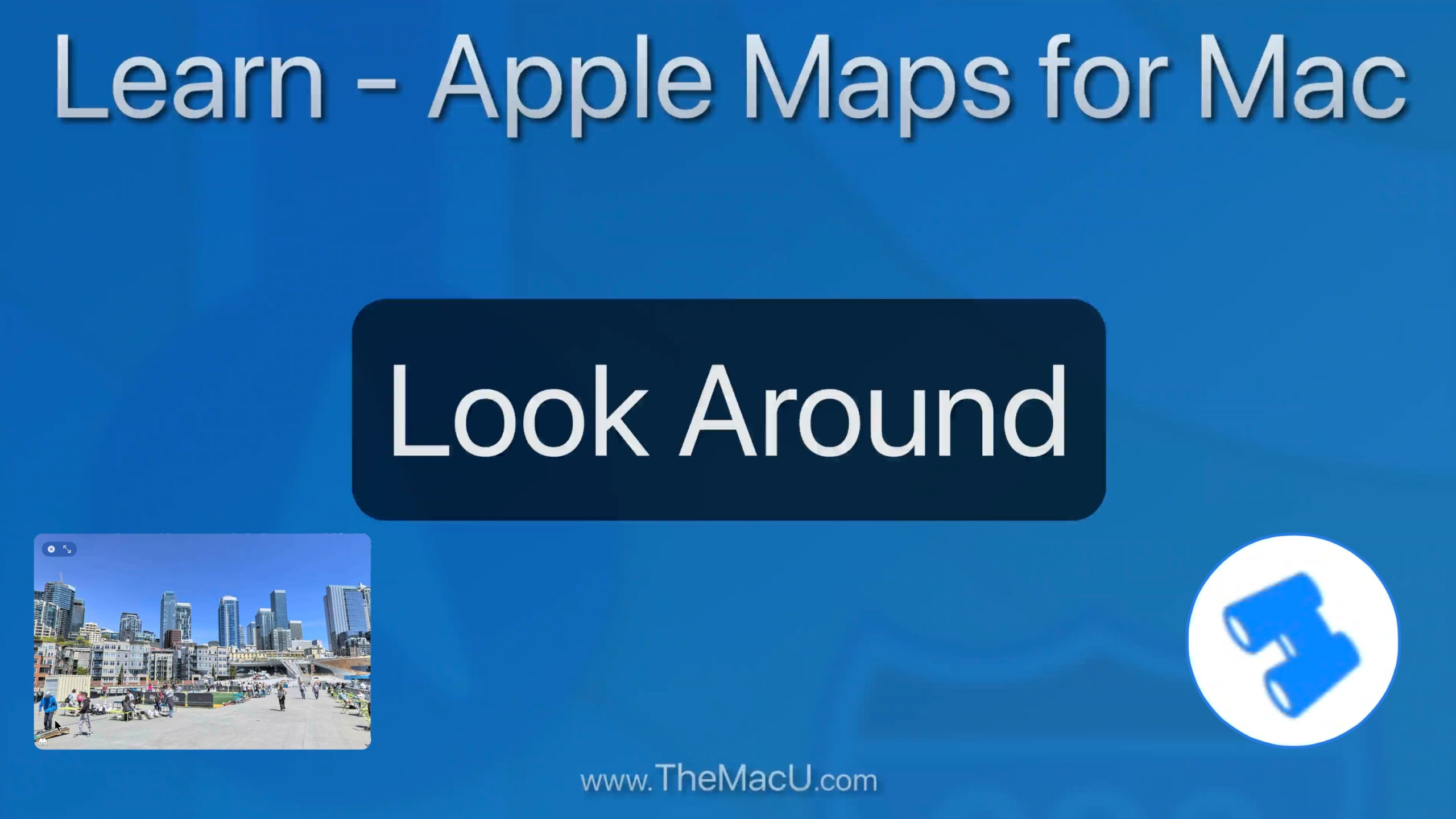
In this lesson from our full tutorial on the Maps App that comes built into every Mac learn how to use the “Look Around” feature. With Look Around we can view cities and towns as if we are doing a walking tour. Look Around is only available for major US cities but in Europe, Canada and other countries it can be used in small towns and villages!

Read more

In this newly recorded tutorial learn how to use the Maps app that comes installed on every Mac. From mastering the sleek interface and switching between map modes to exploring 3D views and the interactive globe, this guide covers it all. Learn how to find locations, get step-by-step directions, explore places and guides, and use features like Look Around and Indoor Maps to navigate like a pro. Plus, see how Maps can integrate seamlessly with other apps for maximum productivity. Whether you’re a casual user or a power navigator, this tutorial will help you unlock every feature Maps for Mac has to offer. Learn More…

Current All Access Members can view the full tutorial Here…

Read more

video
play-sharp-fill

In this free lesson from our full “iPhone Camera” tutorial learn how to use the flash. We look at how to use the Flash in Auto mode, when to keep the Flash turned off in favor of Night Mode, and how to force the flash to fire in order to light up a certain subject or scene. View all 23 iPhone Camera lessons in the full tutorial here…

Read more

video
play-sharp-fill

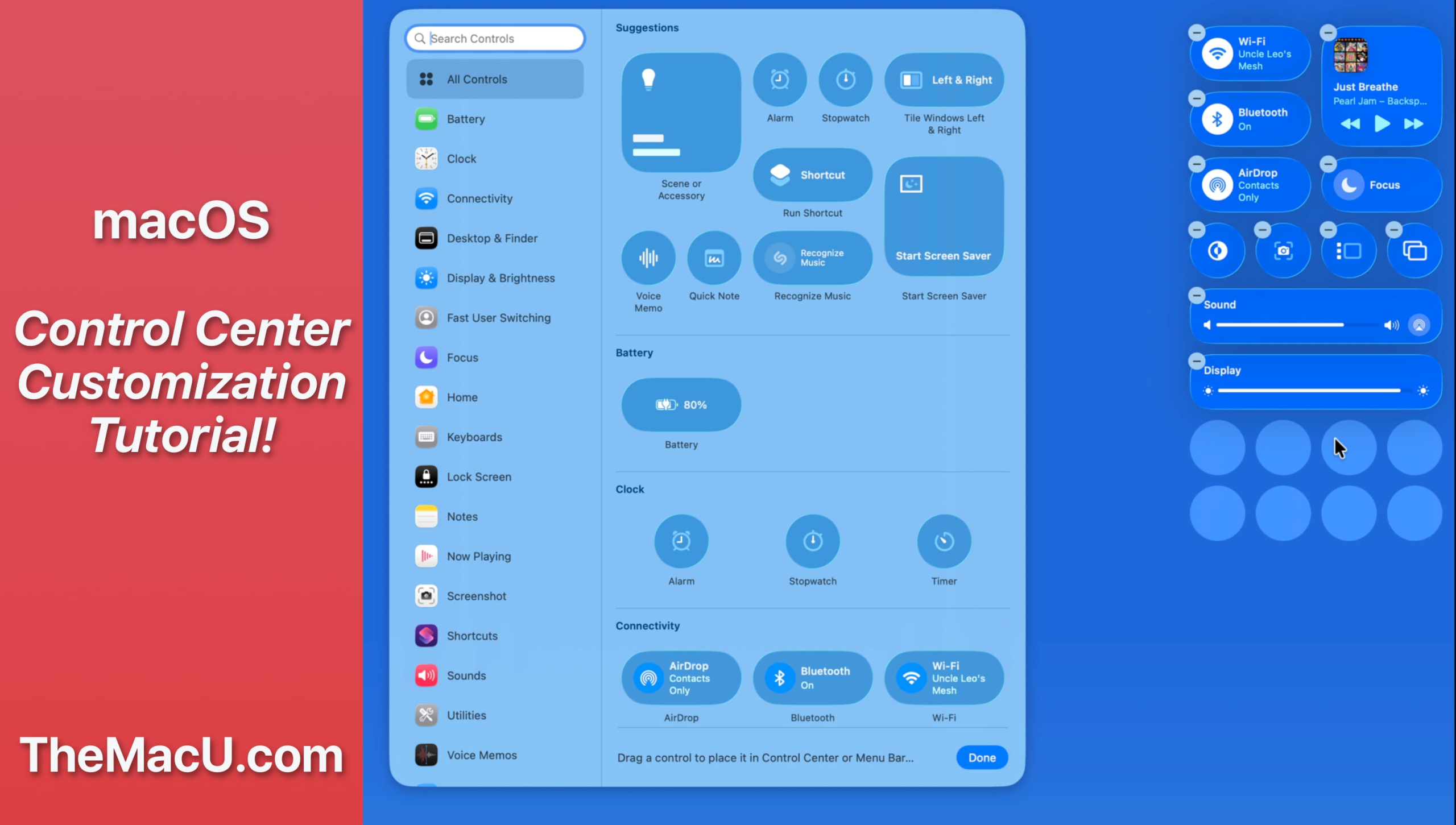
In this lesson from our full tutorial on how to use the new features in macOS 26 Tahoe see how to customize control center and certain menubar items. Learn much more in the full macOS 26 Tahoe tutorial here…

Read more

video
play-sharp-fill

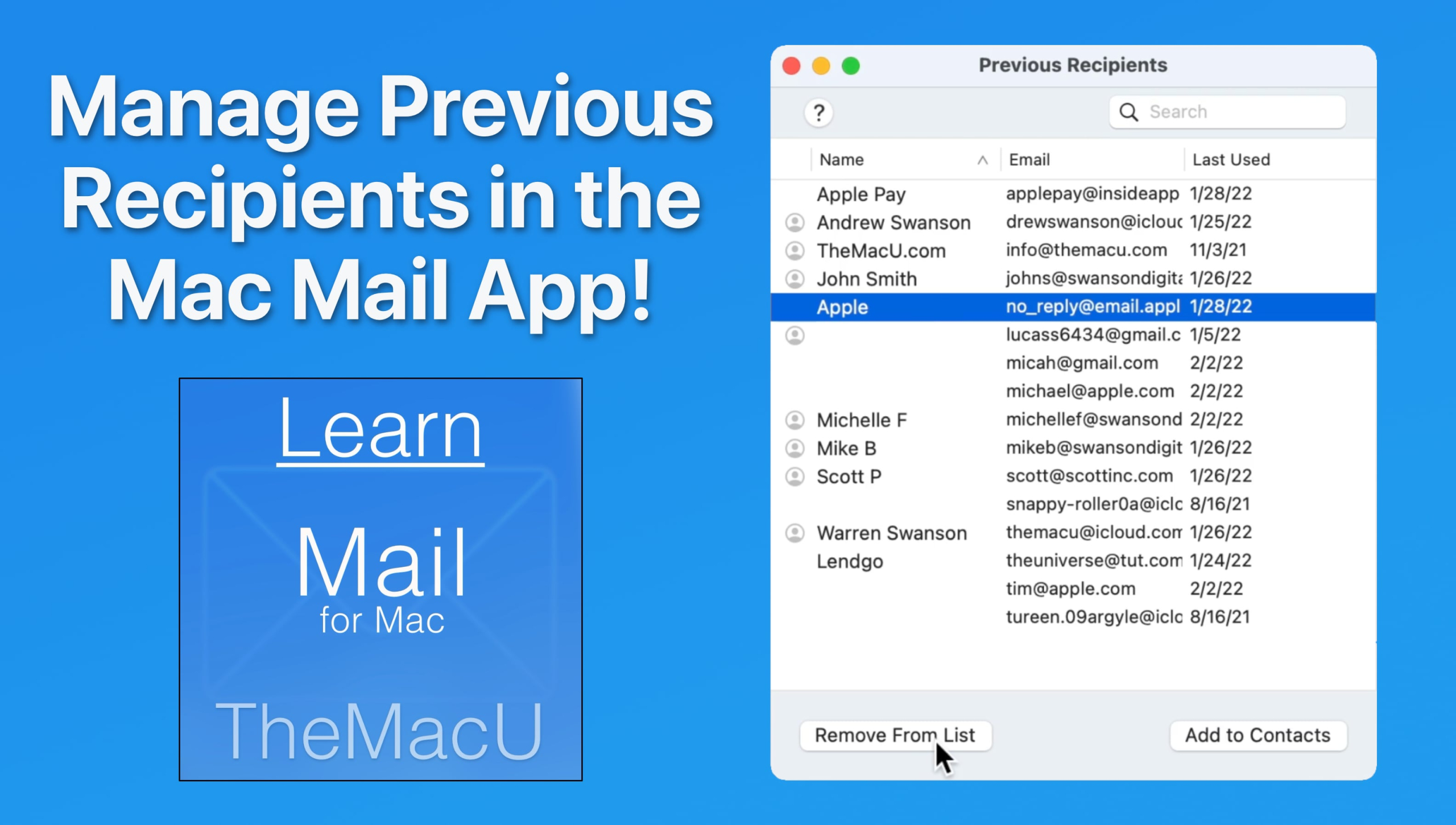
In this lesson from our “Mail for Mac” tutorial see how to view and manage the previous recipients list. From here its possible to add previous recipients as contacts or remove them from the list so their addresses no longer auto-complete when being entered. Learn much more in the full Mail for Mac Tutorial here…

Read more

In this newly recorded tutorial learn how to use the Maps app that comes installed on every iPhone, iPad, and Mac. This Apple Maps app tutorial for iOS (iPhone & iPad) covers all the key features. We begin with an introduction to the basic interface and explore the various map modes, including 3D views. Learn to find locations, get directions, and navigate using the app. The tutorial also highlights the ability to discover places, access guides, and use the Look Around feature. Search functionality is detailed, along with options to download maps for offline use. Learn More…

Current All Access Members can view the full tutorial Here…

Apple Maps tutorial for iPhone & iPad

Read more

video
play-sharp-fill

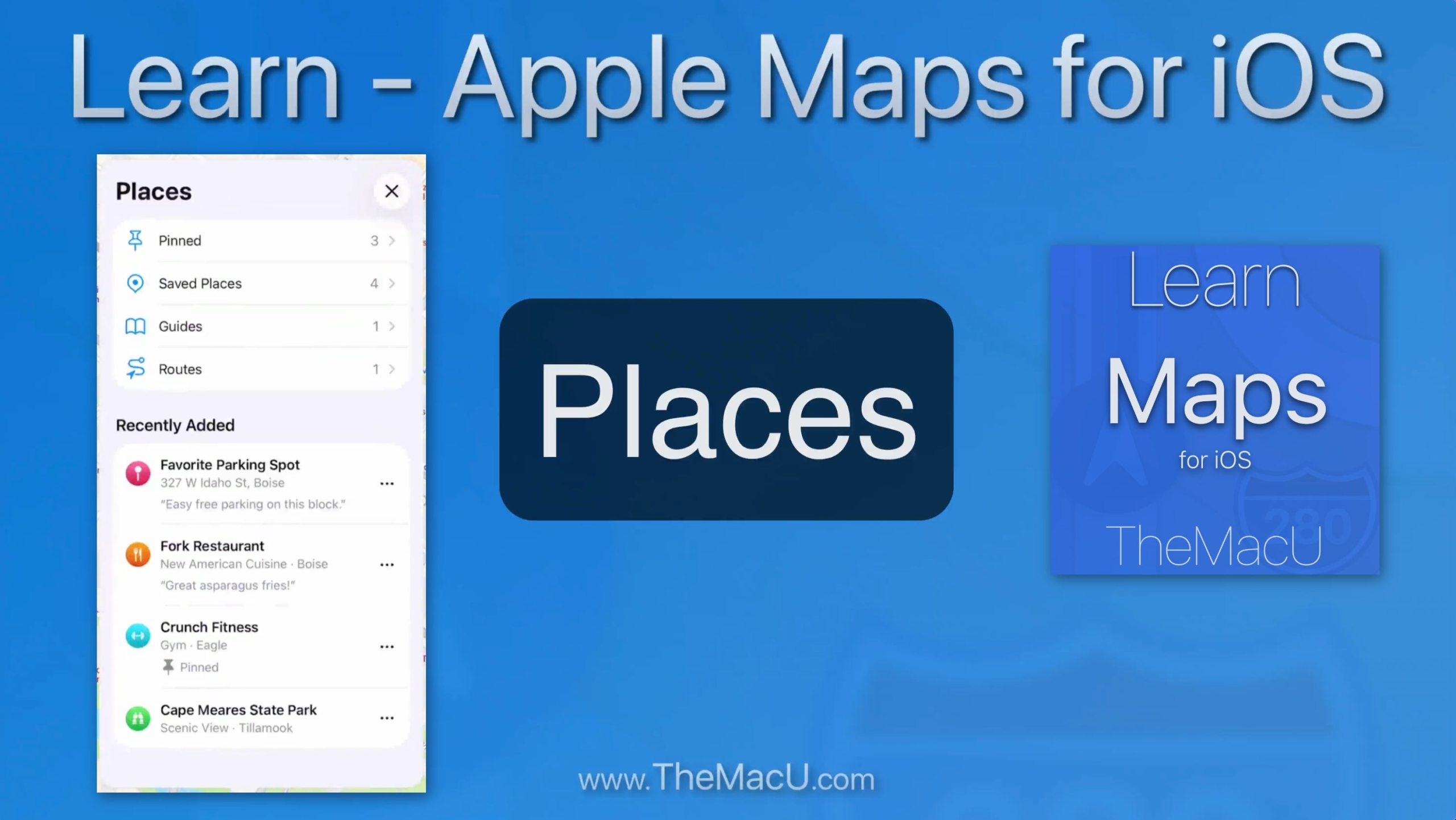
In this lesson from our full tutorial on the Apple Maps app for iOS see how to save any location on the Map to your Saved Places or Pinned list.

Read more

video
play-sharp-fill

In this lesson from our full Safari for Mac Tutorial, see how to move between multiple tabs in a single Safari window. We cover a lot of very helpful keyboard shortcuts that can speed up browsing. Also covered is all tabs view, searching for tabs, opening closed tabs, and more!

Read more

video
play-sharp-fill

In this quick lesson from TheMacU.com see how to set columns in the macOS Finder to automatically adjust in width based on the length of the filenames in that column. I really like this feature as it prevents longer filenames from getting cutoff and difficult to read. But, if you prefer having all columns the same width it’s probably not for you. 

Read more