Safari Profiles on iPhone & iPad — Keep Work & Personal Browsing Completely Separate!
Free video lesson · iPhone & iPad
Safari Profiles on iPhone & iPad — Keep Work & Personal Browsing Completely Separate!
In this lesson, we'll show you how to set up and use Safari Profiles on your iPhone and iPad to keep your browsing life organized.
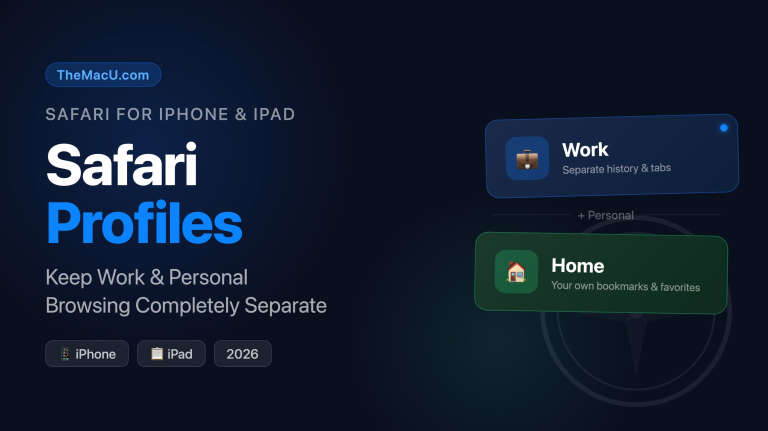
In this lesson from the full Safari for iOS Tutorial, we'll show you how to set up and use Safari Profiles on your iPhone and iPad to keep your browsing life organized. Create separate profiles for Work, Home, School, or anything else — each with its own bookmarks, history, tabs, and Tab Groups. We'll walk you through creating your first profile, adding an icon and color, switching between profiles in Safari, and removing a profile when you no longer need it.
Keep watching
More free video lessons
 Free lessonDecrease clutter in Safari on iPhone & iPad by setting tabs to close automatically!
 Free lessonHow to view Social Media Links in Reader View or Safari on iPhone or iPad!Free lessonHow to view and manage downloads in Safari for iPhone & iPad!291 free lessonsBrowse every free Mac, iPhone and iPad lessonSee all free lessons →
All Access membership
Watch every Safari for iPhone & iPad lesson, plus every other tutorial
Every plan starts with a free trial. Cancel any time during the trial and you won't be charged.
Monthly
Auto recurring5-day free trial
- Every Mac, iPhone & iPad tutorial
- New tutorials as they're released
- Watch on any device
- No ads
- Email support
Yearly
Auto recurring7-day free trial · just $2.50 a month
- Every Mac, iPhone & iPad tutorial
- New tutorials as they're released
- Watch on any device
- No ads
- Email support
Lifetime
Single payment7-day free trial · pay once, keep it for good
- Everything in Yearly
- Every future macOS & iOS update tutorial
- Never pay again
Secure checkout. Log in on any Mac, iPhone or iPad with the same account.




 TheMacU.com 2020