Tag Archive for: iOS

video
play-sharp-fill

In this free lesson from the Mini Tutorials Collection see how to secure a note with a password on Mac or iOS! Current All Access members can view all the Mini Tutorials Here…

Read more

video
play-sharp-fill

In this lesson from the full iMovie for iOS tutorial see how to use the iMovie timeline, move & trim clips.

Read more

The iOS 12 Core Concepts Tutorial is now available! See how to use the key features in iOS 12 to get the most out of your iPhone or iPad!  Learn More…

Current All Access Members can view the full tutorial Here…
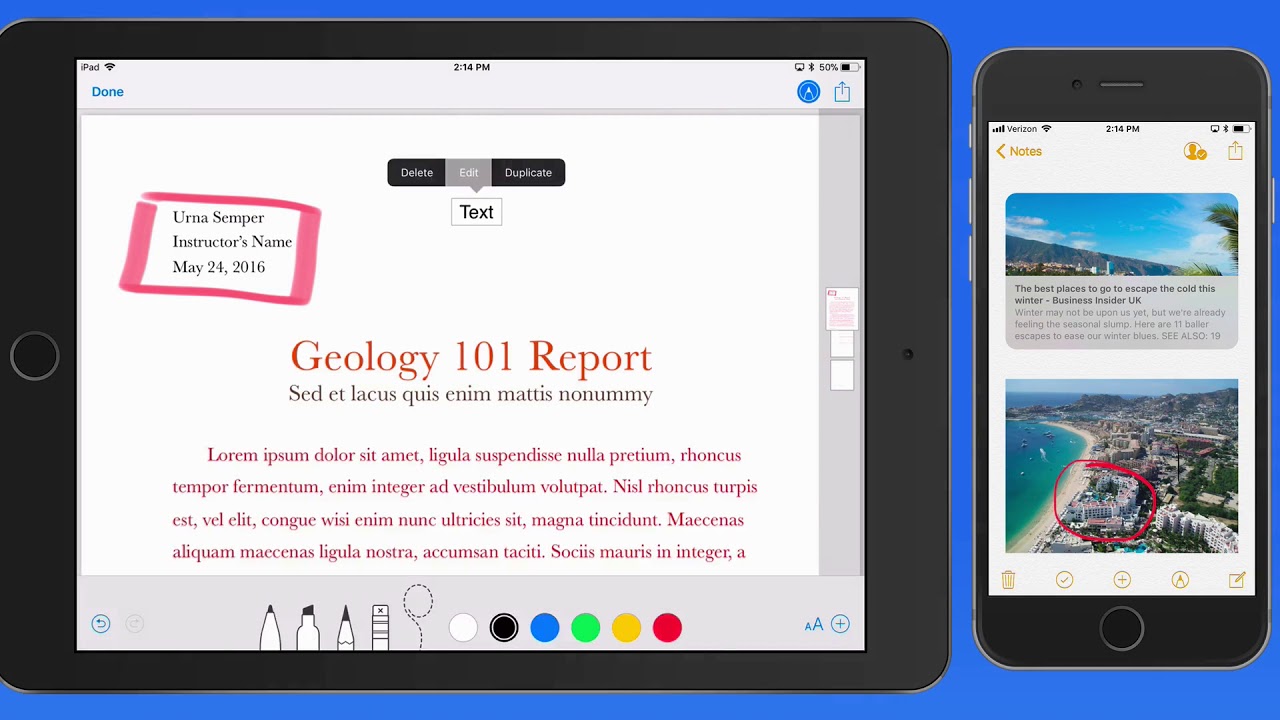
Read more

The What’s New in iOS 12 Tutorial is now available! See how to use the new and updated features in iOS 12 for iPad & iPhone!  Learn More…

Current All Access Members can view the full tutorial Here…

In this new tutorial, we look at how to use all the features and shooting modes included in the iPhone Camera App. An iPhone X and iPhone 6s are utilized to show the differences and similarities between the two models. Learn about all the iPhone shooting modes for both photos and video. Discover details about focus and exposure, using the flash, bursts, slow-motion video and much more!
View more details, and a free lesson Here…
Read more

In this brand new tutorial see how to build word processing and page layout documents on your iPad or iPhone with Pages for iOS!
Within this tutorial, we cover all the basics using of Pages for iOS along with some advanced features. See how to format text, use and save styles, add links, use sections, add shapes, insert images and much more.  View the full lesson list and a free lesson Here…
Read more

The What’s New in iOS 11 Tutorial is now available! See how to use the exclusive features introduced with the iPhone X along with how the iPhone X operates differently from previous iPhones! Learn More…

Current All Access Members can view the full tutorial Here…

If you’re not yet an All Access Member begin your 7 day Free Trial below with any of our three membership options!

Monthly All Access Subscription - Just $5 per month for TheMacU All Access. Fill out the form below to create your account then click the "Join All Access" button at the bottom of the page. On the next page enter your payment information to complete the registration and begin your free trial! *This is an auto-renewing subscription. No refunds after the free trial period and you must cancel prior to the renewal date to avoid being charged for the next year.
Yearly All Access Subscription - Only $25 per year for TheMacU All Access. Fill out the form below to create your account then click the "Join All Access" button at the bottom of the page. On the next page enter your payment information to complete the registration and begin your free trial! *This is an auto-renewing subscription. No refunds after the free trial period and you must cancel prior to the renewal date to avoid being charged for the next year.
Lifetime Membership - With this option pay $150 once for an All Access Membership that will never expire! Fill out the form below to create your account then click the "Join All Access" button at the bottom of the page. On the next page enter your payment information to complete the registration and begin viewing all the tutorials!
One Year Membership - With this option pay $30 once for an All Access Membership that is good for a full year. This membership will not auto-renew like the yearly subscription. Fill out the form below to create your account then click the "Join All Access" button at the bottom of the page.
Three Month Membership - With this option pay $12 one time for a 3-Month All Access Membership. This membership will not auto-renew. Fill out the form below to create your account then click the "Join All Access" button at the bottom of the page.
video
play-sharp-fill

In this free lesson from the Mini Tutorials Collection see how to secure a note with a password on Mac or iOS! Current All Access members can view all the Mini Tutorials Here…

Read more

video
play-sharp-fill

In this lesson from the full iMovie for iOS tutorial see how to use the iMovie timeline, move & trim clips.

Read more

The iOS 12 Core Concepts Tutorial is now available! See how to use the key features in iOS 12 to get the most out of your iPhone or iPad!  Learn More…

Current All Access Members can view the full tutorial Here…
Read more

The What’s New in iOS 12 Tutorial is now available! See how to use the new and updated features in iOS 12 for iPad & iPhone!  Learn More…

Current All Access Members can view the full tutorial Here…

In this new tutorial, we look at how to use all the features and shooting modes included in the iPhone Camera App. An iPhone X and iPhone 6s are utilized to show the differences and similarities between the two models. Learn about all the iPhone shooting modes for both photos and video. Discover details about focus and exposure, using the flash, bursts, slow-motion video and much more!
View more details, and a free lesson Here…
Read more

In this brand new tutorial see how to build word processing and page layout documents on your iPad or iPhone with Pages for iOS!
Within this tutorial, we cover all the basics using of Pages for iOS along with some advanced features. See how to format text, use and save styles, add links, use sections, add shapes, insert images and much more.  View the full lesson list and a free lesson Here…
Read more

The What’s New in iOS 11 Tutorial is now available! See how to use the exclusive features introduced with the iPhone X along with how the iPhone X operates differently from previous iPhones! Learn More…

Current All Access Members can view the full tutorial Here…

If you’re not yet an All Access Member begin your 7 day Free Trial below with any of our three membership options!

Monthly All Access Subscription - Just $5 per month for TheMacU All Access. Fill out the form below to create your account then click the "Join All Access" button at the bottom of the page. On the next page enter your payment information to complete the registration and begin your free trial! *This is an auto-renewing subscription. No refunds after the free trial period and you must cancel prior to the renewal date to avoid being charged for the next year.
Yearly All Access Subscription - Only $25 per year for TheMacU All Access. Fill out the form below to create your account then click the "Join All Access" button at the bottom of the page. On the next page enter your payment information to complete the registration and begin your free trial! *This is an auto-renewing subscription. No refunds after the free trial period and you must cancel prior to the renewal date to avoid being charged for the next year.
Lifetime Membership - With this option pay $150 once for an All Access Membership that will never expire! Fill out the form below to create your account then click the "Join All Access" button at the bottom of the page. On the next page enter your payment information to complete the registration and begin viewing all the tutorials!
One Year Membership - With this option pay $30 once for an All Access Membership that is good for a full year. This membership will not auto-renew like the yearly subscription. Fill out the form below to create your account then click the "Join All Access" button at the bottom of the page.
Three Month Membership - With this option pay $12 one time for a 3-Month All Access Membership. This membership will not auto-renew. Fill out the form below to create your account then click the "Join All Access" button at the bottom of the page.

The Learn – Files Tutorial is now available! This video tutorial looks at how to use the Files App which was introduced alongside iOS 11. It provides the first built in file browser for iOS, much like what the Finder can do on a Mac. It can be a great tool for organizing, sharing and saving folders, files and documents. In this tutorial you’ll learn how to use all aspects of the Files App including utilizing it with iCloud Drive, organizing with Tags, using collaboration and more!

Lesson List:
1. Introduction to Files
2. Interface & Basics
3. On my iPad/iPhone
4. Using with iCloud Drive
5. Share/Save to Files
6. Favorites
7. Tags
8. Search
9. Move
10. Share & Collaborate
11. 3rd Party Services
12. Wrap Up

Current All Access Members can view the full tutorial Here…

If you are not yet an All Access member begin your free trial with any of the three membership options below!

Monthly All Access Subscription - Just $5 per month for TheMacU All Access. Fill out the form below to create your account then click the "Join All Access" button at the bottom of the page. On the next page enter your payment information to complete the registration and begin your free trial! *This is an auto-renewing subscription. No refunds after the free trial period and you must cancel prior to the renewal date to avoid being charged for the next year.
Yearly All Access Subscription - Only $25 per year for TheMacU All Access. Fill out the form below to create your account then click the "Join All Access" button at the bottom of the page. On the next page enter your payment information to complete the registration and begin your free trial! *This is an auto-renewing subscription. No refunds after the free trial period and you must cancel prior to the renewal date to avoid being charged for the next year.
Lifetime Membership - With this option pay $150 once for an All Access Membership that will never expire! Fill out the form below to create your account then click the "Join All Access" button at the bottom of the page. On the next page enter your payment information to complete the registration and begin viewing all the tutorials!
One Year Membership - With this option pay $30 once for an All Access Membership that is good for a full year. This membership will not auto-renew like the yearly subscription. Fill out the form below to create your account then click the "Join All Access" button at the bottom of the page.
Three Month Membership - With this option pay $12 one time for a 3-Month All Access Membership. This membership will not auto-renew. Fill out the form below to create your account then click the "Join All Access" button at the bottom of the page.

video
play-sharp-fill
In this quick lesson from see how to add stock prices, changes, dividend amounts and much more to your spreadsheets. To use this feature make sure to update to the latest version of Numbers. This can also be done in Numbers for Mac. A lesson on adding stock quotes has been added to the Numbers for Mac Tutorial which is available now for All Access Members.