
We’ve updated the entire Safari for Mac Tutorial for macOS 26 with 16 all-new lessons on how to use your Mac’s built-in web browser! Learn to use all the main features of Safari on the Mac, how to organize bookmarks in multiple locations, use tabs, enhance your privacy while browsing the web, using extensions, and more!!
View more details, and free lessons Here… Read more
Tag Archive for: macOS
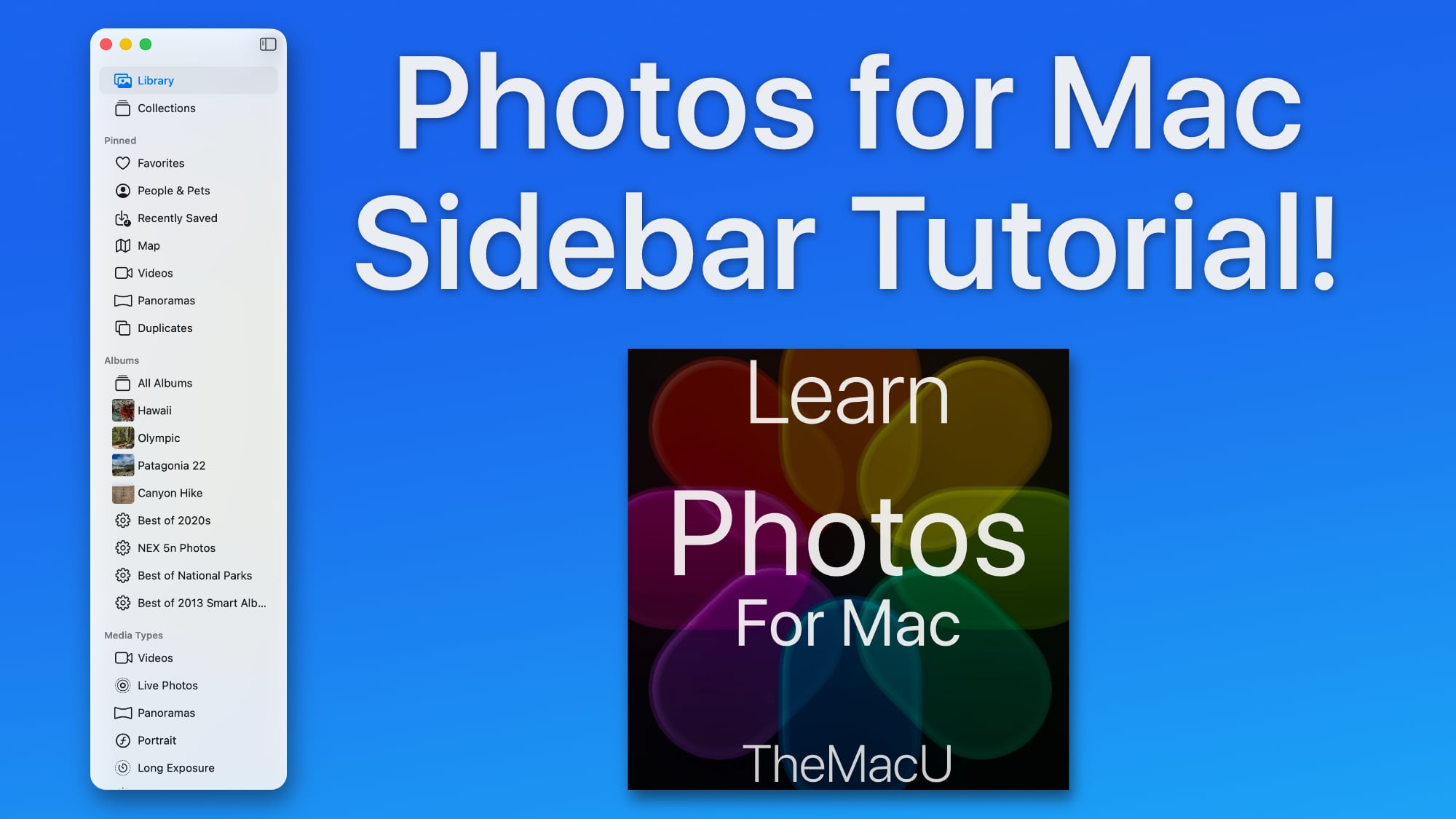
In this lesson see how to use the sidebar in the macOS 26 Photos App to help view & organize your library. We look at how to edit and arrange the various sections, add and remove items to the pinned section and much more!
If you’d like to try a membership use the code TMU30X during signup for 30% off!

In this lesson from our full tutorial on the new features in macOS 26 Tahoe see how to use the Journal App that is now available for free on the Mac. This joins the Apple Journal App that has been available on iPhone for a couple years. View the full macOS 26 What’s New Tutorial here…
If you’d like to try a membership use the code TMU30X during signup for 30% off!

In this video learn to use the four new features that are built into Spotlight in macOS 26 Tahoe. We cover the Application Launcher, File Search and Filter, Shortcuts, and Clipboard History. All four are great features that make what was already a powerful tool in macOS even better.
If you’d like to try a membership use the code TMU30X during signup for 30% off!
Key Points…
00:24 – App Launcher in Spotlight
03:41 – Files Search in Spotlight
05:44 – Shortcuts (actions) in Spotlight
08:25 – Clipboard History in Spotlight
In this tutorial, we explore the new features and changes introduced in macOS 26 Tahoe. We delve into the new “Liquid Glass” design language, Folder Customization, a revamped and expanded version of Spotlight, updates to the Photos App, and more. To update your Mac go to System Settings – General – Software Update.
View more details, plus free lessons Here… Read more

In this lesson from our full “What’s New in macOS 26” video tutorial see how to use the new Icon and Widget Style options in the Appearance section of Mac System Settings. We look at each style and how we can tweak each to achieve the exact look you might be looking for on your Mac.

In this video from TheMacU.com we look at the new Liquid Glass design language being introduced in all of Apple’s Operating Systems later in 2025. We also look at some appearance options in macOS 26 that allow more customization than ever to the look of your Mac. We will have full “What’s New” Tutorials for macOS, iOS and iPadOS 26 available as they are officially released by Apple.

In this quick tip we look at the Sunset-Sunrise Panel within the Apple Weather App and all the interesting information and data that can be accessed within it. The Apple Weather App that comes installed on every iPhone, iPad and Mac doesn’t just provide current conditions and a forecast. Dig deeper to find climate and environmental information for any location!


In this video from TheMacU.com we cover 10 useful macOS Finder tricks that you can use every day on your Apple Mac computer in 2025. Discover hidden tips and tricks built into macOS and in particular the Finder app that is on all Apple Mac computers. To learn much more about using your Mac check out our in-depth macOS Core Concepts tutorial that contains over 60 detailed lessons on how to use all aspects of macOS.