
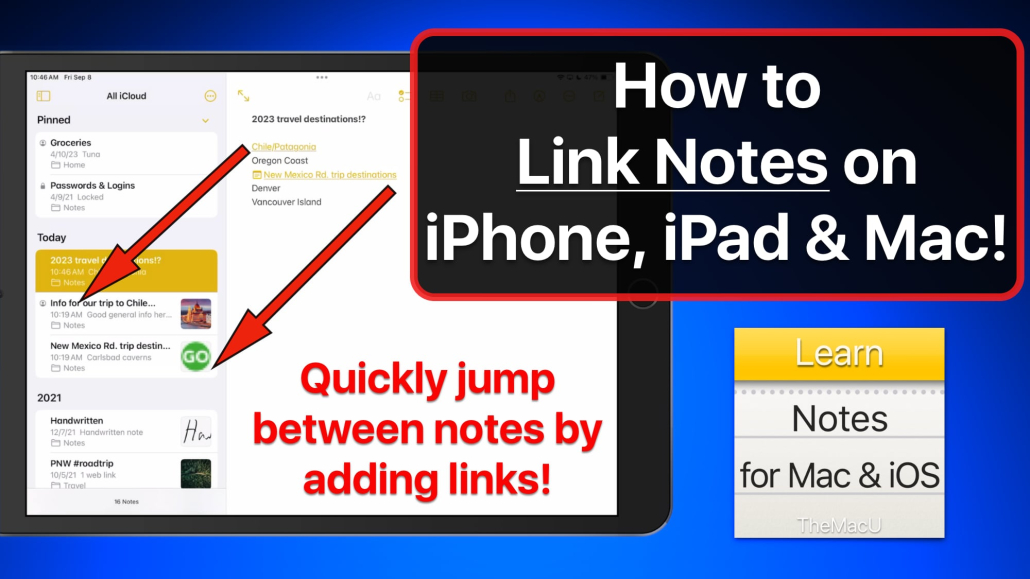
Apple Notes App Lesson: Add Links between Notes!
Free video lesson · Mac, iPhone & iPad
Apple Notes App Lesson: Add Links between Notes!
In this tutorial see how to create a link in a Note that when clicked will open another Note in the Notes App for iPad, iPhone or Mac!
Free video lesson
In this lesson from the full tutorial on the Notes App see how to create a link in a Note that when clicked will open another Note in the Notes App for iPad, iPhone or Mac!
Learn more in the full tutorial here...
Keep watching
More free video lessons
 Free lessonHow to use Tags & Smart folders in Apple Notes for Mac!
 Free lessonHow to create or edit Notes with Siri on an iPhone or iPad!Free lessonHow to use Lines & Grids in Notes for iOS. Turn your iPad into a notebook!290 free lessonsBrowse every free Mac, iPhone and iPad lessonSee all free lessons →
All Access membership
Watch every Notes for Mac & iOS lesson, plus every other tutorial
Every plan starts with a free trial. Cancel any time during the trial and you won't be charged.
Monthly
Auto recurring$5/ month
5-day free trial
- Every Mac, iPhone & iPad tutorial
- New tutorials as they're released
- Watch on any device
- No ads
- Email support
Best value
Yearly
Auto recurring$30/ year
7-day free trial · just $2.50 a month
- Every Mac, iPhone & iPad tutorial
- New tutorials as they're released
- Watch on any device
- No ads
- Email support
Lifetime
Single payment$150one time
7-day free trial · pay once, keep it for good
- Everything in Yearly
- Every future macOS & iOS update tutorial
- Never pay again
Secure checkout. Log in on any Mac, iPhone or iPad with the same account.
Tips & guides








Trackbacks & Pingbacks
[…] Internal Linking: In Apple Notes, you can type >> followed by the name of another note to create an instant link. This is great for connecting a meeting note to a master project hub. Learn more about this in our Apple Notes app lesson on adding links between notes. […]
Comments are closed.