iOS 13 & iPadOS Tutorial! How to use the QuickPath Keyboard… Swipe to Type!
Free video lesson · iPhone & iPad
iOS 13 & iPadOS Tutorial! How to use the QuickPath Keyboard… Swipe to Type!
Use the new QuickPath keyboard on both an iPhone and iPad. With QuickPath you can swipe without lifting your finger to enter text. We also look at…

In this lesson from the upcoming "What's New in iOS 13" Tutorial see how to use the new QuickPath keyboard on both an iPhone and iPad. With QuickPath you can swipe without lifting your finger to enter text. We also look at how on iPadOS you can now shrink the keyboard and move it around the display!
Current All Access Members can view the currently available tutorials for iPhone, iPad and Mac here...
Keep watching
More free video lessons
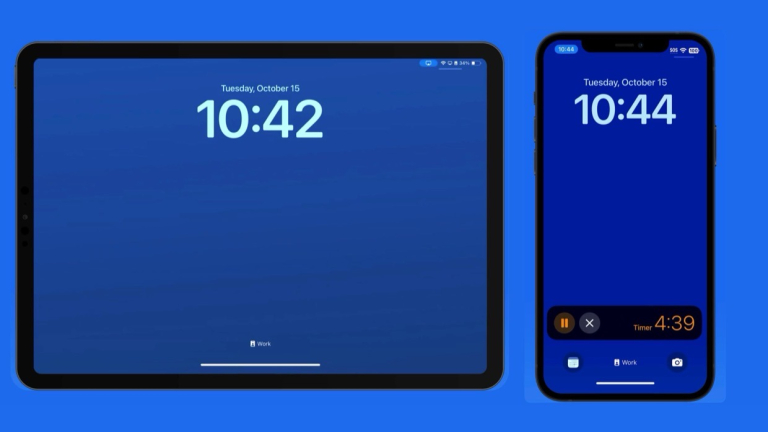 Free lessonLive Activities on iPhone: What They Are & How to Use Them (Free Video)
 Free lessonHow to search and perform tasks with Spotlight on iPhone & iPad!
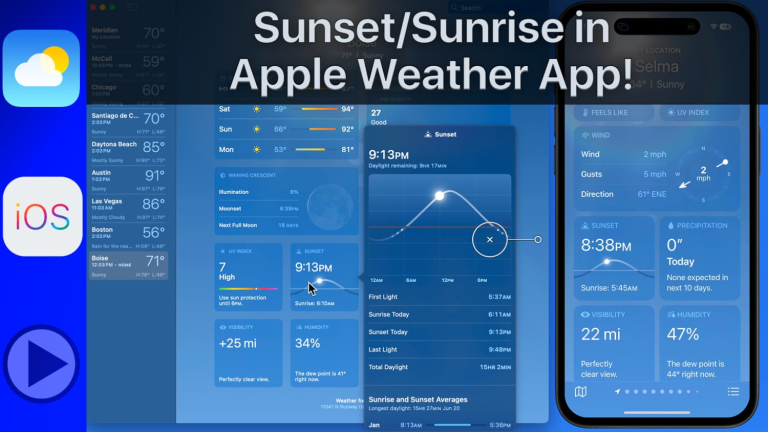 Free lessonApple Weather App Quick Tip – Sunset/Sunrise Panel!290 free lessonsBrowse every free Mac, iPhone and iPad lessonSee all free lessons →
All Access membership
Watch every Mac, iPhone and iPad tutorial on TheMacU
Every plan starts with a free trial. Cancel any time during the trial and you won't be charged.
Monthly
Auto recurring5-day free trial
- Every Mac, iPhone & iPad tutorial
- New tutorials as they're released
- Watch on any device
- No ads
- Email support
Yearly
Auto recurring7-day free trial · just $2.50 a month
- Every Mac, iPhone & iPad tutorial
- New tutorials as they're released
- Watch on any device
- No ads
- Email support
Lifetime
Single payment7-day free trial · pay once, keep it for good
- Everything in Yearly
- Every future macOS & iOS update tutorial
- Never pay again
Secure checkout. Log in on any Mac, iPhone or iPad with the same account.

 2019 TheMacU.com