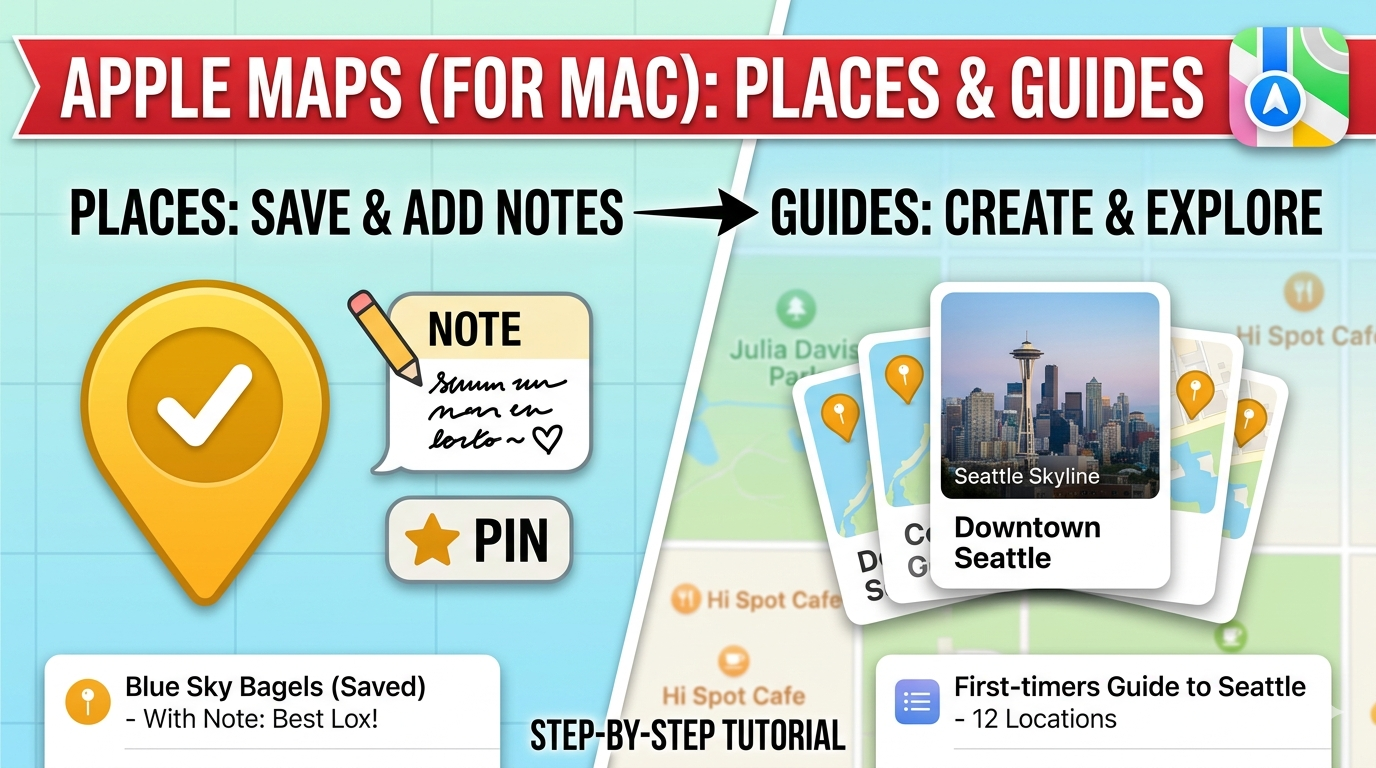
Unlock the full potential of Apple Maps on your Mac! In this lesson, we dive deep into the Places and Guides features to help you organize your favorite spots, add personal notes, and plan your next adventure like a pro. Whether you’re saving a local favorite like Blue Sky Bagels or planning a trip to Seattle, we’ll show you how to keep your map organized and tailored to your needs.
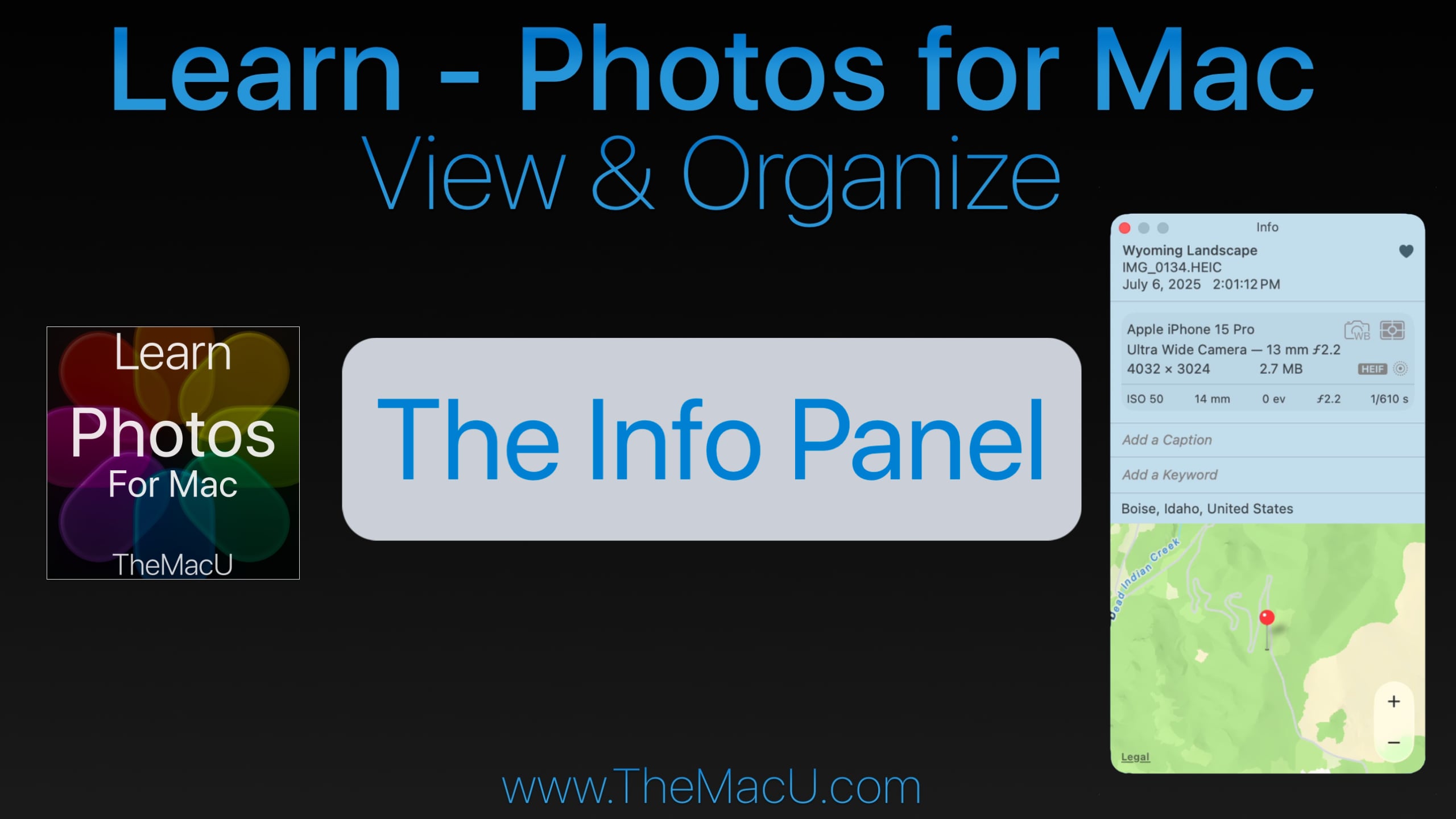
If you’ve ever wanted to dig deeper into your photo library, the Info Panel in Apple Photos for Mac is exactly where you need to start. Whether you’re looking to add custom titles, view technical capture data, or organize your images with keywords, the Info Panel puts everything at your fingertips.
What Is the Info Panel in Apple Photos?
The Info Panel is a built-in feature of the Apple Photos App for Mac that displays key details and metadata for any selected photo or video in your library. It can be opened instantly by clicking the Info button or using the keyboard shortcut Command + I.
What Can You Do With the Info Panel?
The Info Panel is packed with useful features that many Photos users overlook:
Add Custom Titles — Replace the default filename displayed under your thumbnails with a meaningful, searchable title.
Favorite Images — Quickly mark your best shots as favorites directly from the panel.
View Camera & Capture Data — See exactly which camera or iPhone model was used, along with file type, resolution, shutter speed, aperture, and ISO.
Add Captions — Include detailed notes and descriptions for any photo or video.
Manage Keywords — Assign keywords to your images to improve library organization and make searching a breeze.
View Location Data — See exactly where a photo was taken, with the option to add location data manually if it wasn’t captured automatically.
Why Mastering the Info Panel Matters
For anyone serious about organizing and managing a growing photo library on a Mac, the Info Panel is an essential starting point. It gives you complete visibility into your images — from the technical details captured by your camera to the personal context you add yourself. Understanding how to use it effectively will save you time and make your entire Photos library easier to navigate.
Learn More With Our Full Apple Photos for Mac Course
This tutorial is just one of over 40 in-depth video lessons included in our complete Apple Photos for Mac course at TheMacU.com. As an All Access Member, you’ll get step-by-step guidance on every feature — from basic organization to advanced editing tools.
https://themacu.com/wp-content/uploads/2026/04/infopanelYTSpsh.jpg14402560Drewhttp://themacu.com/wp-content/uploads/2017/06/TMU.com-Header-logo-jpg-300x138.jpgDrew2026-04-19 17:21:312026-04-19 17:24:06How to Use the Info Panel in Apple Photos for Mac: View, Edit & Organize Your Photo Details
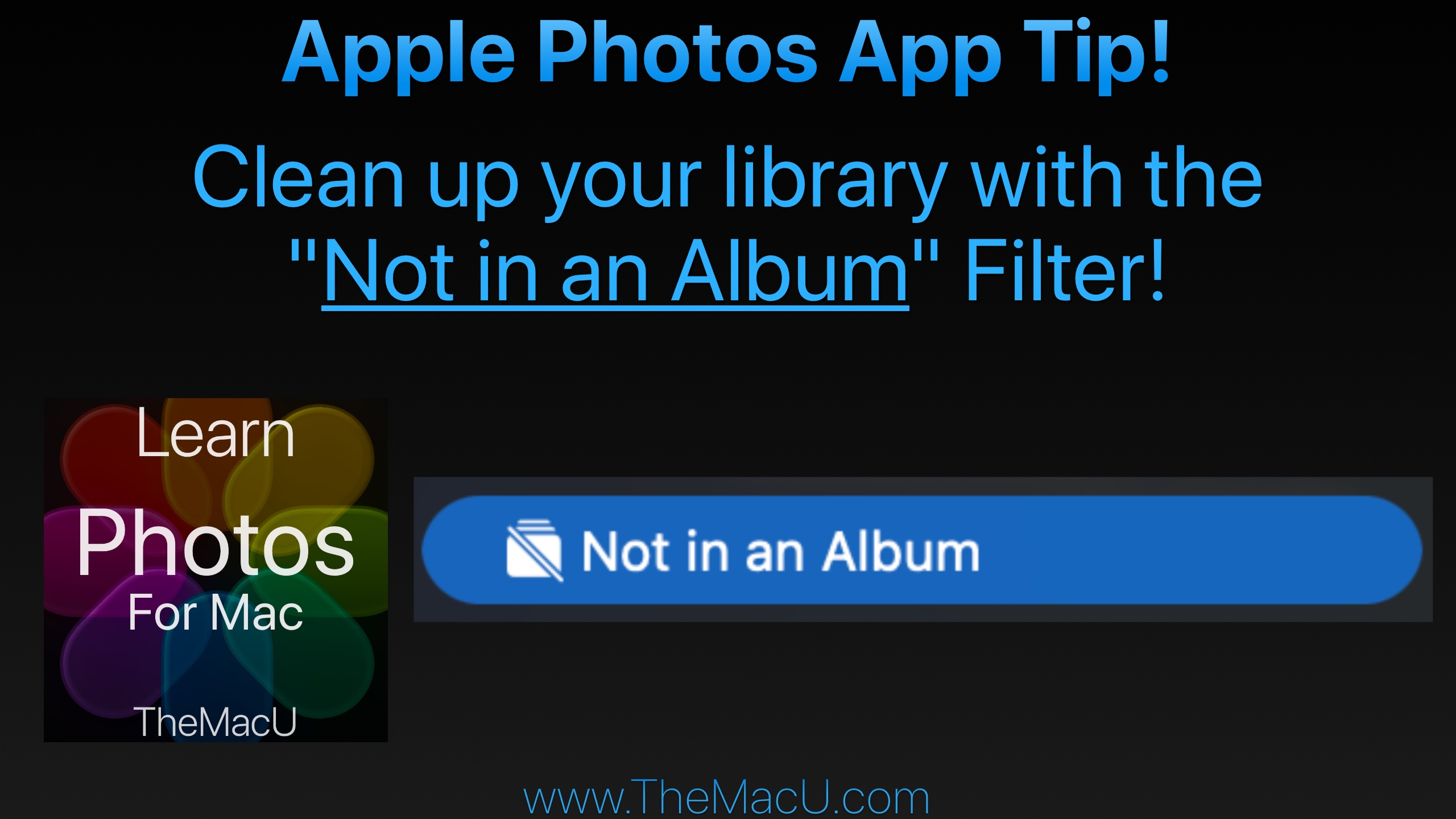
In this lesson from TheMacU.com learn to use the “Not in an Album” filter in your Photos library. This will prevent images or videos that you have organized into an album from continuing being shown in the main library view as well. This seems to be a cause of frustration for many Photos App users! Learn much more about the Apple Photos App at TheMacU.com!
Get the most out of the Photos App built into your Mac! This Photos for Mac video tutorial provides a comprehensive guide to viewing, organizing, editing, and sharing your photo library. In the “View & Organize” section, the lessons cover everything from the basics of navigating the Photos interface—such as the toolbar, sidebar, and info panel—to importing images from cameras, disks, other apps, and AirDrop. It also explores iCloud Photos, working with metadata and keywords, managing favorites, adjusting dates and times, and organizing by people, pets, and places. The tutorial includes guidance on creating and managing both standard and smart albums, handling hidden or deleted items, identifying duplicates, and using features like media types, utilities, and shared or multiple libraries, including iCloud Shared Photo Library. The “Editing Tools” section (coming early 2026) demonstrates how to enhance and refine your photos and videos. Viewers will learn to use the edit mode interface with tools like Auto Enhance, Crop & Straighten, Filters, and an in-depth set of adjustment options such as Light, Color, Black & White, White Balance, Levels, Curves, and Noise Reduction. Additional lessons explain retouching, correcting red-eye, sharpening, and applying vignettes or selective color adjustments. The tutorial also covers editing Live Photos, portrait shots, and videos, as well as working with extensions and other apps. Finally, the course explores creating slideshows, using the Share menu, exporting media, and how to wrap up your projects for sharing. Together, these lessons provide a step-by-step approach for managing, editing, and sharing photos on Mac, making it ideal for both beginners and those looking to expand their skills.
https://themacu.com/wp-content/uploads/2026/04/notinanalbumSPlsh-2.jpg14402560Drewhttp://themacu.com/wp-content/uploads/2017/06/TMU.com-Header-logo-jpg-300x138.jpgDrew2026-04-11 17:28:092026-04-13 20:23:49Remove photos from your Main Library when they are in an Album! Apple Photos Lesson for Mac & iOS!
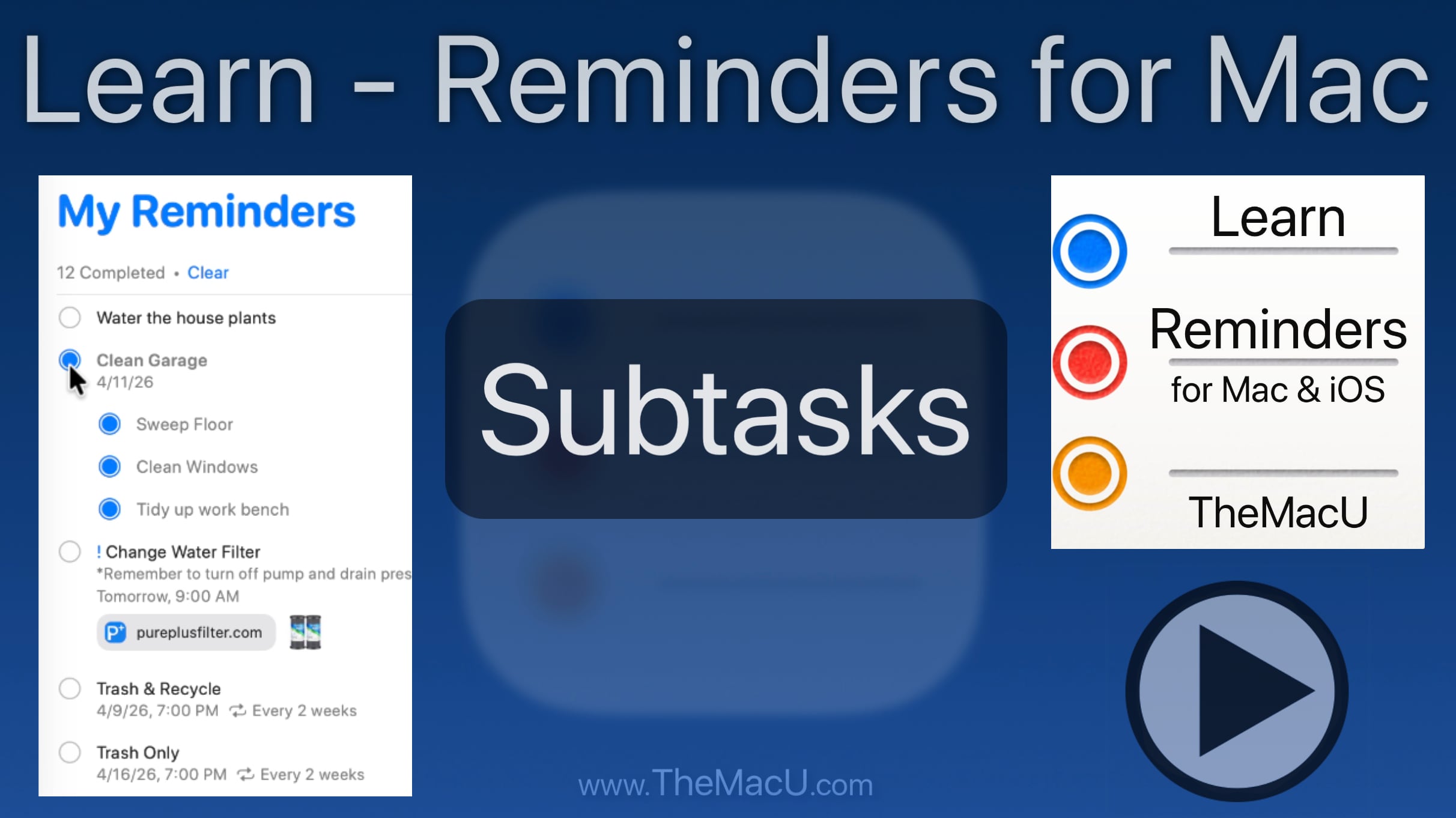
https://themacu.com/wp-content/uploads/2026/04/subtasksmacrem-splsh.jpg13622424Drewhttp://themacu.com/wp-content/uploads/2017/06/TMU.com-Header-logo-jpg-300x138.jpgDrew2026-04-08 22:30:292026-04-08 22:34:51How to add subtasks in Reminders for Mac! Step by Step Tutorial.
Our tutorials on how to use the Apple Calendar App for both Mac & iOS have been re-recorded and updated! These Apple Calendar tutorials provide a comprehensive guide to using the app on both Mac and iOS (iPhone & iPad). They cover the basics of the interface, adding events and reminders, and managing different calendars. Lessons explain how to view and edit event details, send and respond to invitations, and work with shared or public calendars. Additional topics include using the Calendar widget, leveraging Siri for scheduling, setting up notifications, enabling time zone support on Mac, and printing calendars. Together, they offer everything you need to efficiently organize your schedule across all your Apple devices. Learn More…
https://themacu.com/wp-content/uploads/2022/11/Calendar2022.jpg10241024Drewhttp://themacu.com/wp-content/uploads/2017/06/TMU.com-Header-logo-jpg-300x138.jpgDrew2026-03-14 17:41:322026-03-14 17:41:32New Calendar Tutorials Available for Mac & iOS!
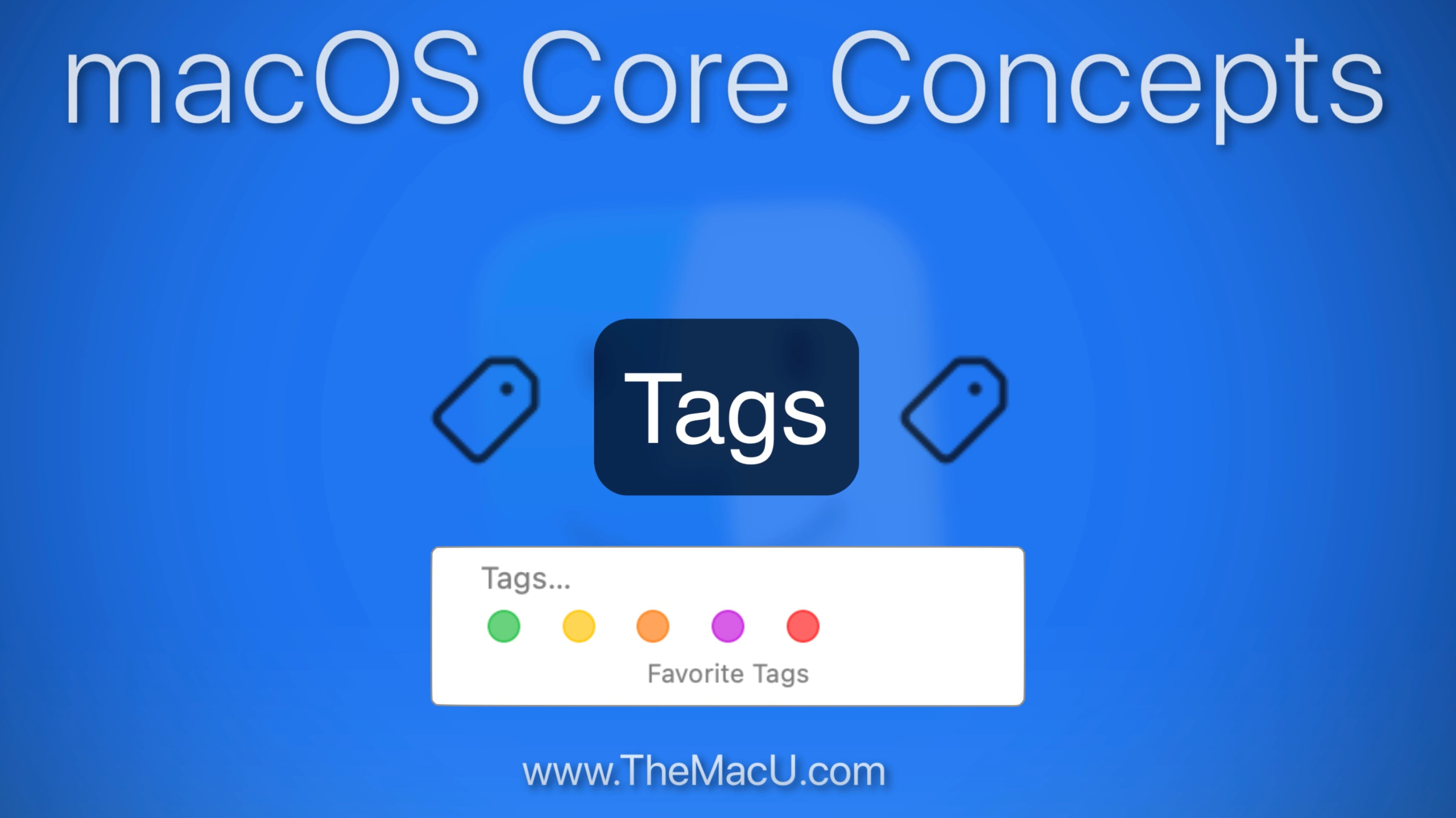
In this lesson that is part of the “macOS Core Concepts” Tutorial see how to use the Tags feature on your Mac. Tags in the macOS Finder provide a simple and effective way to organize and quickly locate both files and folders.
https://themacu.com/wp-content/uploads/2026/03/tagsmacSplsh-scaled.jpg14382560Drewhttp://themacu.com/wp-content/uploads/2017/06/TMU.com-Header-logo-jpg-300x138.jpgDrew2026-03-11 23:25:452026-03-11 23:27:06How to use Tags to label & organize files or Folders on a Mac!
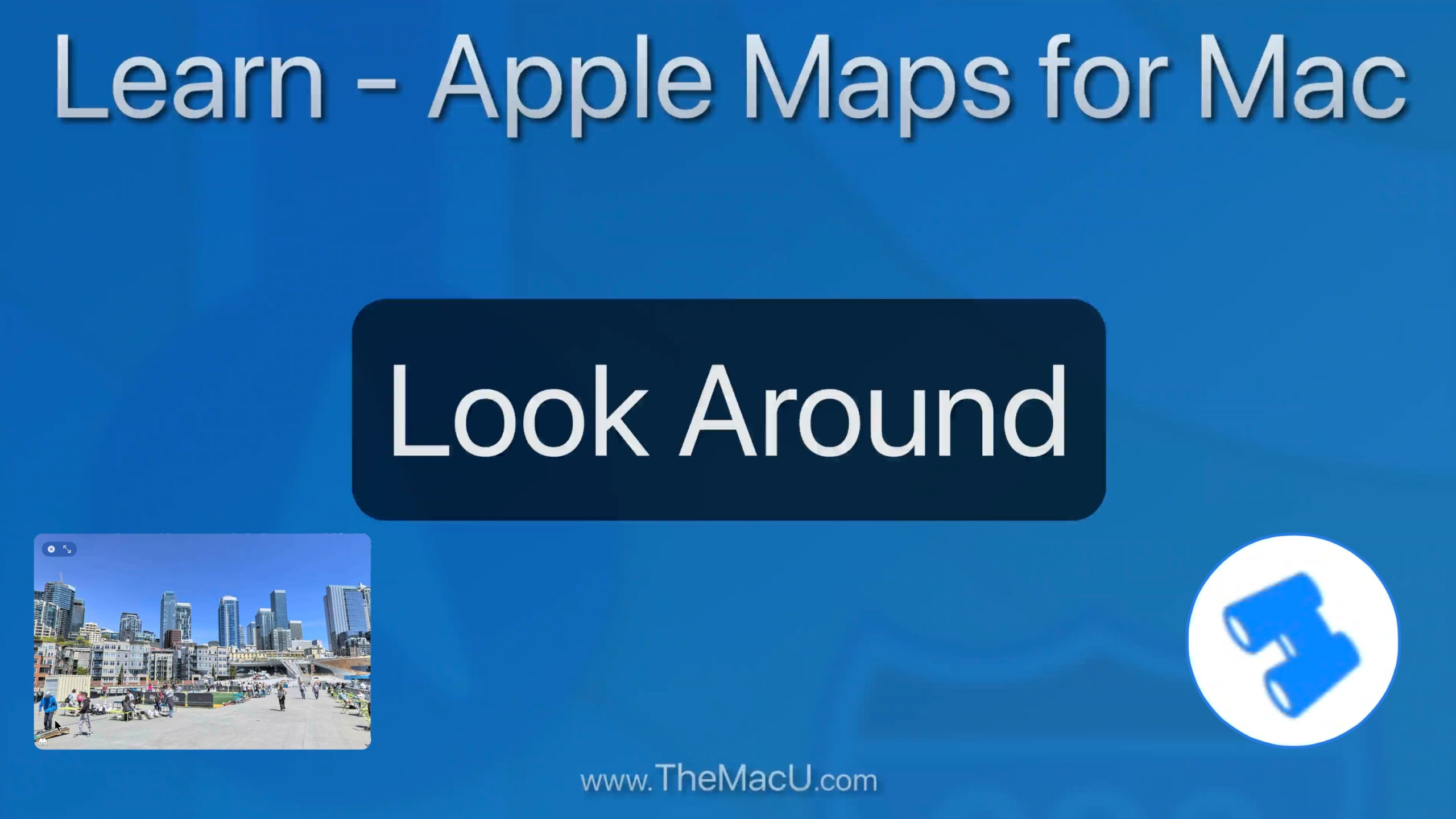
In this lesson from our full tutorial on the Maps App that comes built into every Mac learn how to use the “Look Around” feature. With Look Around we can view cities and towns as if we are doing a walking tour. Look Around is only available for major US cities but in Europe, Canada and other countries it can be used in small towns and villages!
https://themacu.com/wp-content/uploads/2026/02/lookarnd_splsh-scaled.jpg14402560Drewhttp://themacu.com/wp-content/uploads/2017/06/TMU.com-Header-logo-jpg-300x138.jpgDrew2026-02-25 21:29:162026-03-11 23:10:31How to use the look around feature in Apple Maps for Mac to tour cities and towns around the world!
In this newly recorded tutorial learn how to use the Maps app that comes installed on every Mac. From mastering the sleek interface and switching between map modes to exploring 3D views and the interactive globe, this guide covers it all. Learn how to find locations, get step-by-step directions, explore places and guides, and use features like Look Around and Indoor Maps to navigate like a pro. Plus, see how Maps can integrate seamlessly with other apps for maximum productivity. Whether you’re a casual user or a power navigator, this tutorial will help you unlock every feature Maps for Mac has to offer. Learn More…
https://themacu.com/wp-content/uploads/2021/05/Maps-iOSMac.jpg10241024Drewhttp://themacu.com/wp-content/uploads/2017/06/TMU.com-Header-logo-jpg-300x138.jpgDrew2026-02-24 18:02:002026-02-24 18:07:05New Maps for Mac Tutorial now available!
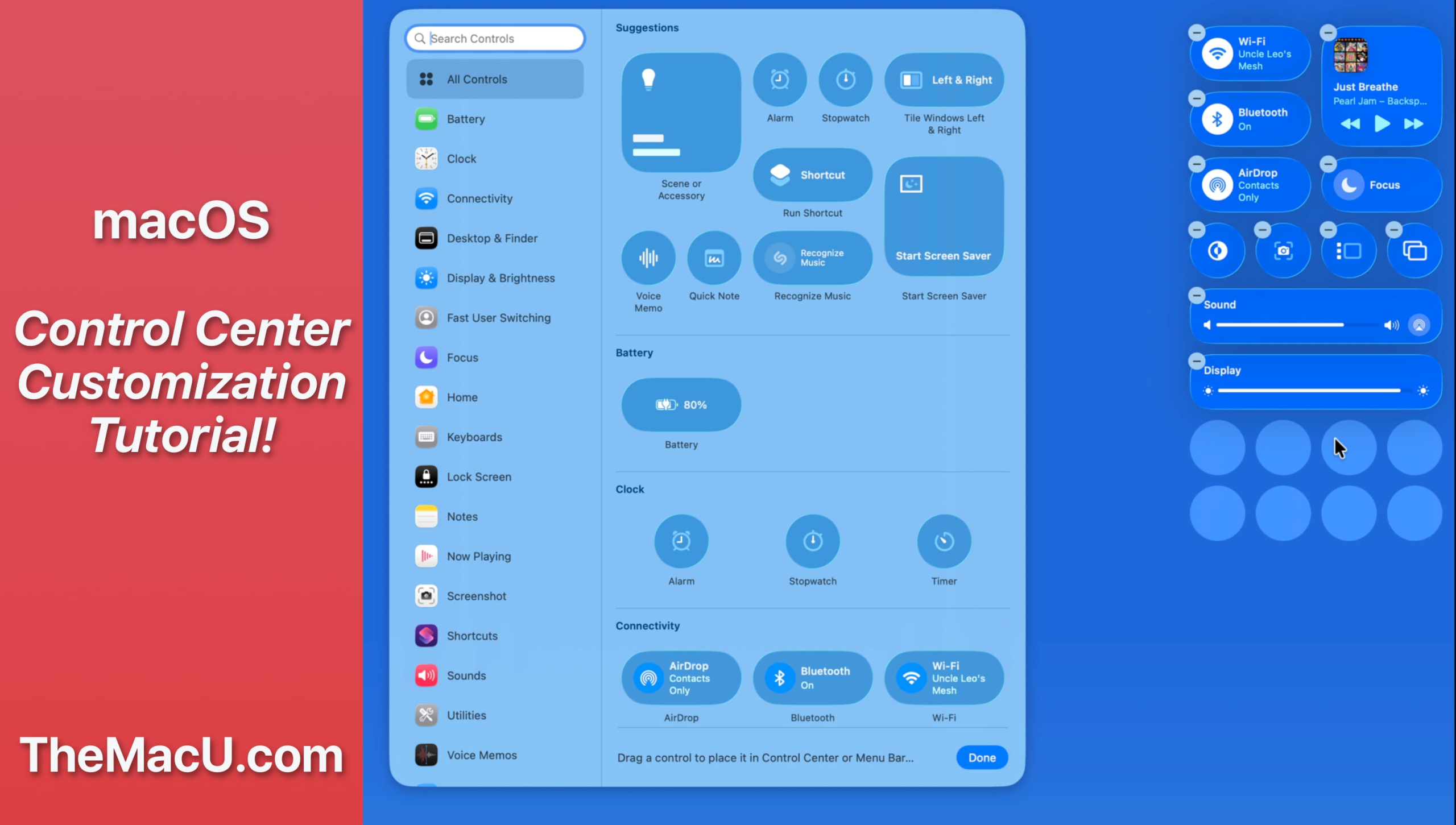
In this lesson from our full tutorial on how to use the new features in macOS 26 Tahoe see how to customize control center and certain menubar items. Learn much more in the full macOS 26 Tahoe tutorial here…
https://themacu.com/wp-content/uploads/2026/02/controlcenterMaccustomize-scaled.jpg14512560Drewhttp://themacu.com/wp-content/uploads/2017/06/TMU.com-Header-logo-jpg-300x138.jpgDrew2026-02-20 20:58:102026-02-20 21:05:18How to customize Control Center in macOS 26 & Later!
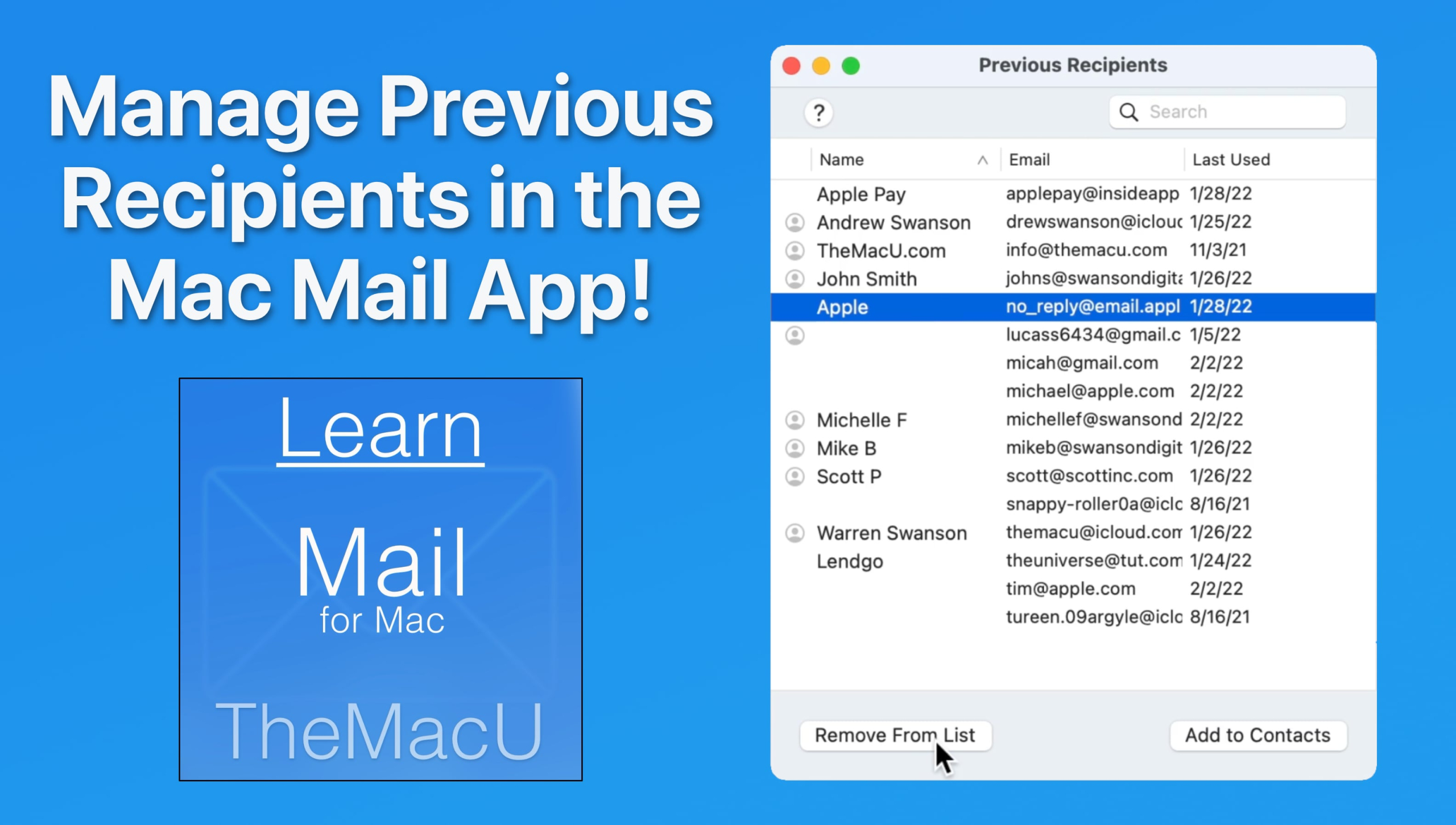
In this lesson from our “Mail for Mac” tutorial see how to view and manage the previous recipients list. From here its possible to add previous recipients as contacts or remove them from the list so their addresses no longer auto-complete when being entered. Learn much more in the full Mail for Mac Tutorial here…
https://themacu.com/wp-content/uploads/2026/02/prevrecipSplash-scaled.jpg14512560Drewhttp://themacu.com/wp-content/uploads/2017/06/TMU.com-Header-logo-jpg-300x138.jpgDrew2026-02-16 21:45:122026-02-16 21:45:12Learn to manage the previous recipients list in the Apple Mail App for Mac!