Mastering Your iPhone Camera: The Ultimate Video Tutorial Guide
Most iPhone owners don’t tap into their camera’s full power—missing out on stunning shots every day. If your photos feel flat or your videos don’t capture what you see, you’re not alone. This iPhone camera tutorial breaks down key camera features and photography tips so you can shoot like a pro—no fancy gear needed.
Key iPhone Camera Features

To capture breathtaking photos, you must first understand your iPhone camera’s features. Each function holds the key to different photography styles.
Understanding Camera Modes
Your iPhone camera offers multiple modes, each tailored for specific situations. There’s video for moving images, slo-mo for dramatic effects, and time-lapse to compress time. For instance, the video mode, which you can learn more about here, is perfect when you’re capturing dynamic scenes. The magic lies in choosing the right mode, like picking the right tool for a job. Once you select a mode, the camera adjusts its settings to bring out the best in your subject.
Switching modes is as simple as a swipe. If you’re at a concert, try the slo-mo mode to capture the energy of a crowd jump. On a road trip, time-lapse can turn your journey into a quick, engaging clip. These modes allow you to tell stories in new and exciting ways.
Exploring Portrait Mode
Ever wondered how professional photographers capture those stunning portrait shots? Your iPhone can do it too. The portrait mode, ideal for capturing people or objects, creates a depth-of-field effect. This effect keeps your subject sharp while gently blurring the background, adding a professional touch to your photos.
To use this mode, simply select it and tap on your subject. The camera will do the rest. This mode works best in well-lit environments but can still deliver in less-than-ideal lighting. Try it at your next family gathering, and see how it transforms simple snapshots into memorable portraits.
Navigating Night Mode
Low-light environments can be tricky, but the night mode is designed to tackle this challenge. When you’re out for a late-night city walk or camping under the stars, this feature will help you capture those moments clearly. The iPhone automatically detects dim settings and switches to night mode, adjusting the exposure for optimal results.
Here’s a tip: Keep your phone steady or use a tripod for the best results. The longer exposure time can capture more light, revealing details that are often lost in the dark. This mode can turn nighttime into a canvas, where you paint with light.
Essential Photography Tips

Now that you’re familiar with your camera’s features, let’s dive into some basic photography tips. Master these, and you’ll see an instant improvement in your photos.
Composition Basics
Good composition draws viewers into your photo. One simple technique is the rule of thirds. Imagine a grid over your image, dividing it into nine equal parts. Place important elements along these lines or their intersections. This creates balance and makes your photo more appealing.
For example, when shooting a landscape, place the horizon on the top or bottom third line, not in the center. This simple shift can turn a mundane image into something captivating. Don’t be afraid to experiment with angles and perspectives. Sometimes, a slight tilt or a different viewpoint can add drama and interest to your shot.
Lighting Techniques
Lighting can make or break a photo. Natural light is your best friend. Try shooting during the golden hour—shortly after sunrise or before sunset—when the light is soft and warm. Shadows are longer, and the light is diffused, adding depth and dimension to your photos.
If you’re indoors, position your subject near a window. The natural light will soften harsh edges and create a pleasing effect. Avoid using flash unless necessary, as it can flatten your image and wash out colors. With these lighting tips, you’ll see your photos come to life.
Enhance Skills with TheMacU
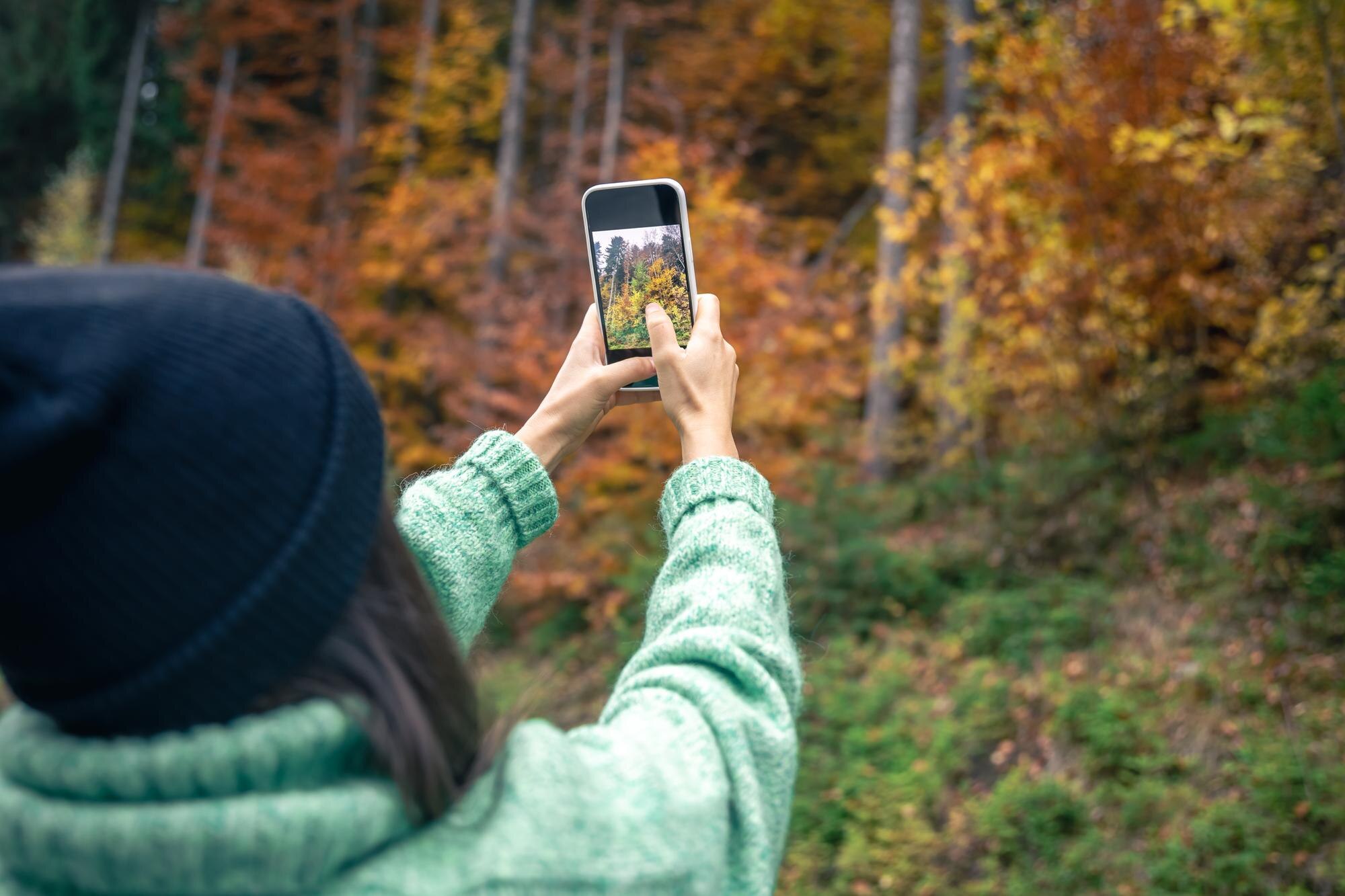
Ready to take your skills further? TheMacU offers a treasure trove of resources to refine your photography prowess.
Benefits of Video Tutorials
Video tutorials offer a hands-on learning experience. You see techniques in action and can follow along at your pace. TheMacU provides a range of tutorials, from basic to advanced, helping you grow your skills systematically.
Visual learners often find watching an expert demonstrate a skill much more effective than reading about it. You can pause, rewind, and repeat sections until you fully grasp the concept. This approach ensures you not only learn the techniques but also understand when and how to apply them.
Subscription Perks
Subscribing to TheMacU opens the door to a world of knowledge. Subscribers enjoy access to exclusive content, regular updates on new features, and a community of like-minded learners. It’s an investment that pays off as you watch your skills grow.
Imagine having a library of tutorials at your fingertips, ready to guide you through any photography challenge you encounter. Plus, with the flexibility to learn anytime, anywhere, you can fit learning into your schedule seamlessly. The longer you wait, the more moments you miss capturing in their full glory.
🎥📸
Embarking on this journey to master your iPhone camera is just the beginning. Each shot you take is a step closer to becoming a confident photographer. Keep exploring, learning, and most importantly, enjoying the process. Your photography adventure with TheMacU awaits!