
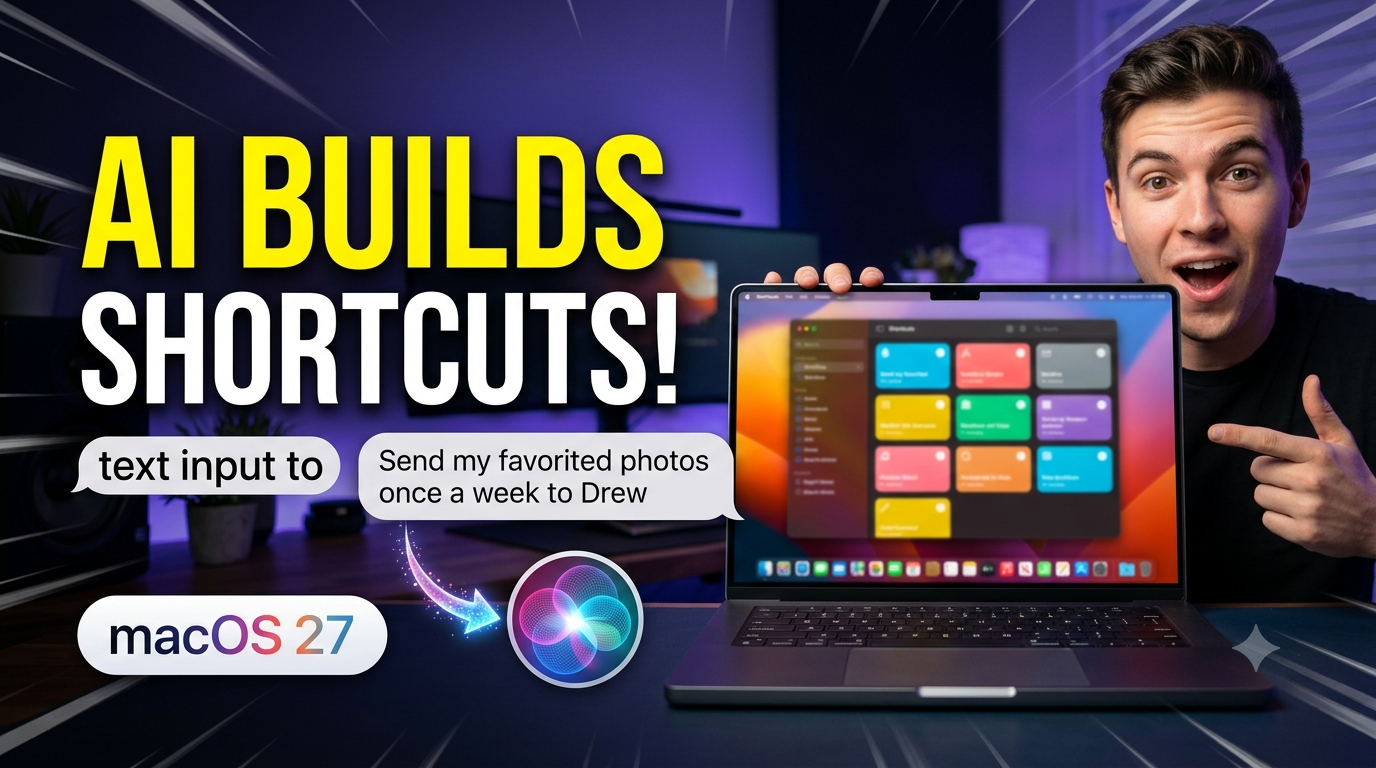
Building custom automations on Mac just got easier than ever! With the new Siri AI integration in macOS 27 Golden Gate, you can now build complex shortcuts using simple, plain-English descriptions—no manual workflow building required. In this quick tutorial, we walk through how to use the “Describe a Shortcut” feature to create an automated weekly photo-sharing workflow from scratch, adjust permissions, refine it using natural language prompts, and edit the automation manually.
See the full macOS 27 video tutorial here…
In this lesson, you’ll learn: How Siri AI creates shortcuts automatically from plain English prompts Setting up a weekly iMessage automation to send favorited photos Managing app permission prompts (Always Allow) for smooth background execution How Live Photos behave when sent via automated messages Editing shortcuts manually or tweaking them with follow-up natural language requests (e.g., filtering photos by specific people/pets)
Current All Access Members can view the full MacOS 27 What’s New Tutorial Here…