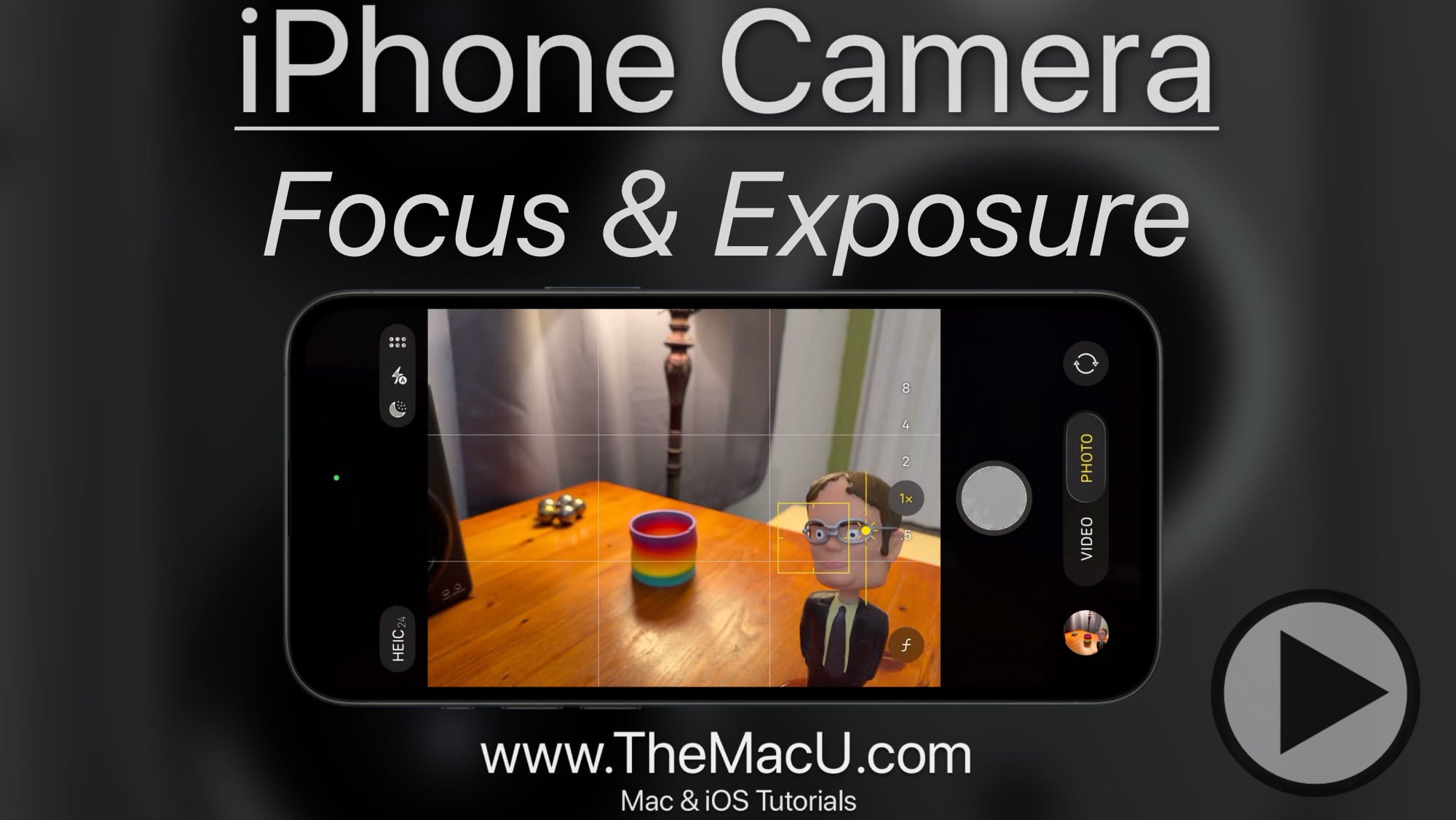
In this free lesson from our full “iPhone Camera” tutorial learn how to set and adjust both the focus point of a shot and its exposure. We also cover how to lock focus on a specific subject!

Free iPhone & iPad Video Tutorials from TheMacU.com
In this free lesson from our full “iPhone Camera” tutorial learn how to set and adjust both the focus point of a shot and its exposure. We also cover how to lock focus on a specific subject!
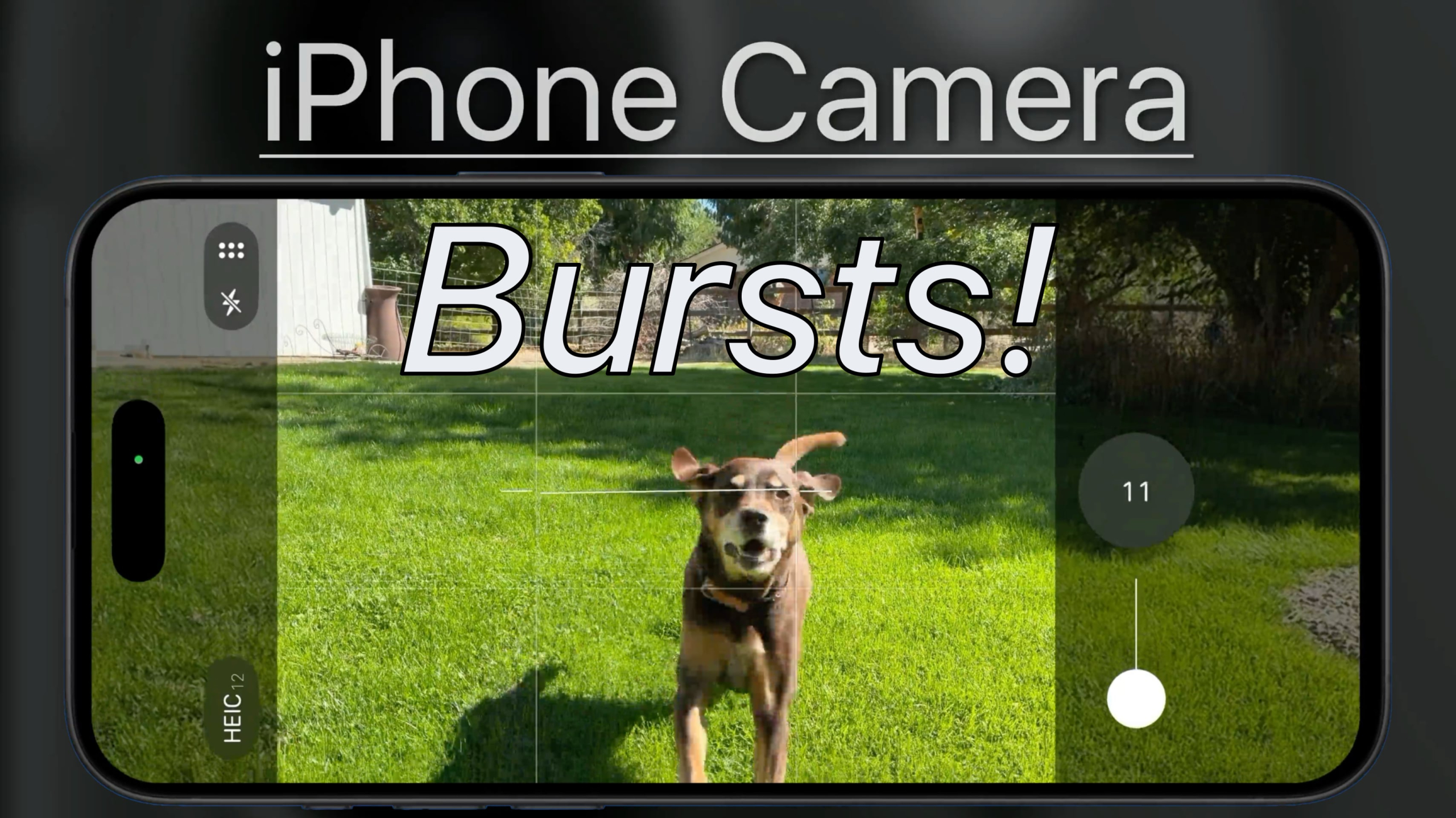
In this free lesson from our full “iPhone Camera” tutorial see how to shoot bursts on your iPhone in order to capture fast action or the elusive moment that an entire group is all smiling with eyes open at the same time!
In this free lesson from our full “What’s New in iOS 26 Tutorial” see how to use the new live translation feature for text messages and calls!

In this lesson from our “What’s New in iOS 26” Tutorial see how to use the new icon customization options on iPhone & iPad. We can now choose from default, dark, clear or tinted App icons and widgets. These will automatically apply to every App icon including 3rd party icons!


How to sign up for TheMacU All Access!
In this quick lesson, we go through the sign-up process for creating a new All Access Membership from TheMacU.com. We also look at account management and how to use the tutorials browser to find the lessons you want to view!

In this lesson that has been added to our full tutorial on Apple Mail for iOS see how to use the new Mail Categories feature. This was added back in iOS 18.2 for iPhone and 18.4 for iPad & Mac. When activated Mail will automatically categorize messages as they arrive. In this video learn how to turn mail categories on or off as well as how to manually assign a category to a specific sender.
Current All Access Members can view the entire Mail for iOS Tutorial here…

