In this quick lesson we look at how to block those annoying App ratings pop ups from appearing on your iPhone or iPad.
In this tutorial see how to use the Freeform App for iPad, iPhone, and Mac! With freeform we can use a “digital whiteboard” to write or sketch by hand, add shapes, text, links, files, and more. This can be a great way to brainstorm, plan, design, journal, and collaborate with others. Freeform syncs with iCloud and is available for free on iPad, iPhone, and Mac!
View more details, plus a free lesson Here…
DragonTouch 4k Portable Display…
https://amzn.to/3HlxpkA
Folding display stand…
https://amzn.to/3XrYYOZ
ESR Rebound Case with Keyboard & Trackpad
https://amzn.to/3WmTzas
12.9 in iPad Pro version…
https://amzn.to/3XtP7bm
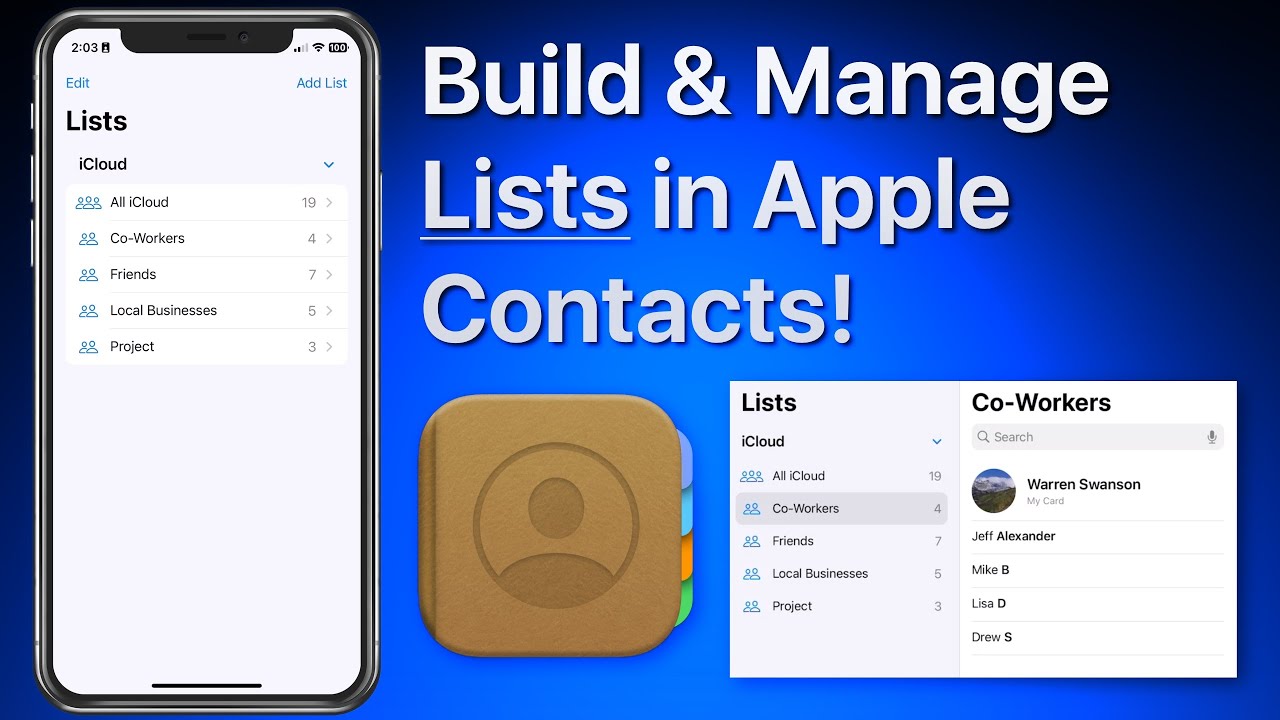
In this lesson that’s part of our new “Contacts for iOS & Mac Tutorial” tutorial see use lists to organize and manager your contacts on iPhone & iPad. We look at how lists can be used to organize a large collection of contacts. Lists can then be used to send a group email or message to all the contacts in a list! Learn much more about using the Contacts App in the full tutorial here…
Between these two tutorials we have 20+ new lessons on how to use the Contacts App that comes built into every Mac, iPhone & iPad! See how to add and import contacts, organize with lists, utilize contacts in other Apps, share or export contacts and much more!
View more details, plus free lessons Here… Read more