
In this lesson from our upcoming tutorial on Apple Intelligence, see how to use the new Clean Up feature to remove objects from images in the Photos App for iPhone, iPad & Mac!


Learn much more in the full “What’s New in macOS Sequoia” Tutorial!


Browse all TheMacU Tutorials here…


In this lesson from our full Mac Backup Tutorial we go over the 3 tier backup system I use to prevent important files and photos from ever being lost. This system utilizes iCloud, a Time Machine Drive and Backblaze Online Backup.
You can try Backblaze here…

In this quick lesson from TheMacU.com see how to use Paste to retain and organize everything you copy on on your Mac or iOS devices. If you used Command – C on an important piece of text last week and want to use it again that can be done in no time with Paste! Paste is part of Setapp. For an extended 30 day trial click HERE

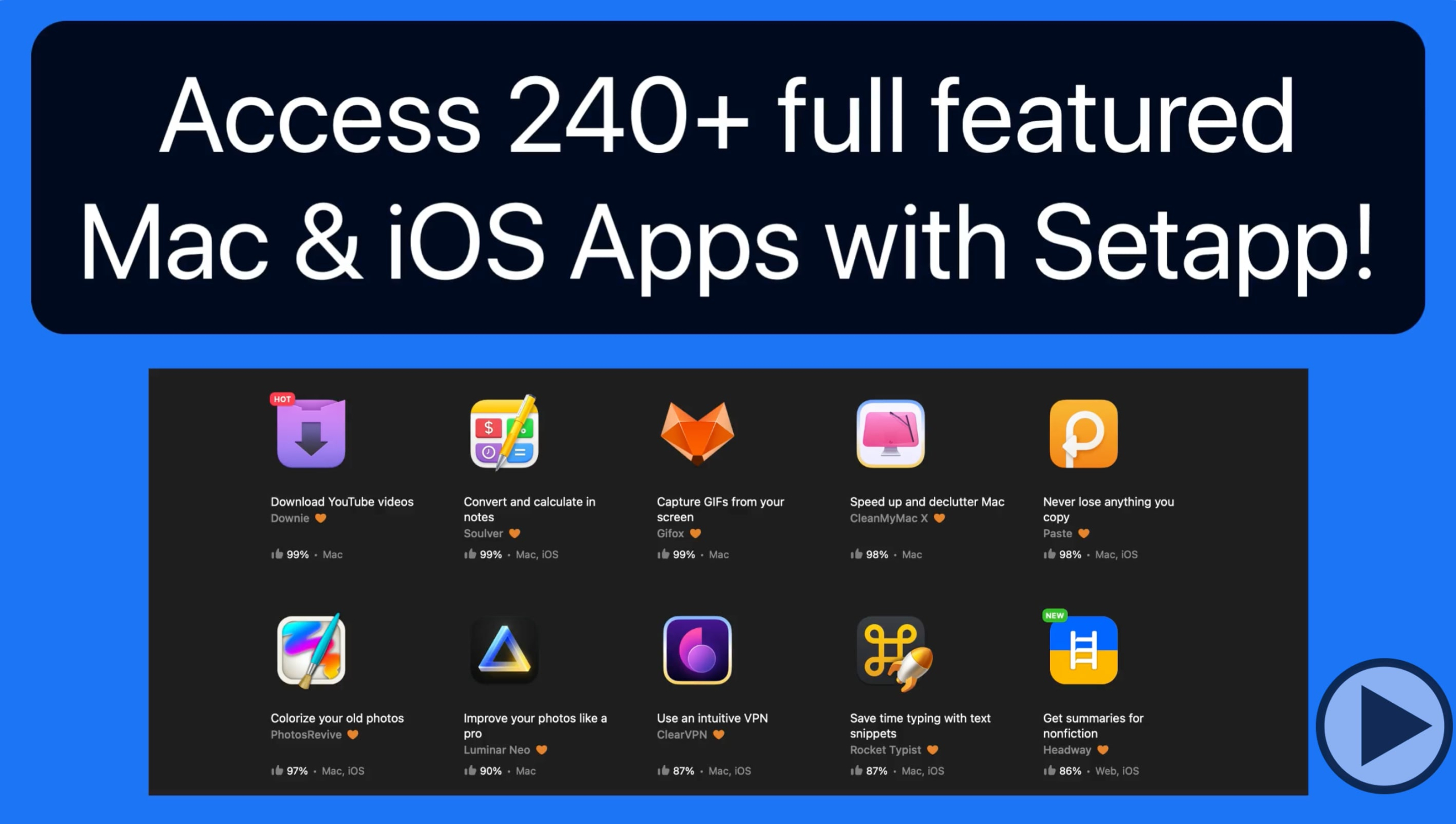
Setapp is a service that provides access to over 240 Mac & iOS App for a modest subscription price. In this quick lesson we look at how to use Setapp to browse and install Apps on a Mac and to an iOS App. For an extended 30 day trial of Setapp click HERE

In this lesson that’s part of the full iCloud Tutorial see how to use the password manager that’s built into your Mac, iPhone and iPad to save and sync login information for websites or apps that you log into. Learn much more about using iCloud with your Mac, iPhone & iPad here!
This tutorial has been completely re-recorded & updated! Within these lessons learn to keep your Mac clean, protected and maintained with the fantastic Mac utility App, CleanMyMac X.
View more details and free lessons Here…
Read more