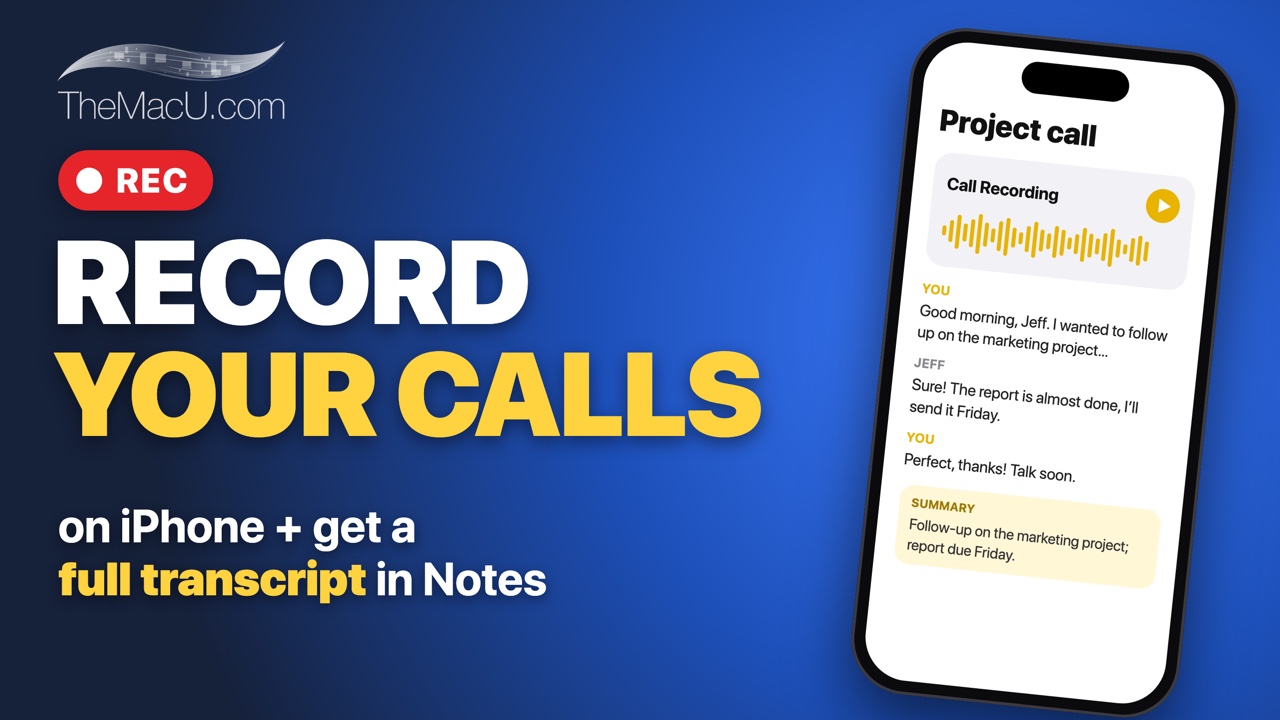
In this lesson, see how to record a phone or FaceTime call right on your iPhone and get a full written transcript saved to the Notes app. When you hang up, Notes keeps the call audio, a transcript of everything that was said and a summary of the call, so you never lose the details of an important conversation.
What you’ll learn in this video…
- Turn on call recording in the Phone settings
- Start recording from the More button during a phone or FaceTime call (both people are notified)
- Take your own notes in the Notes app while you’re still on the call
- Read the full transcript, with what each person said shown separately
- View a summary of the call from Apple Intelligence (on iPhones that support it)
- Search the transcript for a specific word or phrase
- Save or share the call audio as its own file