Use your iPhone as a Mac App with iPhone Mirroring in macOS Sequoia!
Free video lesson · Mac
Use your iPhone as a Mac App with iPhone Mirroring in macOS Sequoia!
In this lesson learn how to use a live view of your iPhone as an App on your Mac!
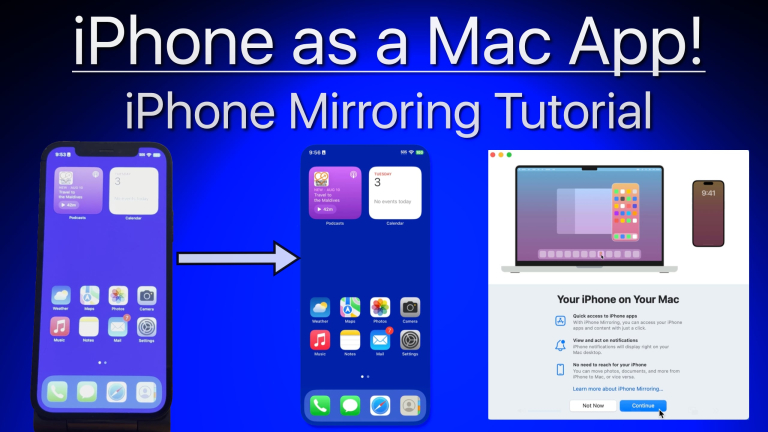
In this lesson learn how to use a live view of your iPhone as an App on your Mac! Do you find yourself reaching for your iPhone too often while working on your Mac? With this new feature that can be avoided by making your iPhone available on your Mac with the iPhone Mirroring App! macOS Sequoia and iOS 18 are required.
Current All Access Members can view the entire tutorial here...
Keep watching
More free video lessons
 Free lessonHow to use the Mac Passwords App from your Menubar in macOS Sequoia!Free lessonHow to add Collapsible Sections and Highlights in the Mac Notes App!
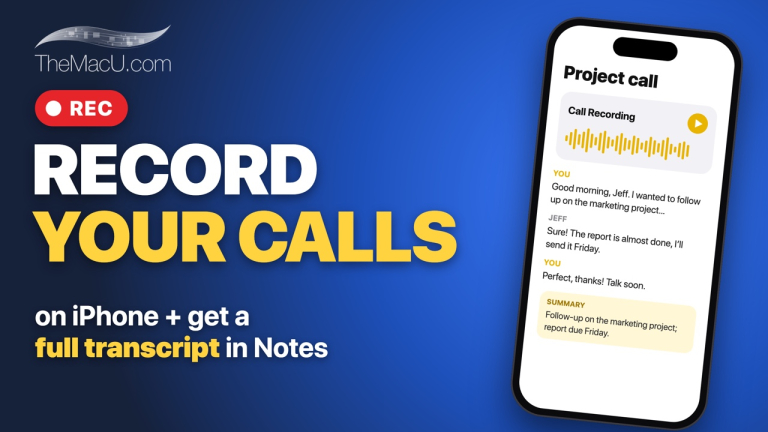 Free lessonHow to Record a Phone Call on iPhone & Get a Transcript in Notes!291 free lessonsBrowse every free Mac, iPhone and iPad lessonSee all free lessons →
All Access membership
Watch every macOS Sequoia What’s New lesson, plus every other tutorial
Every plan starts with a free trial. Cancel any time during the trial and you won't be charged.
Monthly
Auto recurring5-day free trial
- Every Mac, iPhone & iPad tutorial
- New tutorials as they're released
- Watch on any device
- No ads
- Email support
Yearly
Auto recurring7-day free trial · just $2.50 a month
- Every Mac, iPhone & iPad tutorial
- New tutorials as they're released
- Watch on any device
- No ads
- Email support
Lifetime
Single payment7-day free trial · pay once, keep it for good
- Everything in Yearly
- Every future macOS & iOS update tutorial
- Never pay again
Secure checkout. Log in on any Mac, iPhone or iPad with the same account.
 2019 TheMacU.com

 2019 TheMacU.com