

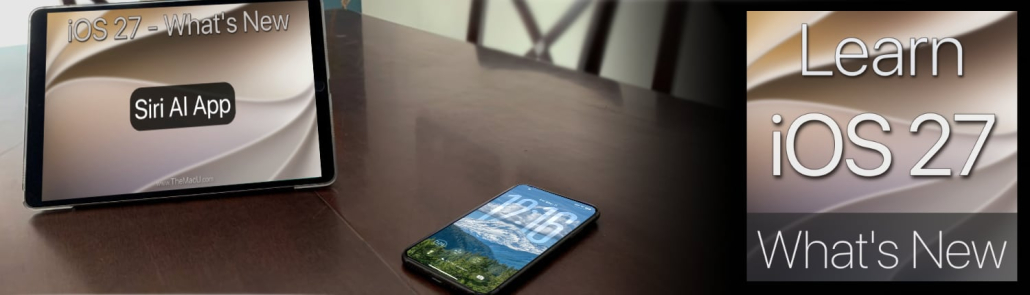
What’s New in iOS 27 Tutorial Now Available!
In this video tutorial learn the key new features in iOS 27! In this tutorial, we dive into the latest features designed to make your iPhone & iPad smarter and more intuitive. Learn to adjust the look of the interface with the new Liquid Glass Slider, take full control with the Siri AI App, and customize Siri’s voice to your liking. We also explore powerful new creative tools like Extend & Reframe in Photos and the New Image Playground. Plus, discover productivity boosts like Auto Organize Siri Tabs, Single Tap Paste, and much more! Learn More…
Current All Access Members can start watching the full tutorial Here…
To view, all of TheMacU Tutorials become an All Access Member with any of the options below!


Leave a Reply
Want to join the discussion?Feel free to contribute!