How to organize photos using Keywords in the Mac Photos App!
Free video lesson · Mac
How to organize photos using Keywords in the Mac Photos App!
In this lesson that's part of our full tutorial on the Mac Photos App learn how to organize your Photo Library with Keywords. Utilizing keywords…

In this lesson that's part of our full tutorial on the Mac Photos App learn how to organize your Photo Library with Keywords. Utilizing keywords can make it easier to locate both photos and videos after they have been imported. We look at how to use the Keyword Manager to create shortcuts to certain keywords and even build a start rating system using keywords!
Key Points...
00:19 - Create a New Keyword
00:52 - How to use the Keyword Manager in Photos for Mac
01:38 - How to set up a quick group and Keyword shortcuts.
02:52- How to build a Star Rating System with Keywords in Photos for Mac!
All Access Members can view the entire Mac Photos App TutorialTutorial here...
Keep watching
More free video lessons
 Free lessonHow to Use the Info Panel in Apple Photos for Mac: View, Edit & Organize Your Photo Details
 Free lessonRemove photos from your Main Library when they are in an Album! Apple Photos Lesson for Mac & iOS!
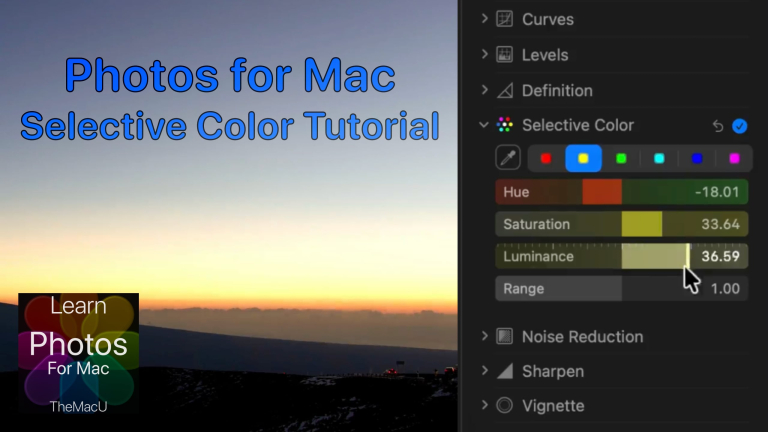 Free lessonHow to use the Selective Color Adjustment Tool to edit images in Photos for Mac!291 free lessonsBrowse every free Mac, iPhone and iPad lessonSee all free lessons →
All Access membership
Watch every Mac, iPhone and iPad tutorial on TheMacU
Every plan starts with a free trial. Cancel any time during the trial and you won't be charged.
Monthly
Auto recurring5-day free trial
- Every Mac, iPhone & iPad tutorial
- New tutorials as they're released
- Watch on any device
- No ads
- Email support
Yearly
Auto recurring7-day free trial · just $2.50 a month
- Every Mac, iPhone & iPad tutorial
- New tutorials as they're released
- Watch on any device
- No ads
- Email support
Lifetime
Single payment7-day free trial · pay once, keep it for good
- Everything in Yearly
- Every future macOS & iOS update tutorial
- Never pay again
Secure checkout. Log in on any Mac, iPhone or iPad with the same account.
Tips & guides


 2019 TheMacU.com