How to use the Selective Color Adjustment Tool to edit images in Photos for Mac!
Free video lesson · Mac
How to use the Selective Color Adjustment Tool to edit images in Photos for Mac!
In this lesson see how to use the sidebar in the macOS 26 Photos App to help view & organize your library.

Advertisement
Keep watching
More free video lessons
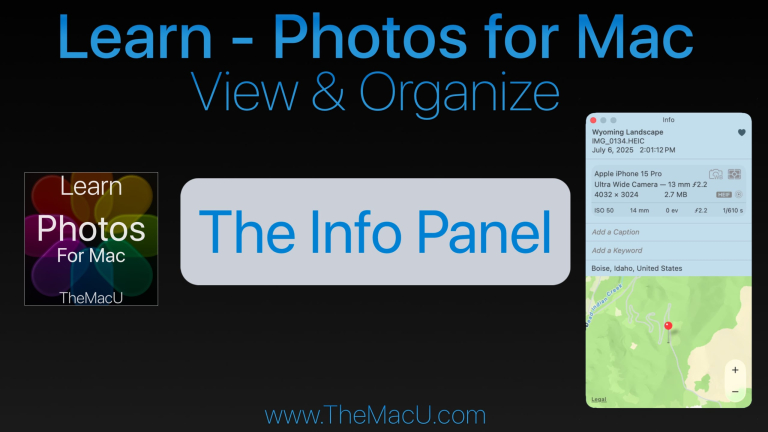 Free lessonHow to Use the Info Panel in Apple Photos for Mac: View, Edit & Organize Your Photo Details
 Free lessonRemove photos from your Main Library when they are in an Album! Apple Photos Lesson for Mac & iOS!
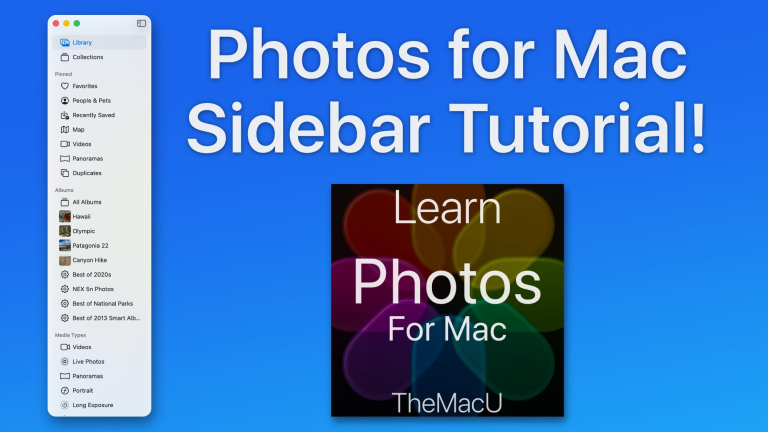 Free lessonPhotos for Mac Tutorial: How to use the sidebar for organization!291 free lessonsBrowse every free Mac, iPhone and iPad lessonSee all free lessons →
All Access membership
Watch every Photos for Mac lesson, plus every other tutorial
Every plan starts with a free trial. Cancel any time during the trial and you won't be charged.
Monthly
Auto recurring$5/ month
5-day free trial
- Every Mac, iPhone & iPad tutorial
- New tutorials as they're released
- Watch on any device
- No ads
- Email support
Best value
Yearly
Auto recurring$30/ year
7-day free trial · just $2.50 a month
- Every Mac, iPhone & iPad tutorial
- New tutorials as they're released
- Watch on any device
- No ads
- Email support
Lifetime
Single payment$150one time
7-day free trial · pay once, keep it for good
- Everything in Yearly
- Every future macOS & iOS update tutorial
- Never pay again
Secure checkout. Log in on any Mac, iPhone or iPad with the same account.
Tips & guides