How to use Spotlight in macOS – App Launcher + File Search + Shortcuts + Clipboard History!
Free video lesson · Mac
How to use Spotlight in macOS – App Launcher + File Search + Shortcuts + Clipboard History!
In this free lesson from our full macOS Core Concepts Tutorial see how to use Spotlight in macOS! We all of Spotlights core features.
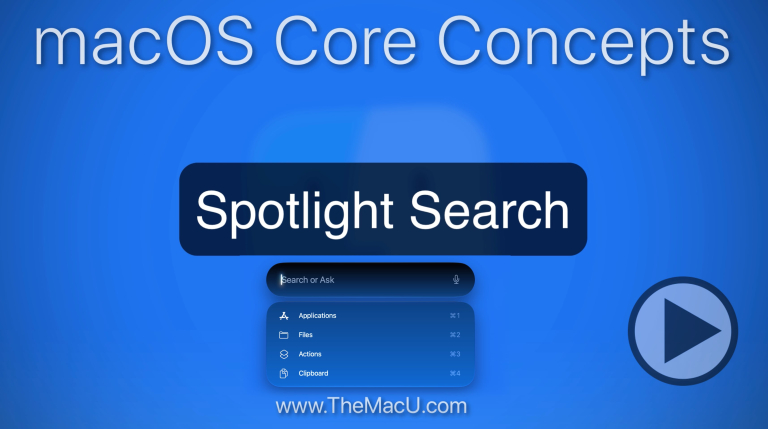
In this lesson from our full macOS Core Concepts Tutorial see how to use Spotlight in macOS! We cover all of Spotlights core features.
00:02 - Spotlight Intro
00:50 - App Launcher
04:10 - File Search
06:13 - Shortcuts (Actions)
08:49 - Clipboard History
View the full tutorial with over 60 lessons here...
Keep watching
More free video lessons
 Free lessonHow to use Tags to label & organize files or Folders on a Mac!
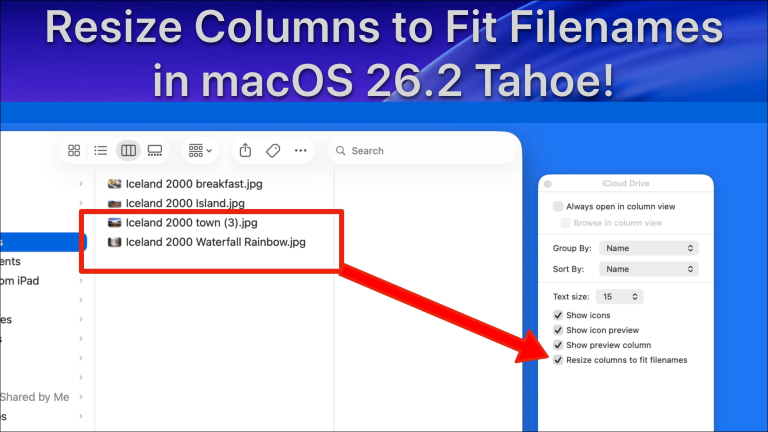 Free lessonHow to Resize Columns to Fit Filenames – New Feature in macOS 26.2 Tahoe!
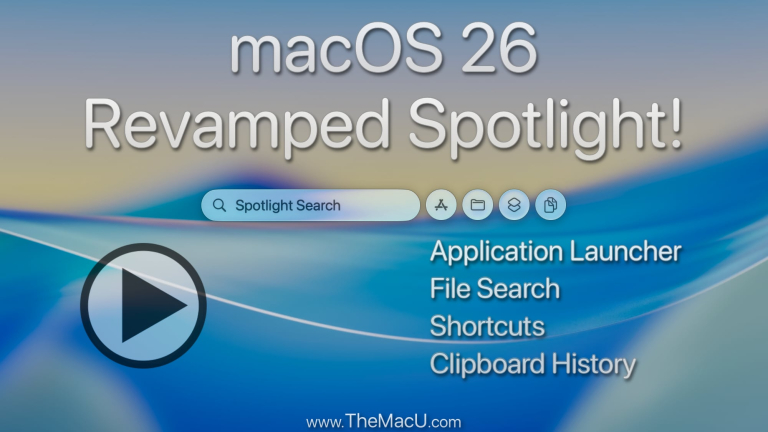 Free lessonHow to use the new Spotlight in macOS 26 Tahoe – (4 different tools!)291 free lessonsBrowse every free Mac, iPhone and iPad lessonSee all free lessons →
All Access membership
Watch every macOS Core Concepts lesson, plus every other tutorial
Every plan starts with a free trial. Cancel any time during the trial and you won't be charged.
Monthly
Auto recurring5-day free trial
- Every Mac, iPhone & iPad tutorial
- New tutorials as they're released
- Watch on any device
- No ads
- Email support
Yearly
Auto recurring7-day free trial · just $2.50 a month
- Every Mac, iPhone & iPad tutorial
- New tutorials as they're released
- Watch on any device
- No ads
- Email support
Lifetime
Single payment7-day free trial · pay once, keep it for good
- Everything in Yearly
- Every future macOS & iOS update tutorial
- Never pay again
Secure checkout. Log in on any Mac, iPhone or iPad with the same account.
Tips & guides
 TheMacU.com 2025