In this free lesson from the Mini Tutorials Collection see how to secure a note with a password on Mac or iOS! Current All Access members can view all the Mini Tutorials Here…
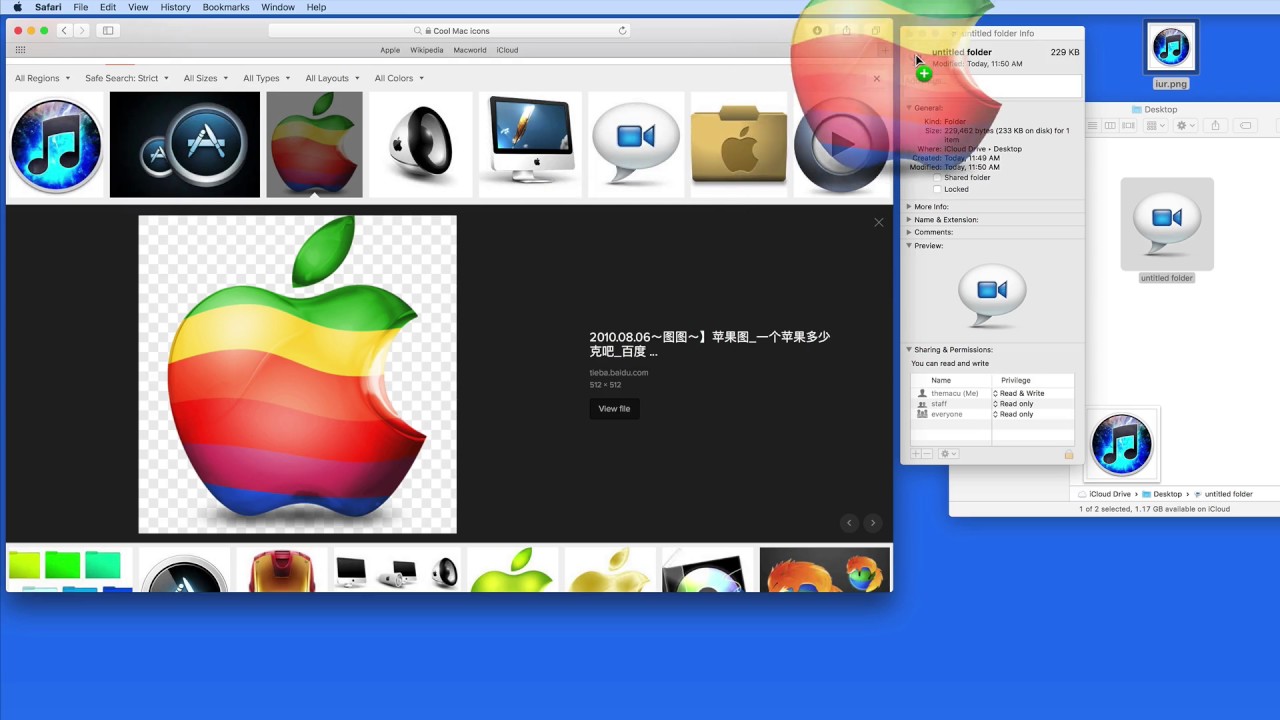
In this free lesson from TheMacU.com see how to quickly replace the icon for an App, Folder, Drive or File!
In this quick lesson we see how to scan several prints directly into Pixelmator Pro, edit and color correct each one individually and then share them to the Mac Photos App. This can be a relatively quick way to scan in old photo prints that you want to add to your Photos Library.
Learn much more about Pixelmator Pro and Photos for Mac as an All Access Member!
In this quick lesson see how to quickly view the sizes of all folders displayed in a Finder Window on your Mac. Great for when you need to know the combined size of all the files in a folder!
The all new Photos for Mac Edit & Share Tutorial has been released! This tutorial shows how to utilize the editing tools and sharing features built into the Photos App. Every adjustment tool available in edit mode is covered along with how to build projects like books, calendars and slideshows! Learn More…
Current All Access Members can view the full tutorial Here…
To view all of TheMacU Tutorials start your 7 day free trial as an All Access Member with any of the options below!
In this free lesson from the Mini Tutorials Collection see how to secure a note with a password on Mac or iOS! Current All Access members can view all the Mini Tutorials Here…
In this free lesson from TheMacU.com see how to quickly replace the icon for an App, Folder, Drive or File!
In this quick lesson we see how to scan several prints directly into Pixelmator Pro, edit and color correct each one individually and then share them to the Mac Photos App. This can be a relatively quick way to scan in old photo prints that you want to add to your Photos Library.
Learn much more about Pixelmator Pro and Photos for Mac as an All Access Member!
In this quick lesson see how to quickly view the sizes of all folders displayed in a Finder Window on your Mac. Great for when you need to know the combined size of all the files in a folder!
The all new Photos for Mac Edit & Share Tutorial has been released! This tutorial shows how to utilize the editing tools and sharing features built into the Photos App. Every adjustment tool available in edit mode is covered along with how to build projects like books, calendars and slideshows! Learn More…
Current All Access Members can view the full tutorial Here…
To view all of TheMacU Tutorials start your 7 day free trial as an All Access Member with any of the options below!
The all new Photos for Mac View & Organize Tutorial is now available! This tutorial shows your how to use tools and features like Favorites, Keywords, People, Places and Smart Albums are all covered. Learn More…
Current All Access Members can view the full tutorial Here…
Start your 7 day free trial as an All Access Member with any of the membership options below!
The Learn – iMovie for Mac Tutorial is now available! This tutorial contains 30 iMovie lessons on how to organize and edit video clips and photos into great looking movies! Learn More…
Current All Access Members can view the full tutorial Here…
In this lesson from the full tutorial on iMovie for Mac learn the general workflow and terminology used in iMovie. Current All Access Members can view the full tutorial here…
ML Enhance in Pixelmator Pro 1.2 uses Machine Learning to make automatic corrections to the exposure, brightness and colors in a photo. See how to use it in this lesson that’s been added to the Pixelmator Pro Essentials Tutorial.
