
In this lesson see how we can now use Markup in QuickLook! This can make is super quick and easy to make a quick edit or annotation to an image or PDF file.

Free Mac Video Tutorials from TheMacU.com


The Sunrays Filter in Luminar


In this lesson from the full tutorial on CleanMyMac X we take a look at the uninstaller feature that lets us fully remove Apps that we no longer need on our Mac. The uninstaller also displays Apps that haven’t been used in 6+ months, Apps that will no longer function (32 bit) in macOS Catalina and more! Click below to try CleanMyMac X for free.
CleanMyMac X is also included with a subscription to SetApp!

In this free lesson from the Mini Tutorials Collection see how to secure a note with a password on Mac or iOS! Current All Access members can view all the Mini Tutorials Here…
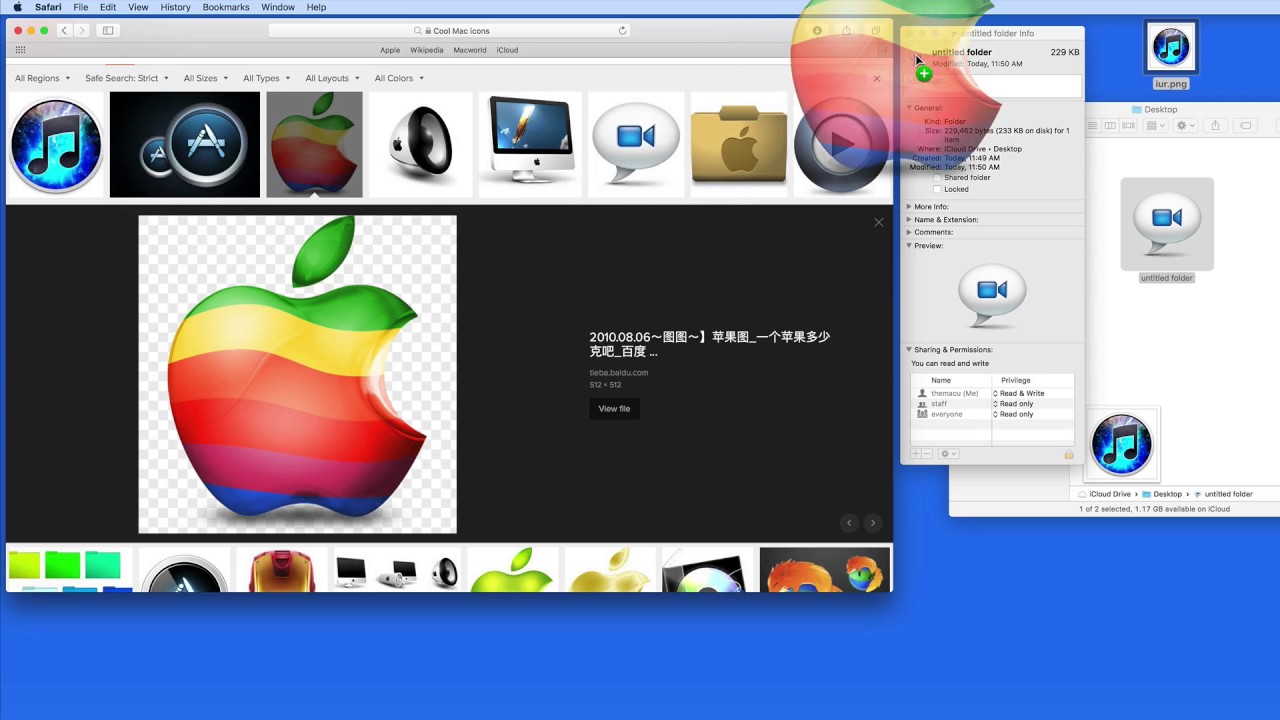
In this free lesson from TheMacU.com see how to quickly replace the icon for an App, Folder, Drive or File!

In this quick lesson we see how to scan several prints directly into Pixelmator Pro, edit and color correct each one individually and then share them to the Mac Photos App. This can be a relatively quick way to scan in old photo prints that you want to add to your Photos Library.
Learn much more about Pixelmator Pro and Photos for Mac as an All Access Member!
In this quick lesson see how to quickly view the sizes of all folders displayed in a Finder Window on your Mac. Great for when you need to know the combined size of all the files in a folder!
In this lesson from the full tutorial on iMovie for Mac learn the general workflow and terminology used in iMovie. Current All Access Members can view the full tutorial here…
