Mac, iPhone & iPad tips
Tips & how-to guides for your Apple devices
Clear, practical guides to the features you use every day, from fixing AirDrop and iCloud to organizing photos, notes and files. Each one comes with a free video lesson.
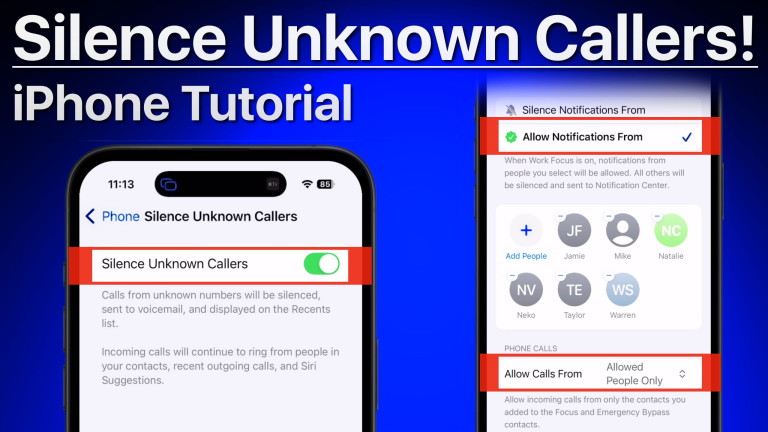 Latest guideHow to Stop Spam Calls on iPhone: Every Built-In FixRead it now →
100 guides
How to Stop Spam Calls on iPhone: Every Built-In FixStop spam calls on iPhone with Call Screening, Silence Unknown Callers, call filtering and blocking, plus a simple setup that works for most people.Read the guide → Using Shortcuts for Productivity on MacLearn how using shortcuts for productivity on Mac, iPhone, and iPad can reduce repetitive steps, organize your day, and make Apple tasks easier daily.Read the guide →
 MacBook or iPad for College: Which Fits?Choosing a MacBook or iPad for college? Compare coursework, note-taking, software, portability, and cost to choose an Apple device with confidence today.Read the guide →
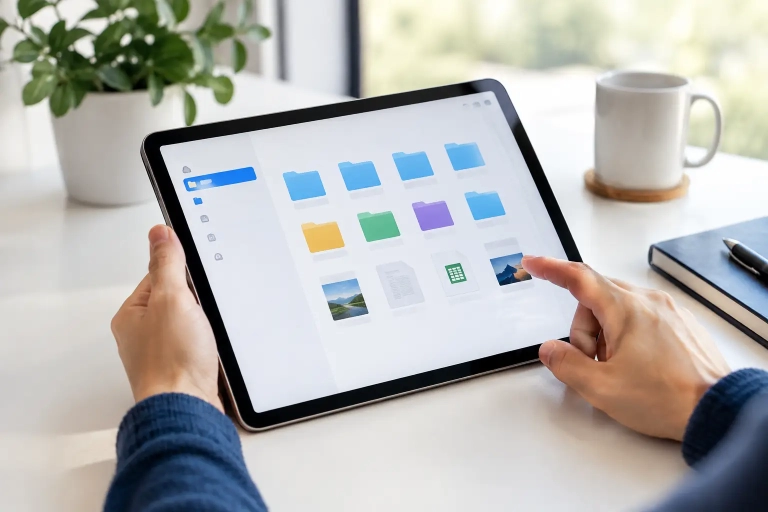 iPad Files App Organization Guide for Daily WorkUse this iPad Files app organization guide to create clear folders, manage downloads, tag key documents, and find what you need faster on iPad…Read the guide →
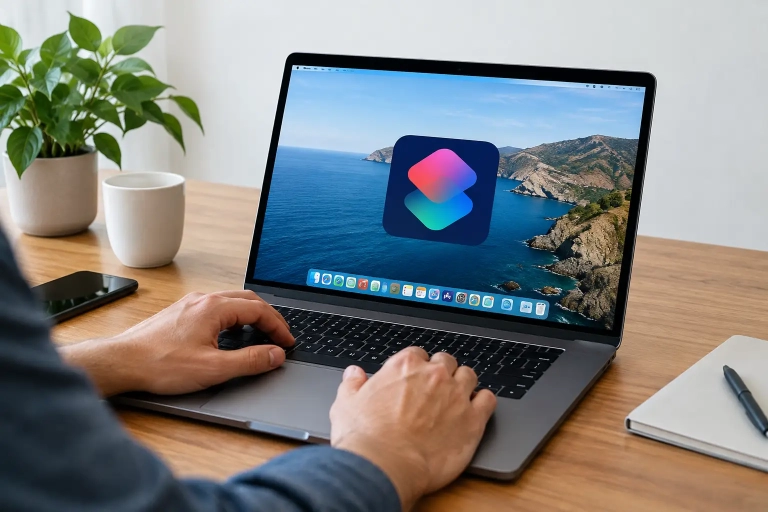 How to Use Mac Automations for Everyday TasksLearn how to use Mac automations with Shortcuts, Calendar, and Focus to handle routine tasks faster while keeping full control of your Mac.Read the guide →
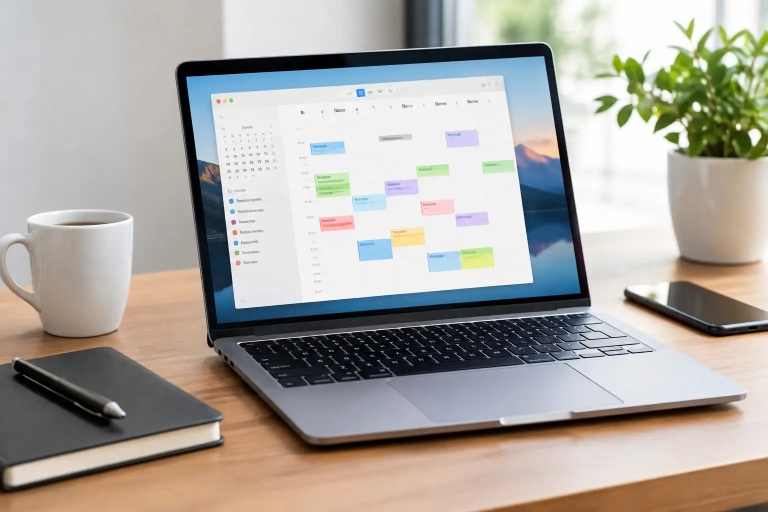 10 Apple Calendar Tips for Mac That Save TimeUse these Apple Calendar tips for Mac to organize events, alerts, calendars, and shared schedules with less effort and more confidence every day at…Read the guide →
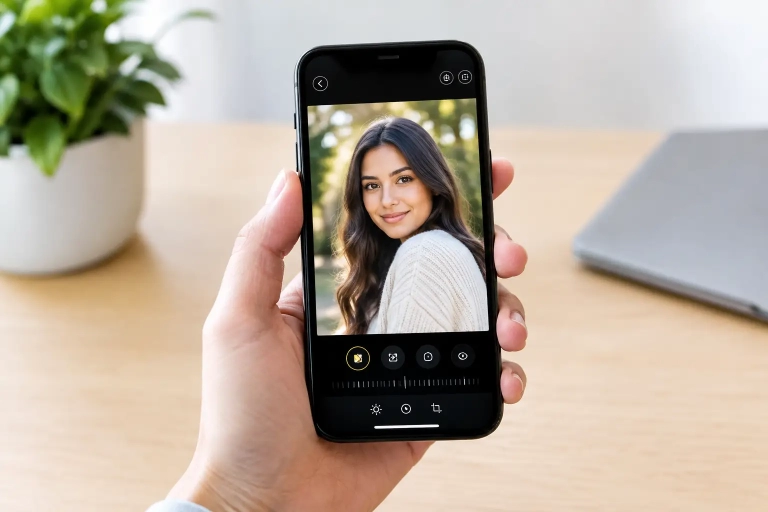 How to Edit iPhone Portraits in the Photos AppLearn how to edit iPhone portraits in the Photos app with practical steps for improving light, color, depth, and skin tones without overediting your…Read the guide →
 How to Share Family Photos Through iCloudLearn how to share family photos through iCloud with Shared Albums and iCloud Shared Photo Library, plus privacy, storage, and setup tips easily at…Read the guide →
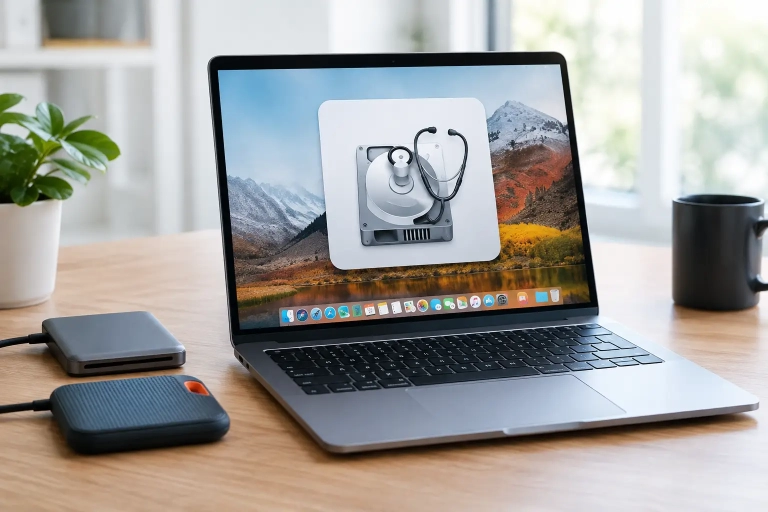 Mac Disk Utility Guide for Managing DrivesUse this Mac Disk Utility guide to check drive health, repair errors, erase disks safely, create volumes, and understand when your Mac needs help…Read the guide →
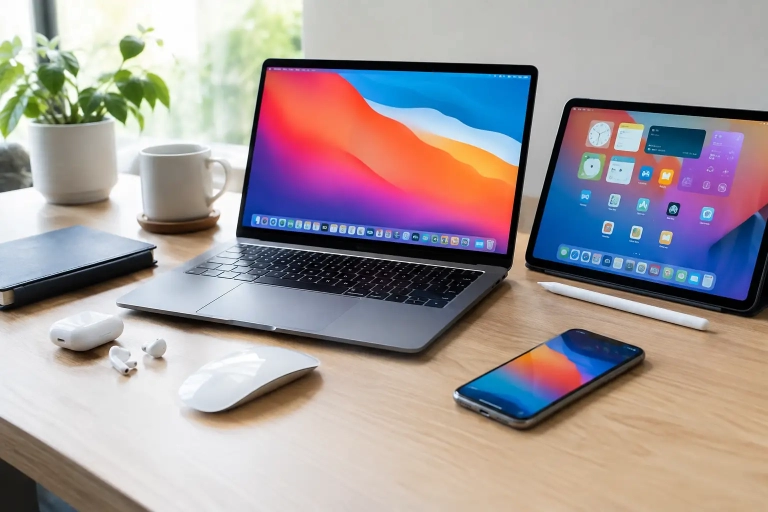 7 Best Apple Productivity Workflows to UseLearn the best Apple productivity workflows for planning, focused work, files, and follow-up using your Mac, iPhone, iPad, and built-in Apple apps daily.Read the guide →
 Apple ID Locked? Restore Access SafelyApple ID locked? Follow clear steps to identify the alert, restore account access safely, and protect your iPhone, iPad, Mac, and data with confidence.Read the guide →
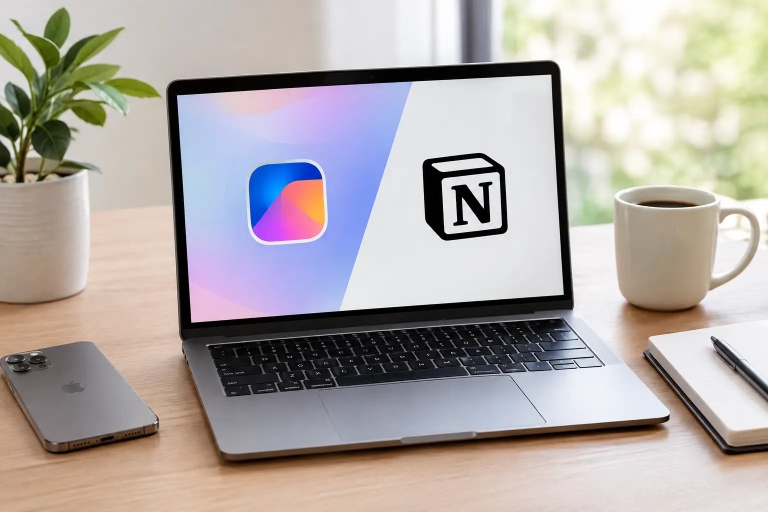 Freeform vs Notion for Organizing Apple WorkflowsFreeform vs Notion for Apple users: compare visual boards, notes, sharing, and organization to choose the right tool for a clearer daily workflow today.Read the guide →
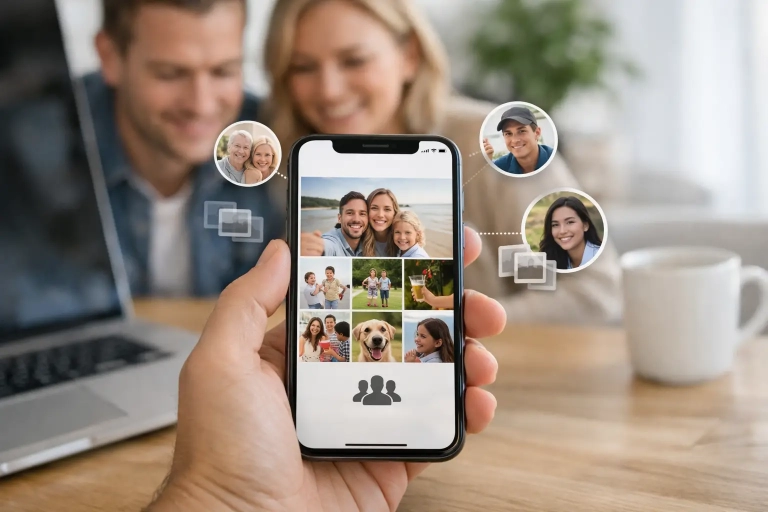 How to Create a Shared Photo Library on iPhoneLearn how to create shared photo library on iPhone, select participants, manage contributions, and keep family memories organized and private with ease.Read the guide →
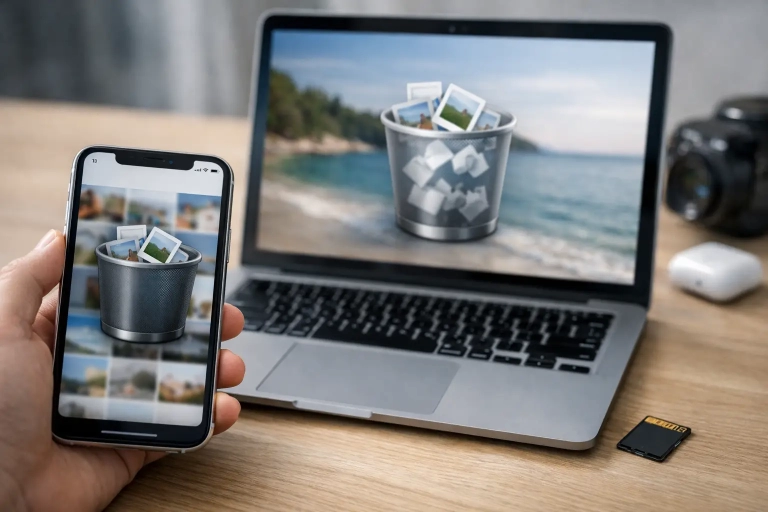 Can I Recover Deleted Photos on Apple Devices?Can I recover deleted photos on an iPhone, iPad, or Mac? Follow the right recovery steps, protect your library, and know when recovery is…Read the guide →
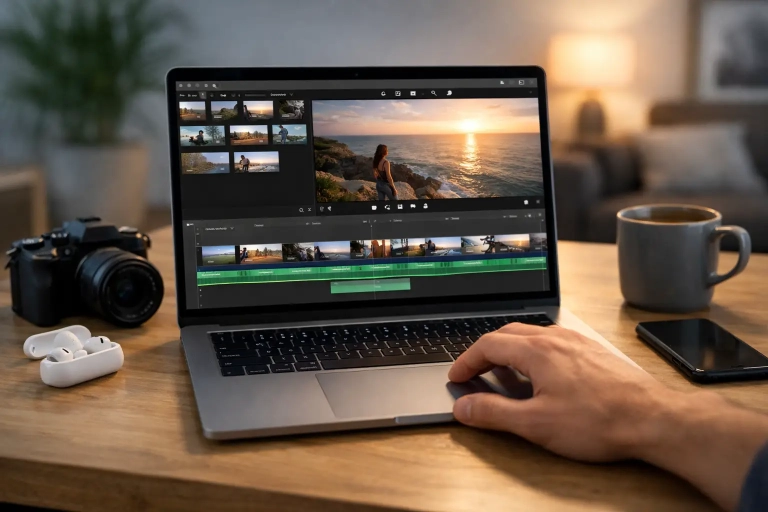 How to Edit Videos in iMovie on Your MacLearn how to edit videos in iMovie with a clear Mac workflow for trimming clips, adding titles, improving sound, and exporting a polished movie…Read the guide →
 Medical ID Setup on iPhone: A Clear GuideLearn Medical ID setup on iPhone, choose emergency details carefully, and make critical health information available from the Lock Screen when needed.Read the guide →
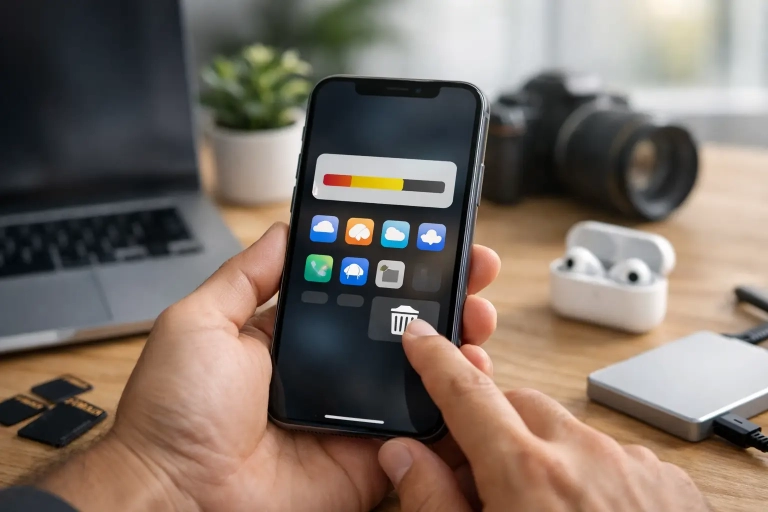 iPhone Storage Full? Clear Space Without GuessworkiPhone storage full? Learn which files to remove, what to keep, and how to use iCloud, Photos, Messages, and app settings to reclaim space…Read the guide →
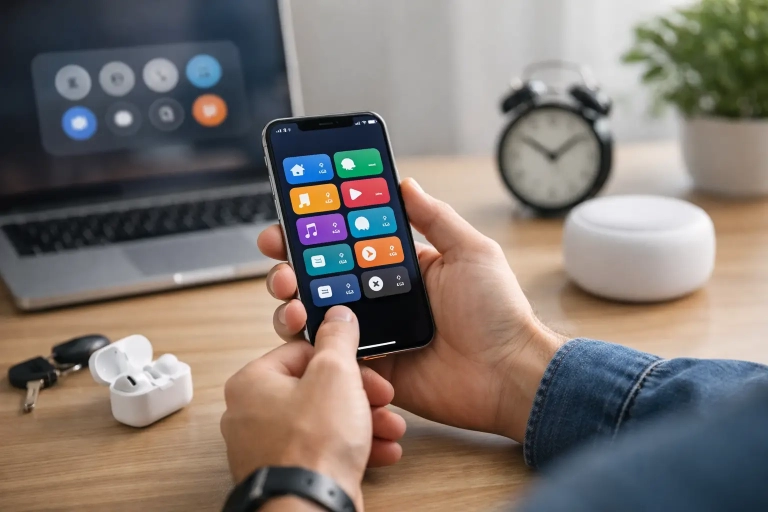 iPhone Shortcuts Automation Examples That Save TimeTry practical iPhone Shortcuts automation examples for work, home, travel, and focus. Learn how to build reliable routines that save time every day well.Read the guide →
 Mail App Organization on Mac: A Practical SystemImprove mail app organization mac users can maintain with smart mailboxes, rules, flags, and a simple daily routine that keeps messages easy to find…Read the guide →
 How to Lock Notes on iPhone and Keep Them PrivateLearn how to lock notes on iPhone, choose the right password or your passcode, and troubleshoot common Notes security issues with clear, practical steps.Read the guide →
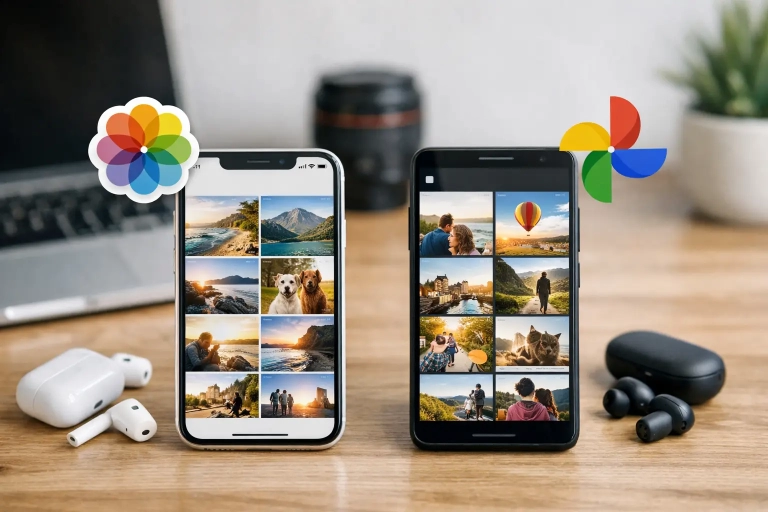 Apple Photos vs Google Photos: Which Fits You?Apple Photos vs Google Photos comes down to your devices, sharing needs, storage, and editing habits. Learn which photo library works best for you…Read the guide →
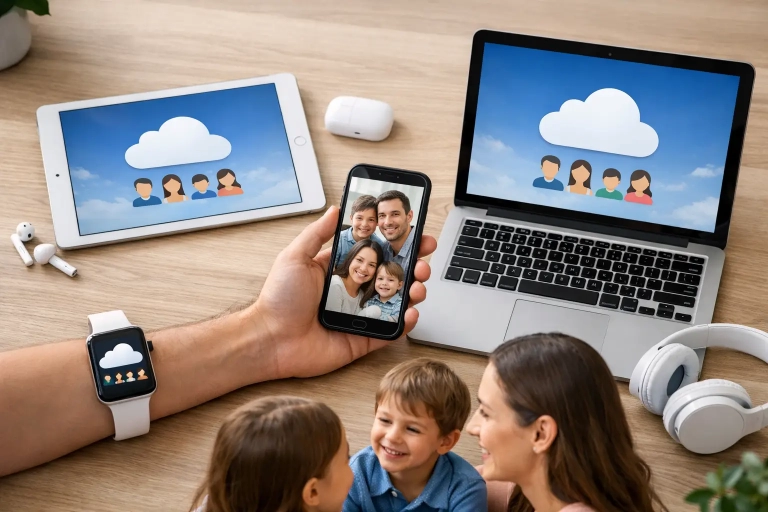 iCloud Family Sharing Guide for Apple UsersUse this iCloud Family Sharing guide to share purchases, storage, subscriptions, and locations while keeping every family member’s data private at home.Read the guide →
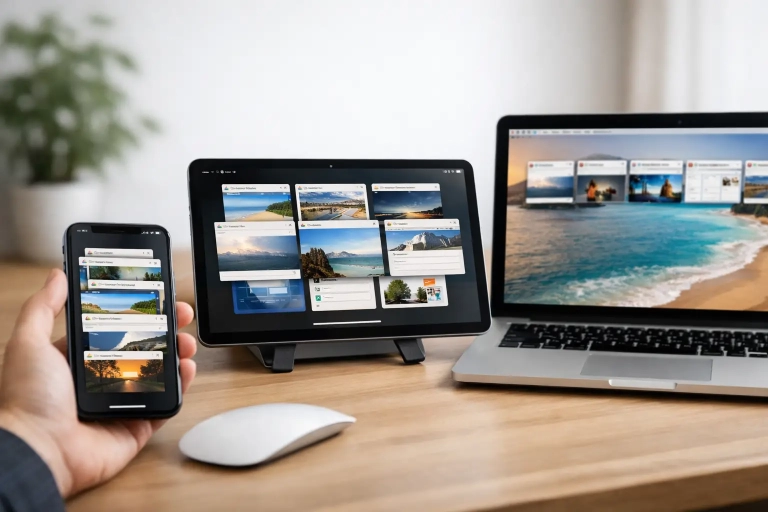 How to Manage Safari Tabs on Apple DevicesLearn how to manage Safari tabs on Mac, iPhone, and iPad with simple ways to close clutter, use Tab Groups, pin pages, and keep…Read the guide →
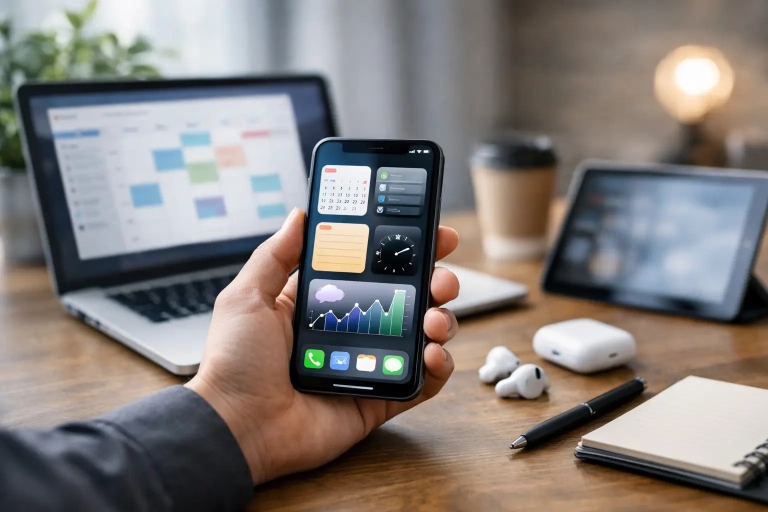 Best iPhone Productivity Features for Daily WorkLearn the best iPhone productivity features for organizing tasks, protecting focus, capturing ideas, and keeping work moving across your Apple devices.Read the guide →
 How Much iCloud Storage Do You Need for Apple Devices?Wondering how much iCloud storage needed for your Apple devices? Compare plans, check your usage, and choose room for photos, backups, and files today.Read the guide →
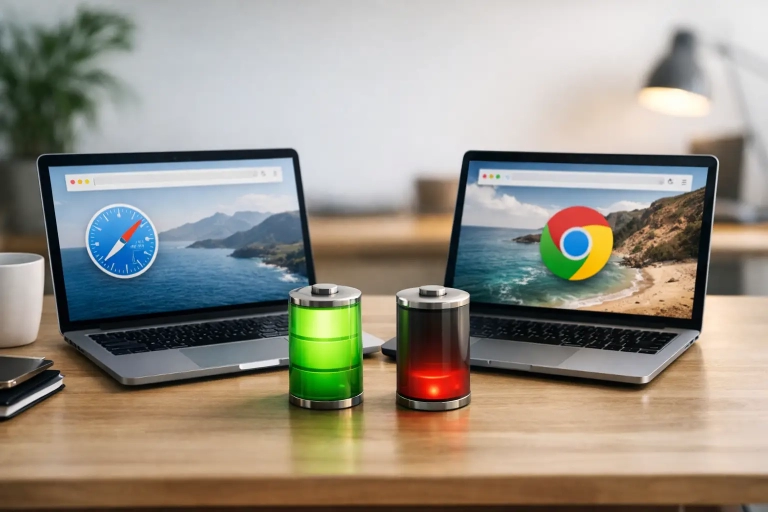 Safari vs Chrome Battery Life on MacBooksSafari vs Chrome battery life on a MacBook varies by task. Learn what affects power use and how to choose and adjust each browser…Read the guide →
 How to Back Up iPhone Automatically with iCloudLearn how to back up iPhone automatically with iCloud, choose the right settings, manage storage, and make sure your photos and data stay protected…Read the guide →
 Mac Tutorials That Build Everyday ConfidenceMac tutorials can turn everyday tasks into reliable habits. Learn what to practice first, how guided lessons help, and which skills save time each…Read the guide →
 iCloud Photos vs Google Photos: Which Fits You?Compare iCloud Photos vs Google Photos for storage, editing, sharing, privacy, and device support so you can choose the best photo library for your…Read the guide →
 Why Are Reminders Not Syncing on Apple Devices?Why are reminders not syncing across your Apple devices? Follow a clear, practical checklist to restore iCloud Reminders and protect your lists safely.Read the guide →
 Do I Need Antivirus for My Mac? What to KnowDo I need antivirus Mac protection? Learn what built-in security does, when extra software helps, and the simple habits that keep your Mac safer…Read the guide →
 10 Files App Tips iPad Users Will Use DailyUse these Files app tips for iPad to organize documents, connect cloud storage, scan papers, share folders, and find what you need faster every…Read the guide →
 Mac Security Settings Guide for Everyday ProtectionThis Mac security settings guide shows how to protect your account, files, privacy, and network with clear, practical steps for everyday use at home.Read the guide →
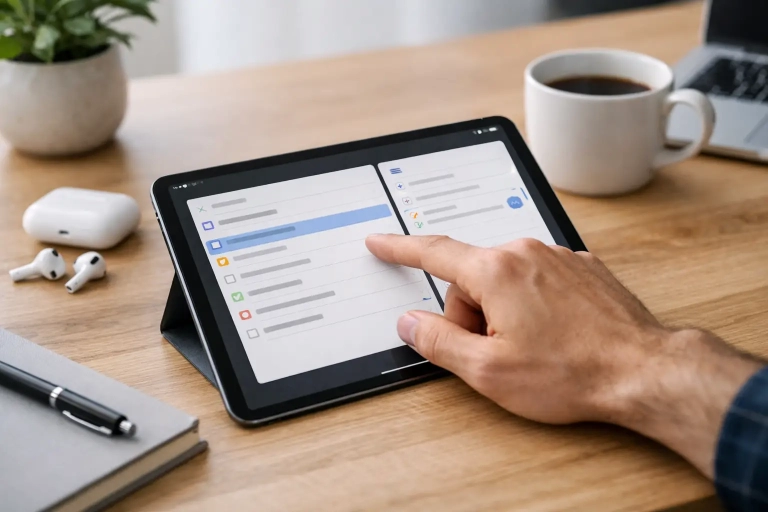 How to Use Reminders on iPad Without Missing TasksLearn how to use reminders on iPad to capture tasks, set alerts, organize lists, share plans, and use Smart Lists to stay on track…Read the guide →
 Why Is iCloud Not Syncing? Fix It Step by StepWondering why is iCloud not syncing? Follow a clear, practical checklist to restore contacts, photos, files, calendars, and notes across Apple devices.Read the guide →
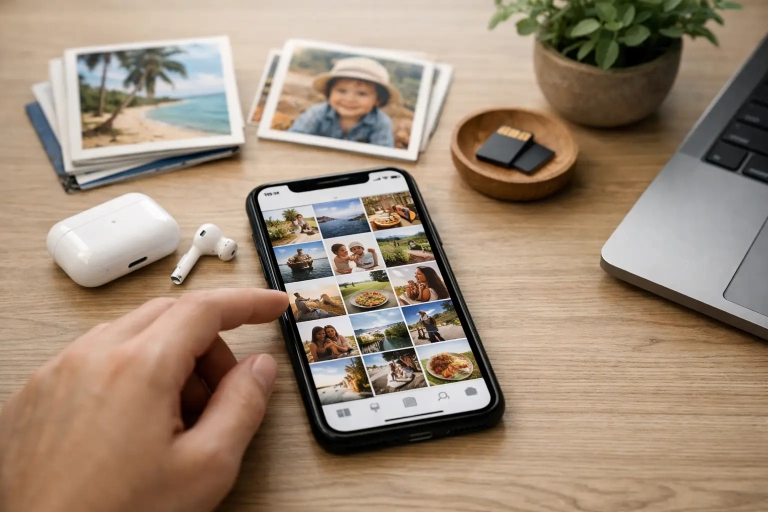 iPhone Photos Organization GuideUse this iPhone photos organization guide to reduce clutter, find meaningful pictures fast, and keep your library organized across every Apple device.Read the guide →
 Is iCloud Backup Enough for Your Apple Devices?Is iCloud backup enough? Learn what it protects, where it falls short, and how to build a safer backup plan for your iPhone, iPad,…Read the guide →
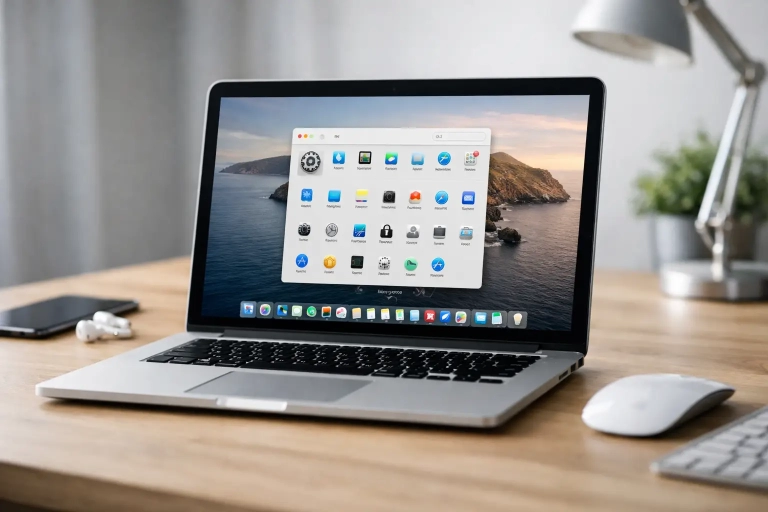 12 Best Mac Settings to Change on Your New MacThe best Mac settings to change can make your computer faster, calmer, and more secure. Follow simple, clear steps for privacy, backups, alerts, and…Read the guide →
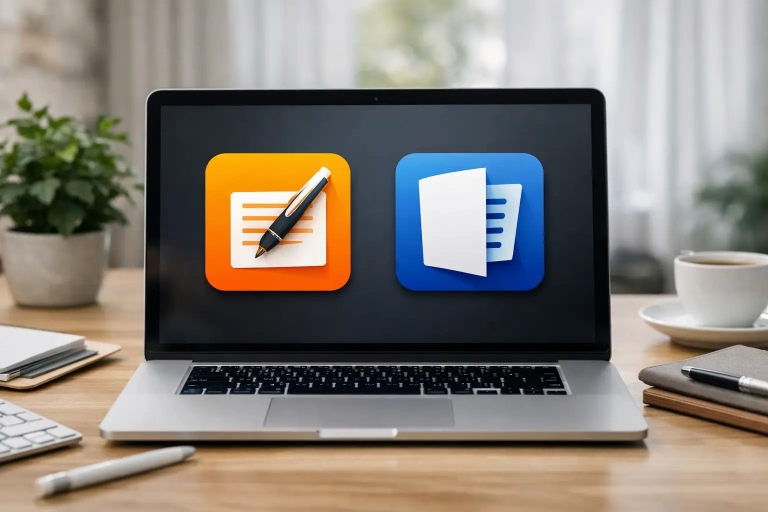 Pages vs Microsoft Word: Which Fits Your Mac?Pages vs Microsoft Word: compare compatibility, collaboration, design tools, and cost so you can choose the best writing app for your Mac daily workflow.Read the guide →
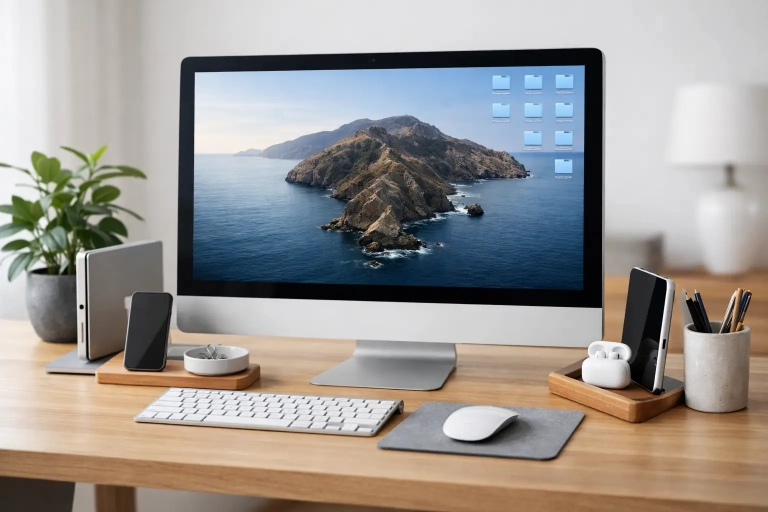 How to Organize Mac Desktop Without the ClutterLearn how to organize Mac desktop files, folders, and windows with simple Finder tools that keep your workspace clear, useful, and easy to maintain…Read the guide →
 Safari vs Chrome Mac: Which Browser Fits You?Safari vs Chrome Mac explained: compare speed, battery life, privacy, extensions, and syncing to choose the browser that best fits your workflow daily.Read the guide →
 iPad Multitasking Beginner Guide for Daily WorkThis iPad multitasking beginner guide shows you how to use Split View, Slide Over, and Stage Manager to handle everyday tasks with confidence each…Read the guide →
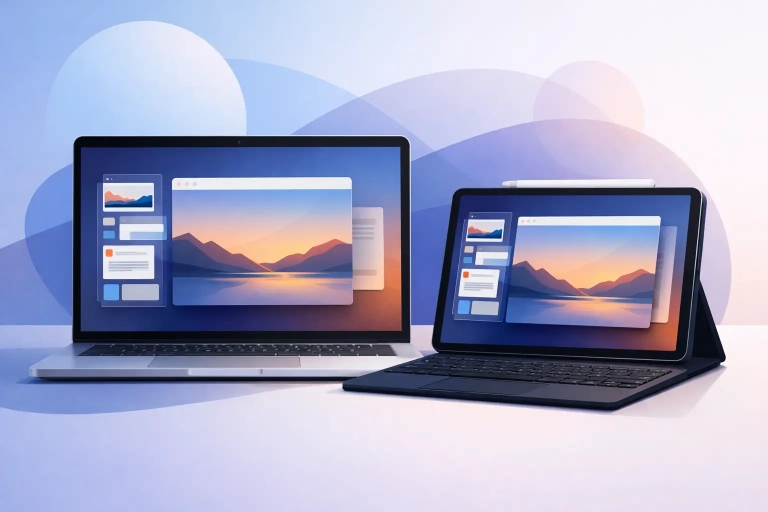 How to Use Stage Manager on Mac and iPadLearn how to use Stage Manager on Mac and iPad to keep apps, windows, and projects organized, reduce clutter, and switch tasks with confidence…Read the guide →
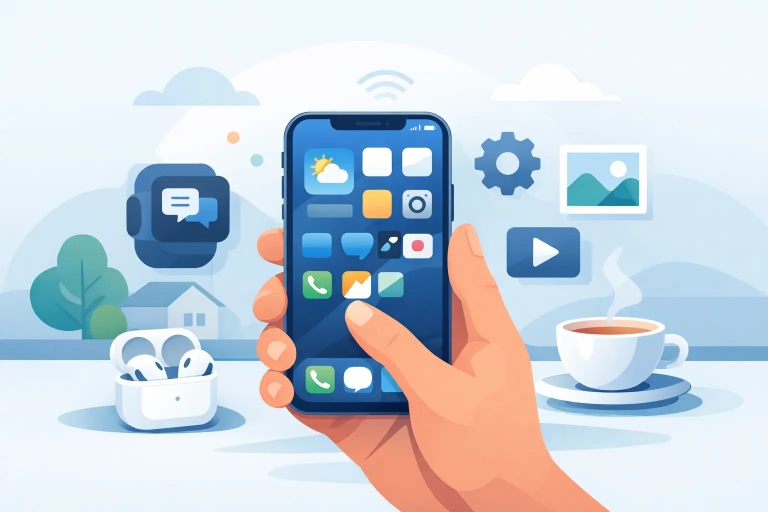 iPhone Basics Guide for Confident Everyday UseThis iPhone basics guide shows you how to set up, personalize, protect, and use everyday tools so your iPhone feels simple and useful from…Read the guide →
 12 Best Built-In Mac Apps Worth Using Every DayThe best built-in Mac apps can organize your work, photos, notes, and passwords. Learn which Apple apps are worth using and how to start…Read the guide →
 Why Won’t AirDrop Work on Your Apple Devices?Why won't AirDrop work? Learn the most common causes on iPhone, iPad, and Mac, plus clear fixes to get sharing working again fast.Read the guide →
 Apple Photos Shared Library ExplainedLearn how apple photos shared library works, who should use it, how to set it up, and the trade-offs to know before moving family…Read the guide →
 How to Customize iPad Home Screen LayoutLearn how to customize iPad home screen layout for faster access, less clutter, and a setup that fits how you work, read, create, and…Read the guide →
 How to Use Safari Profiles on MacLearn how to use Safari Profiles on Mac to separate work, personal, and school browsing, organize tabs, and keep your browsing focused.Read the guide →
 Time Machine vs iCloud: Which Should You Use?Time machine vs iCloud is not a simple winner. Learn what each protects, where each falls short, and when to use both on your…Read the guide →
 How to Make a Movie in iMovieLearn how to make a movie in iMovie with clear steps for clips, audio, titles, and export settings so your finished video looks polished…Read the guide →
 How to Schedule Messages on iPhoneLearn how to schedule messages on iPhone using Shortcuts, Send Later, and workarounds so your texts go out at the right time every time.Read the guide →
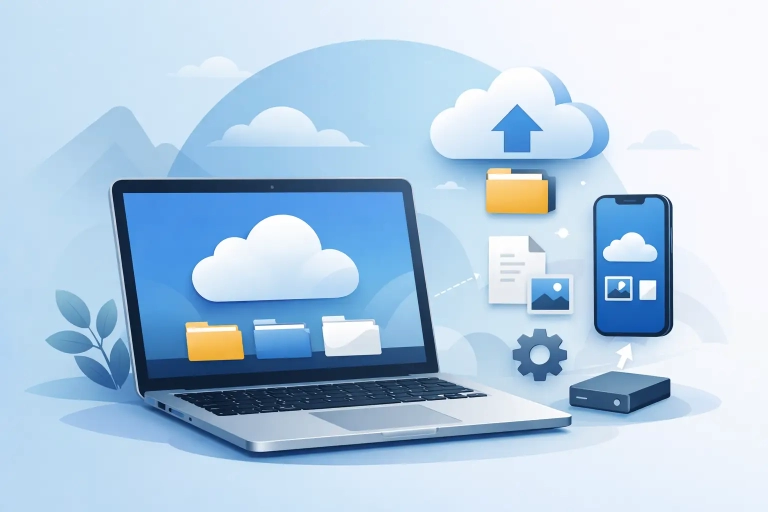 How to Use iCloud Drive on MacLearn how to use iCloud Drive on Mac to store, sync, organize, and access files across Apple devices with clear setup and everyday tips.Read the guide →
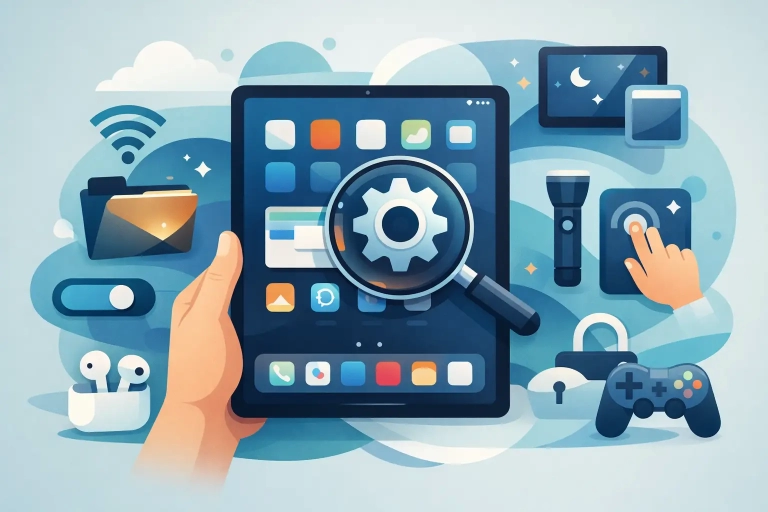 12 Top Hidden iPad Features Worth UsingLearn 12 top hidden iPad features that make your tablet faster, easier, and more useful for work, notes, reading, and everyday tasks.Read the guide →
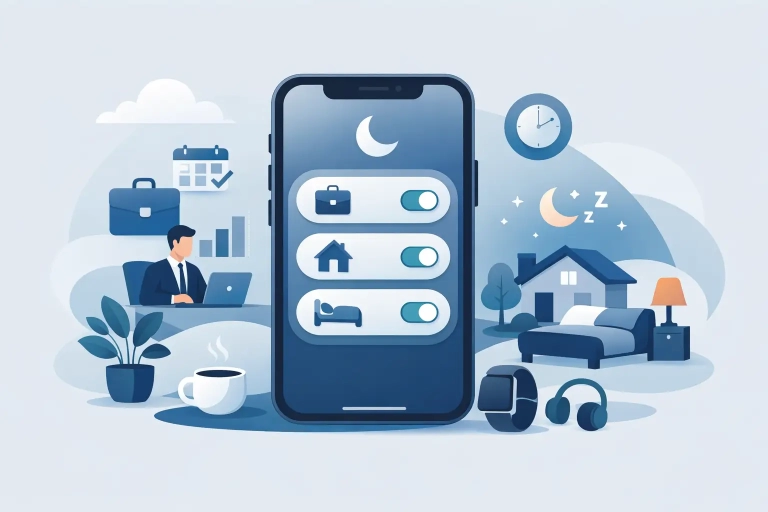 Focus Modes iPhone Setup Made SimpleLearn focus modes iPhone setup step by step so notifications, Home Screens, and app access match work, sleep, and personal time.Read the guide →
 Mac Settings Beginners Guide That HelpsA practical mac settings beginners guide to help you set up privacy, notifications, display, trackpad, and storage with less confusion.Read the guide →
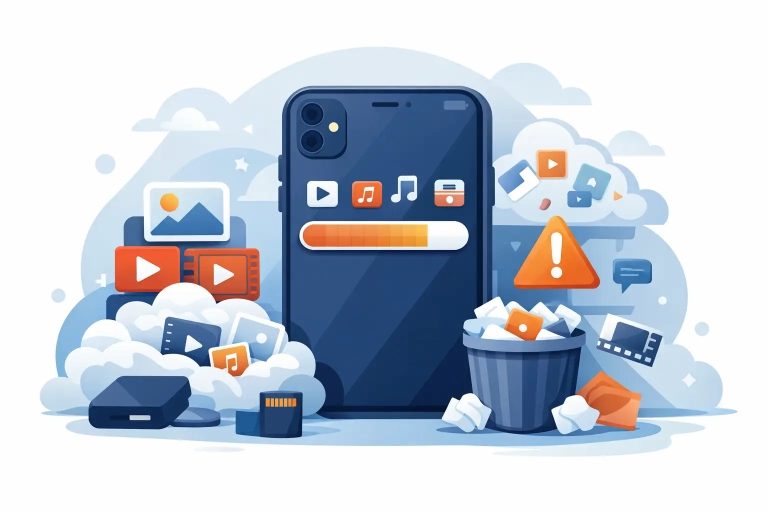 Why Is iPhone Storage Full So Fast?Why is iPhone storage full even after deleting apps and photos? Learn what really uses space and how to clear it without losing what…Read the guide →
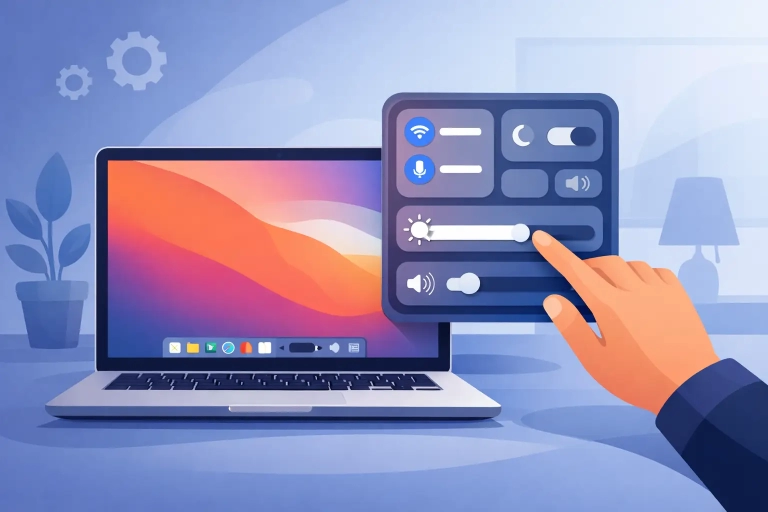 How to Customize Mac Control CenterLearn how to customize Mac Control Center to surface the settings you use most, clean up the menu bar, and make everyday actions faster.Read the guide →
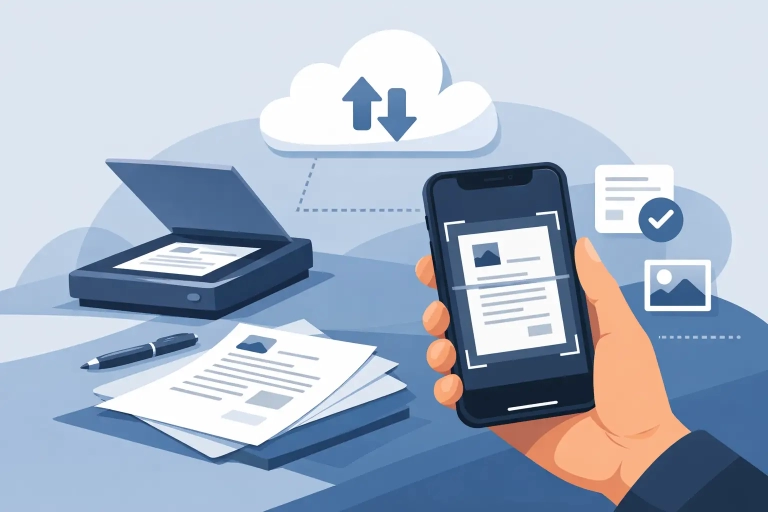 How to Scan Documents With iPhone NotesLearn how to scan documents with iPhone Notes, save clean PDFs, adjust pages, sign files, and share them quickly using built-in iPhone tools.Read the guide →
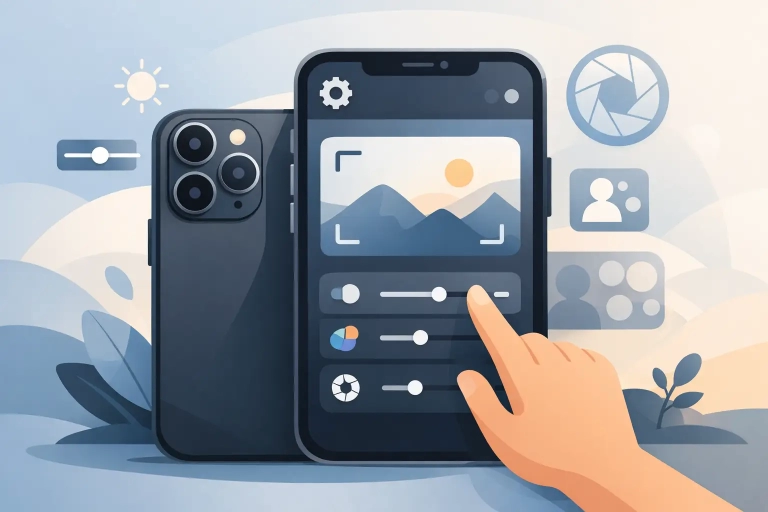 Best iPhone Camera Settings to UseLearn the best iPhone camera settings for sharper photos, better video, and easier shooting in everyday situations without trial and error.Read the guide →
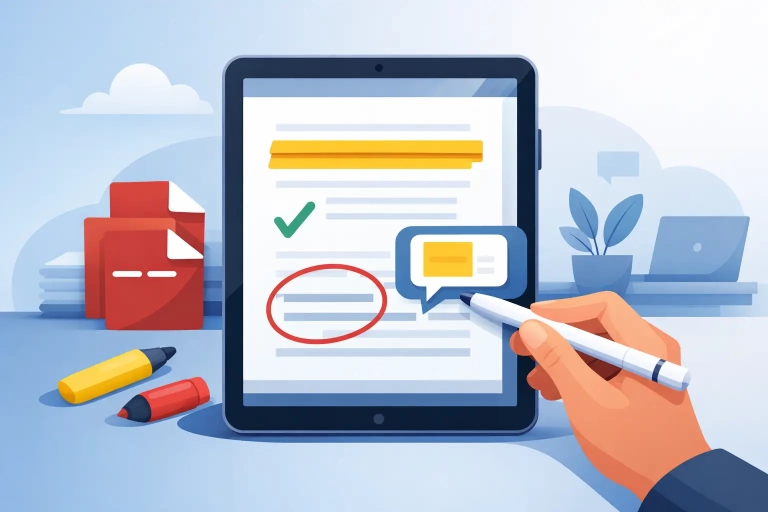 How to Annotate PDF iPad Users Already HaveLearn how to annotate PDF iPad users already have using built-in tools and top apps. Mark up files, sign documents, and stay organized fast.Read the guide →
 iPhone Privacy Settings Guide That Makes SenseThis iphone privacy settings guide shows which iPhone controls to change, what each one does, and how to balance convenience with privacy.Read the guide →
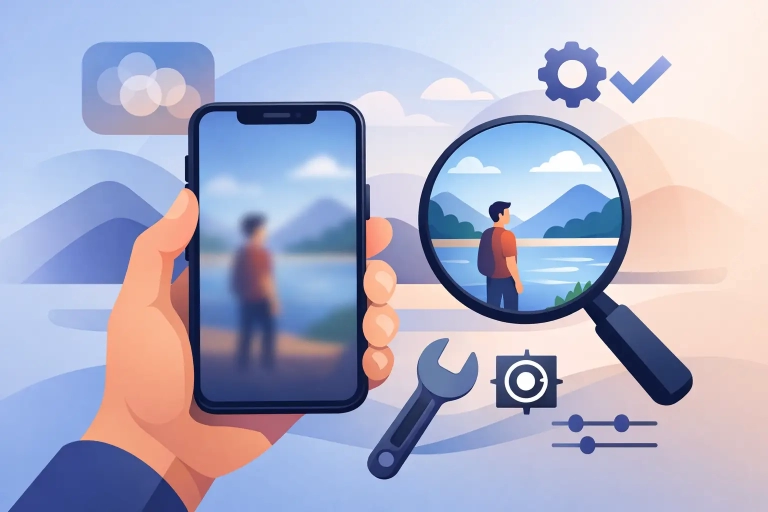 Why Are iPhone Photos Blurry? Fixes That WorkWhy are iPhone photos blurry? Learn the most common causes, how to fix them fast, and which iPhone camera settings matter most.Read the guide →
 How to Use Spotlight Search on MacLearn how to use Spotlight search on Mac to find files, launch apps, do quick calculations, and work faster with less frustration every day.Read the guide →
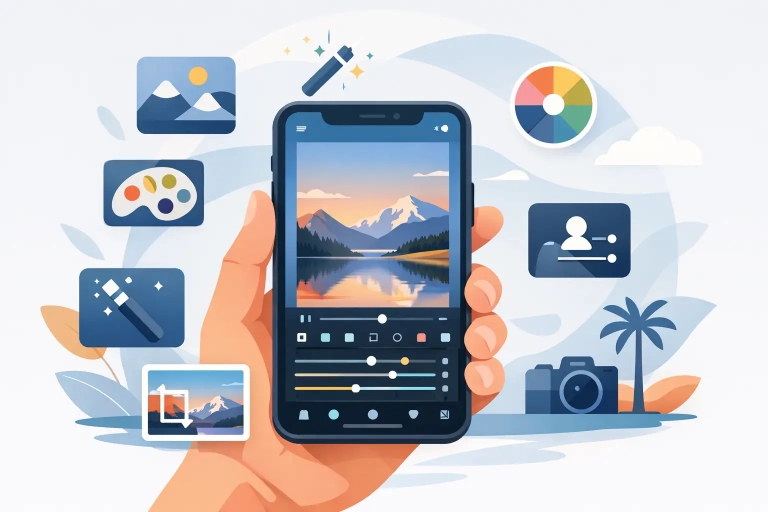 How to Edit Photos on iPhoneLearn how to edit photos on iPhone with simple built-in tools for light, color, cropping, filters, and portraits that improve shots fast.Read the guide →
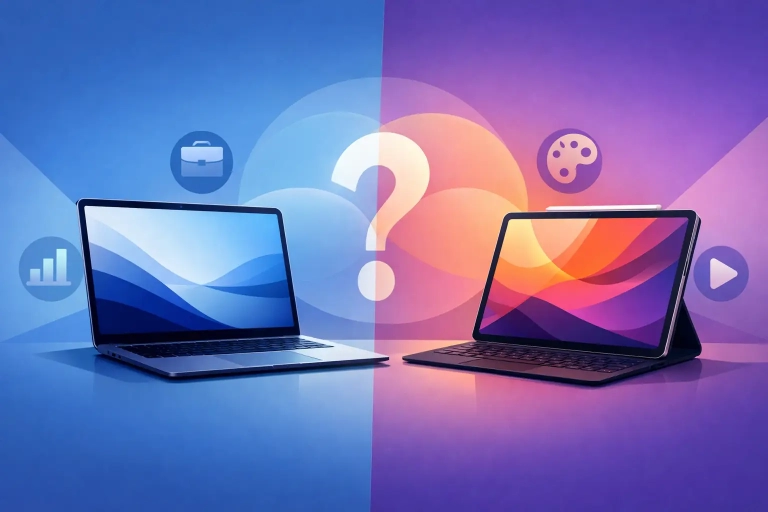 MacBook Air vs iPad Pro: Which Fits You?MacBook Air vs iPad Pro: compare workflow, apps, multitasking, accessories, and value so you can choose the right Apple device for work.Read the guide →
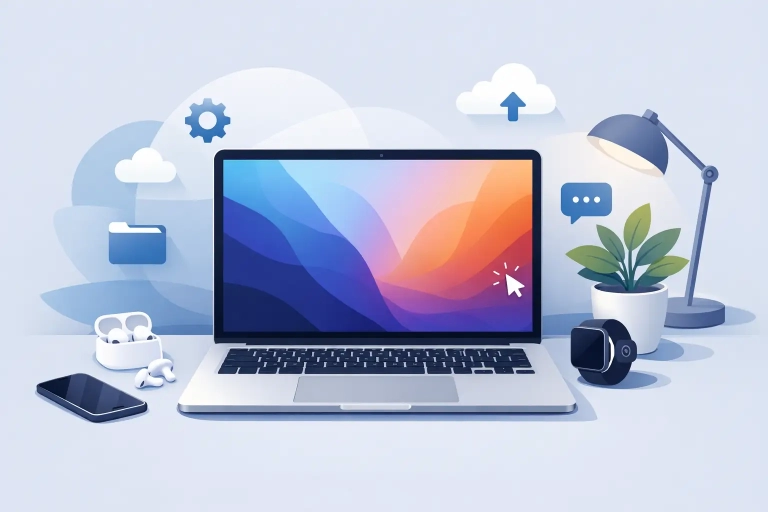 How to Set Up a New MacBook RightLearn how to set up a new MacBook the right way, from sign-in and security to backups, apps, and settings that make daily use…Read the guide →
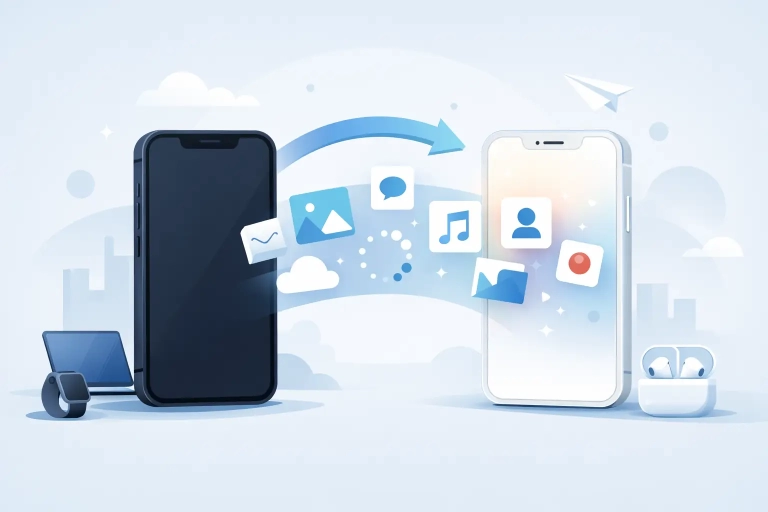 How to Transfer Data to a New iPhone!Learn how to transfer data to new iPhone using Quick Start, iCloud, or a computer, plus what to check before and after setup.Read the guide →
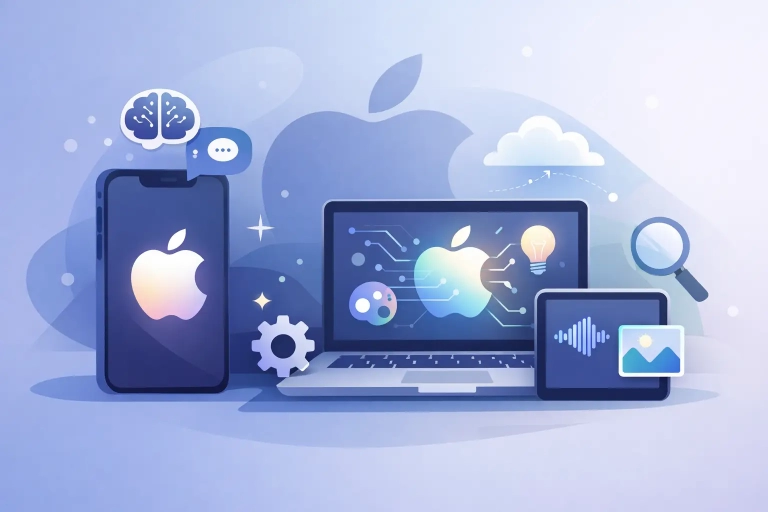 Apple Intelligence Features GuideThis apple intelligence features guide explains what Apple Intelligence does, which tools matter most, and how to use them with confidence.Read the guide →
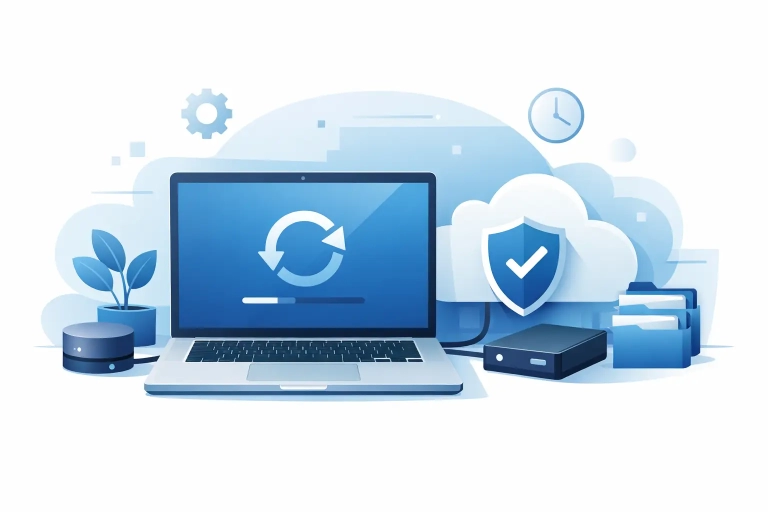 How to Back Up Mac Safely and CorrectlyLearn how to back up Mac safely with Time Machine, iCloud, and smart storage habits so your files, photos, and settings stay protected.Read the guide →
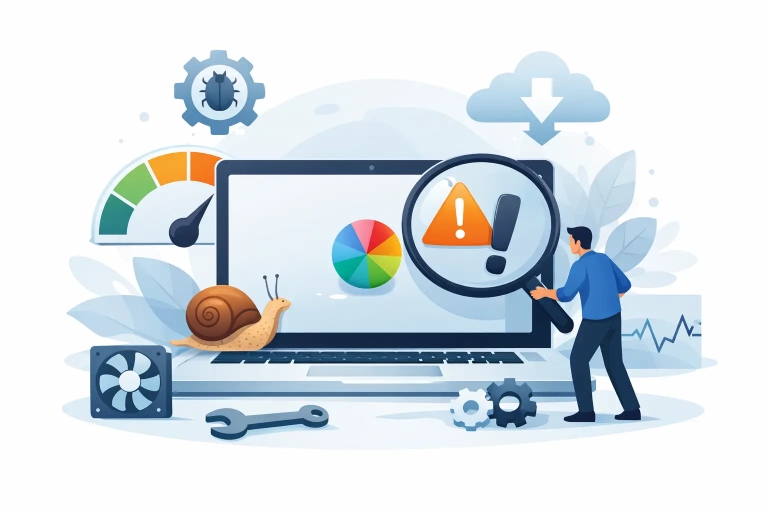 Why Is My Mac Slow? Fix the Real CausesWhy is my Mac slow? Learn the most common causes, how to check them, and the practical fixes that can help your Mac feel…Read the guide →
 How to Organize Notes on iPhoneLearn how to organize notes on iPhone with folders, tags, pinning, smart search, and simple habits that keep Apple Notes tidy and easy to…Read the guide →
 How to Use Universal Clipboard on AppleLearn how to use universal clipboard on Mac, iPhone, and iPad, fix common setup issues, and copy and paste smoothly across Apple devices.Read the guide →
 How to Use Handoff on iPhone and MacLearn how to use Handoff on iPhone and Mac to move Safari, Mail, Notes, calls, and more between devices with the right settings and…Read the guide →
 How Does AirDrop Work on Apple Devices?How does AirDrop work on Apple devices? Learn how it uses Bluetooth and Wi-Fi, what settings matter, and how to fix common sharing issues…Read the guide →
 What’s New in iPadOS and Why It MattersSee what's new in iPadOS, from smarter multitasking to app updates and Apple Intelligence features that make your iPad easier to use daily.Read the guide →
 What’s New in iOS and What to Try FirstSee what's new in iOS, which features matter most, and what to set up first so your iPhone feels more useful, organized, and secure.Read the guide →
 What’s New in macOS and What to Try FirstSee what's new in macOS, from window tiling and iPhone Mirroring to Apple Intelligence and Safari updates you can use right away.Read the guide →
 How to Learn iPad Basics Without FrustrationLearn how to learn iPad basics with a simple plan for settings, gestures, apps, and practice so you can use your iPad with more…Read the guide →
 How to Use iPhone Better Every DayLearn how to use iPhone better with practical settings, app habits, and built-in tools that save time, reduce clutter, and cut frustration daily.Read the guide →
 How to Use Mac for Beginners – Master macOS Today!Learn how to use Mac for beginners with simple steps for Finder, settings, apps, files, and shortcuts so you can feel confident right away.Read the guide →
 Apple Device Tutorials for BeginnersApple device tutorials for beginners should make everyday tasks feel simple. Learn what to focus on first on Mac, iPhone, and iPad.Read the guide →
 iPad Video Tutorials That Actually HelpiPad video tutorials work best when they are clear, structured, and practical. Learn what makes lessons easier to follow and worth your time.Read the guide →
 iPhone Video Tutorials That Actually HelpiPhone video tutorials work best when they are clear, structured, and practical. Learn what makes lessons easier to follow and apply daily.Read the guide →
 Mac Video Tutorials That Actually HelpMac video tutorials should save time, reduce confusion, and teach real tasks. Learn what makes a lesson useful and easier to follow.Read the guide →
 Amazing Artemis II iPhone Wallpapers!NASA has released several amazing photos of the Artemis II missions flyby of the Moon. These will look great on any iPhone home or…Read the guide →
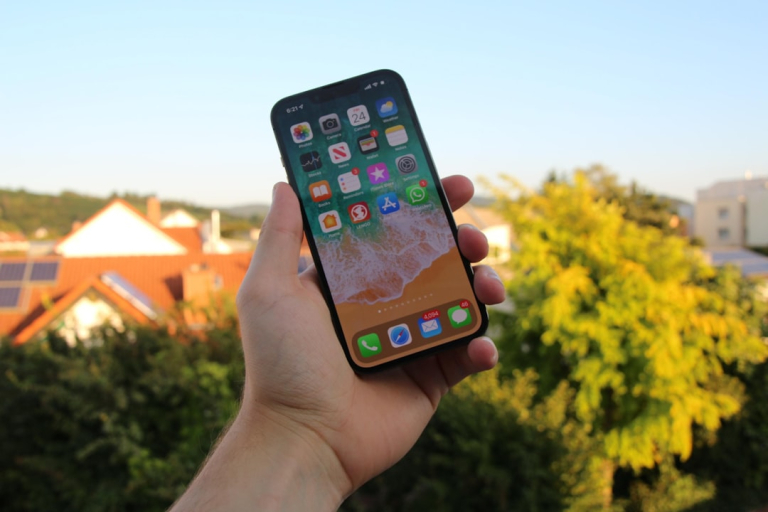 10 Fresh 2026 iPhone Icon Ideas for Your Home ScreenChange iPhone home screen with iOS 26 Liquid Glass icons, tinted modes, large layouts & 10 aesthetic ideas for 2026!Read the guide →
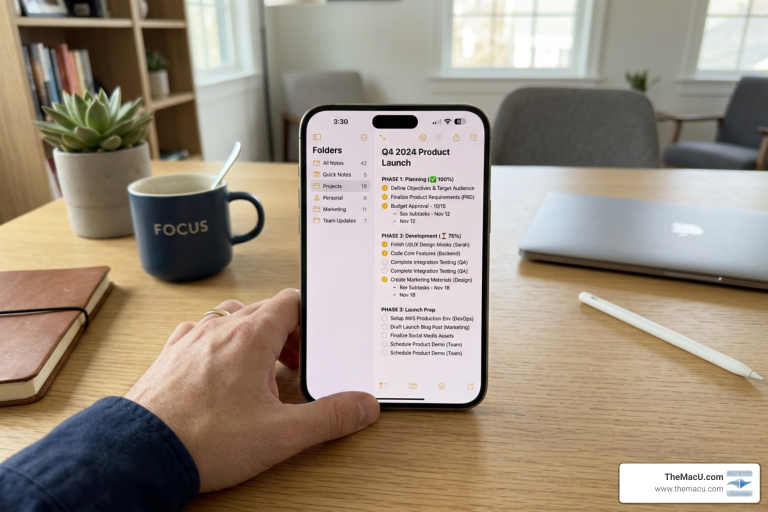 Turn Your Apple Notes Into a Project Management PowerhouseOrganize projects Apple Notes: Master PARA, smart folders, Reminders integration & checklists for a powerhouse system.Read the guide →
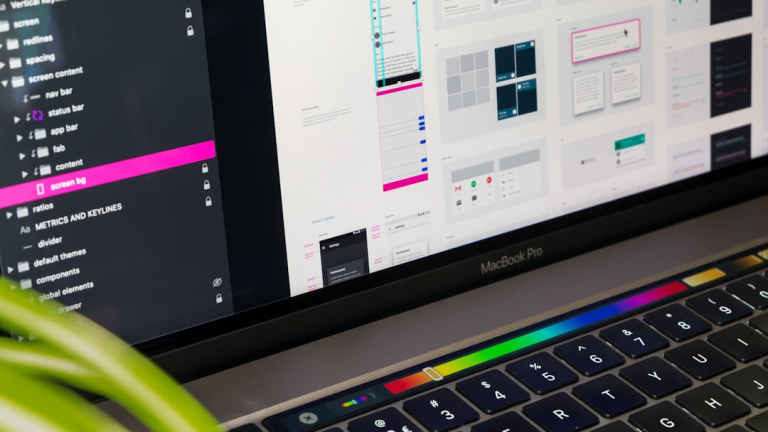 The Ultimate Guide to Adding Events to Mac CalendarLearn how to add events to Mac Calendar using quick, natural language, and manual methods. Customize, collaborate, and troubleshoot.Read the guide →
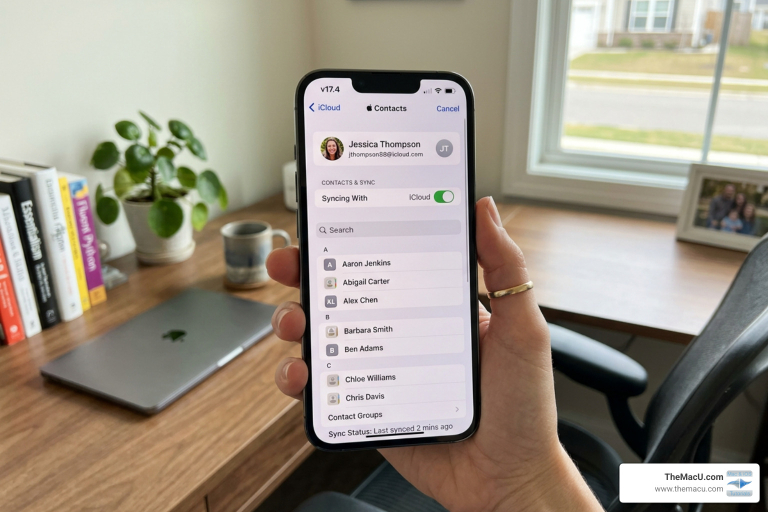 The Ultimate Guide to Fixing iCloud Contact Sync IssuesFix iPhone contacts iCloud backup issues. Learn to enable, manage, restore, and troubleshoot your contacts effectively.Read the guide →
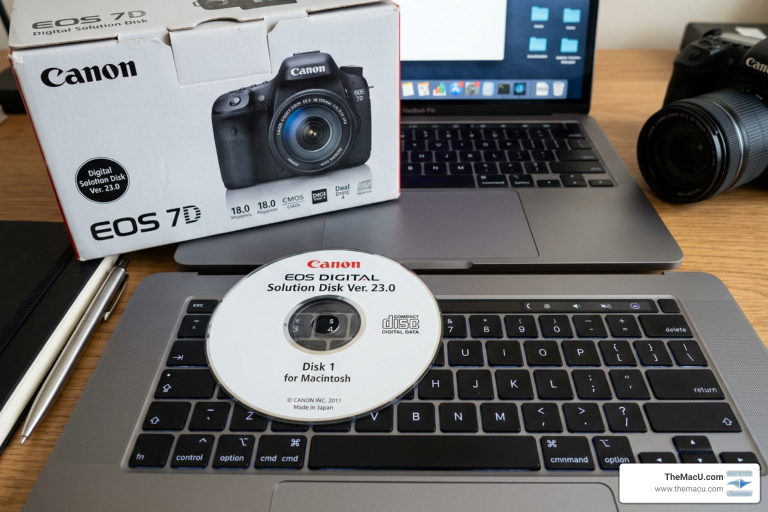 How to install Canon Solutions Disk software without CDDownload and install canon digital camera solution disk mac without CD. Step-by-step guide for macOS, troubleshooting, and modern alternatives.Read the guide →
 How to Change App Icons on iPhoneLearn how to change app icon iPhone styles in iOS 18: native tinting, Shortcuts custom icons, widgets & troubleshooting tips.Read the guide →
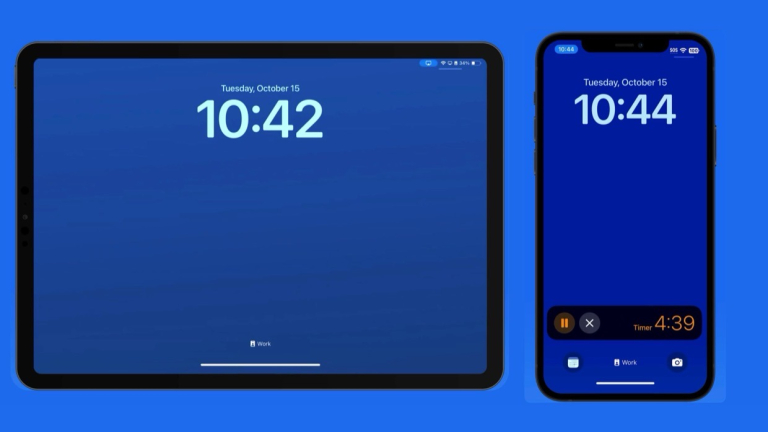 Live Activities on iPhone: What They Are & How to Use Them (Free Video)What are Live Activities on iPhone? Watch the free lesson, find the Live Activities switch in iPhone Settings, and learn to use them on…Read the guide →
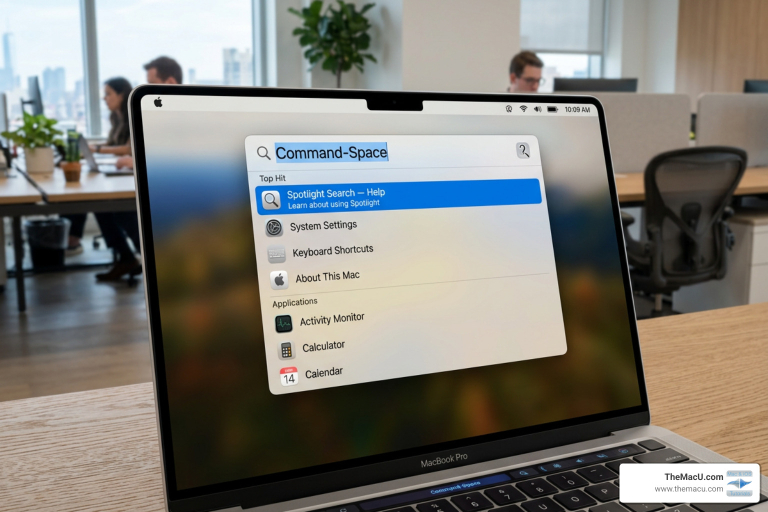 Mastering the Mac Search Bar: A Comprehensive GuideMaster your macOS Spotlight search guide: Unlock advanced tips, operators, filters, and customization for ultimate productivity.Read the guide →
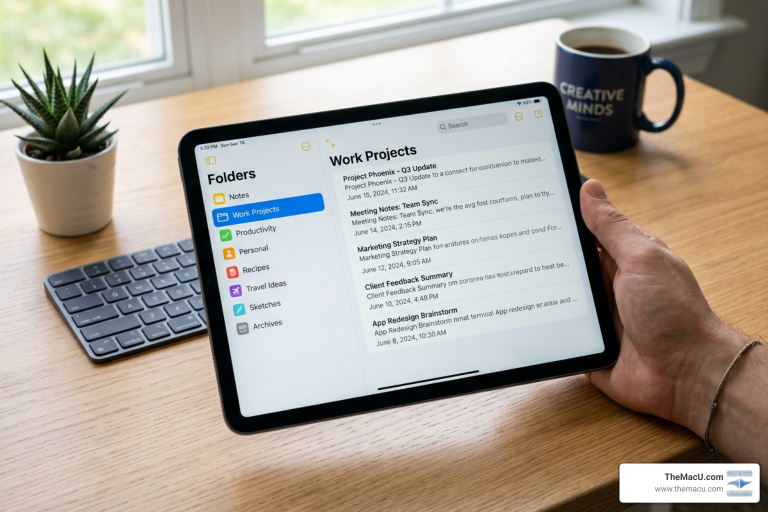 Master Your Apple Notes Folders Without Breaking a SweatMaster apple notes folders organize: Create subfolders, smart tags, sync across devices, and boost productivity effortlessly.Read the guide →
 Mastering Mac and iOS: Troubleshooting Tips for Common IssuesThis guide offers practical Mac and iOS troubleshooting tips to fix slow performance, connectivity, app crashes, and battery issues, plus resources like Apple Support,…Read the guide →
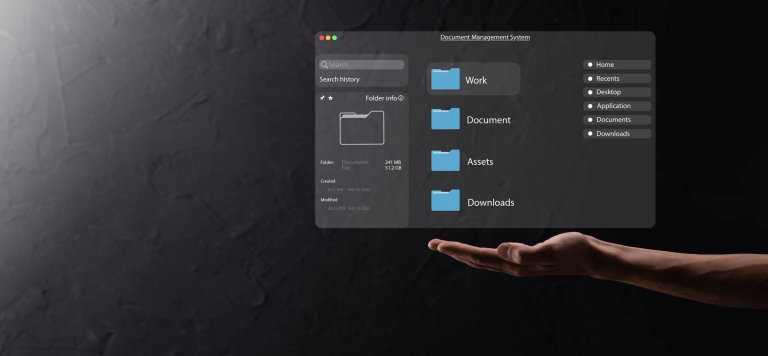 Mastering macOS Spotlight: Your Ultimate Guide to EfficiencyMaster macOS Spotlight to boost productivity: use Command+Space, customize preferences, apply natural language and file filters, create shortcuts, and integrate with Siri for efficient…Read the guide →
 Unlocking the Secrets: Exploring Advanced Features in the Latest macOS UpdateExplore advanced macOS features to boost productivity: customize Control Center, optimize battery, master multitasking, manage notifications, and enhance security and privacy settings.Read the guide →
 Mastering Your iPhone Camera: The Ultimate Video Tutorial GuideThis guide teaches iPhone camera features, modes, and photography tips like composition and lighting, promoting TheMacU video tutorials for mastering skills and capturing stunning…Read the guide →
 Mastering Your iPad: Optimizing Settings for a Personalized ExperienceThis guide helps personalize your iPad by optimizing display, accessibility, app organization, notifications, battery use, and storage to enhance usability and performance.Read the guide →
No guides match that search. Try another word, or search the full tutorials.
Prefer to watch it step by step?
Every guide pairs with a full video tutorial. Start a free trial to watch every Mac, iPhone and iPad course on TheMacU.